TerraTec Mystify 4200 (English) 3
Contents
Introduction.......................................................................................................................... 4
Package content.................................................................................................................. 4
What can you expect from your new hardware? ................................................................... 4
System requirements .......................................................................................................... 6
Computer system ............................................................................................................. 6
Operating system............................................................................................................. 6
Connections.....................................................................................................................6
Pin assignment.................................................................................................................... 8
Video connection to monitor............................................................................................ 8
DVI-I connection............................................................................................................... 9
Hardware installation ..........................................................................................................10
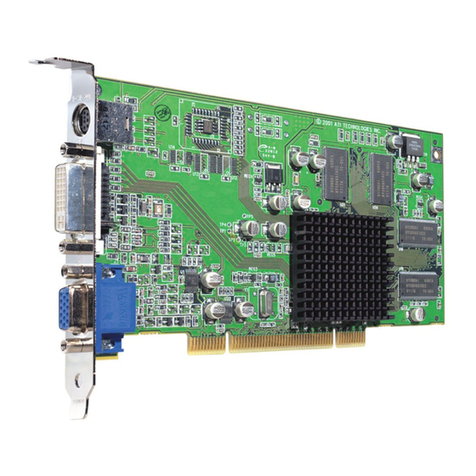
The Terratec Mystify 4200 and its connections at a glance .................................................10
Preparing your computer ....................................................................................................10
Installing the card .............................................................................................................. 11
Installing the TerraTec Mystify graphics board driver software .............................................12
Introduction .......................................................................................................................12
Here's how: installing the drivers .......................................................................................12
Driver installation ...........................................................................................................12
Software.............................................................................................................................16
Cyberlink Power DVD XP 4.0 ............................................................................................16
Reference ...........................................................................................................................16
DirectX TM.......................................................................................................................16
Direct3D™ ......................................................................................................................16
Declaration of compliance with FCC standards .................................................................... 17
Limited warranty..................................................................................................................18