2• ULTIMA 40 ACTIVE NG
Contents
General Notes And Information ............................... 3
Notice..................................................................... 3
Trademarks............................................................3
Original packaging ................................................3
Complaints ............................................................3
Contact .................................................................. 3
For Your Safety........................................................... 4
Proper use .............................................................4
Signal terms ..........................................................4
Safety notes ..........................................................4
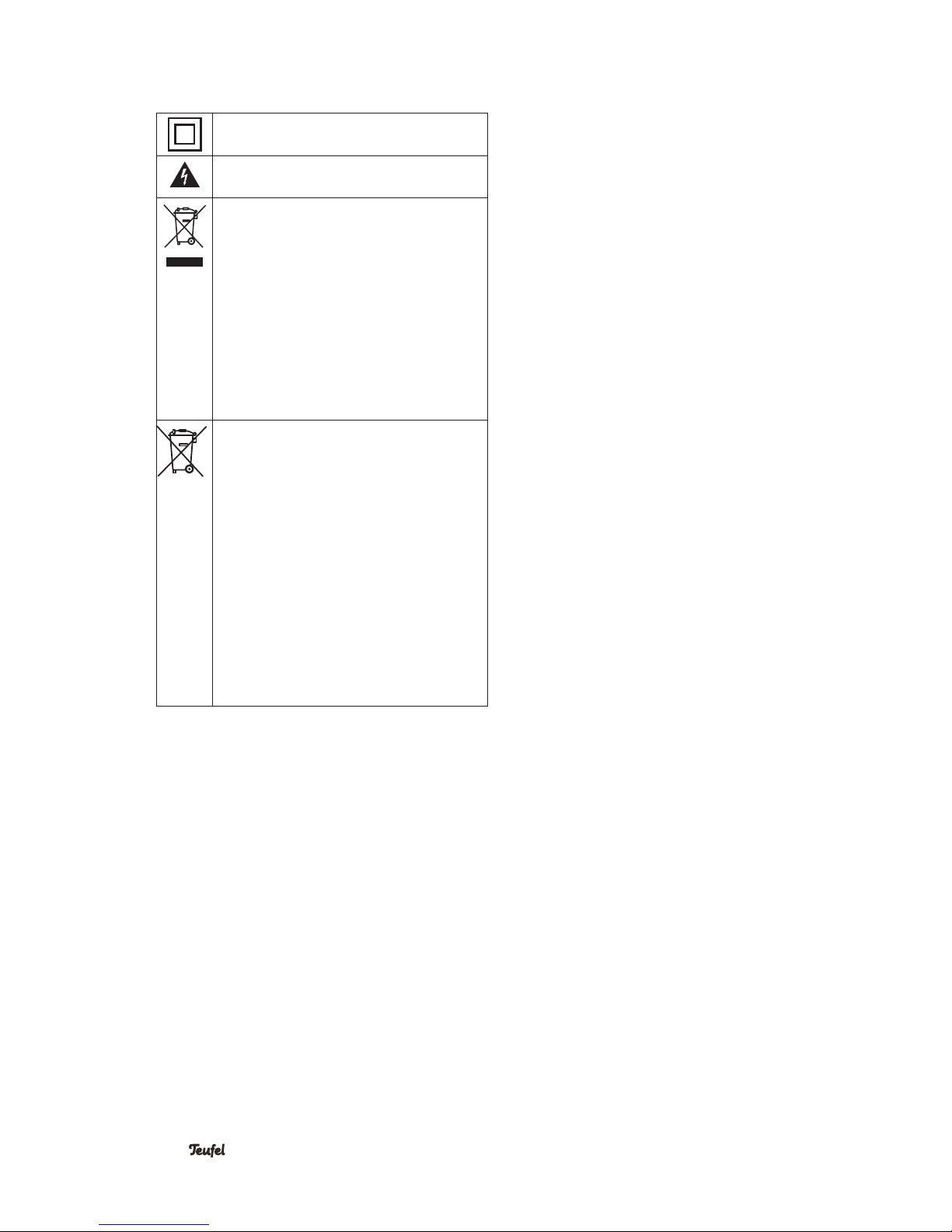
Explanation of symbols......................................... 6
Overview ..................................................................... 7
Unpacking..............................................................7
Package contents .................................................7
Checking the package contents...........................7
Optional accessories ............................................7
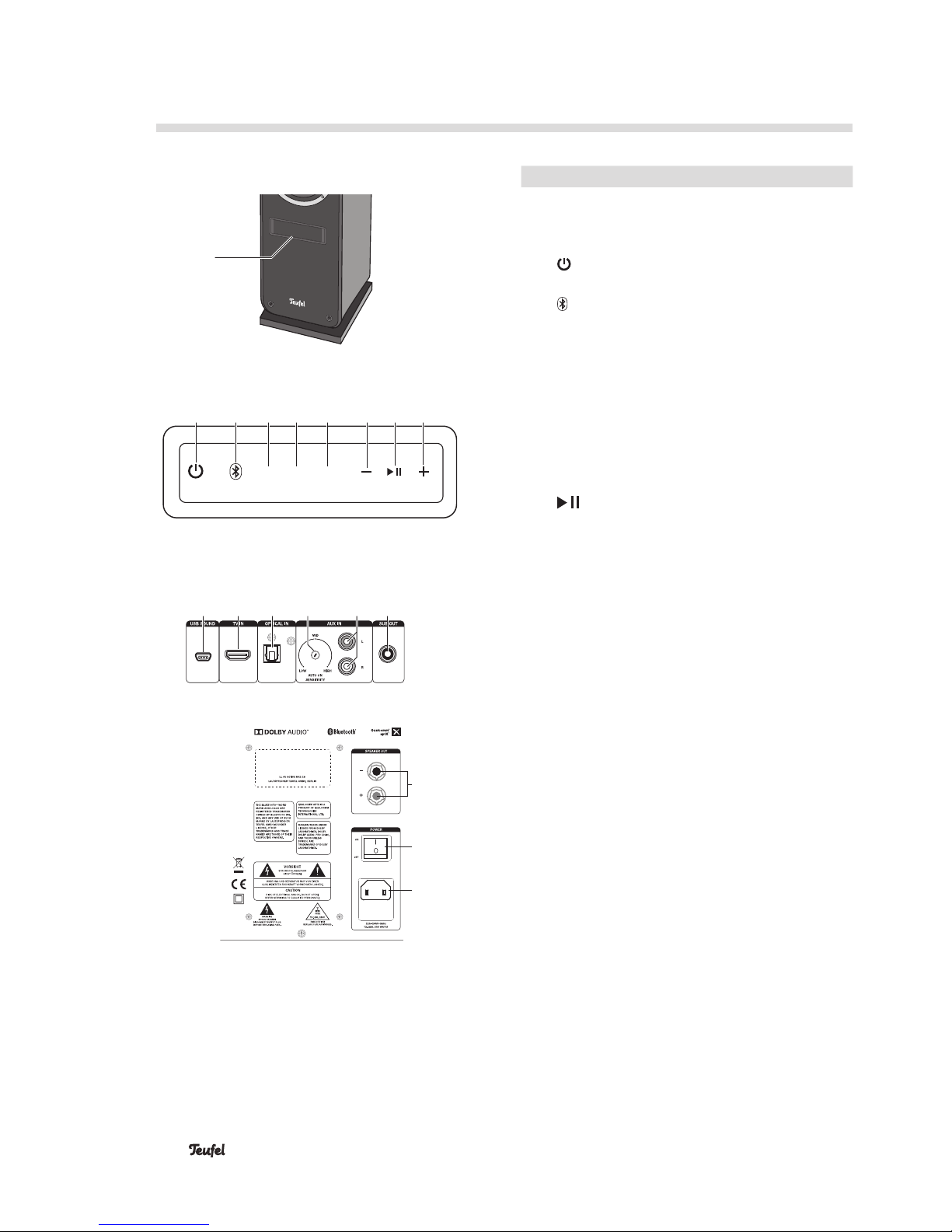
Controls And Connections........................................ 8
Remote Control ......................................................... 9
Inserting/changing the batteries .........................9
Setup......................................................................... 10
Isolation pads......................................................10
Protective grids ...................................................10
Setup location .....................................................10
Setup....................................................................10
Optional wireless or active subwoofer.......11
Optional rear wireless speakers ................11
Connecting............................................................... 11
Connecting the passive speaker........................11
Subwoofer............................................................12
Inputs for source devices ...................................12
Analogue source..........................................12
Digital source...............................................12
TV set with HDMI ARC.................................12
USB sound card...........................................12
Mains connection................................................12
First activation.....................................................12
Operation.................................................................. 13
Activating and deactivating ................................13
Automatic activation ...................................13
Selecting a source ..............................................13
Mute .............................................................14
Adjusting the sound ............................................14
Night mode ..................................................14
Dynamore Center ........................................14
Brightness of the display panel...................... 14
Menu....................................................................15
“Sound” menu.............................................15
“Speaker” menu..........................................15
“System” menu ...........................................16
Bluetooth®Mode ..................................................... 18
Bluetooth®options..............................................18
Bluetooth®pairing...............................................18
Restoring the connection with a paired
external player.............................................19
Interruption of connection..................................19
Playback...............................................................19
Terminating the connection................................19
USB Sound Card ...................................................... 20
Playback.......................................................20
Mac OS X......................................................20
“Sound” system preference .......................20
Windows 7, 8 and 10: .................................20
“Sound” control panel ................................20
Software Update...................................................... 21
Determine the version ........................................21
Installing new software.......................................21
Care And Cleaning................................................... 22
Technical Data ......................................................... 22
Troubleshooting....................................................... 23