7
3 Operation
3.1 Connecting a Power Sensor
The PM100A supports all Thorlabs ‘C-Series’ photodiode and thermal power
sensors. These can easily identified against older versions of Thorlabs power or
energy sensors by their red connector housing. The console will not recognize
sensors from the ‘A’ and ‘B’ series. Please contact Thorlabs for the upgrade of old
sensors with ‘C-Series’ connectors.
To plug or remove a sensor slightly press on the two bolts in the connector
housing, that fix it by resilience. Sensors can be ‘hot-swapped’ to the console, after
recognizing a new valid sensor the type and calibration data will be downloaded to
the console in approximately 2 seconds, and the unit is ready to operate with the
new sensor.
3.2 Controlling the PM100A
3.2.1 Navigating the Menus
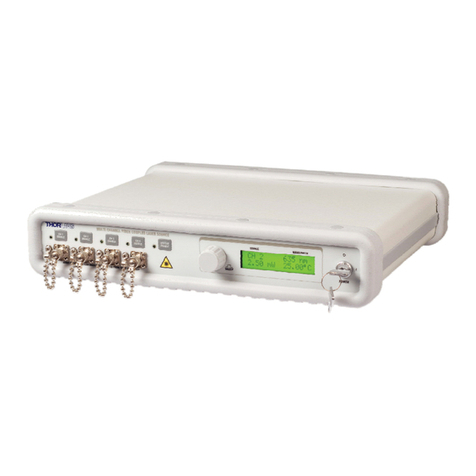
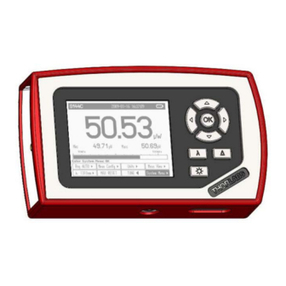
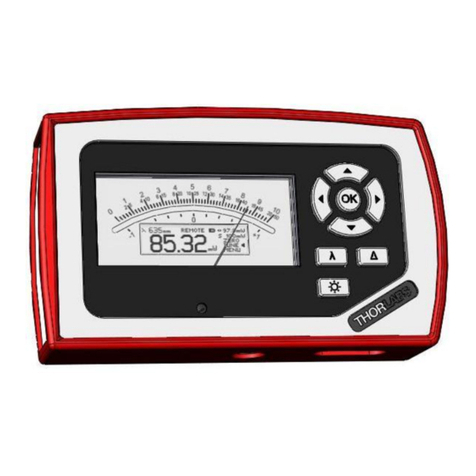
The measurement screens contain of five menu items (soft buttons) that are
arranged in a column in the right of the graphics display. These can be navigated
with the up and down (ST) keys and controlled by the left and right (WX) keys
and/or the enter/edit (OK) key
The focus is always on the button in inverse presentation .
3.2.2 System Settings
After navigating to the bottom soft button MENU and confirming it with the OK key
the system menu can be scrolled with the Sor Tkeys. To perform the initial
adjustments the settings can be edit or changed with the Wor Xkeys on ring
controls or by using all navigation keys for numeric controls.
The menu is arranged on three pages with four lines each. The items depend on
the connected sensor. To leave the system menu press the OK key or navigate
down or up to the ‘EXIT’ item and confirm with OK.
Page 1: Measurement Settings
Bandwidth Sets input bandwidth to High or Low (WX)
(only visible with connected photodiode sensor)
Accelerator Enables/disables the speed up circuit (WX)
(only visible with connected thermal sensors)
Attenuation Includes a filter or beam splitter for the power calculation.
The input is in dB. When an attenuation is set, the value is
displayed in the status indicator. (WXST)
Line Filter Sets the unit to the local line frequency 50Hz/60Hz
to avoid aliasing effects (WX)