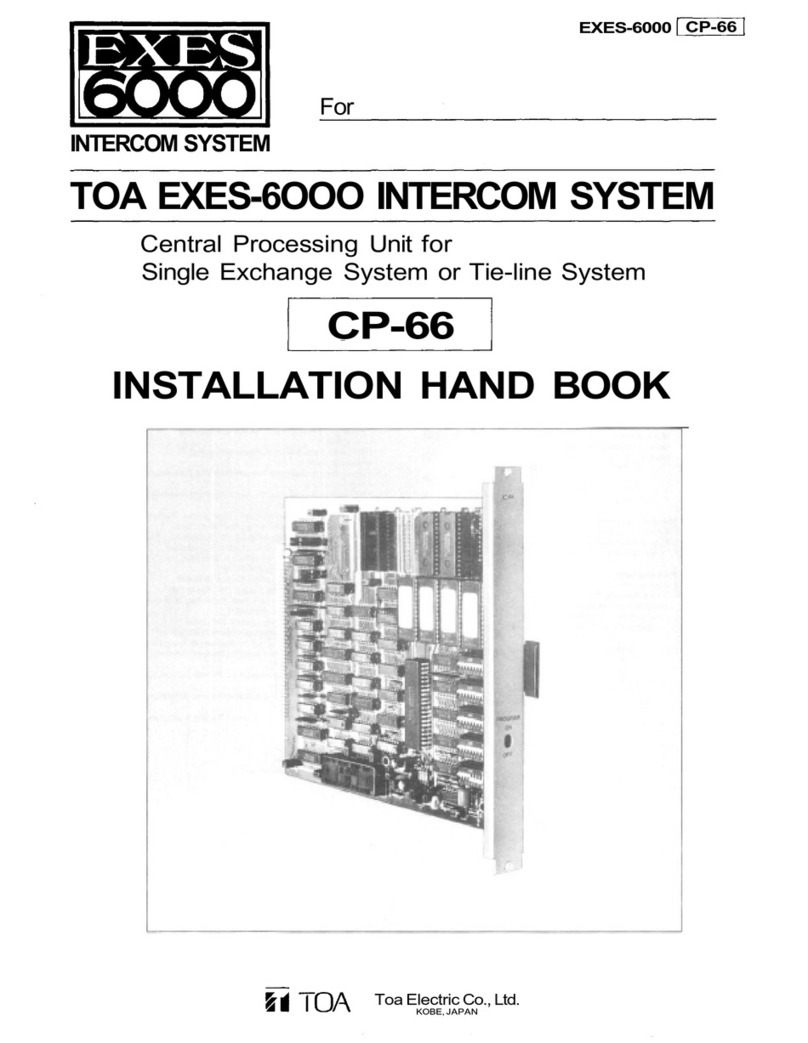
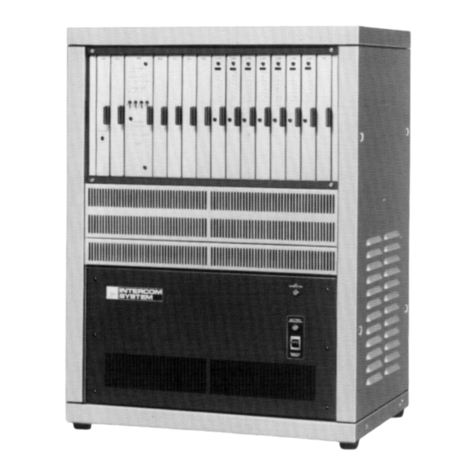
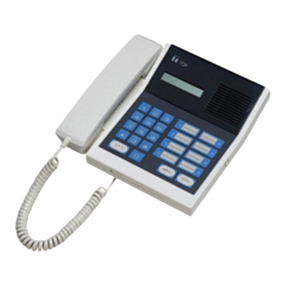
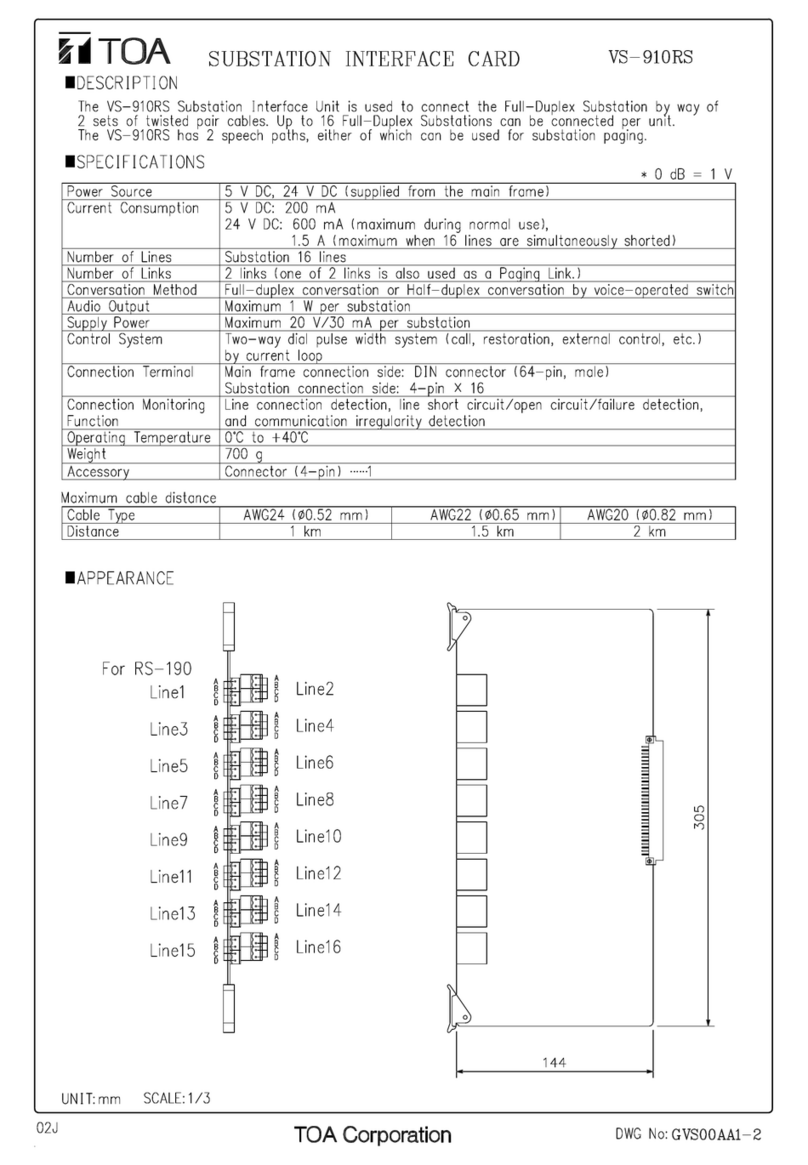
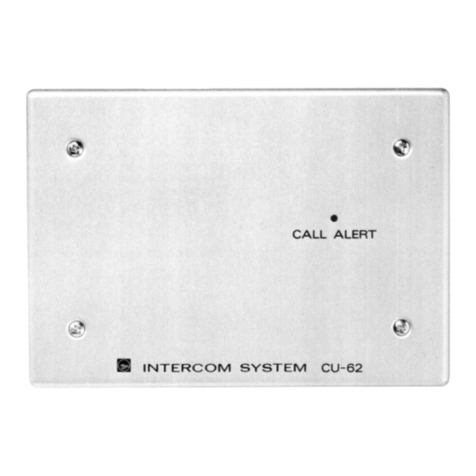
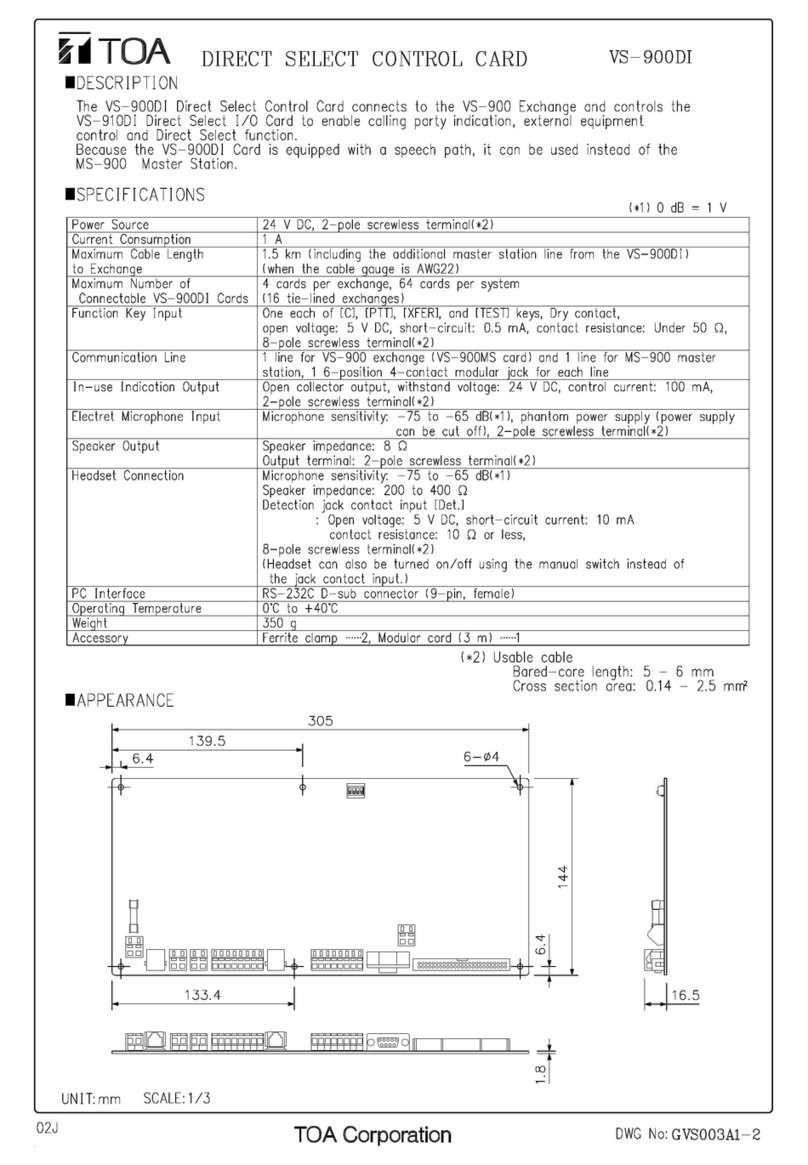
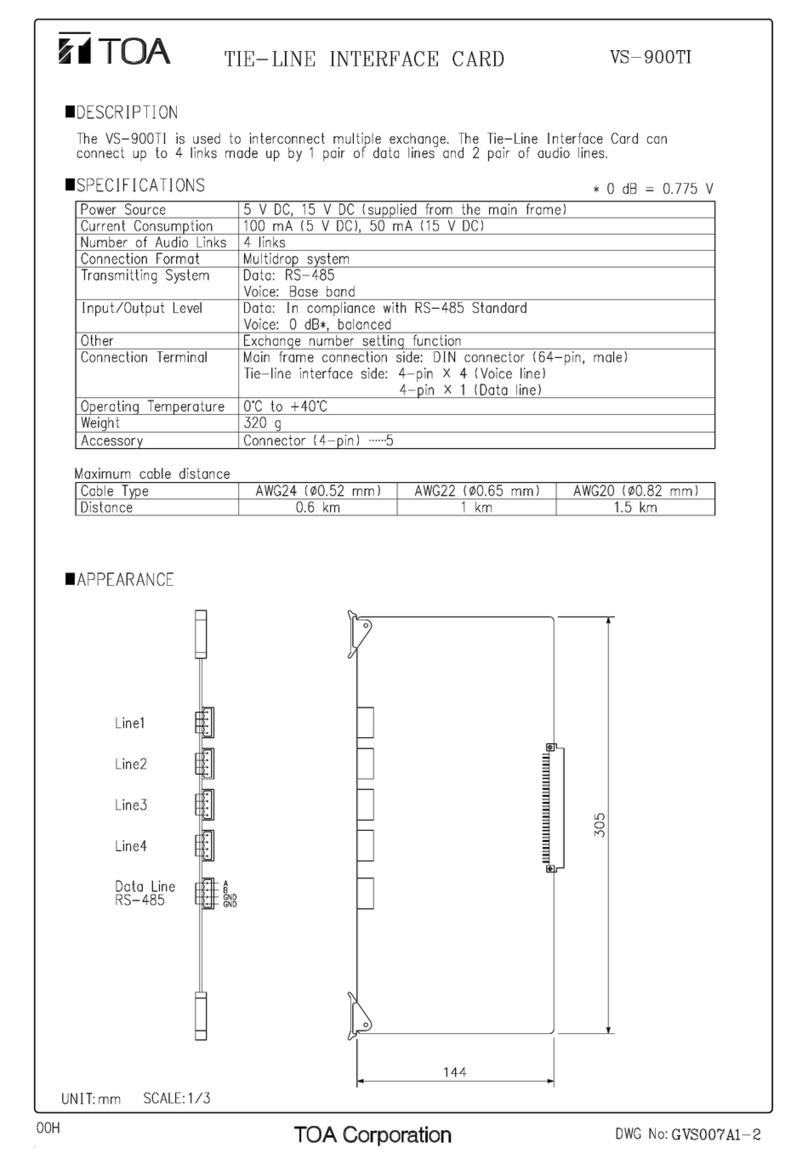
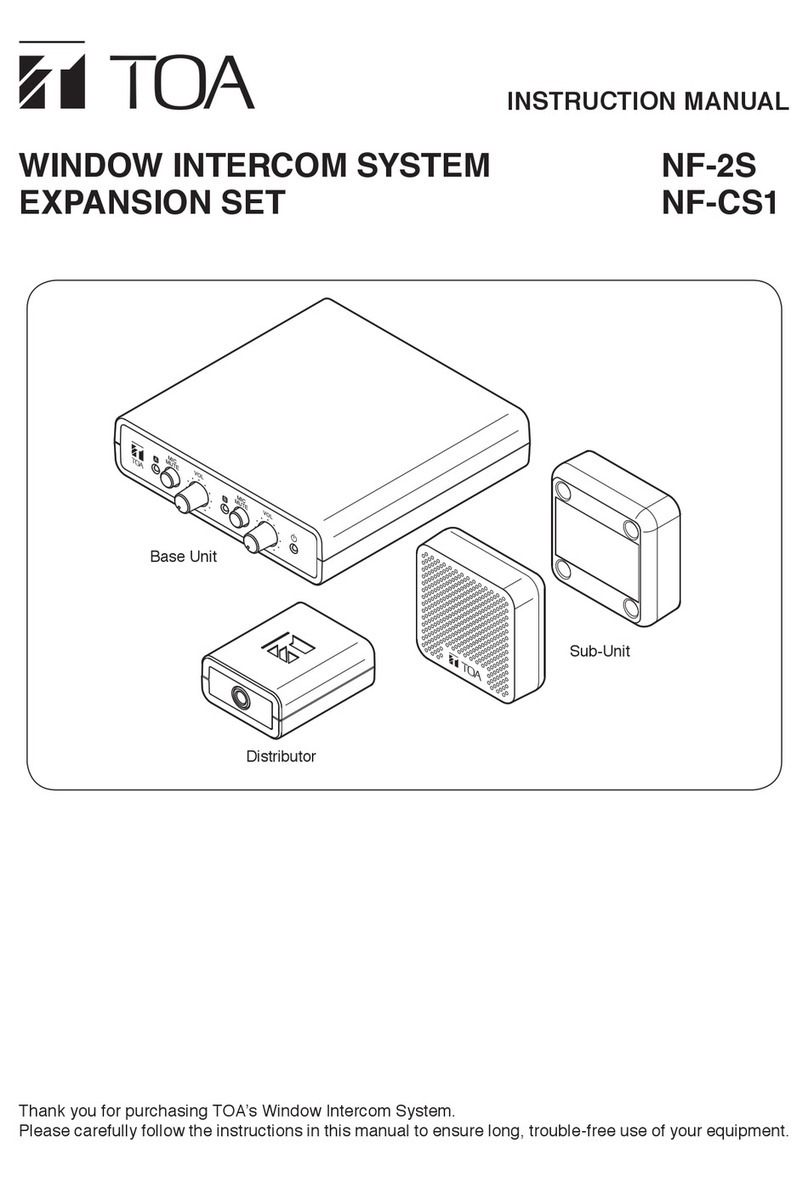
Toa CPU-52A Manual

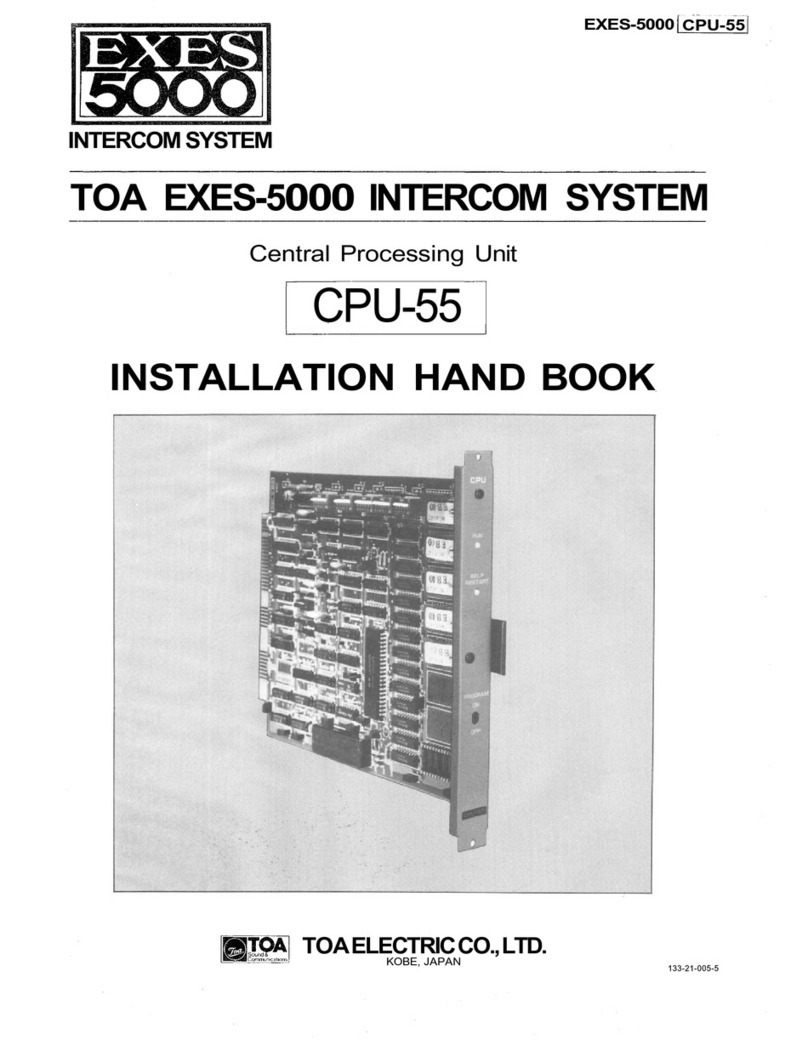
EXES-5000
CPU-52A
For
INTERCOM SYSTEM
Central Processing Unit
CPU-52A
INITIAL CHECKING SHEET FOR THE SYSTEM
TOA ELECTRIC CO., LTD.
KOBE, JAPAN
133-21-023-7
TOA EXES-5000 INTERCOM SYSTEM

Initial Checking Sheet for the System
Table of contents
•CPU DIP switch table
•
Programming data table (1) ~ (4)
•
Station paging Table
•Link call check table
2
3
7
7
Outline of system
installation
Determination of system
specifications
Connection of Station
Paging
Setting of CPU DIP switches
Turn on the power switch
of exchange
Check the LEDs and DC
power output voltage.
Initial setting and No. 200
Programming
Check respective station
call
Check respective link call
Check respective paging zone
Check corresponding functions
Date of
registration
Staff-in-
charge
Approval
DIP switch
check
Initial
setting-yes/no
Details of
alteration
Remarks
Notes:
1. This is the instruction manual for the function setting and is available for checking
and survicing of the system.
2. You are requested to keep this manual under care as this is an extremely important
document for the maintenance of the system.
— 1 —

< CPU DIP SWITCH TABLE >
SW-A
SW-B
SW-C
OFF
ON
1
2
3
4
5
OFF
ON
1
2
3
4
5
6
OFF
ON
1
2
3
4
5
6
Functions
Link Selection ; Link No. 0 ~ 3
Link Selection ; Link No. 4 ~ 7
Link Selection ; Link No. 8 ~ 11
Link Selection ; Link No. 12 ~ 15
Time Interval Adjustment before
Paging Pre-announce tone
Conference
Call Transfer
Priority & Executive Priority
Paging, Paging during normal calls
Calling tone Duration selection
System Size Selection
Paging Pre-announce Tone Duration Selection
OFF
OFF
OFF
OFF
OFF
On
Off
Activate
Not Activate
1 ~ 2 sec
None
Activate
Not Activate
0.7
Sec.
1.3
Sec.
EX-520
EX-510
1
Sec.
2
Sec.
— 2 —

Please record the type of station, call check, additional data and special notes in blank columns.
Function Table For Stations (1)
Function
Name
200
201
202
203
204
205
206
207
208
209
210
211
212
213
214
215
216
217
218
219
220
221
222
223
224
225
226
227
228
229
230
231
— 3 —
< PROGRAMMING DATA TABLE>(1)

Please record the type of station, call check, additional data and special notes in blank columns.
Function Table For Stations (2)
Function
Name
232
233
234
235
236
237
238
239
240
241
242
243
244
245
246
247
248
249
250
251
252
253
254
255
256
257
258
259
260
261
262
263
< PROGRAMMING DATA TABLE>(2)
— 4 —

< PROGRAMMING DATA TABLE>(3)
Please record the type of station, call check, additional data and special notes in blank columns.
Function Table For Stations (3)
Function
Name
264
265
266
267
268
269
270
271
272
273
274
275
276
277
278
279
280
281
282
283
284
285
286
287
288
289
290
291
292
293
294
295
— 5 —

< PROGRAMMING DATA TABLE>(4)
Please record the type of station, call check, additional data and special notes in blank columns.
Function Table For Stations (4)
Function
Name
296
297
298
299
300
301
302
303
304
305
306
307
308
309
310
311
312
313
314
315
316
317
318
319
320
321
322
323
324
325
326
327
— 6 —

< STATION PAGING TABLE >
Wiring table of Station Paging Assignment Plug Located at the back of the frame of this Exchange.
Department
Zone
1
2
3
4
5
6
7
First Station No.
Last Station No.
Station paging connection table (LMU-52A Unit)
LMU NO.
1
2
3
4
5
6
7
8
9
10
11
12
13
14
15
16
LMU
Station
No.
200
-
207
208-215
216-223
224-231
232
-
339
240
-
247
248
-
255
256
-
263
264
-
271
272
-
279
280
-
287
288
-
295
296
-
303
304-311
312-319
PIU
Paging distribution line
0
1
2
3
4
5
6
7
JP3
JP4
JP5
JP6
JP7
JP8
Jp9
Unrequired paging line
0
1
2
3
4
5
6
7
JP10
JP11
JP12
JP13
JP14
JP15
JP16
JP17
Input
short-
chircuit
JP1
JP2
Note 1: Mark the disconnected jumper wire with "x".
Note 2: Jumper wire Nos. are different in the case of LMU-52.
<LINK CALL CHECK TABLE >
Used/unused
DLU
DLU 1
(CLU)
DLU2
DLU3
DLU4
Link No
0
1
2
3
4
5
6
7
8
9
10
11
12
13
14
15
Call check
Remarks
— 7 —

TOA ELECTRIC CO., LTD.
KOBE,JAPAN
Printed in Japan
Other manuals for CPU-52A
2
This manual suits for next models
1
Other Toa Intercom System manuals