manuals.online logo
Brands
  1. Home
  2. •
  3. Brands
  4. •
  5. Turnigy
  6. •
  7. Remote Control
  8. •
  9. Turnigy T6A-V2 User manual

Turnigy T6A-V2 User manual

Other Turnigy Remote Control manuals

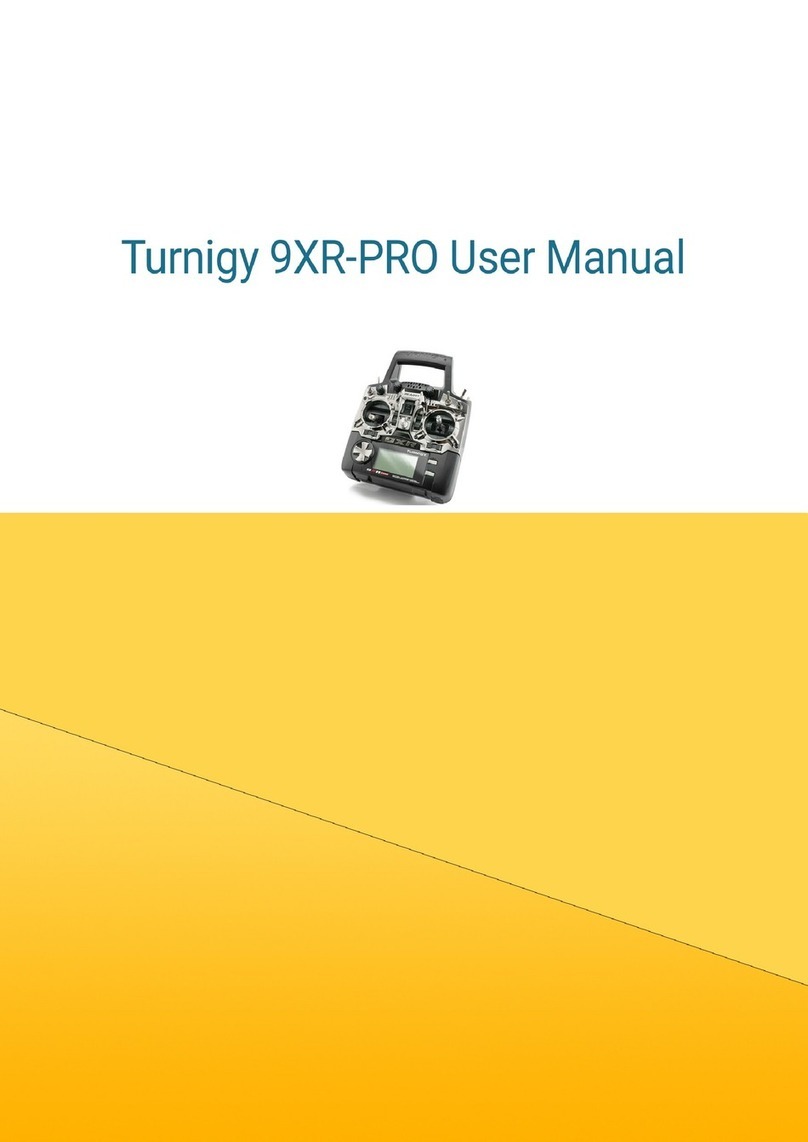
Turnigy 9XR-PRO User manual

Turnigy

Turnigy 9XR-PRO User manual

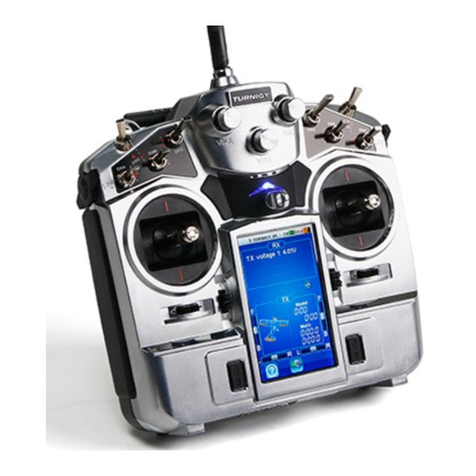
Turnigy TGY-i10 User manual

Turnigy

Turnigy TGY-i10 User manual

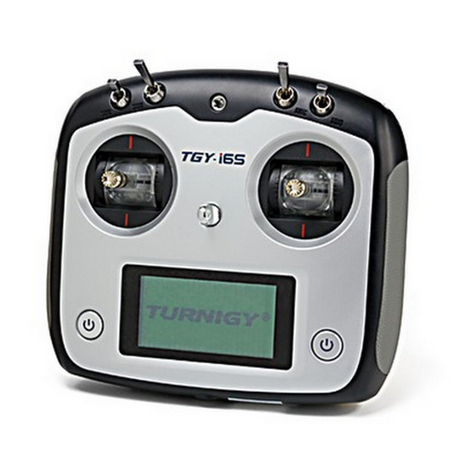
Turnigy TGY-i6S User manual

Turnigy

Turnigy TGY-i6S User manual

Popular Remote Control manuals by other brands

Bircher Reglomat RC Duo 2 user guide

Bircher Reglomat

Bircher Reglomat RC Duo 2 user guide

Emerson RCBT100 owner's manual

Emerson

Emerson RCBT100 owner's manual

BILDA Element-6 user manual

BILDA

BILDA Element-6 user manual

Absima CR7P manual

Absima

Absima CR7P manual

Mitsubishi Electric PAR-32MAAG Instruction book

Mitsubishi Electric

Mitsubishi Electric PAR-32MAAG Instruction book

RCA RCRTBL08BE1 quick start guide

RCA

RCA RCRTBL08BE1 quick start guide

US Electronics NOVARI user guide

US Electronics

US Electronics NOVARI user guide

Panasonic EUR7622KB0 Operation guide

Panasonic

Panasonic EUR7622KB0 Operation guide

Bang & Olufsen Beo4 user manual

Bang & Olufsen

Bang & Olufsen Beo4 user manual

Marantz RC101 user guide

Marantz

Marantz RC101 user guide

FUTABA 9ZAP - PART2 manual

FUTABA

FUTABA 9ZAP - PART2 manual

HR Matic HR MULTI 3 quick start guide

HR Matic

HR Matic HR MULTI 3 quick start guide

Anritsu MP1777A Operation manual

Anritsu

Anritsu MP1777A Operation manual

Niles WVC100 Installation & operating guide

Niles

Niles WVC100 Installation & operating guide

Bang & Olufsen BEO6 Getting started

Bang & Olufsen

Bang & Olufsen BEO6 Getting started

GE 94901 instruction manual

GE

GE 94901 instruction manual

FUTABA R7108SB Full manual

FUTABA

FUTABA R7108SB Full manual

Invacare G91S user manual

Invacare

Invacare G91S user manual

manuals.online logo
manuals.online logoBrands
  • About & Mission
  • Contact us
  • Privacy Policy
  • Terms and Conditions

Copyright 2025 Manuals.Online. All Rights Reserved.

T6A-V2 6 CHANNEL RADIO CONTROL SYSTEM
INSTRUCTION MANUAL
MODEL:T6A-V2
Digital propotional radio control system
Menu
1.Introduction..................................2
2.Services............. ................. ....... 2
3.The special symbols. ................. ....... ..3
4.safty guides..................................3
8..Each part of the transmitter...... ....... ........6
9.Receiver and server connectivity.................7
13.Transmitter function notes(Heli)... ...........1 2
14.Transmitter function notes(Plane). ....... .....1 6
15 Professional terminology . ....... .......... .....1 9
5.Power charging... .......... ....... ...........4
10.2.4G Operation Notes.............. ....... ...8
10.01 Matching. ....... ....... ... ....... ....8
10.02 Boot.................................8
10.03 Shutdown. ....... .......... ....... ....9
13.01 System function options. ....... .......... 12
12. ...... ....... ....1 1Computer software installation
13.02 System function settings..................13
13.03 Switches and potentiometer settings....... ...15
14.01 System function options..................16
14.03 Switches and potentiometer settings....... ...18
14.02 System function settings..................17
2.4G 6 channel remote system
1
Model:T6A-V2
Notes
16 Packaging with content list. ....... .......... ...2 0
6.Transmitter parameters... .......... ....... .....5
7.Receiver parameters...........................5
11. ............1 0Computer hardware connection steps

2.4G 6 Channel remote system
2
Model: T6A-V2
Notes
1.Introduction
2.Services
If you found any problems during the operation process, please refer to the manual.
If the problem still exist, you could contact our dealers to found out the way to solve.
And you could also log on to our website service center:
Thank you for choosing 2.4 G ratio remote control digital products, if you are the first
time to use this type of products, please read this statement carefully and strictly in
accordance with the requirements of operation. You could refer to the Manual if you
meet any problems during the operation . Please well keep the manual after use
because you might have to use it again next time. Once again, thanks for buying our
products, and hope that it brings happiness to you.
3.The special symbols
2.4G 6 Channel remote system
3
Model: T6A-V2
Notes
Please pay attention to the following symbols when it appears on the manual,
and read carefully.
Danger:
If the oper ator does not oper ate by fol low ing the inst ruct ions,
the oper ator may lead to ser ious injuries, even Mortal dang er.
Warning:
If the operator does not operate by following the instructions,
the operator may lead to se rious injuries, even Mortal danger.
Attention:
If the op er at or does no t op er at e by fol lowing the inst ruct ion s,
the operator may lead to mino r injuries, bu t ge ne rally it will
not cau se ser ious inj ur ies to the operator.
Prohibition Mandatory
4.Safety g uides
Do not fly in bad weather such as rainy or thundering to assure the
safety of you and others.
Before you fly, please ma ke sure the mo veme nt of server are correspond
with the direction of joystick. If inconsistent, please adjust before fly.
You need to turn the throttle channel(ch3) and inching switch
to the lowest before you use. Then switch on the transmitter power
(red light or flashing means low battery),finally connect the receiver.
The Sequence to shut down is first turn the receiver power and the
transmitter power.
If the above operations are reverse, it might lead to uncontrolled and
cause accident.
5.Battery charging notes
If you are using a nickel-cadmium, nickel-metal hydride batteries for
recharging, please use our company dedicated charger. If the electrical current
is too large and it may lead to temperature over-heated and cause fire burning
accident. Please cut off the power supply immediately after recharging. Please
take out the battery from the transmitter when you are not using it within a
period, it is because the battery may damage the aircraft batteries, thus being
exposed.。
Transmitter charger:
1. Install the battery to transmitter with correct direction, and cover it.
2. Connect the charger to the main connector.
3. Connect the charger to the transmitter
Connector.
4. Cut off the power supply immediately after
Recharge completed.
If your transmitter, receiver using a nickel-cadmium, nickel-metal hydride
rechargeable battery, you have to well-check before you fly. If lack of
electricity, it could happen those phenomenon like inadequate control or out of
control, resulting accident. So please charge immediately when low in battery.
Receiver charger:
1. Connect the charger to the main connector.
2. Connect the Rechargeable receiver with battery charger
3. Recharge completed, cut off the power supply immediately.
2.4G 6 Channel remote system
4
Model: T6A-V2
Notes
2.4G 6 Channel remote system
5
Model: T6A-V2
Notes
6.Transmitter parameters
7.Receiver parameters
*Channel:6
*Frequency band: 2.4GHz
*Power resource:1.5V*4 "AA"Battery
*Program type: GFSK
*Modulation type: FM
*RF Receiver sensitivity:-76db
*Static current:≤8 5 mA
*Size:45*23*13.5mm
*Size:25*16.8*6.5mm
*Weigth: 12g
*Color: Gray semi-transparent
*Antenna length:26mm
*Channels:6
*Charger port: Yes
*Frequency band: 2.4GHz
*Simulator port: PS-2
*Power resource:1.5V*8 "AA"Battery
*Program type: GFSK
*Modulation type:FM
*RF power:1 9 d b
*Static current:≤250mA
*Voltage display type:LED
*Size:189*97*218mm
*Weigth: 575g
*Color: black
*Antenna length:26mm
*Heli-140/Heli-120/Heli-90/Acro
*Sub Trim:Yes
*Thro Cuv: Programmable
*Pith Cuv: Programmable
*Support multiple user model
*Support trim movement
*Support rudder angle overturned
*Support rudder angle adjustment
*Support both hand software adjustment
*Support swashplate adjustment
*Support programmable channel output
2.4G 6 Channel remote system
6
Model: T6A-V2
Notes
8.Each part of the transmitter
Antenna
Handle
Switch A
Switch B
Pit Trim
HOV.Pit
Aileron
throttle stick
Direction
Elevator
Aileron trim
Throttle trim
Power switch
Power indicator
light
Rudder trim
Elevator trim
Charger
Port
Simulant
connecter
Battery
cover
Battery
box
Front
Back Side
Matching
(yards) keys
9.Receiver and server connectivity
2.4G 6 Channel remote system
7
Model: T6A-V2
Notes
Receiver Module
CH1
Ch2
Ch3
Ch4
Ch5
Ch6
Main receiver
Battery
When installing the receiver please make sure that
two items showed 90 degree angle.
Receiver
Module
Main receiver
10.2.4G Operation notes
This is 2.4 G Frequency model products make of automatic address code.It use digital
transmission mode, and this prevent outside interference effective active and passive.
10.01 Matching (code)
1. Install the battery to 2.4G transmitter and shut it down.
2. ( 1)。Insert the matching lines to the channel Bat port of the receiver. Figure.
3.Connect the receiver battery to any one of the channel port, on the same time the
two LED are flashing and this means the receiver are going to the match status.
4.Press and hold the button on the transmitter, and then switch on the power supply.
6.Release the match button on the transmitter, take out the match line.
5.
( )
Observe the LED on the receiver, if found that the LED is not flash anymore and
that means successful matched. This process about 10s
7.Install the server and then test.
8.If the tests fail, please repeat the action above.
9.If the tests success, then insert the power supply port into BAT, match complete.
(The above ways of match is only suitable on FLYSKY 2.4G products)
Our products are well matched in the factory, you do not need to match by yourself.
But if your are going to match the receiver with other transmitter, please follow the
following steps:
Match line
Match key Figure 1
10.02 Boot
1.Connect every part.
2.Switch on the power supply.
3.Connect the power supply.
4.Receive LED light solid.
5.Finish and use.
2.4G 6 Channel remote system
8
Model: T6A-V2
Notes
2.4G 6 Channel remote system
9
Model: T6A-V2
Notes
Boot
1.Cut off the receiver power supply.
2.Cut off the transmitter power supply.
Tx power ON
Tx power off
Rx power ON
Rx power off
Shut down
10.03 Shut down: