User’s Manual TYCON TP-SW5G-MULTI
TYCON POWER SYSTEMS
Port 2:
* Data pair A on line 1 and 2
* Data pair B on line 3 and 6
* Data pair C plus VI+ on line 4 and 5
* Data pair D plus VI2- on line 7 and 8
Port 3:
* Data pair A on line 1 and 2
* Data pair B on line 3 and 6
* Data pair C plus VI+ on line 4 and 5
* Data pair D plus VI3- on line 7 and 8
Port 4:
* Data pair A on line 1 and 2
* Data pair B on line 3 and 6
* Data pair C plus VI+ on line 4 and 5
* Data pair D plus VI4- on line 7 and 8
*Ethernet Port Wiring
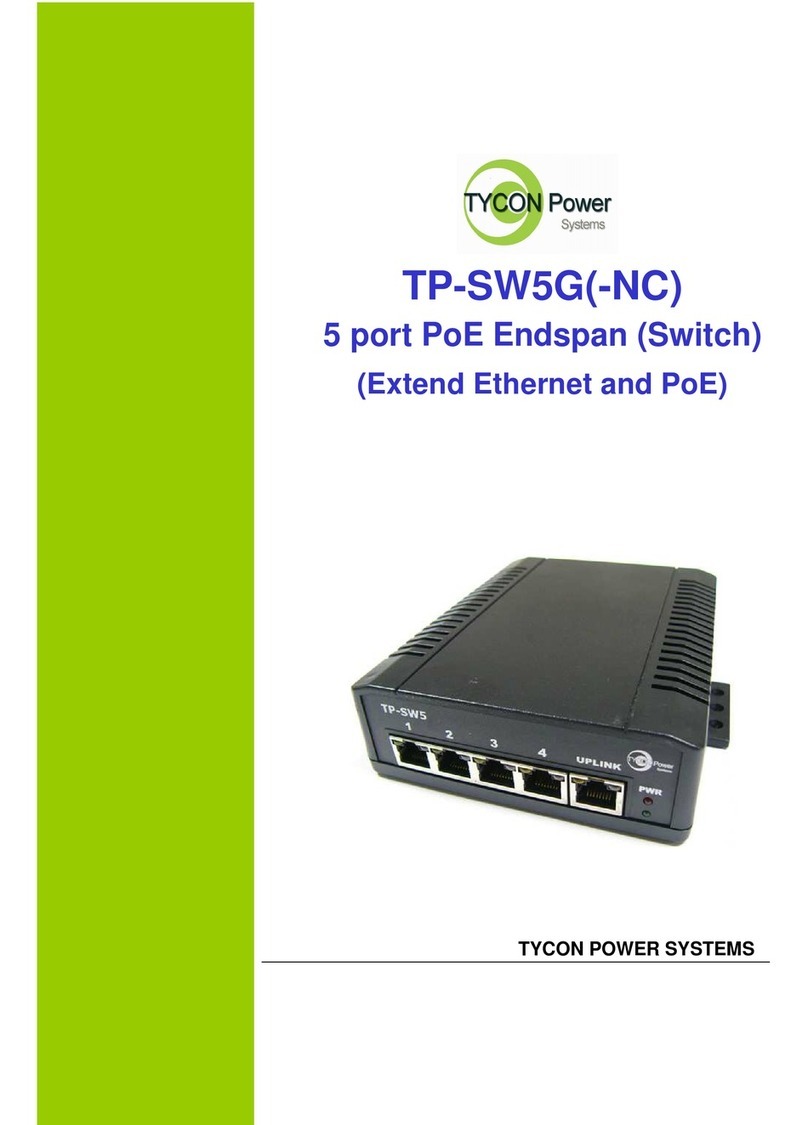
The PoE switch supports one RJ-45 uplink and four RJ-45 ports (port 1~4 with PoE PSE) with automatic
MDI/MDI-X crossover, auto-sense for speed and duplex for 10Base-T, 100Base-TX or 1000Base-T
connection. Automatic MDI/MDI-X crossover allows you to connect to other devices (switches, hubs, or
workstations etc.), without regard to using straight-through or crossover cabling.
Port 1 to 4 provides Power over Ethernet function that delivers DC power through the data pairs C & D (pair
4,5 and pair7,8) to the PD. Port 5 only work as a Ethernet signal port.
The following tables describe the wiring diagram of straight-through and crossover cabling. The crossover
cables simply cross-connect the transmit lines at each end to the receive lines at the opposite end.