User’s Manual
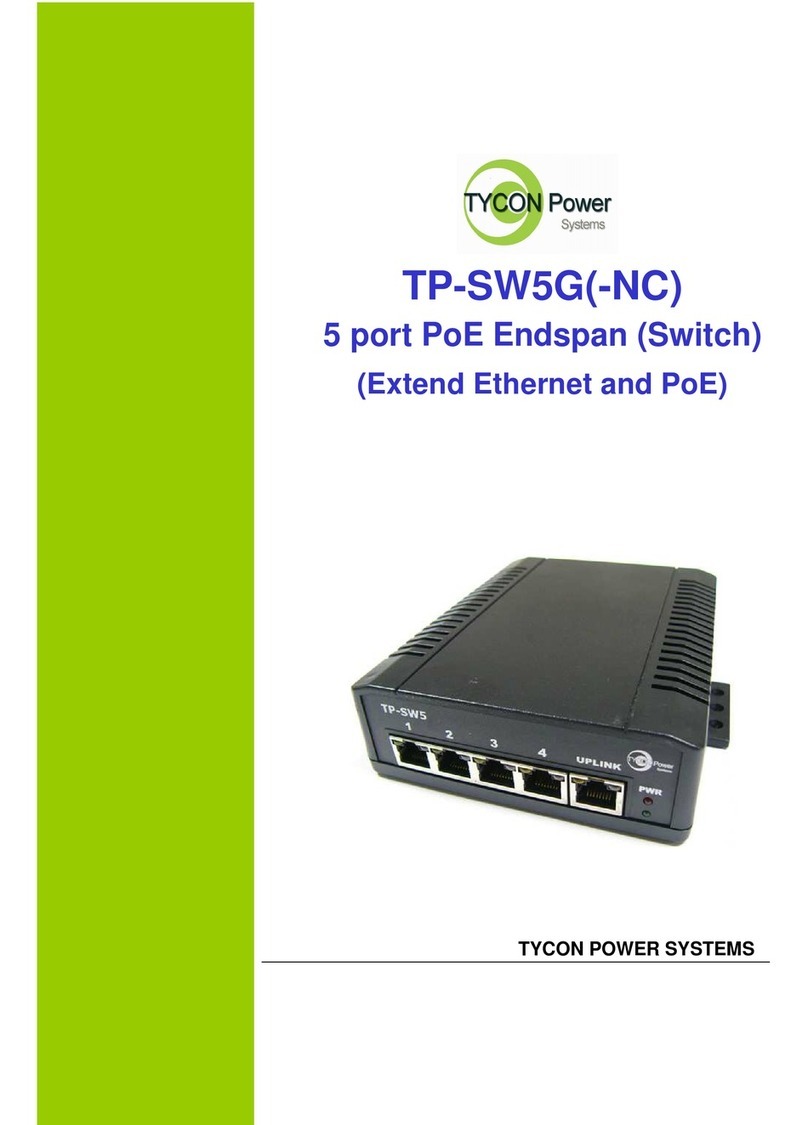
TYCON TP-SW5G(-NC) Series
TYCON POWER SYSTEMS
5
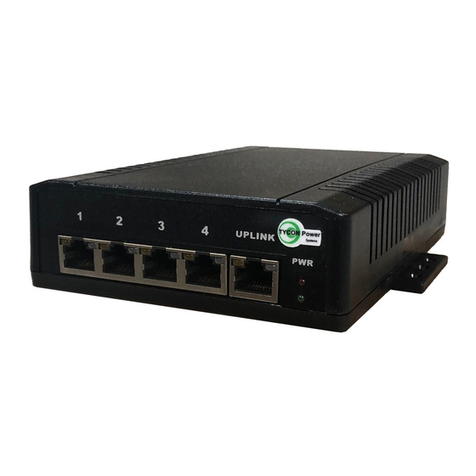
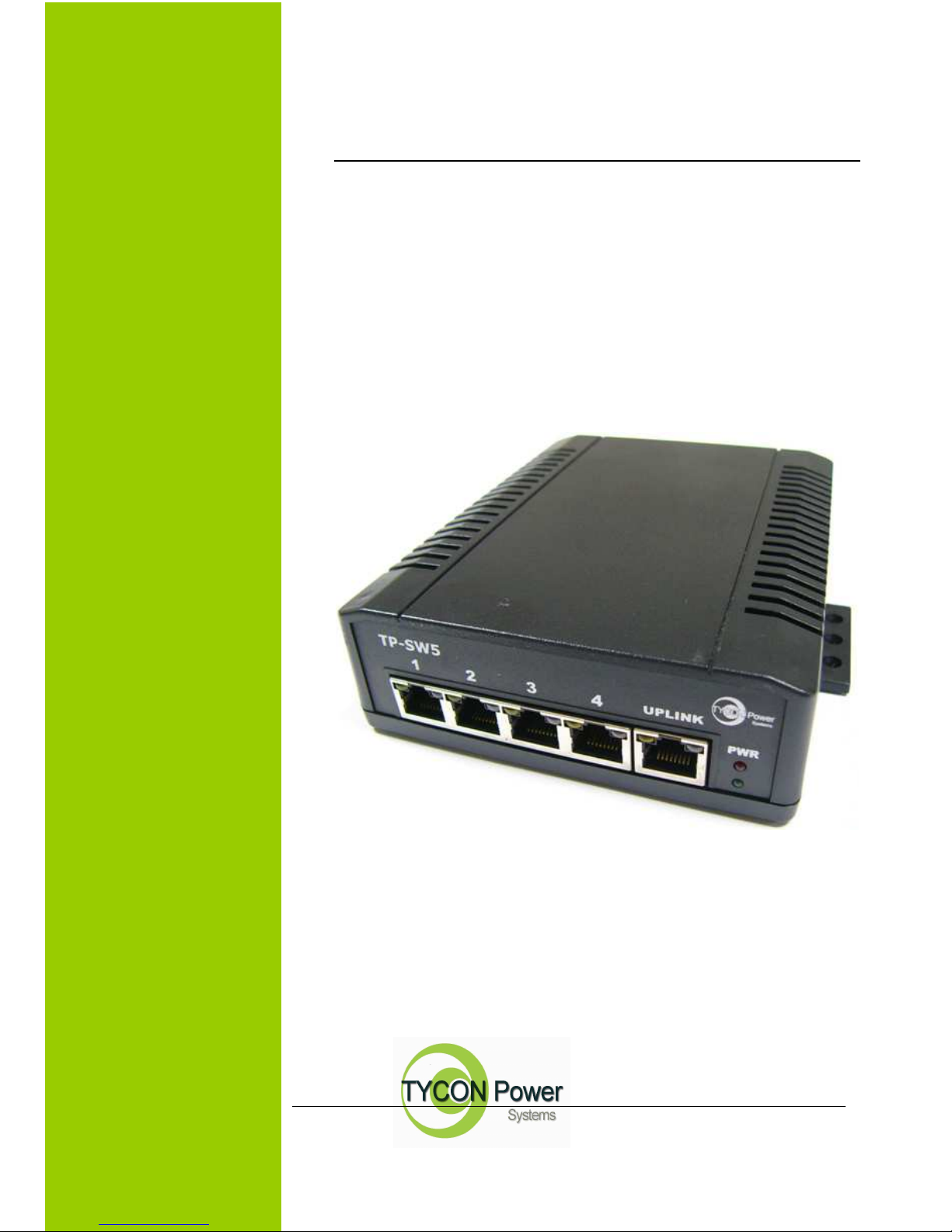
*PoE LED (the left indicator on RJ45)
P1~P4
PoE
Yellow
A valid Powered Device (PD) is detected
and delivering power on this port.
Off
No PD is detected on this port.
P5
PoE
Yellow
Powered via 2 data pairs. (1,2,3,6 or 4,5,7,8
are all acceptable).
Off No power is detected on this port.
*Power wiring
The PoE switch family includes 3 models, be used for 3 different ranges of input voltage:
full range voltage (12 to 57VDC) (P/N: TP-SW5G-NC)
24VDC typical (12 to 36VDC) (P/N: TP-SW5G24)
48VDC typical (40 to 57VDC) (P/N: TP-SW5G)
All of the PoE switches allow power by another PoE source (42.5~57VDC) on port 5 (UPLINK).
For PoE operation, make sure your power supply may offer at least 75W for 4x 802.3af PoE port, or 150W
for 4x 802.3at PoE port.
If powered via the rear terminal, please make sure the input current is not over 10A. If powered on port 5,
make sure the input current is not over 2Amp.
Ports 1~4 will deliver DC power over the Ethernet cable as detailed below:
* Data pair A on line 1 and 2
* Data pair B on line 3 and 6
* Data pair C plus V+ on line 4 and 5
* Data pair D plus V- on line 7 and 8