manuals.online logo
Brands
  1. Home
  2. •
  3. Brands
  4. •
  5. U-Prox
  6. •
  7. Keypad
  8. •
  9. U-Prox SmartLine keypad User manual

U-Prox SmartLine keypad User manual

Other U-Prox Keypad manuals

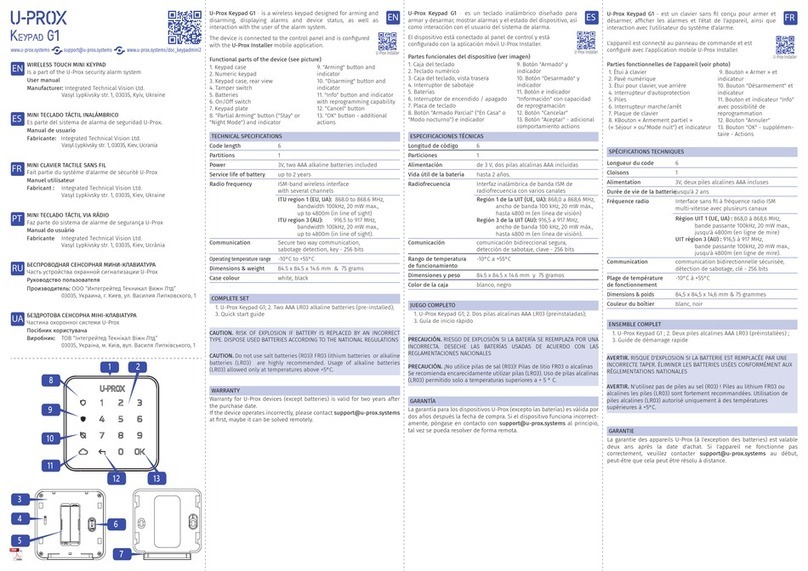
U-Prox G1 User manual

U-Prox

U-Prox G1 User manual

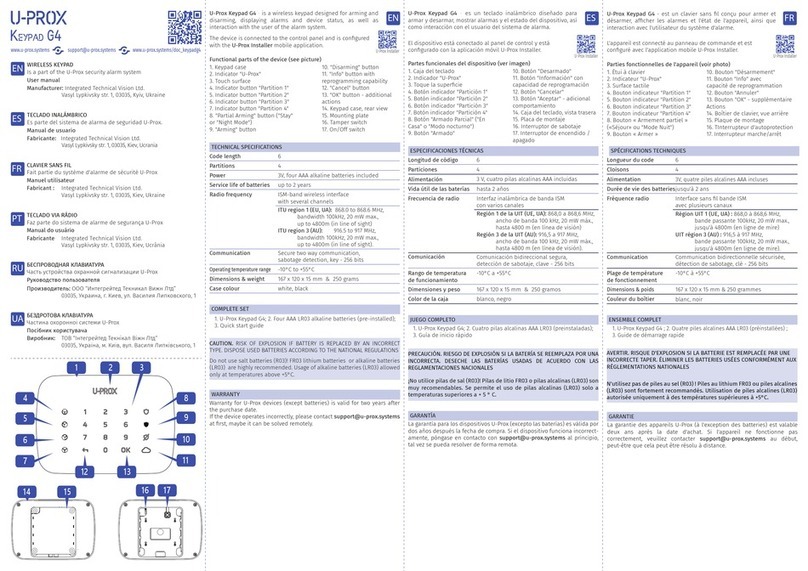
U-Prox Keypad G4 User manual

U-Prox

U-Prox Keypad G4 User manual

U-Prox G1 User manual

U-Prox

U-Prox G1 User manual

Popular Keypad manuals by other brands

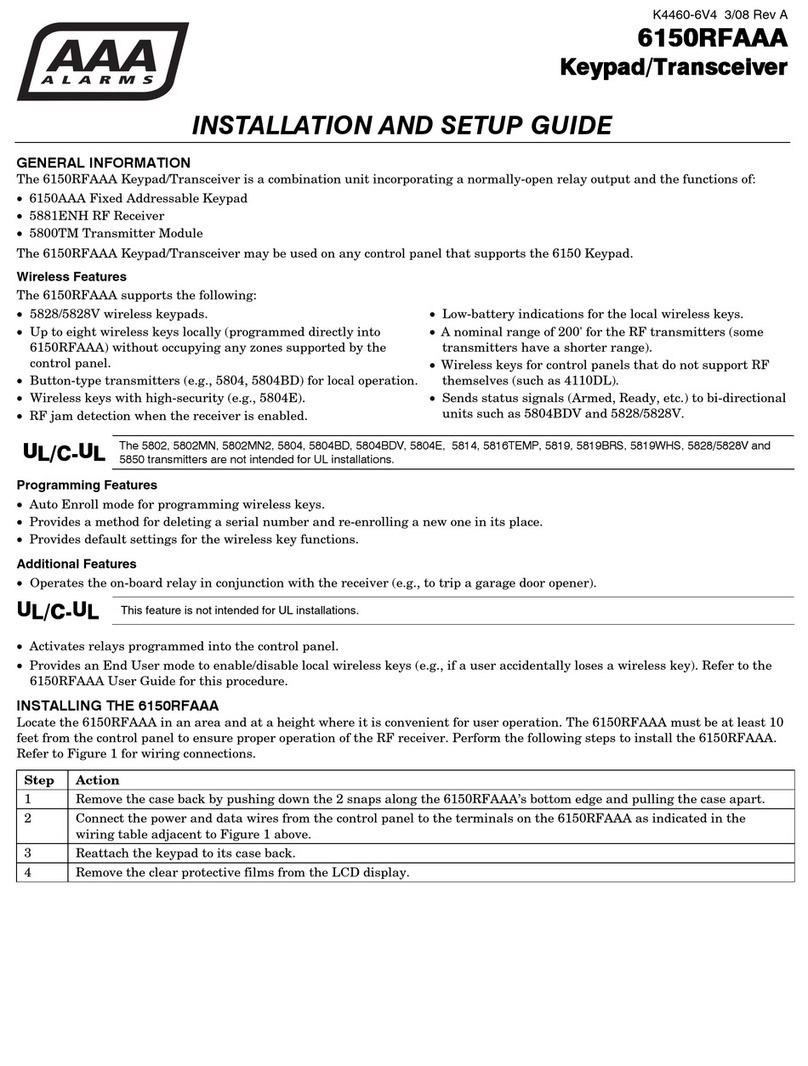
AAA 6150RFAAA Installation and setup guide

AAA

AAA 6150RFAAA Installation and setup guide

Fermax MDS Installation and programming manual

Fermax

Fermax MDS Installation and programming manual

ACT ACT PRO 1030 manual

ACT

ACT ACT PRO 1030 manual

Cardin SSB Series manual

Cardin

Cardin SSB Series manual

Harman Kardon KP 1 Specifications

Harman Kardon

Harman Kardon KP 1 Specifications

CYP CR-KP1 Operation manual

CYP

CYP CR-KP1 Operation manual

Aeware k-35 Series Quick reference card

Aeware

Aeware k-35 Series Quick reference card

Aritech CS-175 Series user guide

Aritech

Aritech CS-175 Series user guide

Lenze AC Tech MC SERIES installation instructions

Lenze AC Tech

Lenze AC Tech MC SERIES installation instructions

Burg Wächter secuENTRY 7711 operating instructions

Burg Wächter

Burg Wächter secuENTRY 7711 operating instructions

Aeware in.k450 Tech book

Aeware

Aeware in.k450 Tech book

Lenze EPM-H410 operating instructions

Lenze

Lenze EPM-H410 operating instructions

Toshiba RKP007Z user manual

Toshiba

Toshiba RKP007Z user manual

Elmes Electronic KB1 quick start guide

Elmes Electronic

Elmes Electronic KB1 quick start guide

Clare Controls ClareOne CLR-C1-PNC Installation sheet

Clare Controls

Clare Controls ClareOne CLR-C1-PNC Installation sheet

FM Electronics 4180 quick start guide

FM Electronics

FM Electronics 4180 quick start guide

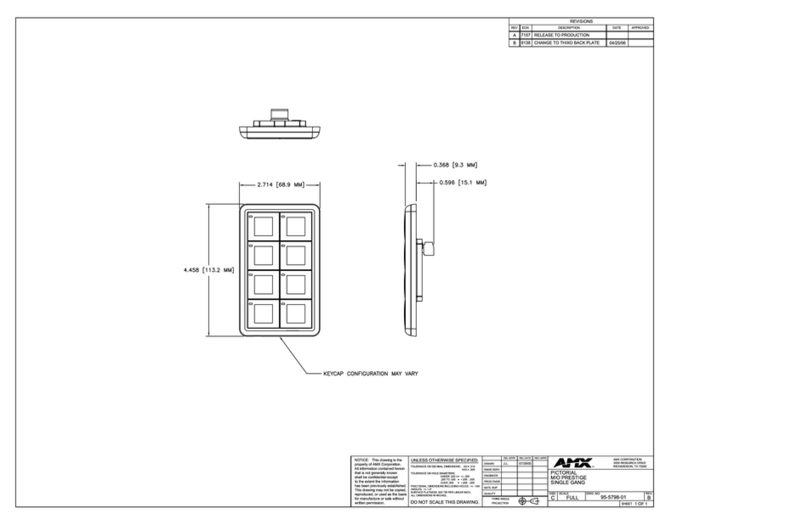
AMX MIO-PRESTIGE-S Dimensional drawing

AMX

AMX MIO-PRESTIGE-S Dimensional drawing

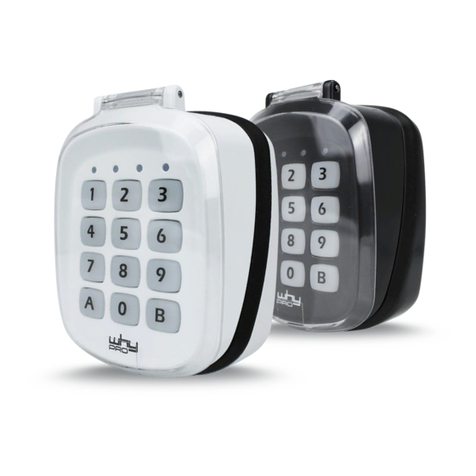
why pro WHY-KP user manual

why pro

why pro WHY-KP user manual

manuals.online logo
manuals.online logoBrands
  • About & Mission
  • Contact us
  • Privacy Policy
  • Terms and Conditions

Copyright 2025 Manuals.Online. All Rights Reserved.

The reader is supplied without the engineering password for programming
specified. To connect and (re) set the password — connect inputs D0
(green) and D1 (white) with each other and apply power to the reader.
Reader supports 3 operation modes for smartphones with U-Prox ID:
• "Door-Proximity" – 10-20 cm, reader activates by built-in IR sensor.
Recommended for double-sided doors and turnstiles
• "Door" - up to 60-70 cm
• "Barrier/Gate" - adjustable range of interaction from 1 to 15 m.
Read range 2-5 cm. Recommended for double-sided doors and turnstiles.
Easy connection
Mobile Apps
Integration
Mifare® и Mifare®Plus
via NFC for Android only
via
2.4 GHz radio
for Apple and Android
Seamless and easy connection to existing and new access systems, due to
the Wiegand 26, 32, 34, 37, 40, 42, 56, 58, 64 bit interfaces, Wiegand with
automatic selection, RS-232 and TouchMemory supports.
RS-232 protocol for integration into arbitrary systems.
Free mobile application U-Prox Mobile ID receives, stores and transmits
mobile credentials U-Prox ID between the reader and the smartphone.
With the free mobile application U-Prox Config, the reader can be
completely adjusted — from the indication to the encryption modes.
The adjustable versatile SmartLine (SL) reader for mobile credentials and
proximity identifiers in conjunction with the U-Prox Mobile ID application
and U-Prox IDs allow any access control system to use smartphones as
access system credentials.
U-Prox ID
Digital personal mobile credential. It is processed and stored in the user's
smartphone using the U-Prox Mobile ID application. It can be transferred
over NFC and/or 2.4 GHz radio between the reader and the smartphone.
Operates with ISO14443A identifiers, supports SL1 and SL3 modes for
Mifare®Plus. Read range — up to 5 cm.
Reads encrypted identifiers with static or diversified key and with an
arbitrary card number.
Simultaneous use of five encryption profiles.
RFID, 125 kHz
Supports RFID 125 kHz - EmMarine and other formats.
U-Prox SL keypad
VERSATILE READER WITH A KEYPAD
U-Prox SmartLine
NEW GENERATION OF READERS
• mobile credentials
• NFC and 2.4 GHz radio
• adjustable 2.4 GHz distance (0.1 - 15 m)
• Mifare Plus SL1/SL3 and Mifare Classic
• supports multiple formats of 125 kHz RFID
• smartphone adjustable
• adjustable Wiegand interface
• convinient and safe
• simple and convenient installation
• IP65 degree of protection
• built-in keypad
Keypad
Reader transmits keypad codes in one of the programmed modes —
package (after the ‘#’ key press) or digit-by-digit (4 or 8 bits per symbol).
NFC, Mifare and RFID 125 kHz - up to 5 cm, 2.4 GHz radio - adjustable 10 cm - 15 m
Benefits
Wiring Reader Installation
Limited Warranty
Case material
ABS+PC plastic
Color
black
Dimensions
42,8 х 157.8 х 16 mm
Weight
120 g
Ambient
IP65, -40°С . . . +60°С
Power supply
+9. . . +15 VDC, max current- up to 90 mA
Voltage ripple - up to 500 mVp-p
RFID, 125 kHz
ASK and FSK
Mifare®, 13,56 MHz
ISO14443A: Mifare®Standard, Mifare®Hi-Memory, Mifare®Ultralight, Mifare®Classic
1K/4K, Mifare®Classic 7UID, Mifare® Plus SL1 and SL3
NFC, 13,56 MHz
ISO 14443/15693
Read range
Wiring
8 wire cable, maximum distance to panel - up to 150 m for Wiegand interface,
up to 30 м m for TouchMemory interface
Interfaces
Wiegand 26, 32, 34, 37, 40, 42, 56, 58, 64 bits,
Wiegand Auto, RS-232 and
TouchMemory
The reader connection wires functions are listed in the table. We recommend to use
multi-core signal cable with 0.22 mm�cross-section of each wire between reader
and panel.
Manufacturer warrants that for a period of eighteen months from the date of purchase, the product shall be free of defect in materials and workmanship under normal use and that in fulfillment of any
breach of such warranty, Integrated Technical Vision ltd. shall, at its option, repair or replace the defective equipment upon return of the equipment to its repair depot. This warranty applies only to
defects in parts and workmanship and not damages incurred in shipping or handing, or damages due to causes beyond the control of Manufacturer such as lightning, excessive voltage, mechanical
shock, water damage, or damage arising out of abuse, alteration or improper application of the equipment.
The foregoing warranty shall apply only to the original buyer, and is and shall be lieu of any and all other warranties, whether expressed or implied and of all other obligations or liabilities on the part
of Manufacturer This warranty contains the entire warranty. Manufacturer neither assumes, nor authorizes any other person purporting to act on its behalf to modify or to change this warranty, nor to
assume for it any warranty or liability concerning this product.
In no event shall Manufacturer be liable for any direct, indirect or consequential damages. Loss of anticipated profits, loss of time or any other losses incurred by the buyer in connection with the
purchase, installation or operation or failure of this product.
Installation on the metal surfaces may cause decrease of reading range. Do not
place readers closer than 20 cm one from another.
It is possible to install two readers at a distance 10-15 cm of each other when their
yellow wires (Hold/Sync) interconnected. This synchronizes the work of the readers,
they will work alternately.
0. Make small recess or hole (diameter is 14 mm) to connect cable under the
reader's case
1. Loosen the screw at the bottom of the reader
2. Remove the top cover
3. Carry out wiring to the control panel
4. Fasten the reader to the wall, using supplied plastic dowels and screws
5. Place the top cover and tighten it with a screw
U-Prox SmartLine
NEW GENERATION OF READERS
U-PROX.COM
Keypad
Built-in, wireless. Programmable modes - package (after the ‘#’ key press) or
digit-by-digit (4 or 8 bits per symbol).
Reader connection to the panel with twisted pair.
Reader turns to the hold mode while yellow wire is shorted to ground and does
not read any identifiers.
It is prohibited to supply the external voltage to the yellow wire!
Wiegand RS232 TouchMemory
Data0 (WD0)
Data1 (WD1)
+V,
12 VDC
GND
Red Led
Green Led
Beep
Hold/Sync
Rx
Tx
Hold/Sync
iButton
Red Led
Green Led
Beep
Hold/Sync
Color
Green
White
Red
Black
Brown
Orange
Blue
Yellow
(+1 2 V)
(G ND)
iButton
data
+V
GND
TouchMemory (iButton)
(D0)
D0
(Data 0)
GND
D1
(Data 1 )
Wiegand
(G ND)
D1
D0
Reader
Black
(Ground)
Green
White
Black
Red
Green
Reader
(Ground)