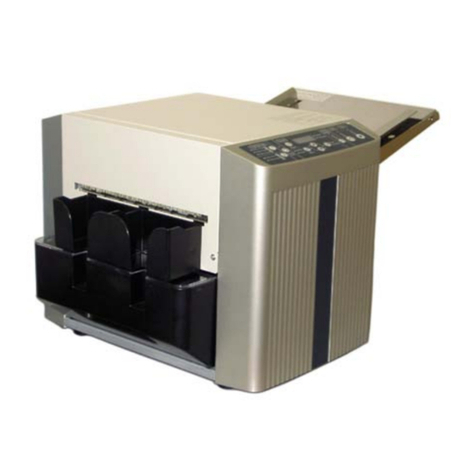
AeroCut X OPERATION MANUAL
3
Contents
1Introduction.......................................................................................................................5
1.1 Names of parts..........................................................................................................5
1.2 Accessories...............................................................................................................7
1.3 Touch panel...............................................................................................................8
1.4 Paper weight / quality................................................................................................9
1.5 Layout terminology................................................................................................. 10
2Operating instructions ....................................................................................................11
2.1 Lock a caster brake、Adjuster settings ..................................................................11
2.2 Turning the power on ..............................................................................................11
2.3 Initial position ......................................................................................................... 12
2.4 Input ....................................................................................................................... 12
2.5 Set .......................................................................................................................... 13
2.6 Paper setting .......................................................................................................... 14
2.7 Waste box setting................................................................................................... 15
2.8 Stacker setting ....................................................................................................... 15
2.8.1 Card stacker and Card stacker wire settings ................................................. 15
2.8.2 Stacker paper long guide................................................................................ 17
2.9 Start........................................................................................................................ 18
2.10 Stop ........................................................................................................................ 18
2.11 Waste disposal....................................................................................................... 19
2.12 Power off .............................................................................................................. 20
3Cut pattern input............................................................................................................ 21
3.1 Outline.................................................................................................................... 21
3.2 PRESET................................................................................................................. 21
3.3 MANUSET.............................................................................................................. 23
3.4 FLEX MODE .......................................................................................................... 25
3.5 Save / Read ........................................................................................................... 28
3.5.1 Save................................................................................................................ 28
3.5.2 Read ............................................................................................................... 29
3.5.3 Copy and Paste Job name ............................................................................. 30