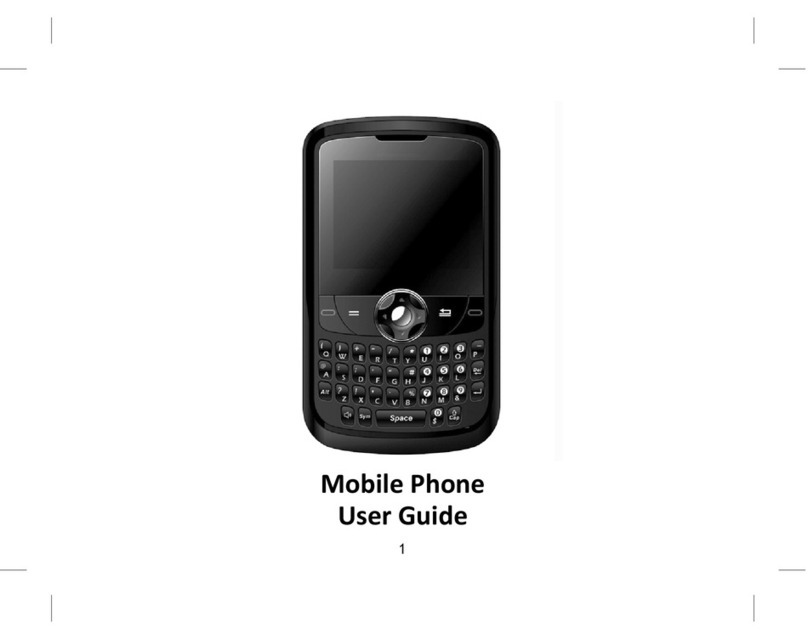
During a conversation, you may press the up and down-direction key to adjust the volume of earpiece, or
press the side volume up/down key.
Answering a call
When a call is incoming, the phone will prompt you according to the incoming call prompt mode you have
set. To answer a call, press the ‘Call control’ key to answer the call directly or any key (If ‘Any Key Answer’ is
set on) to answer. To reject a call, press the ‘on/off’ key and the other party will hear a busy tone.
6. Use the menu
–Enter the menu
In idle mode, press the middle of the Navigation Key to access the main menu of the phone. Under the main menu
interface, press any key to access the corresponding ‘Menu option list’.
The main menu includes 12 options, and all menus have the function for text prompts for the corresponding function.
Menus are further divided into multi-item sub-menus. Menu functions let you set, check or change the phone’s various
settings to meet your personal requirements. Use the direction keys to browse and select from menus. Press the OK key or
Left Softkey to confirm or to enter the sub-menu list of the selected menu. Press the “Back” key to return to the previous
menu. Press the ‘power on/off’ key to exit the menu and return to the standby screen.
While editing or entering text, use the “Back” key to delete text. Press it once to delete one character and press and hold it
to delete all the input characters.
Under Options, ‘On’ or ‘Activate’ enables the selected function and ‘Off’ or ‘Cancel’ disables the function.
–navigation the menu
The standby screen menu includes four options, Calendar, Multimedia, Messages and Bluetooth. Press the Navigation Key
to enter the listed menus.
6.1 Contacts
Includes the options as following:
Contact List
Create New Contact
Group
Set Speed Dial
Memory Info
6.1.1 Contact List
To show all contact that save on the phone. Each contact display name and the basic phone
number. Also you can press the left& right navigation key to show the other number of the
contact. There are serials options you can choose by left key.
Make a dial:
Select the contact by the up/down navigation key, the contact person will been highlight,
press the answer/send key.
Send messages: You can send a message to a contact that you selected.
Text messaging
Picture messaging
Edit: If you want to edit a contact, then you enter this option.
A whole contact information include: name, mobile number, home number, work number, fax
number, other number, email, address, ringer ID, picture and group.
Create New Contact: To create a new contact.