EnglishDeutsch
 logo
Brands
  1. Home
  2. •
  3. Brands
  4. •
  5. Vax
  6. •
  7. Vacuum Cleaner
  8. •
  9. Vax VZL-901 User manual

Vax VZL-901 User manual

Other manuals for VZL-901

1

This manual suits for next models

1

Other Vax Vacuum Cleaner manuals

Vax V - 034 Product information sheet

Vax

Vax V - 034 Product information sheet

Vax MAGNUM User manual

Vax

Vax MAGNUM User manual

Vax C87-T2 Series User manual

Vax

Vax C87-T2 Series User manual

Vax Canister Series Product information sheet

Vax

Vax Canister Series Product information sheet

Vax Sirit VR300 User manual

Vax

Vax Sirit VR300 User manual

Vax C91-M3 SERIES User manual

Vax

Vax C91-M3 SERIES User manual

Vax INFINITY V-116B User manual

Vax

Vax INFINITY V-116B User manual

Vax VX1 User manual

Vax

Vax VX1 User manual

Vax h85-ga-b10 Installation instructions

Vax

Vax h85-ga-b10 Installation instructions

Vax VX2 User manual

Vax

Vax VX2 User manual

Vax TBT3V1T1 User manual

Vax

Vax TBT3V1T1 User manual

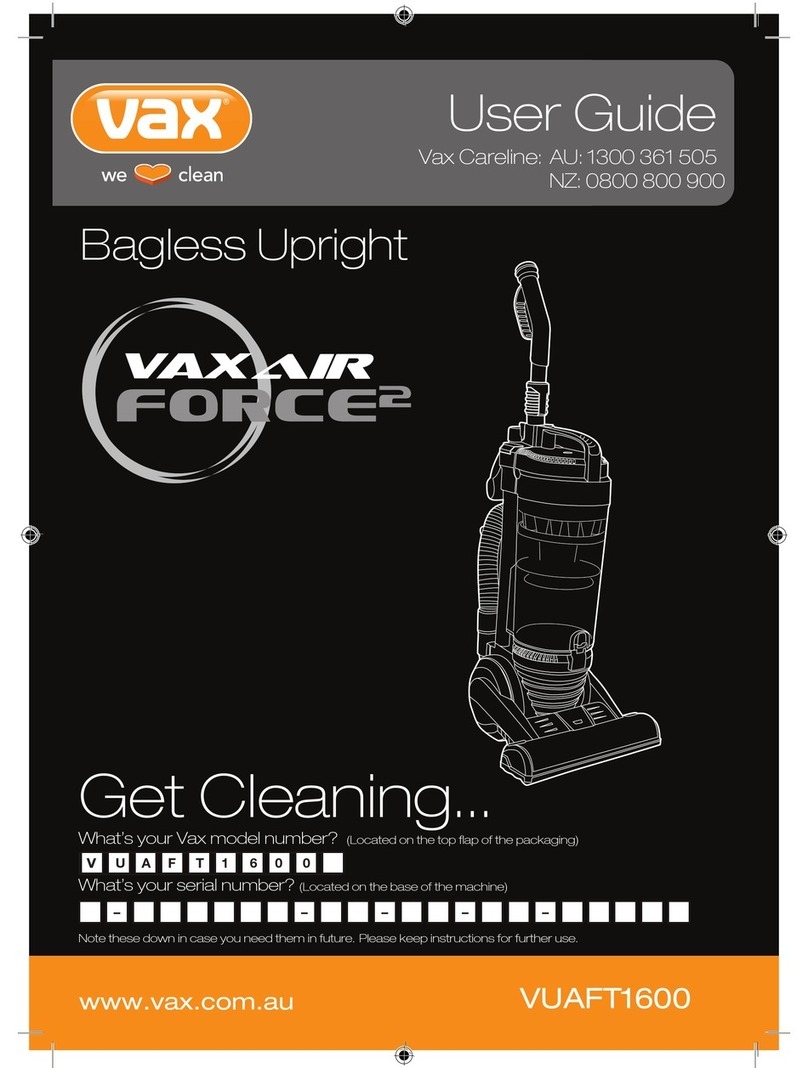
Vax VAXAIR Force 2 VUAFT1600 User manual

Vax

Vax VAXAIR Force 2 VUAFT1600 User manual

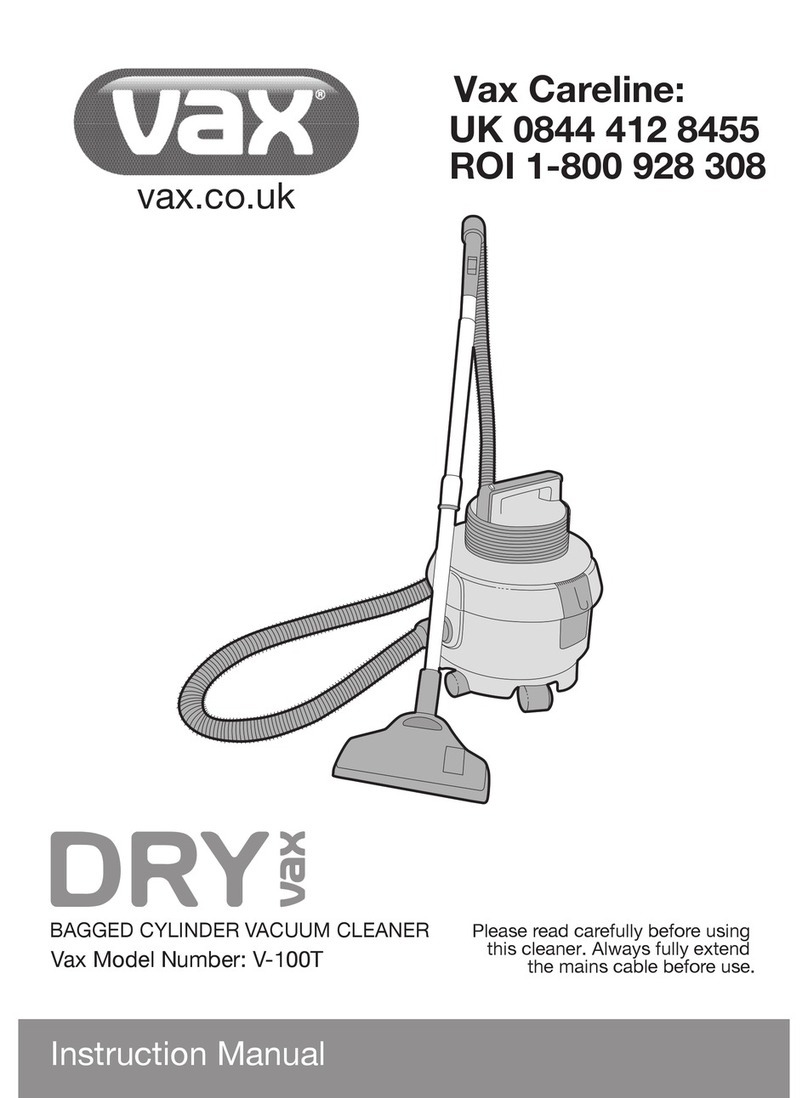
Vax V-100T User manual

Vax

Vax V-100T User manual

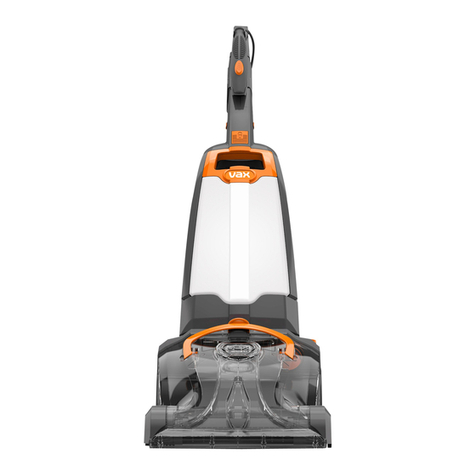
Vax Rapida ultra User manual

Vax

Vax Rapida ultra User manual

Vax MACH PET Installation instructions

Vax

Vax MACH PET Installation instructions

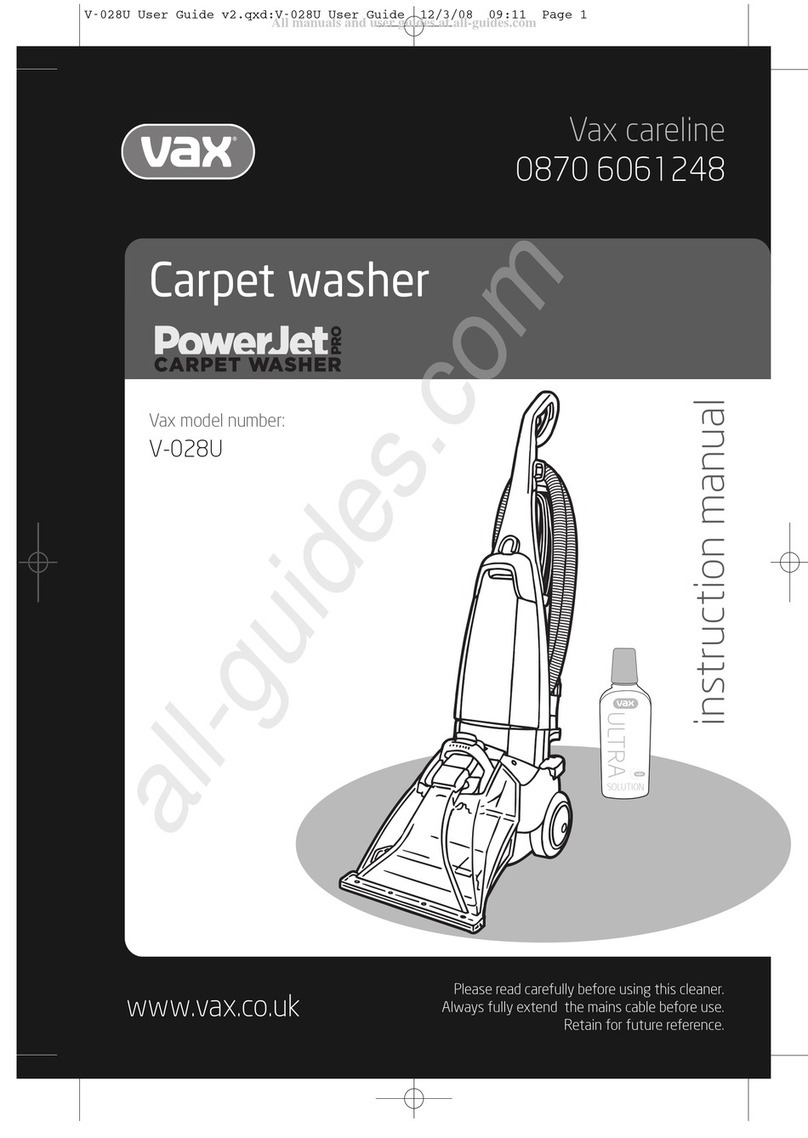
Vax PowerJet Capret Washer Pro V-028U User manual

Vax

Vax PowerJet Capret Washer Pro V-028U User manual

Vax Essentials VEC-102 User manual

Vax

Vax Essentials VEC-102 User manual

Vax Mach 1 SERIES User manual

Vax

Vax Mach 1 SERIES User manual

Vax VRS14W User manual

Vax

Vax VRS14W User manual

Vax White User manual

Vax

Vax White User manual

Vax C90-CX SERIES User manual

Vax

Vax C90-CX SERIES User manual

Vax W86-DP-B User manual

Vax

Vax W86-DP-B User manual

Vax V-116 SERIES User manual

Vax

Vax V-116 SERIES User manual

Vax Energise Vibe C85-E2-Be Installation instructions

Vax

Vax Energise Vibe C85-E2-Be Installation instructions

Popular Vacuum Cleaner manuals by other brands

Bissell LittleGreen Proheat 1425 Series user guide

Bissell

Bissell LittleGreen Proheat 1425 Series user guide

Panasonic MC-YL637S147-AE Service manual

Panasonic

Panasonic MC-YL637S147-AE Service manual

LG A9 Series owner's manual

LG

LG A9 Series owner's manual

Oreck Cordless Captura BK51700 Series user guide

Oreck

Oreck Cordless Captura BK51700 Series user guide

Kogan KAVACROBVWA user manual

Kogan

Kogan KAVACROBVWA user manual

Kränzle VENTOS 50 ID Use and maintenance

Kränzle

Kränzle VENTOS 50 ID Use and maintenance

NEFF N17XH10 0 Series instruction manual

NEFF

NEFF N17XH10 0 Series instruction manual

EVVO Ai35 instruction manual

EVVO

EVVO Ai35 instruction manual

DeWalt DWH200D instruction manual

DeWalt

DeWalt DWH200D instruction manual

Pontec Pondomatic Vacuum Cleaner operating instructions

Pontec

Pontec Pondomatic Vacuum Cleaner operating instructions

Cleanmaxx PC-P007E instruction manual

Cleanmaxx

Cleanmaxx PC-P007E instruction manual

RIDGID WD1685AU0 owner's manual

RIDGID

RIDGID WD1685AU0 owner's manual

Ezviz RE4P manual

Ezviz

Ezviz RE4P manual

STG global TANVAC HDV3000 Operator's manual

STG global

STG global TANVAC HDV3000 Operator's manual

Shark ROTATOR PRO COMPLETE NV550 Series manual

Shark

Shark ROTATOR PRO COMPLETE NV550 Series manual

Factory M3340 operating manual

Factory

Factory M3340 operating manual

Shop-Vac VN92 SERIES user manual

Shop-Vac

Shop-Vac VN92 SERIES user manual

Nobles 608669 Operator and parts manual

Nobles

Nobles 608669 Operator and parts manual

https://manuals.online logo
https://manuals.online logoBrands
  • About & Mission
  • Contact us
  • Privacy Policy
  • Terms and Conditions

Copyright 2026 Manuals.Online. All Rights Reserved.

www.vax.co.uk Please read carefully before using this cleaner.
Always fully extend the mains cable before use.
Retain for future reference.
Vax careline
0870 6061248
instruction manual
Bagless upright
Vax model number:
VZL-901
WARNING: This cleaner has a constantly
rotating brush bar which, when left in
contact with lino, parquet and other hard flooring
could potentially cause some damage to the floor
surface.
NOTE: Vax recommends that you raise the height
of the brush bar when using this cleaner on lino and
hard flooring. Vax cannot be held responsible for
damage to these surfaces if the customer fails to
take notice of this recommendation.
!
1. Diagram
www.vax.co.uk
2parts overview
19
1
16
17
18
2
3
4
5
6
7
8
9
10
15
14
11
21
22
25
1 Handle
2 Telescopic wand
3 Carry handle
4 Cyclonic chamber bottom
door release
5 Cyclonic chamber
6 Dirt container
7 Cyclone shroud
8 Filter indicator light
9 Headlight
10 Carpet height adjuster
11 Scuff guard bumper
12 Handle release
13 Carpet-to-floor selector
14 Lower hose holder
15 Stretch hose
16 Crevice tool
17 Upholstery brush
18 Dusting attachment
19 Dirt container release button
20 Cyclonic chamber rinsing port
21 Upper hose holder
22 Quick release cord holder
23 Telescopic wand release
24 Power cord holder
25 n/off button
Fig.1/1
20
12
13
23
24
VZL-901
WARNING: This cleaner has a
constantly rotating brush bar
which, when left in contact with lino,
parquet and other hard flooring
could potentially cause some
damage to the floor surface.
NOTE: Vax recommends that you
raise the height of the brush bar
when using this cleaner on lino and
hard flooring. Vax cannot be held
responsible for damage to these
surfaces if the customer fails to
take notice of this recommendation.
!
!
3
Vax Careline 0870 606 1248
safety information
2. Safety Information
For Household Use Only
When using the vacuum cleaner, basic safety precautions
should always be observed, including the following:
1. nly use the vacuum cleaner indoors on dry
surfaces.
2. Turn off the vacuum cleaner controls before
connecting or disconnecting from the mains supply.
3. Always unplug the vacuum cleaner before
connecting or disconnecting the vacuum hose and
accessories.
4. Children should be supervised to ensure that they
do not play with the appliance.
5. This appliance is not intended for use by persons
(including children) with reduced physical, sensory or
mental capabilities, or lack of experience and
knowledge, unless they have been given supervision
or instruction concerning use of the appliance by
person responsible for their safety.
6. Use only as described in this manual.
Use only the manufacturer’s recommended
attachments.
7. Do not use the vacuum cleaner if it has been
dropped, damaged, left outdoors or dropped into
water. Do not use the vacuum cleaner with a
damaged cord or plug. If the supply cord or plug is
damaged, return the vacuum cleaner to a Vax
Authorised Service Agent or suitably qualified
person for examination, repair or adjustment.
8. Do not pull or carry by the cord. Do not use the cord
as a handle, close a door on the cord or pull the cord
around sharp edges or corners. Do not run the
vacuum cleaner over the cord. Keep the cord away
from heated surfaces.
9. Do not handle the plug or vacuum cleaner with wet
hands. Do not use outdoors or on wet surfaces.
10. Do not put any objects into openings. Do not use
with any openings blocked and do not restrict air
flow. Keep all openings free of dust, lint, hair or
anything that may reduce airflow.
11. Keep hair, loose clothing, fingers and all parts of the
body away from openings and moving parts.
12. Do not pick up hot coals, cigarette butts, matches or
any hot, smoking or burning objects.
13. Do not pick up flammable or combustible materials
(lighter fluid, petrol, kerosene, etc) or use in the
presence of explosive liquids or vapours.
14. Do not vacuum up harmful or toxic material (chlorine
bleach, ammonia, drain cleaner, etc).
15. Do not vacuum up hard or sharp objects such as
glass, nails, screws, coins, etc.
16. Do not use without the filters in place.
17. Take extra care when vacuuming on stairs.
18. Keep vacuuming area well lit.
19. Store the vacuum cleaner indoors in a cool, dry area.
20. Turn off the on/off switch before unplugging the
vacuum cleaner.
21. Use only CE-approved 13 amp extension cords. Non-
approved extension cords may overheat. Care should
be taken to arrange the cord so that the cord cannot
be pulled or tripped over.
WARNING: Always switch off and unplug the
vacuum cleaner from the electrical outlet
before assembling, opening or emptying the dirt
container, or before connecting/disconnecting the
attachments.
CAUTION: The vacuum cleaner is a very
powerful unit. Before plugging the cord into
the electrical outlet, make sure the switch is in the
‘off’ position. Hold the vacuum cleaner firmly when
starting and in use.
IM ORTANT: If the inlet or hose is blocked,
switch off the vacuum cleaner and remove the
blockage(s) before re-starting the vacuum cleaner.
IM ORTANT: Cleaning filters improves vacuum
performance. For models with filters that have
washable outers, please note the filters must be
given 24 hours to dry after rinsing before being
placed back into the cleaner.
This vacuum cleaner is intended for household use
only and not for commercial or industrial use.
Motor Thermostat
IM ORTANT: The motor is equipped with a
thermal cut-out. If for any reason, the vacuum
cleaner should over-heat, the thermostat will
automatically turn the unit off. Should this occur,
unplug the vacuum cleaner from the electrical outlet
and turn off the switch. Remove the dirt container
and empty. Clean the filters. Allow the cleaner to cool
for approximately one (1) hour. To re-start, plug into
an electrical outlet and switch back on.

!
!
!
!
!
www.vax.co.uk
4assembly / operation
3. How to Assemble
IM ORTANT: Always remove the power plug
from the electrical outlet before assembling or
removing accessories.
Inserting & Removing the Telescopic Wand into the
Main Unit
Insert the telescopic wand into the opening at the top of
the unit, making sure that the telescopic wand height
adjustment knob is facing the back of the unit (Fig.3/1)
Insert the handle into the top opening of the telescopic
wand making sure that the handle locking pin is in place
(Fig.3/2).
To remove the telescopic wand, press the telescopic
wand release button which is located on the back of the
unit and lift the telescopic wand up (Fig.3/3)
Attaching the Upper Hose Holder
Place the upper hose holder into the slot in the back of the
vacuum. Using a Philips screwdriver and the screw
provided, attach the hose clip to the vacuum (Fig.3/4).
Winding & Unwinding the ower Cord
This vacuum cleaner is equipped with a convenient cord
storage feature. The power cord winds around the two
cord holders at the side of the unit. The top cord holder has
a quick cord release feature. Turn the cord hook to the left
or the right to remove the power cord (Fig.3/5).
4. How to perate
Using the Vacuum for Above Floor Cleaning
Your vacuum can be used to dust above floor areas such
as tops of furniture, upholstery, drapes, etc. When using
with accessories, you must place the carpet-to-floor
selector to the “Bare Floor/Tools” position.

Crevice Tool
For radiators, crevices, corners, skirting
boards and between cushions.
Upholstery/Dusting Brush
The upholstery/dusting brush is two brushes in one. To
use as an upholstery brush, you must remove the dusting
brush attachment. To remove, just snap the two pieces
apart (Fig.4/1).
!
Fig.3/1
Fig.3/4
Fig.3/5
Fig.3/2
Fig.3/3
Telescopic wand
height adjustment
Handle
locking pin
5
Vax Careline 0870 606 1248
operation
Use the upholstery brush to remove dust and pet hair
from furniture. Use the dusting brush to dust furniture,
Venetian blinds, books, lamp shades and shelves.
Attaching the Accessories
The accessories can be attached either the handle or to
the telescopic wand.
To attach the accessories to the handle:
Press the handle locking pin and pull the handle up to
remove it from the telescopic wand. Push the desired
accessory onto the end (Fig.4/2).
To remove the accessories, just pull them out.
To attach the accessories to the telescopic wand:
Press the telescopic wand release button and pull the
telescopic wand out of the vacuum (Fig.4/3)
Push the desired accessory onto the end (Fig.4/4)
To remove the accessories, just pull them out.
Using the Accessories
To avoid tip over, always make sure that the hose is
inserted into the lower hose holder that is located at the
bottom of the unit, just behind the dust cup container
(Fig.4/5).
Turn the quick release cord holder 180° to either side to
release the power cord.
Plug the power cord into the electrical outlet.
When using the attachments, the vacuum must be in the
upright position.

Ensure that brush bar is locked by pressing the carpet-to-
floor selector to the “Bare Floor/Tools” position (Fig.4/6).
CAUTION: Do NOT pull the vacuum cleaner
around the room by the hose as it could tip
over and cause damage. When using the
attachments, do NOT over extend the hose length
when reaching. Trying to reach beyond the hose
reach could cause the vacuum to tip over.
Fig.4/3
Fig.4/4
Fig.4/5
Fig.4/1
Fig.4/2
Push
Lift
Lower hose
holder
Fig.4/6
!
Bare floor
/ Tools
www.vax.co.uk
6operation
WARNING: Avoid tipping the vacuum or setting
it on furniture, fringed area rugs or carpeted
stairs while you are using the hose with the
attachments. When the vacuum is turned on, the
brush bar will continue to rotate until you put the
carpet-to-floor selector to the “Bare Floor/Tools”
position. Avoid leaving the vacuum in one place for
an extended period of time, particularly on thick carpet.
NOTE: When lifting your vacuum from the carry
handle, be careful not to press the dust cup release
button because you will release the dust cup
assembly.
Vacuuming Floors & Carpets
The upright vacuum can be used to vacuum all types of
carpeting and bare floors.
Turn the quick release cord holder 180° to either side to
release the power cord.
Plug the power cord into the electrical outlet.
Depress on the handle release pedal to release the
handle (Fig.4/7).
When vacuuming carpets, set the carpet-to-floor selector
to the “Carpet” position to engage the brush bar. When
vacuuming bare floors, set the carpet-to-floor selector to
the “Bare Floor/Tools” position. This will lock the brush
bar and it will not turn (Fig.4/8).
How to Adjust for Carpet Height
WARNING: To avoid injury, keep loose clothing,
hair, fingers and all other parts of body away
from any moving parts (such as the brush bar). Turn
off the switch and unplug the vacuum before
adjusting the vacuum for the carpet height.
The front of the power nozzle has a carpet height
adjustment knob that raises and lowers the motorised
power head to match the type of carpet (Fig.4/9).
With the vacuum N T connected to the electrical outlet,
set the adjustment to the lowest setting for maximum
cleaning. If the vacuum is too difficult to push, move the
knob to the next highest setting until the vacuum is
comfortable to push. The brush bar must reach the carpet
for the most effective cleaning.
IM ORTANT: See the manufacturer’s
recommendations when vacuuming delicate or
hand woven carpets. They may suggest vacuuming
your carpet with the power nozzle on a low height
with the brush bar “Off. If this is the case, set the
carpet height adjustor to the lowest setting and
place the carpet-to-floor selector to the “Bare
Floor/Tools” position.
WARNING: Always empty the dust cup after
each use and during prolonged usage. Never
over fill the dust cup beyond the “MAX” fill line -
remove dirt and clean the cyclone shroud each time
the dust cup is emptied or during prolonged usage or
risk motor damage. Empty the cyclonic chamber every
three months depending on the amount of usage.
Never let the dust in the cyclonic chamber surpass
the “MAX” fill line.
!
!
!
!
Fig.4/7
Fig.4/8
Fig.4/9
Carpet height
adjustment
knob
Carpet
position
Bare floor
/ Tools
WARNING: This cleaner has a constantly
rotating brush bar which, when left in contact
with lino, parquet and other hard flooring could
potentially cause some damage to the floor surface.
NOTE: Vax recommends that you raise the height of
the brush bar when using this cleaner on lino and hard
flooring. Vax cannot be held responsible for damage to
these surfaces if the customer fails to take notice of
this recommendation.
!
7
Vax Careline 0870 606 1248
dirt container and filters
5. Dirt Container & Filters:
Removal & Replacement
Removing the Dust Cup Assembly
CAUTION: Always unplug the unit from the
electrical outlet before removing and emptying
the dust cup. Failure to do so, may result in electric
shock or personal injury.
To ensure that your vacuum continues to clean
thoroughly, the dust cup should be emptied after each
use and/or each time it reaches the “MAX” fill line.
To remove the dust cup assembly, press the dust cup
release button and remove the dust cup assembly
(Fig.5/1).
WARNING: Do NOT push the cyclonic chamber
bottom door release button while the cyclonic
chamber is still attached to the dust cup.
To empty the dust cup, hold the dust cup assembly over a
garbage container and press on the dust cup bottom door
release button (Fig.5/2).
Separating the Dust Cup from the Cyclonic Chamber
Remove the dust cup assembly.
While holding the dust cup assembly, twist the carrying
handle counter clockwise to separate the cyclonic
chamber from the dust cup (Fig.5/3).
Cleaning the Dust Cup & Cyclone Shroud
To remove the cyclone shroud:
Hold the dust cup in one hand and with the other hold the
cyclone shroud. Twist the cyclone shroud counter
clockwise to unlock and remove from the dust cup (Fig5/4).
Take out the cyclone shroud and rinse it in lukewarm
water by just running it under the tap to remove any dust
that is adhering to the screen (Fig.5/5).
Do N T place in dishwasher. Allow the cyclone shroud to
air dry completely (24 hours) before reinstalling into the
vacuum.
The dust cup can be washed in lukewarm water. Do not
use strong detergents (Fig.5/6).
!
!
Fig.5/1
Fig.5/4
Fig.5/5
Fig.5/2
Fig.5/3
Press
Hold from
the bottom
Hold
and
twist
Cyclone
shroud
www.vax.co.uk
8dirt container and filters
Make sure that the dust cup and the cyclone shroud are
completely dry before re-assembling.
To replace the cyclone shroud, insert the cyclone shroud
back into the dust cup. Fit the cyclone shroud back into
position and turn clockwise to lock it into position.
Emptying & Cleaning the Cyclonic Chamber
Periodically the cyclonic chamber will need to be emptied
and cleaned. This does not have to be done every time
the dust cup is emptied but it is recommended that you
empty the cyclonic chamber every three (3) months
depending on use or prior to the dust in the cyclonic
chamber reaching the “MAX” fill line. If dirt level is not
visible, clean every three months.
To empty the cyclonic chamber:
Hold the cyclonic chamber from the handle over a
garbage can and press the cyclonic chamber bottom door
release button to empty the dust (Fig.5/7).
After emptying the cyclonic chamber, replace it onto the
dust cup and place the dust cup assembly into the
vacuum.
To clean the cyclonic chamber:
Make sure that you have emptied all the dust from the
cyclonic chamber before rinsing.
Step 1 - Fill the cyclonic chamber half way with water
(Fig.5/8). Use only water. Do N T use any type of
detergent or soap.
Step 2 - Close the cyclonic chamber bottom door and
shake the cyclonic chamber thoroughly to remove any
dust that has adhered to the cyclones (Fig.5/9).
Step 3 - Hold the cyclonic chamber over a sink and press
the cyclonic chamber bottom door release button to
empty the water (Fig.5/10).
Repeat steps 1 to 3 as necessary to remove all dirt from
the cyclonic chamber.
Let the cyclonic chamber completely air dry with the
bottom door open before replacing into the vacuum. This
could take up to 48 hours.
WARNING: To avoid risk of electrical shock,
never operate the vacuum with the cyclonic
chamber wet.
!
!
Fig.5/6 Fig.5/8
Fig.5/7
Fig.5/9
Fig.5/10
!
Vax Careline 0870 606 1248
dirt container and filters
Filter Indicator Light
When the filter indicator light flashes, it means that the
dust cup is full, the filters need cleaning or there is a
blockage in the air paths. You must empty the dust from
the dust cup, clean the cyclone shroud, clean the filters
and check the unit for any blockages (Fig.5/11).
NOTE: Occasionally the filter indicator light will flash
momentarily if the air path is blocked when using the
above floor tools. This is normal.
Cleaning re-Motor Filters
Under normal use, the 2 filters in the filter housing
should be cleaned every three (3) to five (5) months for
optimal performance of your vacuum. The filter indicator
light will flash when the filters need cleaning.
To remove the filter housing:
Hold the filter housing by the air inlet and turn counter
clockwise to unlock (Fig.5/12).
Turn the filter housing upside down and turn the filter
housing base counter clockwise to open. Remove the
filter housing base (Fig.5/13).
Inside the filter housing are two filters. Filter 1 is a foam
filter and Filter 2 is a felt filter. Both are washable and
reusable for the lifetime of your vacuum (under normal
household use) (Fig.5/14).
Rinse the filters in lukewarm water until the water runs
clear. Squeeze and let the filters air dry for 24 hours
before re-installing into the filter housing. Do not use a
washing machine to clean the filters. Do not use a hair
dryer to dry them. Air dry only. You can also rinse the
filter housing if you wish. Never operate the vacuum
without ALL the filters in place.
NOTE:To continue using your vacuum while the pre-
motor filters are drying, you can replace them with
the extra set of pre-motor filters that are included.
When the filters are dry, replace them into the dry filter
housing. Insert the foam filter (filter 1) first and then
place the felt filter (filter 2) over the foam filter (Fig.5/15).
9
Fig.5/12
Fig.5/11
Fig.5/13
Fig.5/14
Foam filter Felt filter
Fig.5/15
Filter housing base
Felt filter
Foam filter
Filter housing
www.vax.co.uk
10 dirt container and filters
Replace the filter housing base on to the filter housing.
Align the arrows on the filter housing with the arrows on
the filter housing base and turn clockwise to lock in place
(Fig.5/16).
Removing & Cleaning the Lifetime Washable
HE A Filter
Under normal use, the HEPA filter should be tapped
cleaned and rinsed once every three (3) years or as
needed depending on usage. This is located underneath
the filter housing.
To remove the HEPA filter:
Remove the filter housing.
Hold the HEPA filter by the centre opening and lift it up
(Fig.5/17).
Vigorously tap clean the HEPA filter on a hard surface to
remove any residual dust that might be on the HEPA filter
(Fig.5/18).
You can wash the HEPA filter by running it under the tap
allowing the water to run on the dirty side (Fig.5/19).
Always allow 24 hours for air drying before replacing into
the vacuum.
Replace the HEPA filter back into the vacuum after it has
air dried for 24 hours.
NOTE: The white material in the HE A filter will
discolour over time - This is NORMAL and will NOT
affect the performance of the filter.
Fig.5/18
Fig.5/19
Fig.5/16
Fig.5/17
Align here
to close