EnglishDeutsch
 logo
Brands
  1. Home
  2. •
  3. Brands
  4. •
  5. VDO
  6. •
  7. Measuring Instrument
  8. •
  9. VDO A2C59519487 User manual

VDO A2C59519487 User manual

Other VDO Measuring Instrument manuals

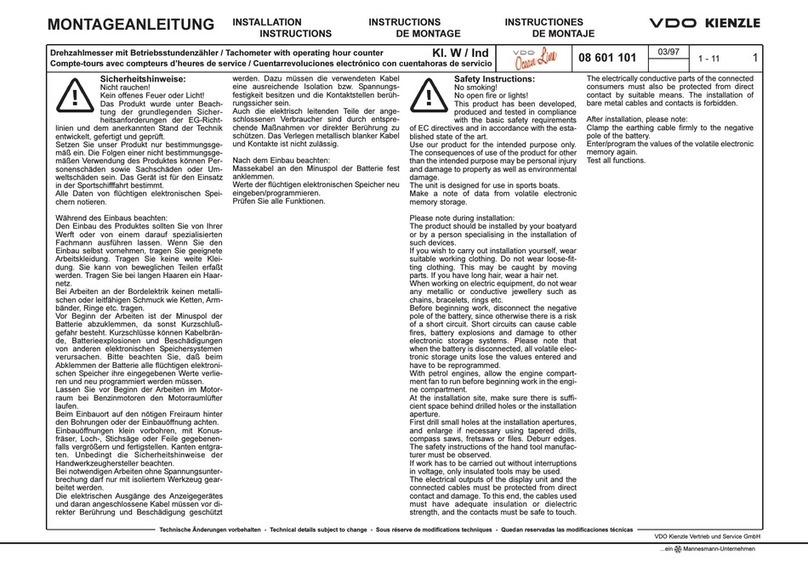
VDO Ocean Link User manual

VDO

VDO Ocean Link User manual

VDO KIMAX User manual

VDO

VDO KIMAX User manual

VDO TU00-0752-9207102 User manual

VDO

VDO TU00-0752-9207102 User manual

VDO TPMS User manual

VDO

VDO TPMS User manual

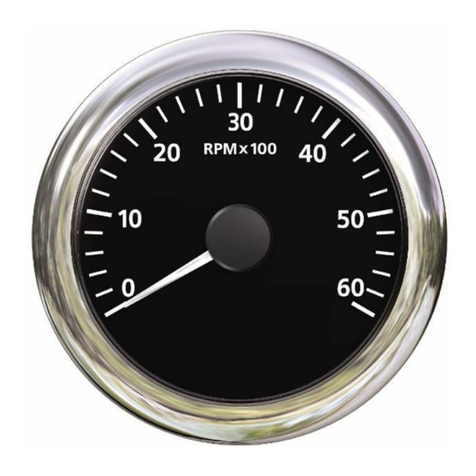
VDO TACHOMETER User manual

VDO

VDO TACHOMETER User manual

VDO Ocean Link User manual

VDO

VDO Ocean Link User manual

VDO COMPACT TACHOGRAPH KTCO 1318 User manual

VDO

VDO COMPACT TACHOGRAPH KTCO 1318 User manual

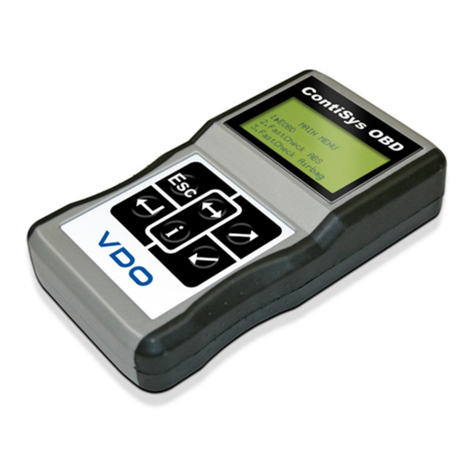
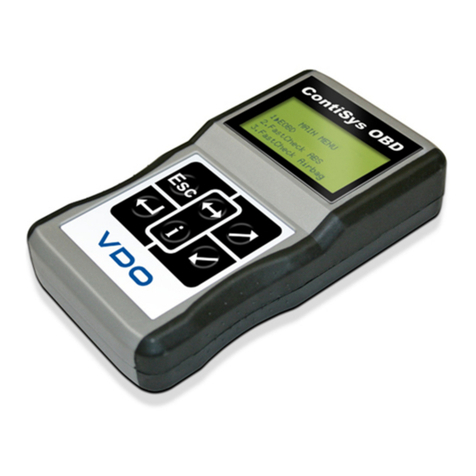
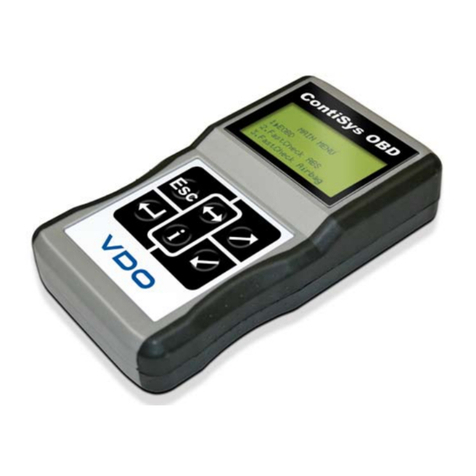
VDO CONTISYS OBD - User manual

VDO

VDO CONTISYS OBD - User manual

VDO VIEWLINE TACHOMETER User manual

VDO

VDO VIEWLINE TACHOMETER User manual

VDO Viewline 110 mm User manual

VDO

VDO Viewline 110 mm User manual

VDO 333.001 Install guide

VDO

VDO 333.001 Install guide

VDO CONTISYS OBD PROFESSIONAL User manual

VDO

VDO CONTISYS OBD PROFESSIONAL User manual

VDO CONTISYS OBD - User manual

VDO

VDO CONTISYS OBD - User manual

VDO CONTISYS OBD - User manual

VDO

VDO CONTISYS OBD - User manual

VDO TU00-0752-5807102 User manual

VDO

VDO TU00-0752-5807102 User manual

VDO CONTISYS SCAN User manual

VDO

VDO CONTISYS SCAN User manual

VDO OCEANLINK - User manual

VDO

VDO OCEANLINK - User manual

VDO VIEWLINE AMMETER User manual

VDO

VDO VIEWLINE AMMETER User manual

VDO Viewline TU00-0752-8707102 User manual

VDO

VDO Viewline TU00-0752-8707102 User manual

VDO CONTISYS OBD - V3.0 User manual

VDO

VDO CONTISYS OBD - V3.0 User manual

VDO CONTISYS OBD - User manual

VDO

VDO CONTISYS OBD - User manual

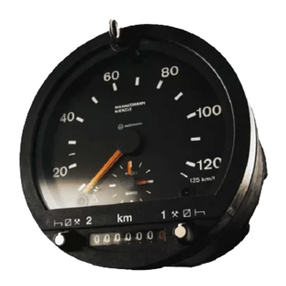
VDO TACHOMETER WITH COUNTER User manual

VDO

VDO TACHOMETER WITH COUNTER User manual

VDO CONTISYS OBD - APPLICATION LIST V2.0 User manual

VDO

VDO CONTISYS OBD - APPLICATION LIST V2.0 User manual

VDO VIEWLINE TACHOMETER WITHOUT LCD User manual

VDO

VDO VIEWLINE TACHOMETER WITHOUT LCD User manual

Popular Measuring Instrument manuals by other brands

Suaoki D40 user manual

Suaoki

Suaoki D40 user manual

Elster BK-G1.6 operating instructions

Elster

Elster BK-G1.6 operating instructions

Endress+Hauser Deltabar FMD71 technical information

Endress+Hauser

Endress+Hauser Deltabar FMD71 technical information

Duratool D03128 manual

Duratool

Duratool D03128 manual

Vega VEGAPULS 65 Quick setup guide

Vega

Vega VEGAPULS 65 Quick setup guide

Tonghui TH2618B Operation manual

Tonghui

Tonghui TH2618B Operation manual

Tenmars TM-801 user manual

Tenmars

Tenmars TM-801 user manual

MSR 145 user manual

MSR

MSR 145 user manual

TPS WP-82 manual

TPS

TPS WP-82 manual

PCB Piezotronics 003C30 Installation and operating manual

PCB Piezotronics

PCB Piezotronics 003C30 Installation and operating manual

Tenma 72-10465 manual

Tenma

Tenma 72-10465 manual

Endress+Hauser Proline Promag 50 Brief operating instructions

Endress+Hauser

Endress+Hauser Proline Promag 50 Brief operating instructions

Siemens SITRANS F Coriolis FCT030 Function manual

Siemens

Siemens SITRANS F Coriolis FCT030 Function manual

KLINGER CMF V Series instruction manual

KLINGER

KLINGER CMF V Series instruction manual

Keysight M8290A Getting started guide

Keysight

Keysight M8290A Getting started guide

Acterna MS1400 Operation manual

Acterna

Acterna MS1400 Operation manual

R&S ZPH manual

R&S

R&S ZPH manual

Datacolor ColorReader DC10-2 user guide

Datacolor

Datacolor ColorReader DC10-2 user guide

https://manuals.online logo
https://manuals.online logoBrands
  • About & Mission
  • Contact us
  • Privacy Policy
  • Terms and Conditions

Copyright 2026 Manuals.Online. All Rights Reserved.

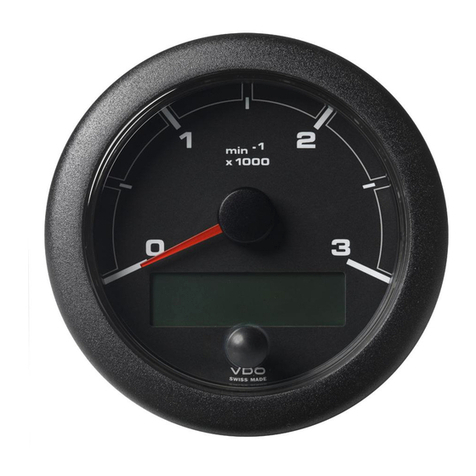
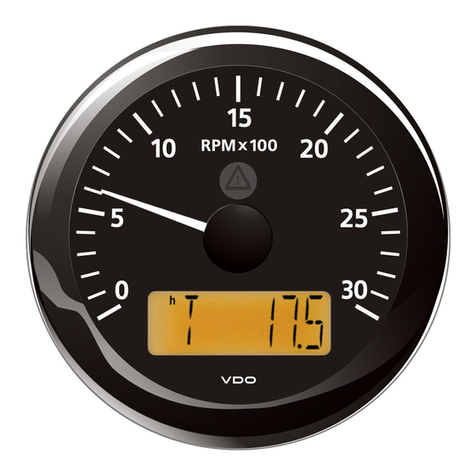
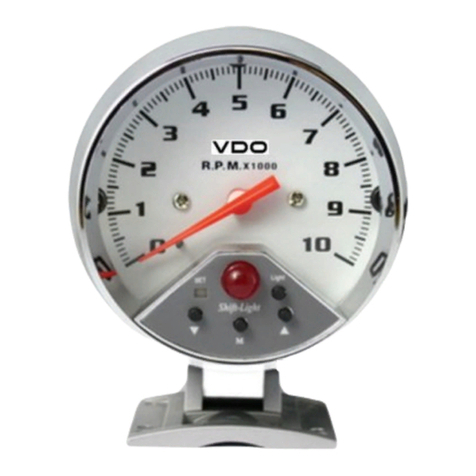
Tach With Display 85mm
Tech Support 1-800-265-1818
http://usa.vdo.com Instruction Sheet # A2C59519487 Rev 11-2010
Gauge Installation:
1. Select the desired mounting location of the instrument.
2. Depending on your mounting situations it might be
necessary to configure the gauge before installation.
See page 2 - Setting up the Tachometer.
3. Mount the gauge and secure with the VDO Spin-Lok™
Clamp.
(See page 4 for mounting options and instructions)
Wiring the Gauge (Illustration A):
1. Route wires from the instrument to:
(a) the battery (+) constant power after the fuse box or
user supplied in-line fuse – 5 amp fast-blow.
(b) the battery (+) after the ignition switch and after the
fuse box or user supplied in-line fuse – 1 amp fast-
blow.
(c) the light switch after the fuse box or user supplied in-
line fuse -1 amp.
(d) a good, dedicated ground location.
(e) the Ignition Coil - Negative terminal, Alternator W
terminal, Inductive , Generator , or Hall Effect Signal
(f) the Inductive or Generator.
2. Connect the harness according to the following wiring
Matrix:
Pin Description
1 Red - Battery constant (+12 / 24 V)
2 Black - Ground
3 Blue/Black - Sender Signal -
4 Brown - Battery switched (+12 / 24 V)
5 Green - Sender Signal +
6 Blue/Red - Illumination (+)
7 Not Connected
8 Not Connected
Note - Use 18 AWG for wire harness
Read these instructions thoroughly
before installation. Do not deviate
from assembly or wiring diagram.
Always disconnect battery ground
before making any electrical
connections.
IMPORTANT: Mounting dimensions
vary for different gauges. Please
be certain to follow the instructions
for your specific gauge.
Parts List
Item Description Qty
1 85mm Gauge 1
2 Spin-Lok™ Clamp 1
3 Gasket 1
4 8 pin Harness 1
5 14 pin Harness 1
6 Push-button 1
7 Instruction Sheet 1
Merchandise warranted against defects in factory workmanship and materials for a period of 24
months after purchase. This warranty applies to the first retail purchaser and covers only those
products exposed to normal use or service. Provisions of this warranty shall not apply to a VDO
product used for a purpose for which it is not designed, or which has been altered in any way
that would be detrimental to the performance or life of the products, or misapplication, misuse,
negligence or accident. On any VDO part or VDO product found to be defective after
examination by manufacturer, manufacturer will only repair or replace the merchandise through
the original selling dealer. Manufacturer assumes no responsibility for diagnosis, removal and/or
installation labor, loss of vehicle use, loss of time, inconvenience or any other consequential
expenses. The warranties herein are in lieu of any other expressed or implied warranties,
including any implied warranty or merchantability of fitness, and any other obligation on the part
of manufacturer, or selling dealer.
I
llustration A

Tach With Display 85mm
Tech Support 1-800-265-1818
http://usa.vdo.com Instruction Sheet # A2C59519487 Rev 11-2010
Programming the Tachometer (Illustration B):
Operation Basics:
Short Press (< 2sec.) - Long Press (> 2sec.)
The Configuration button must be connected before
programming can be done.
The display will return to normal operation if a button is not
pressed for 30 seconds. Any settings you have made will
not be saved.
Setting the Pulses per Revolution: (0.5 to 399.9 pulses)
1. With the ignition switch off, hold in the Configuration
button.
2. Turn ignition on.
3. Release the Configuration button.
4. “Pulse” will appear on the display.
5. Long press to get to the pulse setting screen.
6. Short press will increase the value of the flashing
number by 1.
7. Long press to move to the next position.
8. Long press to exit pulse setting.
9. “Pulse” will appear on the display.
10. Turn off ignition.
The tachometer is now programmed. The Configuration
button can be disconnected and connected to be used as
the Mode button.
Set Unit and Alarm Threshold:
1. With the ignition switch off, hold in the Mode button
2. Turn ignition on.
3. Release the Mode button.
4. “UNIT” will appear.
5. Long press to enter UNIT menu.
6. Short press to change the clock format.
12 hour am/pm - 24 hour.
7. Long press to return to UNIT menu.
8. Short press to show “warn” on the display.
9. Long press to enter WARNING menu.
10. Short press to set RPM warning limit.
11. Short press will increase the value of the flashing
number by 1 - Long press will move to the next position.
12. Continue until right most digit is set.
13. Long press to exit.
14. Turn off ignition.
The Warning Icon in the gauge will
illuminate and the Alarm Output (Pin
13 of 14 pin connector) will trigger to
ground when the RPM's exceed this
limit.
I
llustration B
NOTE: The Push-button supplied is to
be used as a:
a) Configuration button to set up the
tachometer before use.
b) Mode button for operation of the
tachometer during normal use.
Configuration
Mode
Pin Description
11 Green/Black - Configuration
(- Trigger)
12 Green/Red - Mode (+ Trigger)
13 Red - Alarm Output
(max 100 mA)
1-10, 14 unassigned
Tach With Display 85mm
Tech Support 1-800-265-1818
http://usa.vdo.com Instruction Sheet # A2C59519487 Rev 11-2010
Mode Button:
In normal operating situations, Short press of the MODE button
will cycle through;
Total Operating
Hours Trip Hours Time Voltage
Reset the Trip Operating Hours:
1. Press the Mode key repeatedly until the trip hours are
displayed.
2. Press and hold Mode key to reset.
Setting the Time:
1. Press the Mode key repeatedly until the clock is
displayed
2. Long press the Mode button to enter clock set mode
3. Short press will increase the value of the flashing
number by 1
4. Long press to move to the next position
5. When finished, Long Press to return to clock display
To set clock format (12 / 24 hour) see Set Unit and Alarm
Threshold on page 2.
Note if Pin 1 - Battery (+12 / 24 V) – of the 8 pin
connector is disconnected, the clock will need to be
reset.
Set the Illumination intensity:
1. Long press the Mode button while the Voltage is
displayed to enter Illumination setting.
2. Short Presses will increase the value of the flashing
number by 1.
3. Long press to save the Illumination setting and return to
the Voltage display screen.

  




            
!"          
$
%  &  '    *;
<=     !    
>?""
$

@
F$J'
!          $
K'
  $   !    X
      $  "  !
!'"
$      $  "  
    "  !  
$
   
@&Y
Z&[\

$
X 
$X
            !
>]          
$$           
!JK
      '  $    
$!
"
$'
          
      
    !]    
!
*"!

$      !  ^  
@&_
X    !      !
$`
;$
            
!"          
$
Tech Support 1-800-265-1818
http://usa.vdo.com