STROKE PROGRAMMING
ŸPress OPEN button, bring the door to the desired opening and adjust the opening limit switch.
ŸPress CLOSE button, bring the door to the closure.
(NOTE : If connected, adjust the closure limit switch)
ŸPress PROG button for 2 seconds, LED blinks.
ŸGive a START impulse from button or radio transmitter, the door starts opening fast
ŸGive a second START imulse when you want to start the slowing down in opening, the door
stops once arrived to the opening limit switch.
ŸWith automatic closure inserted, wait the desired time with the door open.
ŸGive a START impulse, door begins to close in slowing down
ŸGive a second START impulse, door begins to close faster.
ŸGive a third START impulse when you want to start the slowing down in closing
ŸOnce arrived in closure the door memorizes the closed position.
RADIO TRANSMITTERS PROGRAMMING
ŸCODING : This control panel allows the storage rolling code .
ŸPROGRAMMING:
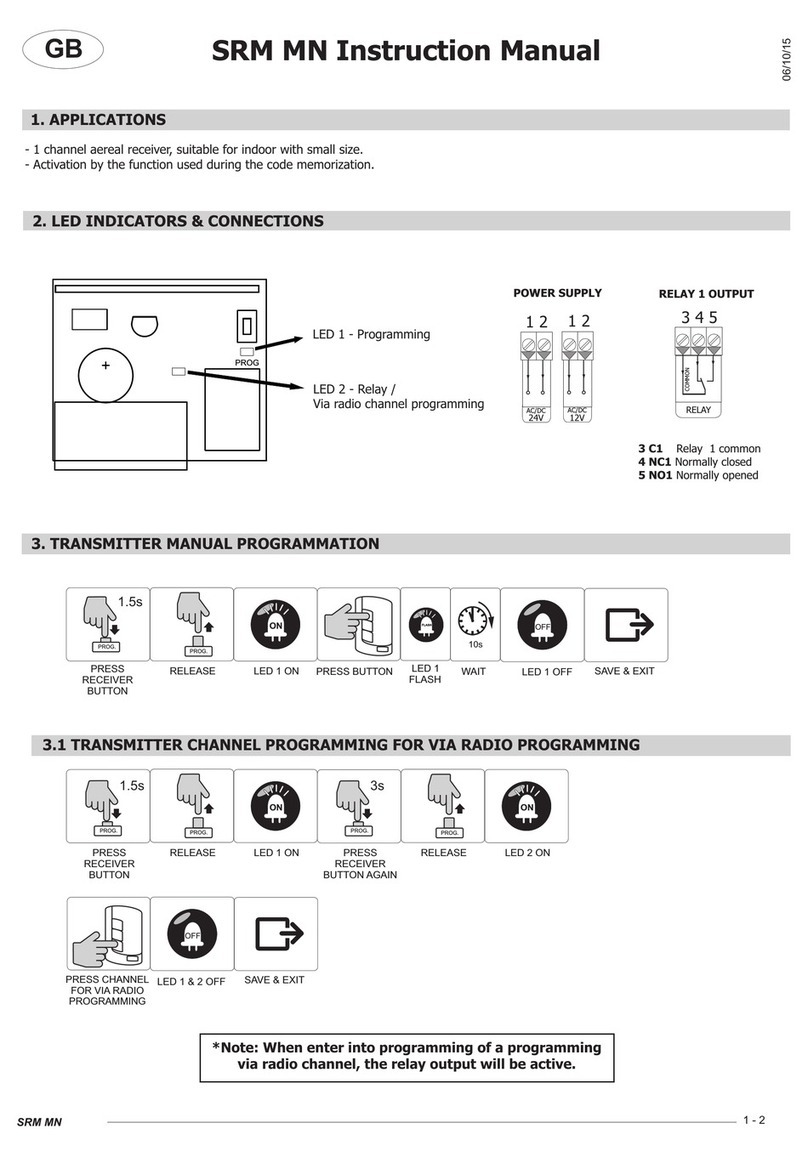
Press RF-CODE button , LED lights for 10 seconds, press the transmitter button
you want to program. programming is completed.
ŸDELETING CODES:
To delete all codes in memory hold RF-CODE for 10 seconds until
LED begins to blink. the operation is completed
WITH SLOW DOWN IN START CLOSING (DIP SWITCH 7 ON)
WITHOUT SLOW DOWN IN START CLOSING (DIP SWITCH 7 OFF)
ŸPress OPEN button, bring the door to the desired opening and adjust the opening limit switch.
ŸPress CLOSE button, bring the door to the closure.
(NOTE : If connected, adjust the closure limit switch)
ŸPress PROG button for 2 seconds, LED blinks.
ŸGive a START impulse from button or radio transmitter, the door starts opening fast
ŸGive a second START imulse when you want to start the slowing down in opening, the door
stops once arrived to the opening limit switch.
ŸWith automatic closure inserted, wait the desired time with the door open.
ŸGive a START impulse, door begins to fast close
ŸGive a second impulse when you want to start the slowing down in closing
ŸOnce arrived in closure the door memorizes the closed position.