NeuroTrac® Continence Operation Manual
10
Lock Button
A "concealed" lock button is included in the NeuroTrac®Continence which
allows the clinician to accurately monitor "home compliance" of the patient
between appointments. It also locks the customised or built in programmes.
To lock the unit
1. Select the built in or customised programme required. In the case of a
customised programme, make sure that the pulse width, frequency, time
etc. are set-up correctly.
2. Remove the battery cover and, using a thin rod (end of the lead wire pin
meets this requirement) gently press on the lock button as shown in the
diagram on page 7 until you hear a double beep. The unit is now "locked"
and cannot be altered until "unlocked".
To unlock the unit
Remove the battery cover and press the concealed switch with a thin rod
(end of the lead wire pin meets this requirement) until a single beep is heard.
Now the LCD will display the average mA used on each channel and the total
hours the unit has been in use as shown in the diagram. To return to normal
"unlocked" operation, simply press ESC.
Setting up the Customised Programme PC4 (Continuous)
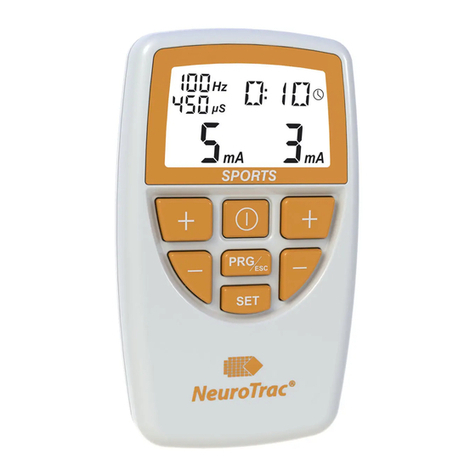
Select PC4 by pressing the PRG button on the front panel.
1. Press and hold the SET button for 3 seconds until Hz symbol will ash
on the display, then press the + or – button to adjust the pulse rate from
2-100Hz.
2. Press the SET button again and the µs symbol will ash on/off, then
press the + or – button to adjust the pulse duration from 50 - 450µs.
3. Press the SET button again and the Clock [Time] symbol will ash on/
off, then press the Channel A +/- button to alter the hours and Channel B
+/- button to adjust minutes.[Maximum time 12 hours 59 minutes].
45 Number of hours the device
was used when it was locked.
20mA 20mA
Ch.A Ch.B
Average Intensity used on channel A and B