manual SwiSSmemorytm uSb S.beat | 2
1. INTRODUCTION.................................................. 3
2. BEFORE GETTING STARTED..................................... 4
2.1 Safety Instructions ...............................................4
2.2 Features ............................................................5
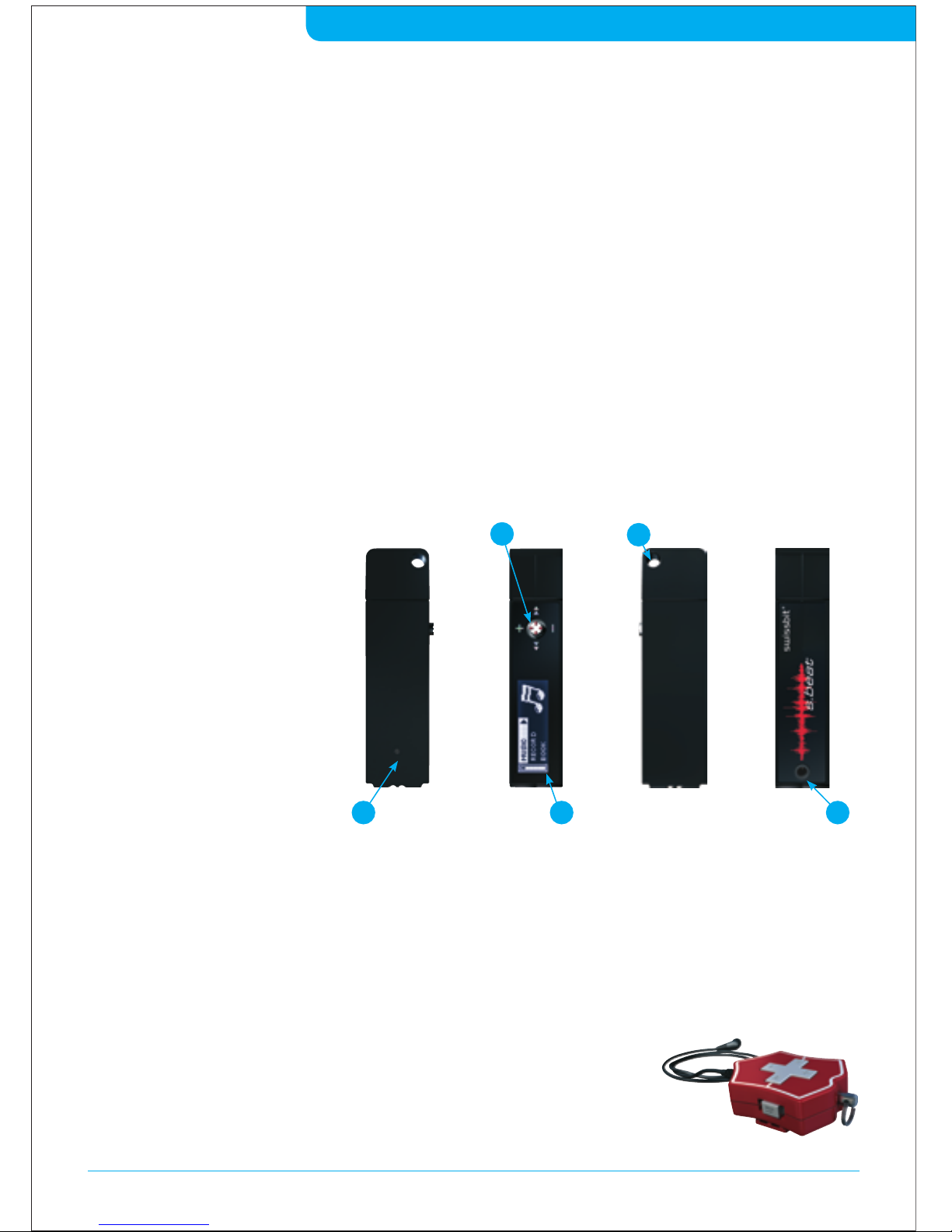
2.3 Main Components................................................6
2.4 Delivery Content .................................................. 7
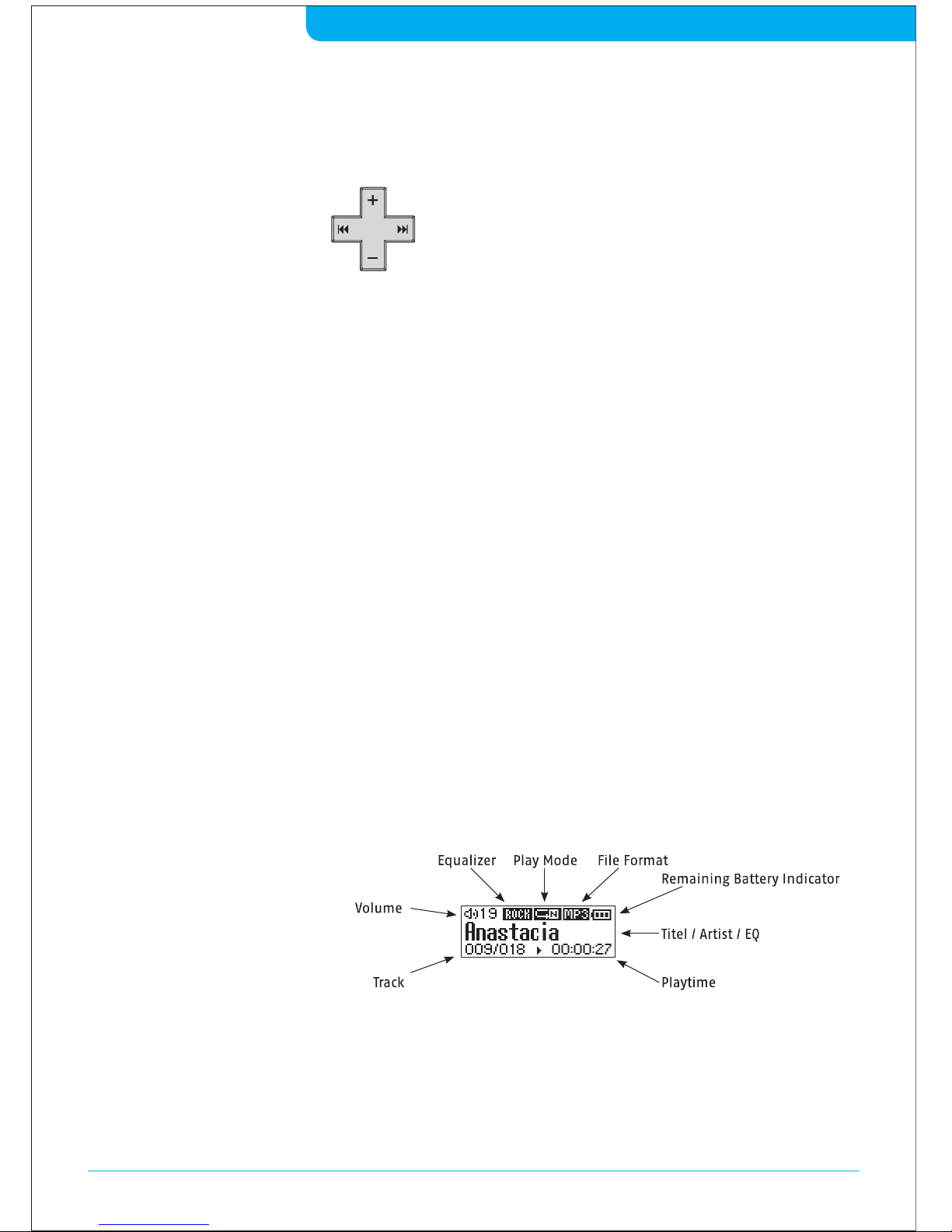
2.5 Display.............................................................. 7
2.6 Limeted Warranty Statement .................................. 7
3. APPLICATION NOTE .............................................8
3.1 Accessories.........................................................8
3.2 Remote Control ...................................................8
3.3 Sports Accessories ................................................8
3.4 Using the Tools....................................................8
3.5 Flying Abroad .....................................................8
4. FIRST CONTACT – GETTING STARTED ..........................9
4.1 Detaching the MP3 Player from the Knife Body ...........9
4.2 Phyical connection to the PC ..................................9
4.3 Charging the Battery.............................................9
4.4 Connecting the MP3 Player to the PC........................10
4.5 Using the Player as a removable Disc.......................10
4.6 Disconnecting the Device...................................... 11
5. ORGANIZING MUSIC AND DATA ............................... 11
5.1 Copy and Paste................................................... 11
5.2 Synchronizing with Windows Media Player®.............. 11
6. EASY TO USE – BASIC FUNCTIONS ............................ 12
6.1 Power On / Off....................................................12
6.2 Basic Menu Options.............................................12
6.3 Playing Music.....................................................13
6.4 Recording Voice..................................................13
6.5 Recording from external sources (line-in).................14
6.6 Searching for Music / Voice Files .............................14
6.7 Using Audio Book Feature .....................................15
6.8 File Listing Feature..............................................15
6.9 Stereo FM Radio .................................................16
7. ADVANCED FEATURES AND SETTINGS.........................16
7.1 Music Mode: Playlist............................................16
7.2 Music Mode: Artist .............................................. 17
7.3 Music Mode: CD / Folder ....................................... 17
7.4 Music Mode: Style ............................................... 17
7.5 Settings: Play Mode.............................................18
7.6 Settings: Sound Effects.........................................18
7.7 Settings: Display.................................................19
7.8 Settings: Lock.....................................................19
7.9 Settings: Powersave ........................................... 20
7.10 Settings: Language............................................. 20
7.11 Settings: System ................................................ 20
7.12 Settings: FM Radio ............................................. 20
7.13 Firmware Upgrade ..............................................21
8. APPENDIX ......................................................22
8.1 Menu Table .......................................................22
8.2 Specifications ....................................................23
8.3 FAQ................................................................. 24
S.beat mP3 | index