IR Remote Control
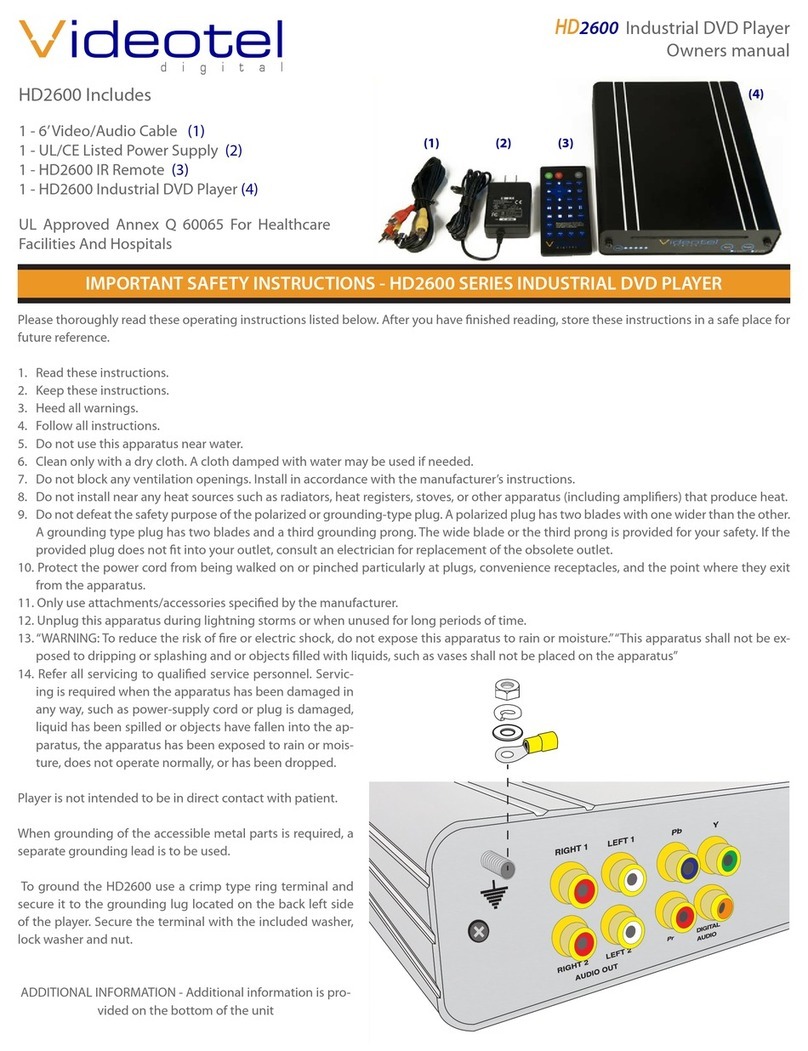
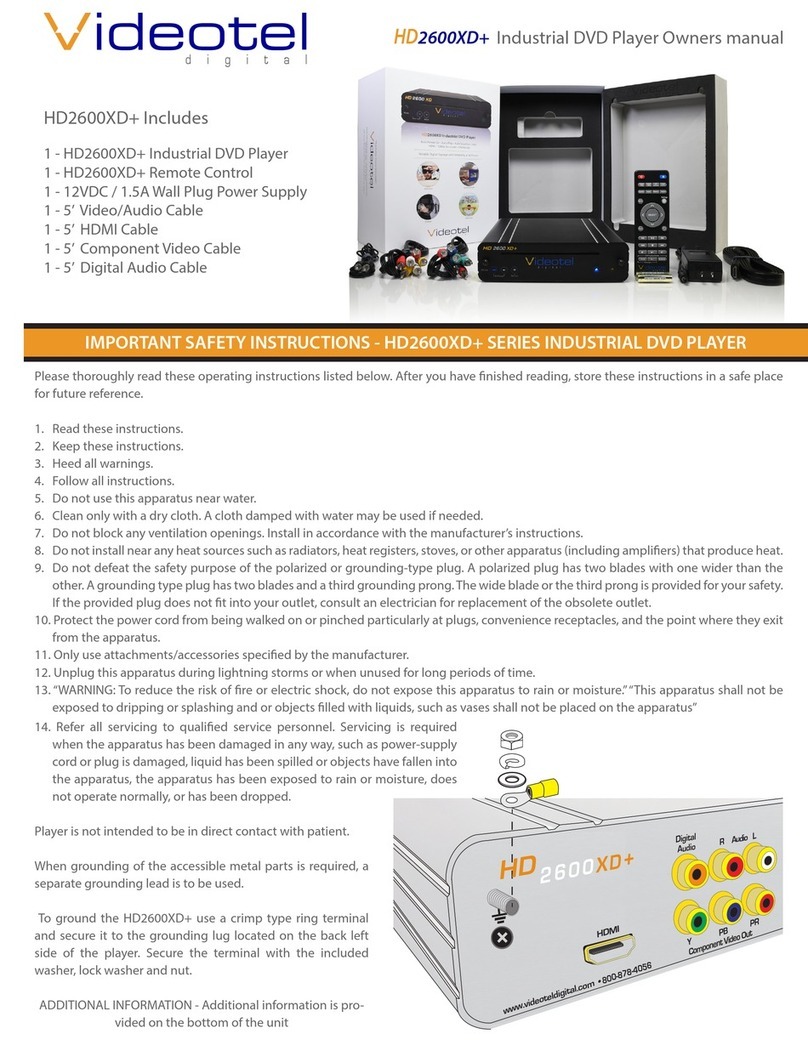
The HD2600XD IR Remote is utilized for initial set up and basic operation.
(11) Eject - Use the remote or the button on the player (12) to eject the DVD
(13) Video Output Buttons - Since the HD2600XD outputs all video sources at the
same time these buttons are disabled
(14) Subtitle - Press to scroll through available subtitle languages (if applicable)
(15) Audio - Press to scroll through available audio language options (if applicable)
(16) Display - Displays the current title time elapsed and title remaining time
(17) Aspect - Rotates through various zoom in/out options
(18) Menu - Launches root menu of DVD.
(19) Settings - Access HD2600XD menu options and operation. SEE PAGE 2
(20) Arrows / Enter - Control HD2600XD settings menu and DVD/disc menu options
(21) Repeat - Allows for various types of repeat options. Each button press scrolls
through either Chapter repeat / Title repeat / All (entire disc repeat) / O
(22) Return - Returns to the previous menu option
(23) Rewind - Each button press increases the rewind speed as follows 2x / 4x / 8x / 16x
/ 32x / then back to play.
(24) Play/Pause - Plays and pauses DVD/disc with each button press
(25) Fast Forward - Each button press increases fast forward speed as follows 2x / 4x /
8x / 16x / 32x / and then back to play.
(26) Chapter Back - Advance backwards through chapters (current title only) at last
chapter, play will stop or start again at chapter 1, (depending on disc format)
(27) Stop - Stops DVD/disc and launches default splash screen
(28) Chapter Forward - Advances forward through chapters (current DVD/disc title
only). At last chapter play will stop or start at 1 again (dependent on DVD/disc
format)
(29) Volume Up/Down - Adjusts output volume of the player. Note: Ejecting DVD/disc
sets player back into stand by mode. Volume defaults to 20 (1/2 way).
(30) Mute - Mutes all the audio from the HD2600XD
(13)
(7)
(8)(6) (10)(12)
Power and DVD/disc indicator lights
By pressing Power button (9) on the HD2600XD IR remote, the HD2600XD will pow-
er o and illuminate a solid red light. Pressing the Power button again (9) on the
HD2600XD IR Remote will power up the HD2600XD and illuminate a solid green light
(10).
Using the power button (10) on the front of the HD2600XD will toggle the status from
“ON”(green light) (10) to “OFF”(red light).
Quick Guide: Plug & Play Operation
The
HD
2600XD connects to any screen/TV monitor and is pre-pro-
grammed to operate for rugged continuous play. “Title” mode (6)
provides the functionality to auto start, auto play, and auto repeat
the DVD’s largest title. Simply load DVD/disc in front drive slot (7).
Once the DVD/Disc is loaded in the slot drive, allow just 15 sec-
onds to load, play and display DVD/content. The HD2600XD is im-
mediately operable for continuous 24/7/365 play and auto repeat.
The HD2600XD oers 2 additional modes. Select mode by press-
ing the Mode button on either the front side of player (8) or from
the HD2600XD IR remote buttons labeled “Title” (31), “All” (32) or
“Manual” (33). Once a mode button is pressed the player it restart
the DVD from the beginning.
• Title Mode (31) - Auto start, Auto Play, Auto repeats largest title of the DVD/disc
• All Mode (32) - Auto start, Auto Play, Auto repeat all titles of the DVD/disc
• Manual Mode (33) - Standard (Manual DVD o the shelf operation)
(9)
(14)
(11)
(15)
(16)
(17)
(18) (19)
(20)
(21) (22)
(23)
(24)
(25)
(26) (28)
(29) (30)
(31) (33)
(27)
(32)