ENGLISH
EN
07
Start training
ON/OFF
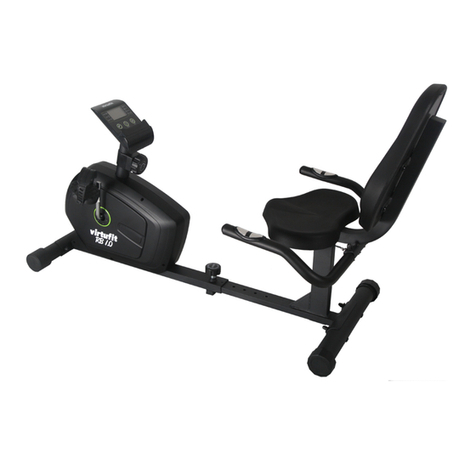
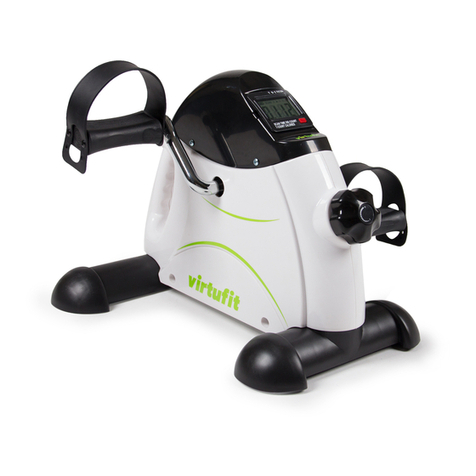
• The chair cycle switches on automatically when a button is
pressed or when you start cycling.
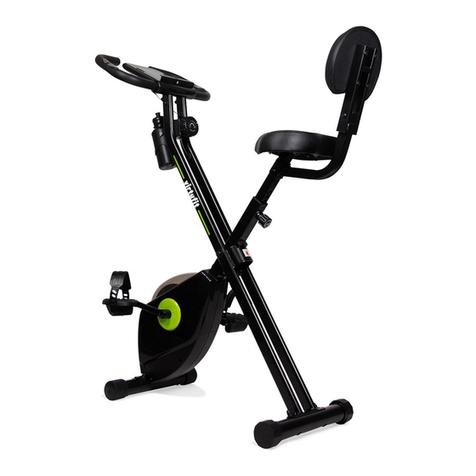
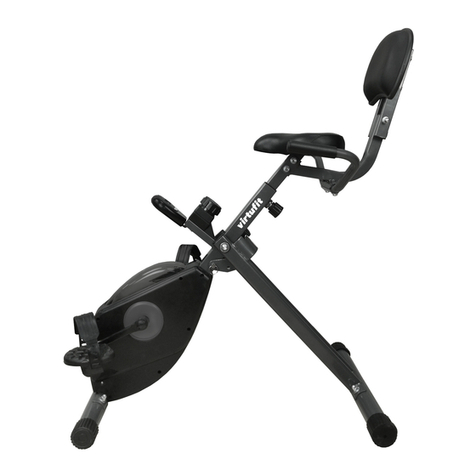
• The display turns off automatically as soon as the chair bike is
not used for more than 4 minutes.
CAUTION!
If the display shows incorrectly, it is recommended to
reinsert or replace the battery
A successful training program includes a warm-up, the actual training
and a cool-down. Perform the complete training program at least
twice, but preferably three times a week and keep a rest day between
training sessions. After a few months, the intensity of the training can
be increased, for example to four or five times a week.
The warm-up
The purpose of a warm-up is to prepare the body for training and to
reduce the risk of injury. Warm up your body for two to five minutes
before starting a cardio or strength training session. Do exercises that
increase the heart rate and warm up the working muscles. Examples of
this type of activity are running, jogging, jumping jacks, skipping and
running in place.
Stretching
Stretching while the muscles are warm is very important after a good
warm-up and cool-down. It reduces the risk of injury. Stretching
exercises should be held for 15-30 seconds. Here are some examples of
stretching exercises:
• Toe touch (Fig. B-1)
• Inner thight stretch (Fig. B-2)
• Hamstring stretch (Fig. B-3)
• Achilles stretch (Fig. B-4)
• Side stretch (Fig. B-5)
Cooling down
The purpose of the cool-down is to return the body to its (near) normal
resting position at the end of the workout. A good cool-down slowly
reduces your heart rate and promotes recovery.
Tips on using the battery
• Remove the battery from the screen when they are empty or
when the console will not be used for a long period of time.
• Do not recharge, disassemble or dispose of battery in fire.
• Pay close attention to the + and - when inserting the battery.
• It is recommended to use alkaline battery, they have a longer
life than normal batteries.
• Battery should be replaced when the display loses brightness
or stops showing.
Battery replacement
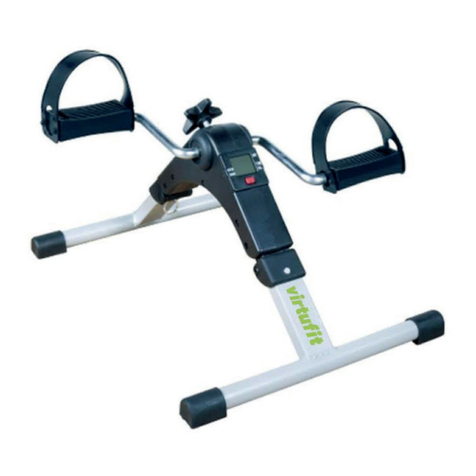
• Remove the mechanism (full display) from the chair bike base.
The battery compartment is located behind the display.
• Remove the battery and insert a new 1.5V AG13 battery.
• Place the display back into the chair bike base.
CONSOLE
• MODE Press MODE to select a function. Press and hold MODE
longer (at least 4 seconds) to reset all function values.
• TIME Press MODE until
appears before TIME. When you start
cycling, the time will start automatically and the (elapsed) time
of the workout on the display.
• COUNT Press MODE until
for COUNT appears. When you start
cycling, the counter will automatically start and the (set) steps of
the workout will be shown on the display.
• Press MODE until
for REPS/MIN appears. When you
start cycling, the number of revolutions per minute of the
workout will automatically be shown on the display.
• CALORIES Press MODE until
for CAL appears. When you start
cycling, the number of calories burned is automatically added
up and the totala number of calories burned from the workout
will be shown on the display.
• SCAN The above functions are displayed successively for 5
seconds.