5
Preface................................................................................................................................. 1
Foreword & Important Note on Safety!! (MUST READ) .................................................................... 2
QUICK START GUIDE .............................................................................................................. 3
1. Understanding Your MB-4 ..................................................................................................... 6
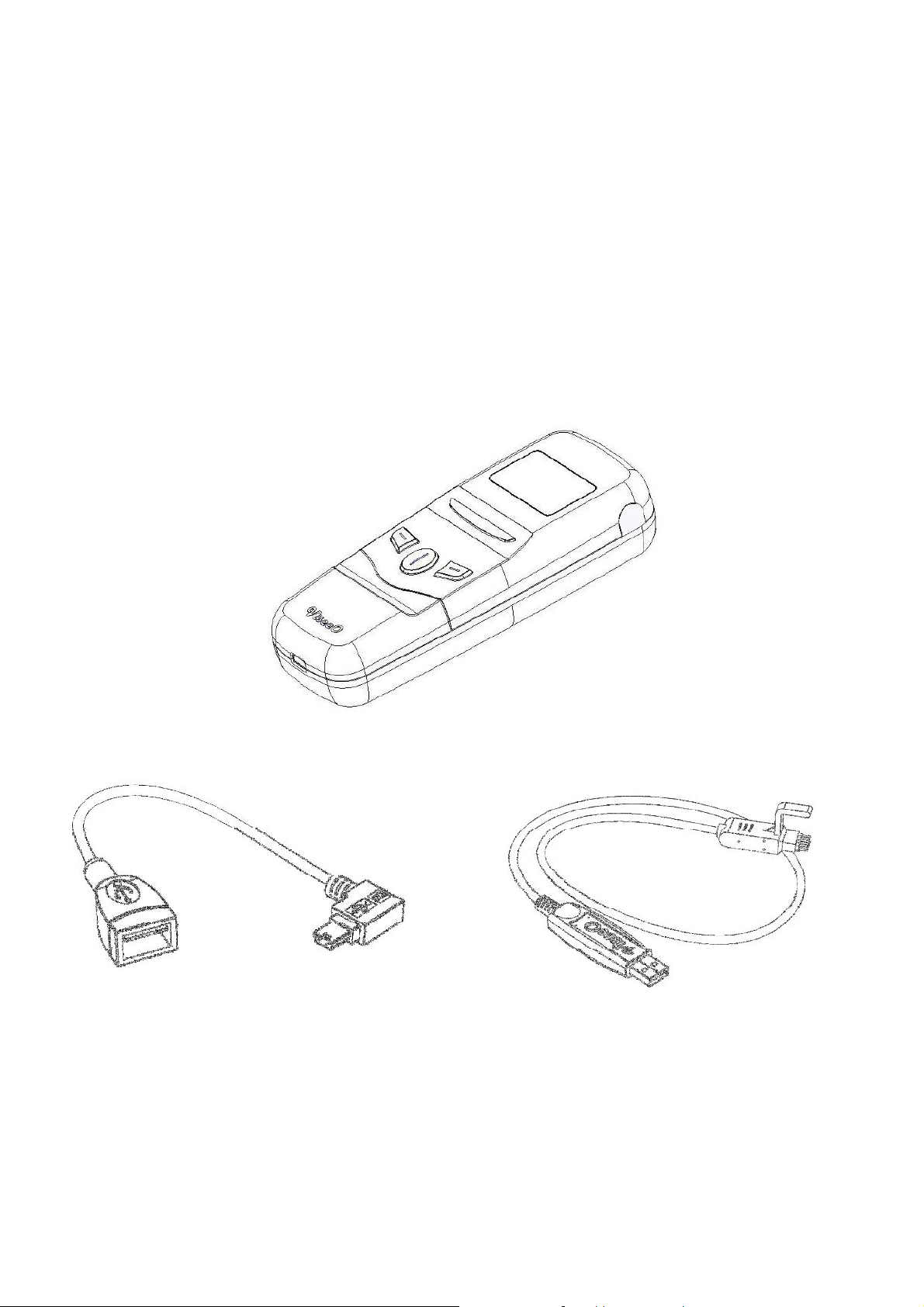
1.1 Package Contents ........................................................................................................ 6
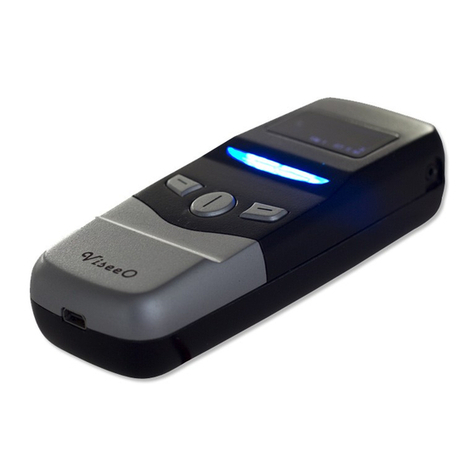
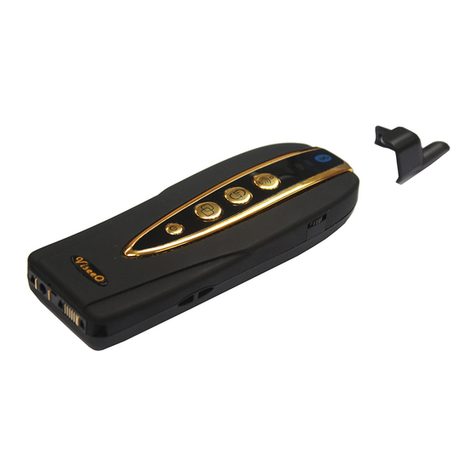
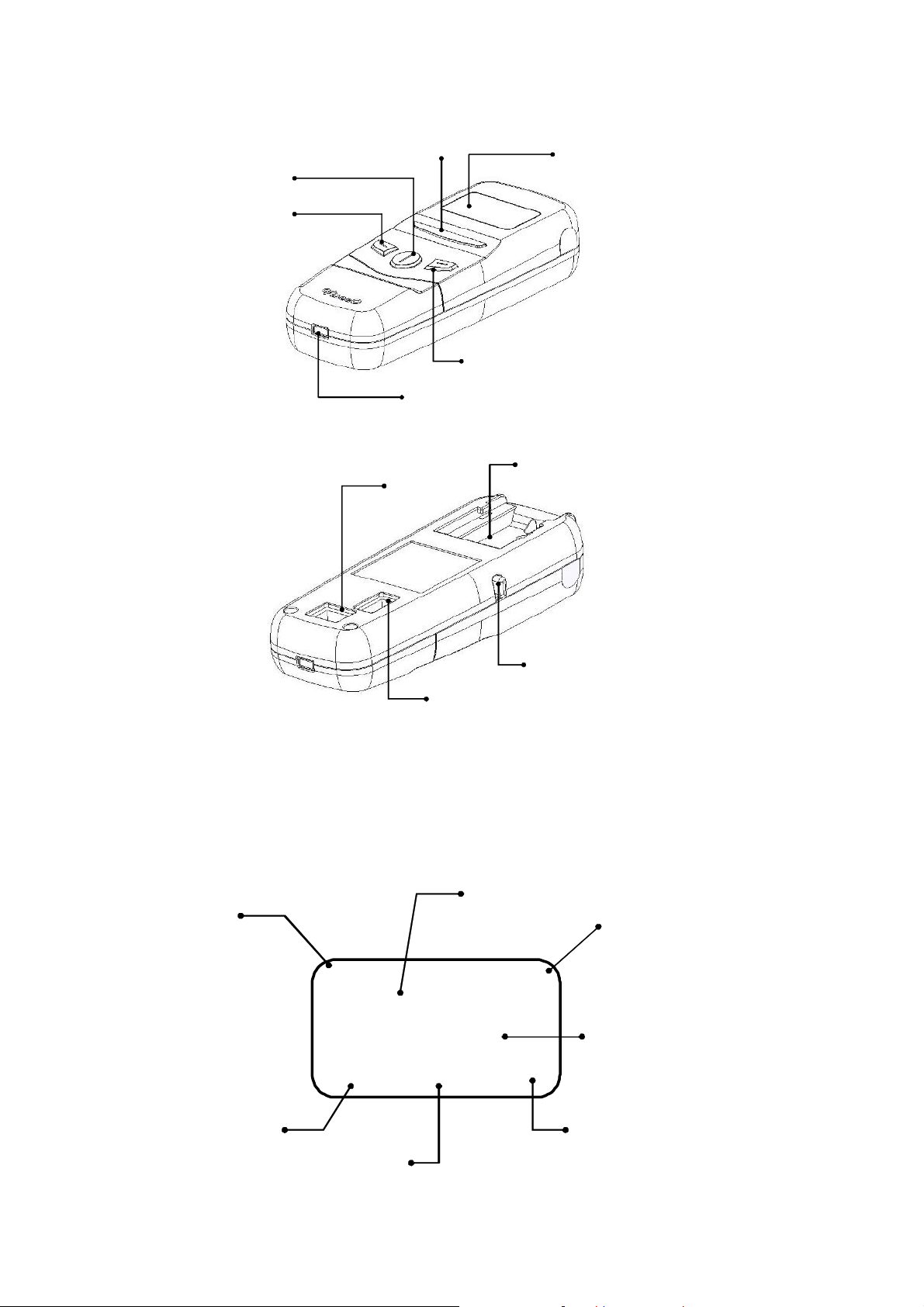
1.2 MB-4 Main Unit & Descriptions ........................................................................................ 7
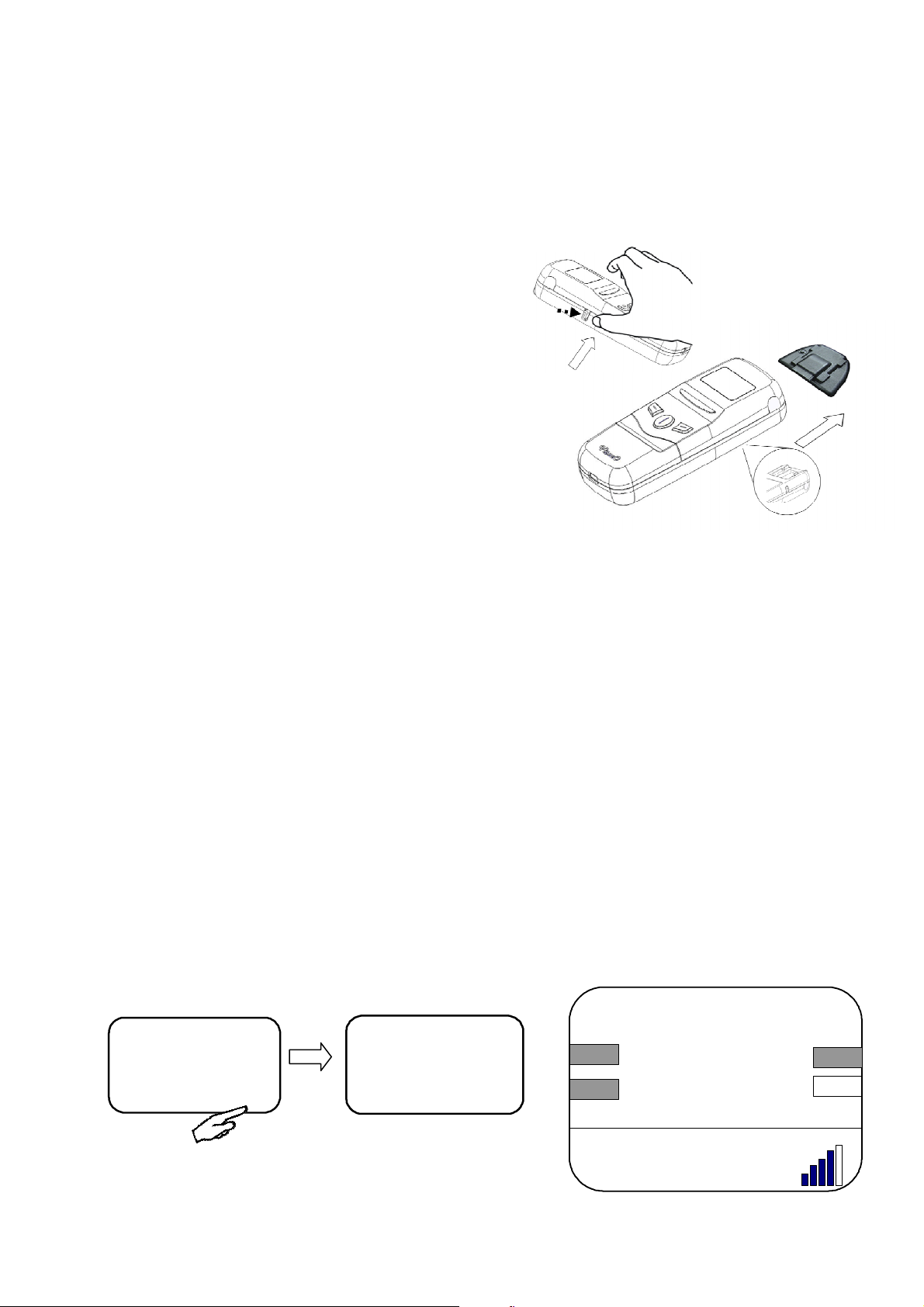
1.3 MB-4 OLED Display & Main Screen Icon Descriptions........................................................... 7
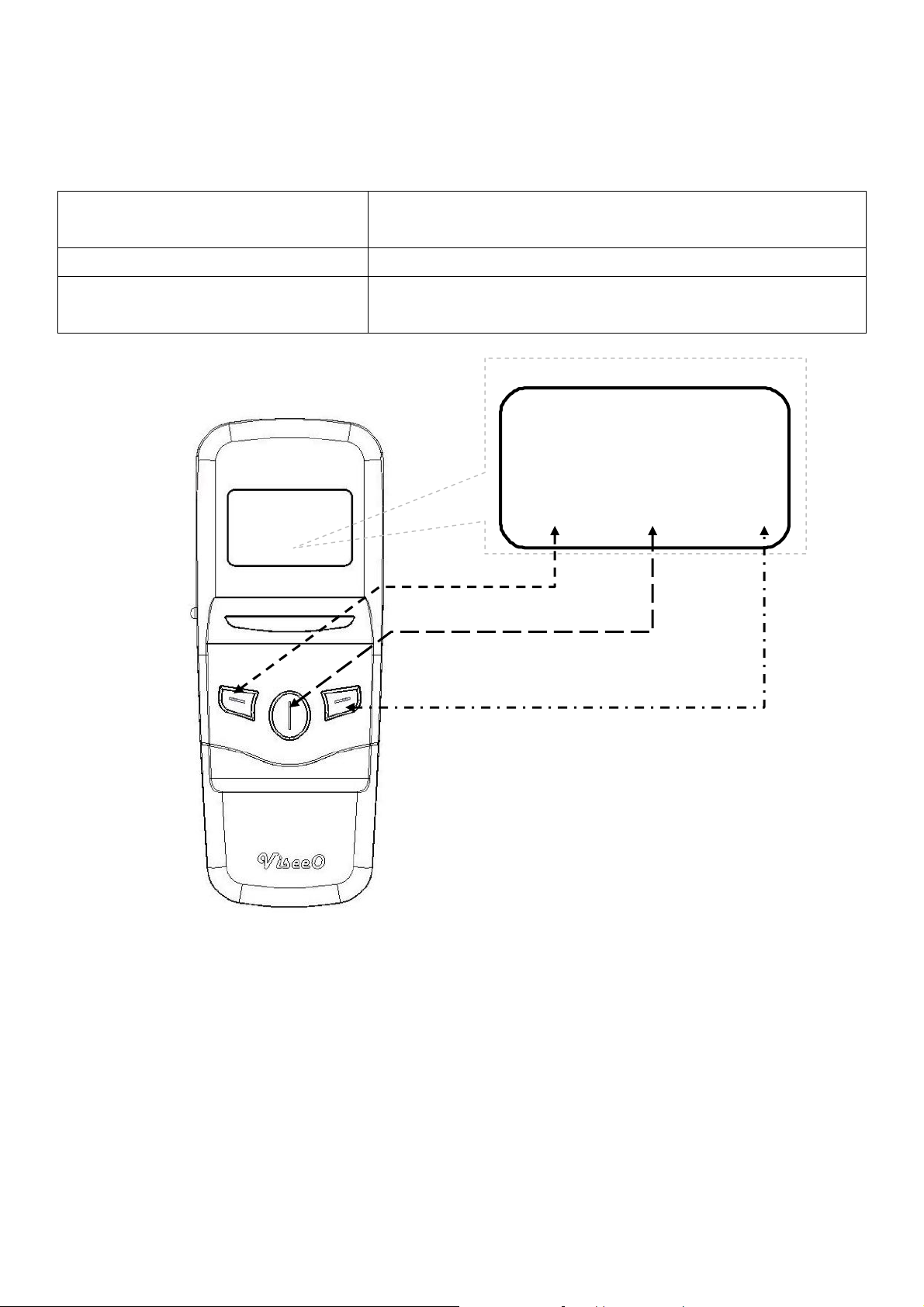
1.4 MB-4 Keypads and Functions.......................................................................................... 8
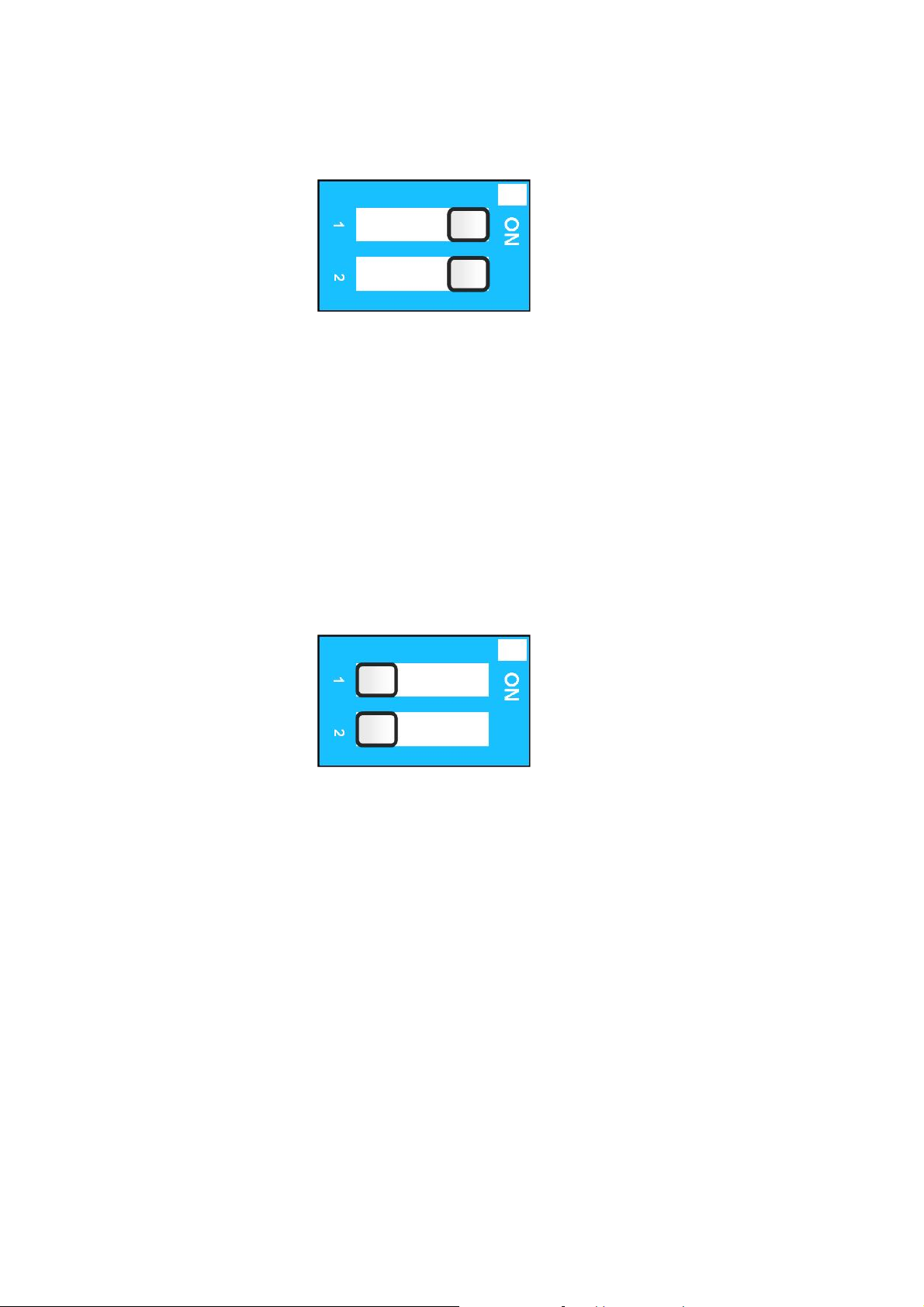
1.5 Software Dip Switch and NTG 4 Vehicles (W204, W212, W207, etc.) ......................................... 8
2. Installation ....................................................................................................................... 10
2.1 Installing the Main Unit ................................................................................................ 10
3. Basic Operation ................................................................................................................ 11
3.1 Pairing for the First Time.............................................................................................. 11
3.2 Pairing with Multiple Phones......................................................................................... 12
3.3 Using the Quick Switch for Paired Phones ....................................................................... 12
3.4 Making the First Call ................................................................................................... 13
4. Phonebook Function .......................................................................................................... 14
4.1 Sync Phonebook ........................................................................................................ 14
4.2 Manually Upload Phonebook......................................................................................... 15
4.3 Phonebook Organization for NTG 4 Vehicles .................................................................... 16
4.4 Phonebook Setting ..................................................................................................... 17
4.5 SYNC Now Command and SYNC in Progress Sign............................................................. 18
5. Advanced Bluetooth Setting ................................................................................................ 19
5.1 Disconnect from the Current Connected Device ................................................................ 19
5.2 Reconnect a Paired Device ........................................................................................... 19
5.3 Remove a Paired Device .............................................................................................. 20
6. Other Advanced Settings .................................................................................................... 21
6.1 Microphone Volume Setting.......................................................................................... 21
6.2 Language Setting ....................................................................................................... 21
6.3 Factory Default Setting (Master Reset) ............................................................................ 21
6.4 Firmware Update and Version Check .............................................................................. 22
6.5 PIN Selection............................................................................................................. 23
6.6 Using the Charging Function ........................................................................................ 24
7. Miscellaneous................................................................................................................... 25
7.1 Trademark ................................................................................................................ 25
7.2 Product Information .................................................................................................... 25