EN
vive.com/setup/flow
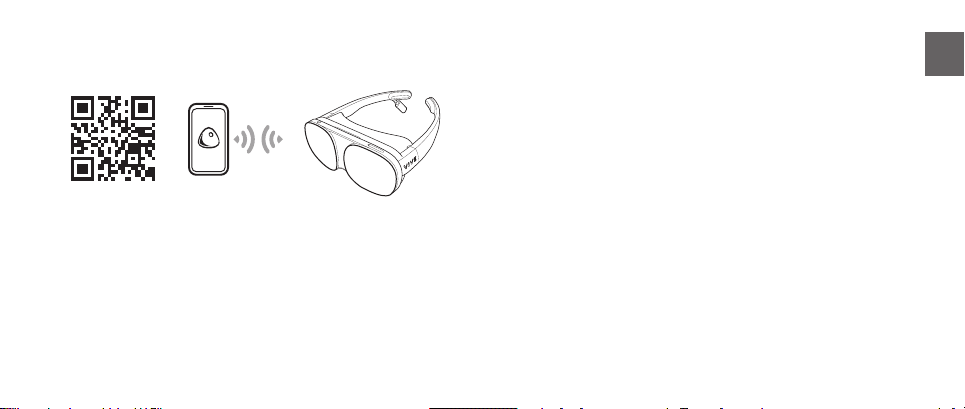
Use the Android smartphone app to set up your VIVE Flow.
Download the app by scanning the QR code or by going to
the link above.
VIVE Flow also needs to connect to a wireless network
that supports Wi-Fi ® 802.11 a/ac/n (5GHz band) to get VR
content and updates.
Setting up VIVE Flow Powering on or off
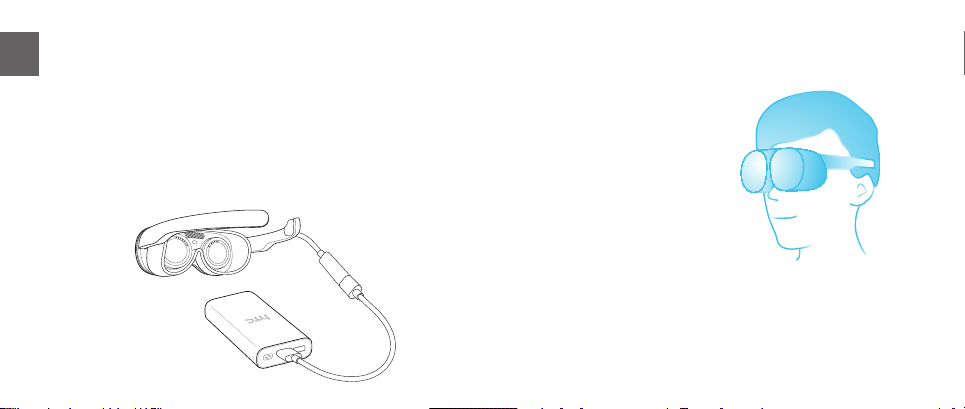
VIVE Flow automatically turns on when plugged in to any
power source such as a power bank.
To turn off VIVE Flow, unplug it from the power source.
When not using VIVE Flow
Always place VIVE Flow inside the microber pouch when
not in use to help protect it from accidental scratches.
Important: When VIVE Flow is inside the microber pouch,
do not put anything else inside the pouch, such as the USB
Type-C cable or nose rest. Placing other items inside the
pouch with VIVE Flow may scratch or damage its exterior
and lenses.
3