manuals.online logo
Brands
  1. Home
  2. •
  3. Brands
  4. •
  5. wattstopper
  6. •
  7. Accessories
  8. •
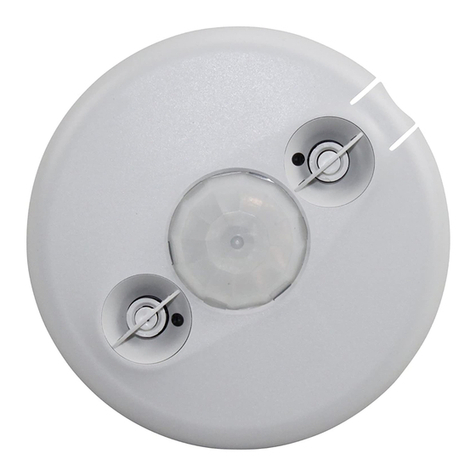
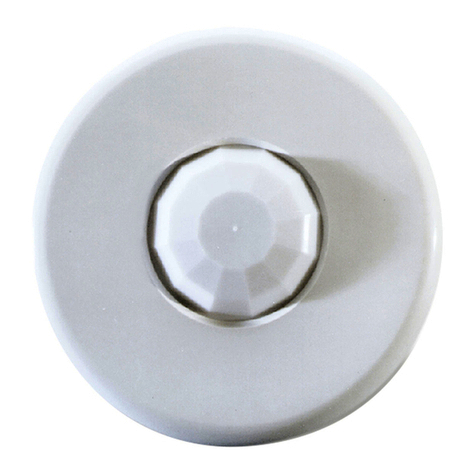
  9. wattstopper Legrand LMPC-100 User manual

wattstopper Legrand LMPC-100 User manual

Other wattstopper Accessories manuals

wattstopper CI-305 User manual

wattstopper

wattstopper CI-305 User manual

wattstopper DT-355 User manual

wattstopper

wattstopper DT-355 User manual

wattstopper EW-100-120 User manual

wattstopper

wattstopper EW-100-120 User manual

wattstopper UT-305 User manual

wattstopper

wattstopper UT-305 User manual

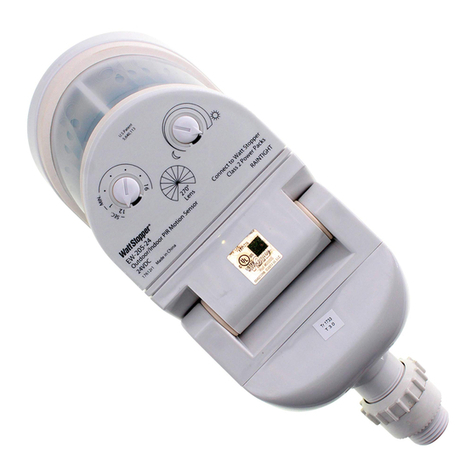
wattstopper EW-205-24 User manual

wattstopper

wattstopper EW-205-24 User manual

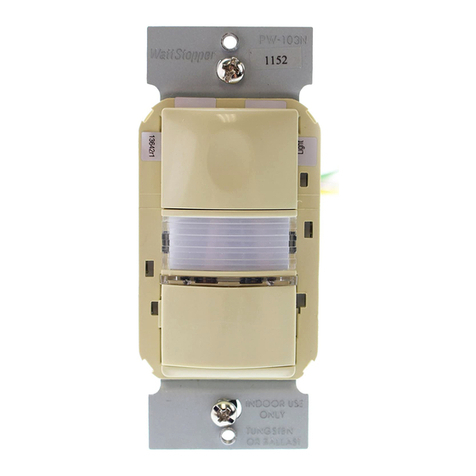
wattstopper PW-103N User manual

wattstopper

wattstopper PW-103N User manual

wattstopper CD-250 User manual

wattstopper

wattstopper CD-250 User manual

wattstopper LMDC-100 User manual

wattstopper

wattstopper LMDC-100 User manual

wattstopper DW 100 User manual

wattstopper

wattstopper DW 100 User manual

wattstopper WN-100 User manual

wattstopper

wattstopper WN-100 User manual

wattstopper W-500A User manual

wattstopper

wattstopper W-500A User manual

wattstopper LMPW-102 User manual

wattstopper

wattstopper LMPW-102 User manual

wattstopper DSW-301 User manual

wattstopper

wattstopper DSW-301 User manual

wattstopper EW-200-120 User manual

wattstopper

wattstopper EW-200-120 User manual

wattstopper RH-250 User manual

wattstopper

wattstopper RH-250 User manual

wattstopper LMDC-100 User manual

wattstopper

wattstopper LMDC-100 User manual

wattstopper Legrand FM-105 User manual

wattstopper

wattstopper Legrand FM-105 User manual

wattstopper LMLS-600 User manual

wattstopper

wattstopper LMLS-600 User manual

wattstopper CH-250 User manual

wattstopper

wattstopper CH-250 User manual

wattstopper LMDX-100 User manual

wattstopper

wattstopper LMDX-100 User manual

wattstopper DT-300 User manual

wattstopper

wattstopper DT-300 User manual

wattstopper RD‑250 User manual

wattstopper

wattstopper RD‑250 User manual

wattstopper CI-200 User manual

wattstopper

wattstopper CI-200 User manual

wattstopper PW-301 User manual

wattstopper

wattstopper PW-301 User manual

Popular Accessories manuals by other brands

Quincy lab 140AE-1 operating manual

Quincy lab

Quincy lab 140AE-1 operating manual

HomePro ZIR000 user manual

HomePro

HomePro ZIR000 user manual

DOL 20SCR Technical user guide

DOL

DOL 20SCR Technical user guide

RAB Smart Task installation manual

RAB

RAB Smart Task installation manual

Kemppi KMS 300 quick guide

Kemppi

Kemppi KMS 300 quick guide

Stearns 57,500 Series Installation and service instructions

Stearns

Stearns 57,500 Series Installation and service instructions

iGuzzini TWILIGHT COPENAGHEN manual

iGuzzini

iGuzzini TWILIGHT COPENAGHEN manual

Adelaide Annexe & Canvas Avan Deluxe installation guide

Adelaide Annexe & Canvas

Adelaide Annexe & Canvas Avan Deluxe installation guide

OHAUS 5000 instruction manual

OHAUS

OHAUS 5000 instruction manual

HOME8 WLS1300 quick start guide

HOME8

HOME8 WLS1300 quick start guide

MAXBOTIX MaxSonar quick start guide

MAXBOTIX

MAXBOTIX MaxSonar quick start guide

ioSmart iSmart56 Installation and user guide

ioSmart

ioSmart iSmart56 Installation and user guide

Focusrite Scarlett 18i8 user guide

Focusrite

Focusrite Scarlett 18i8 user guide

Velleman ED38105 user manual

Velleman

Velleman ED38105 user manual

JumpSport SkyBounce user manual

JumpSport

JumpSport SkyBounce user manual

Prima-Temp PRIYA Instructions for use

Prima-Temp

Prima-Temp PRIYA Instructions for use

Tefcold BC85I-BC85I W user manual

Tefcold

Tefcold BC85I-BC85I W user manual

Vaisala WMS302 user guide

Vaisala

Vaisala WMS302 user guide

manuals.online logo
manuals.online logoBrands
  • About & Mission
  • Contact us
  • Privacy Policy
  • Terms and Conditions

Copyright 2025 Manuals.Online. All Rights Reserved.

Quick Start Guide
SENSOR PLACEMENT 10’ MAX. HEIGHT
CONNECTIVITY
The illustrations below show examples of free-topology wiring. The LMPC-100
communicates to all other Digital Lighting Management devices connected to the low
voltage DLM Local Network, regardless of their position on the DLM Local Network.
LMPC-100
Digital Lighting Management
PIR Ceiling Mount
Extended Range Occupancy Sensor
Sensor
28'
30
'
COVERAGE PATTERN
The LMPC-100 provides a 360° coverage pattern.The
coverage shown represents maximum coverage for walking
motion at a mounting height of 10 feet.
Strong air
supply
6’
Sensor
Mount sensor at least 6’ away from hot air supply.
A
void obstacles that block sensor’s line-of-sight.
Pendant
xture
Line
Voltage
Room
Controller
J-Boxes
Daylight Sensor
SwitchSwitch
Corner Mount
Sensor
Ceiling Mount
Sensor
DLM Local Network
Low Voltage
LMRJ Cables
Loads
2
1
Line/Hot
Black wire
Neutral
White wire
Red wire
to Load A (1)
Yellow wire
to Load B (2)
LMRC
102
Room
Controller
J Box
Ceiling Mount
Occupancy
Sensor
Switch
To
Load
Voltage: ...............................................................................24VDC
Current Consumption:........................................................... 7mA
Power Supply:............. Watt Stopper/Legrand Room Controllers
Connection to the DLM Local Network...................2 RJ-45 ports
DLM Local Network Characteristics:
Provides low voltage power over Cat 5e cable (LMRJ).
Supports up to 24 communicating devices, including 4
LMRC-10x or LMPL-101 max per each DLM Local Network.
Free topology up to 1,000ft of low voltage cable.
Environment ................................................. For Indoor Use Only
Operating Temperature ....................32° to 131°F (0° to 55°C)
Storage Temperature...................... 23° to 176°F (-5° to 80°C)
Relative Humidity...........................5 to 95% (non condensing)
Patent Pending
THIS UNIT IS PRESET FOR PLUG n’ GO™
OPERATION, ADJUSTMENT IS OPTIONAL.
For full operational details, adjustment and more
features of the product, see the DLM System
Installation Guide supplied with the LMRC-102 and
also available at www.wattstopper.com
INSTALLATION SHALL BE
IN ACCORDANCE WITH ALL
APPLICABLE REGULATIONS,
LOCAL AND NEC CODES.
Intended for Listed Class
2 DLM Devices.
For Class 2 DLM devices -
To be connected to a Class
2 power source only.
For Class 2 Device Wiring Only –
Do Not Reclassify and Install as
Class 1, or Power and Lighting
Wiring.
Wire connections shall be rated
suitable for the wire size (lead
and building wiring) employed.
31.6’
9.63m
15.8
4.8m
15.8
4.8m
10’
3m
10’
3m
5’
1.5m
5’
1.5m
0
Extended Range Lens
10’
3.05m

TROUBLESHOOTING
Loads do not operate as expected.
LEDs don’t light, display
is off
1. Check to see that the the sensor is connected to the DLM local Network.
2. Check for 24VDC input to the sensor: Plug in a different DLM device at the sensor location.
If the device does not power up, 24VDC is not present.
• Check the high voltage connections to the room controller.
• If high voltage connections are good and high voltage is present, recheck DLM local
Network connections between the sensor and the room controller.
The wrong lights are
controlled
1. Configure the sensor to control the desired lights using the Push n’ Learn adjustment
procedure.
LEDs turn ON and OFF but
load doesn’t switch
1. Make sure device is not in PnL.
2. Check load connections to room controller.
6/2009
11435r1
Please
Recycle
2800 De La Cruz Blvd.
Santa Clara, CA 95050
Phone: 800.879.8585
www.wattstopper.com
MOUNTING
Ceiling hole
Rear
housing
4" Octagonal J-Box
(at least 1.5" deep)
Front cover
Ceiling
Rear
housing
Front cover
Category 5 cable
Category 5 cable
Spring clips (2)
Screws
To octagon box: Through ceiling tile:
WARNING: Do Not Install To Cover a Junction Box Having Class 1, 3 or Power and Lighting Circuits.
WARNING: TO CONNECT A COMPUTER TO THE DLM LOCAL NETWORK USE THE
LMCI100. NEVER CONNECT THE DLM LOCAL NETWORK TO AN ETHERNET PORT
 DOING SO MAY DAMAGE COMPUTERS AND OTHER CONNECTED EQUIPMENT.
FACTORY PRESET OPERATION
Sensor Parameters
T-DELAY Time Delay 20 minutes
Passive Infrared
Sensitivty 90%
W-T Walk Through OFF
Load Parameters
Load 1 Loads 2-8
or more**
Plug Load
ON Mode
Operation* AUTO-ON
MANUAL-ON
if switch is
connected.
AUTO-ON
if no switch.
AUTO-ON
Blink Warning OFF OFF OFF
Daylighting ON OFF OFF
*Auto-OFF is enabled according to the sensor Time Delay when a
sensor is bound to the load, regardless of whether the load was turned
on automatically with occupancy or manually using a switch.
** Max 8 loads using LMRC-100 series room controllers.