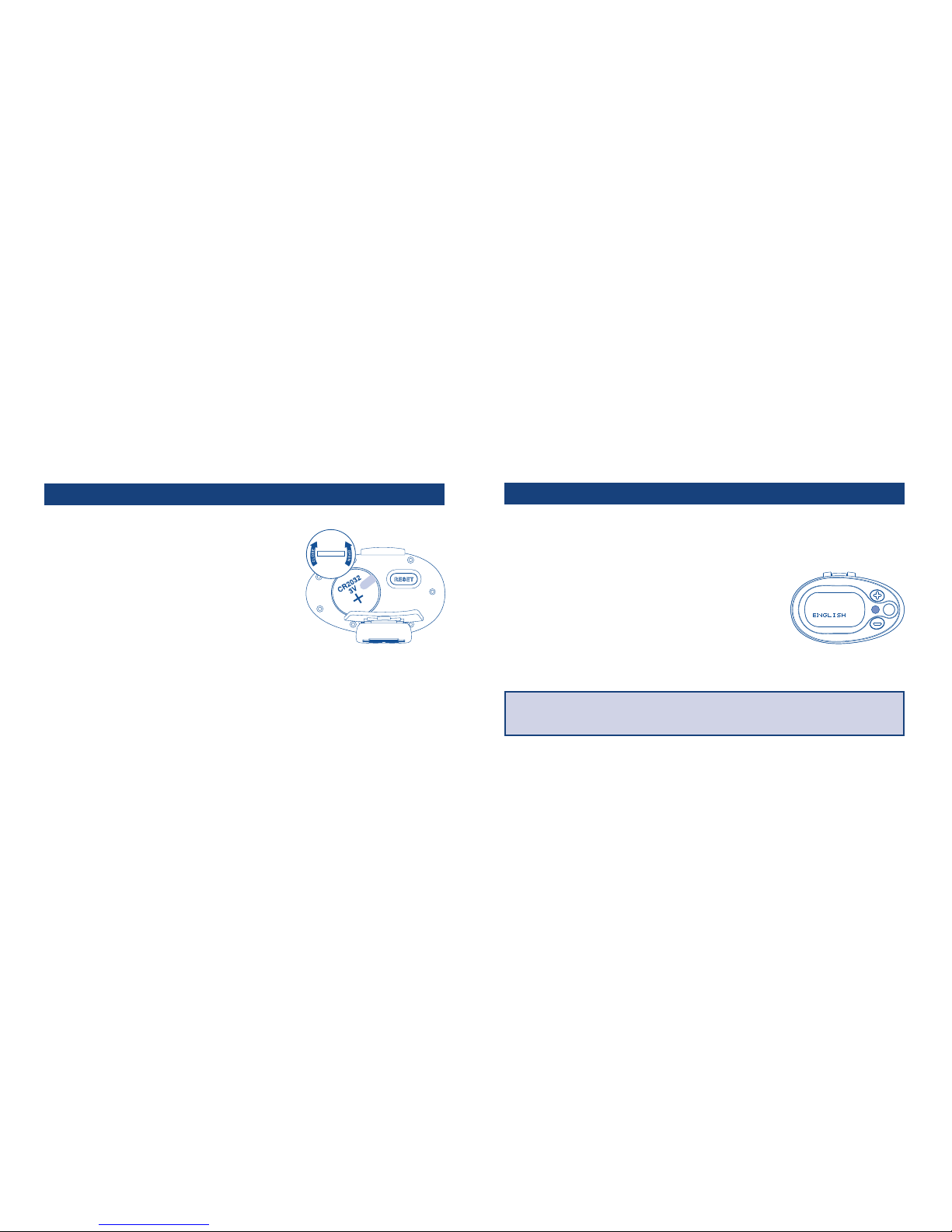
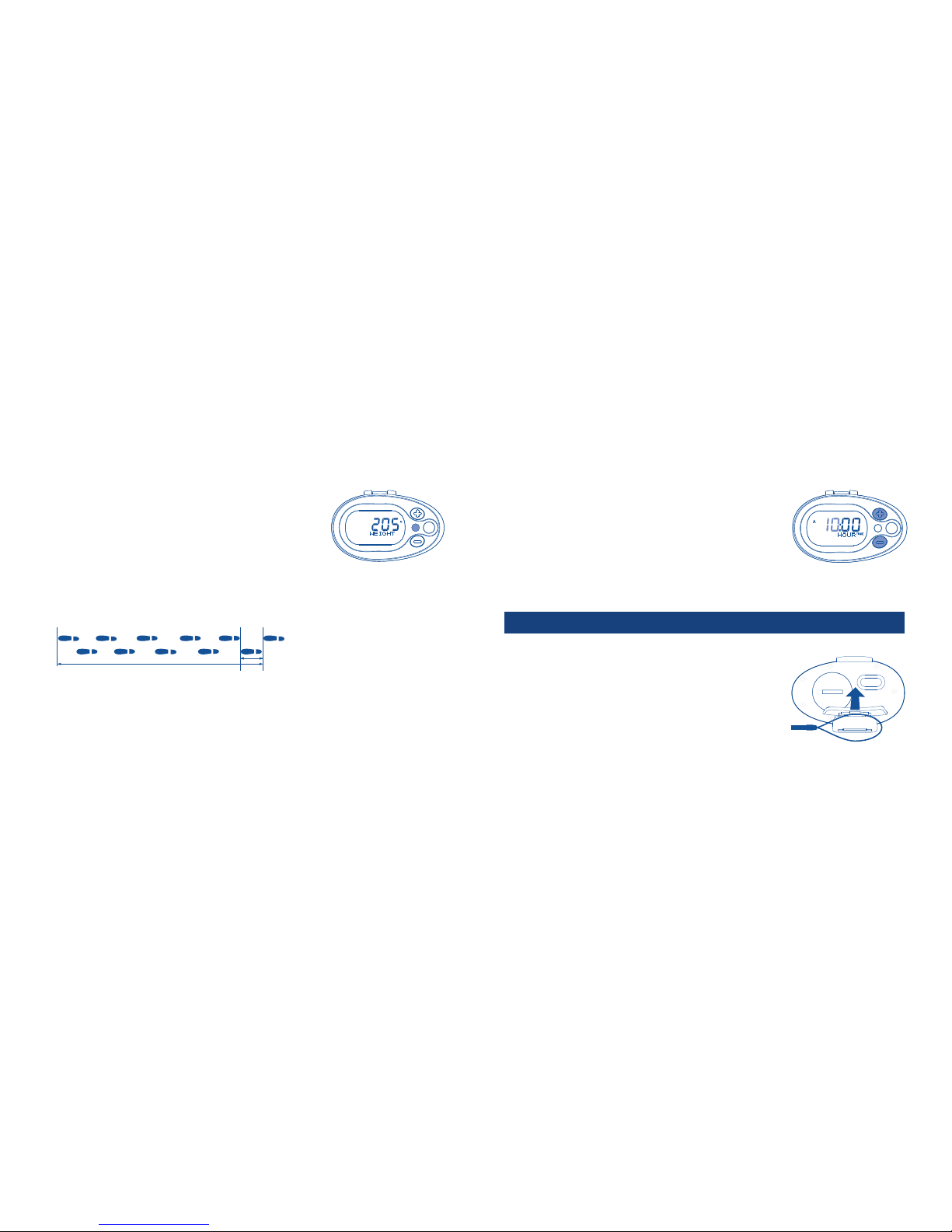
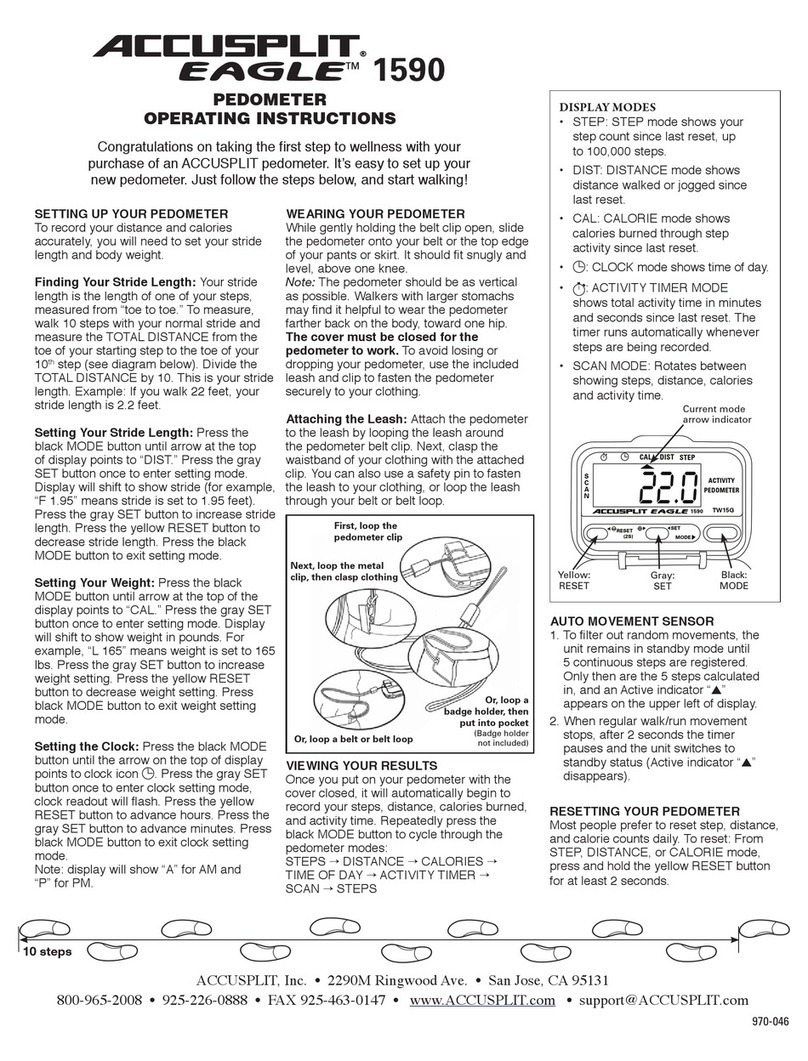
•So your pedometer is more secure, you may also use the
pedometer security strap to attach to your clothing, belt loop or
waist band. To open the clip on the end of the strap: push the tab
upward. Close the clip by pushing the tab down.
Your PointsPlus Pedometer is ready to use. Start walking!
Your pedometer can keep track of your activity PointsPlus values earned through walking. You can
earn activity PointsPlus values in two different ways by using ALL DAY mode and ACTIVE mode. Here is
more information on which mode to choose and when.
ALL DAY MODE
The ALL DAY mode is designed to track your regular steps that you don’t usually think of as exercise.
You’ll use ALL DAY mode in your daily life, walking the kids to the bus or down the hall to the fax
machine, for instance. You will need to take a qualifying number of steps in order to begin earning an
activity PointsPlus values. These qualifying steps are ones considered part of everyday life and
11
10
counted as part of your daily PointsPlus Target.
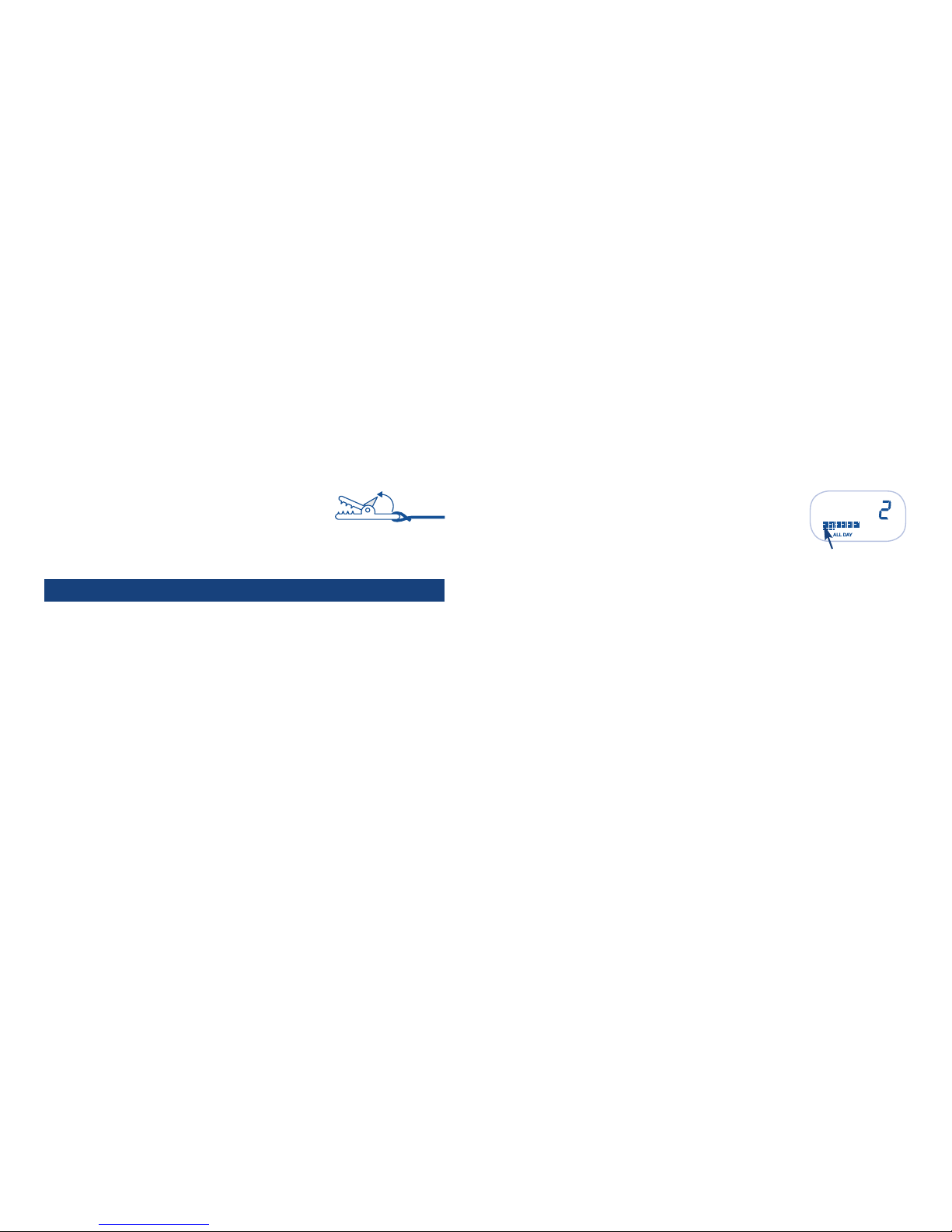
The Progress Bar at the bottom of the display will show the qualifying steps
you have taken in increments of 10% until one full activity PointsPlus
value is complete.
Once the qualifying steps have been taken, the Progress Bar will display your progress toward
earning an activity PointsPlus value! The large squares represent 10% of an activity PointsPlus
value earned and the smaller dashes below represent 1% of an activity PointsPlus value earned.
ACTIVE MODE
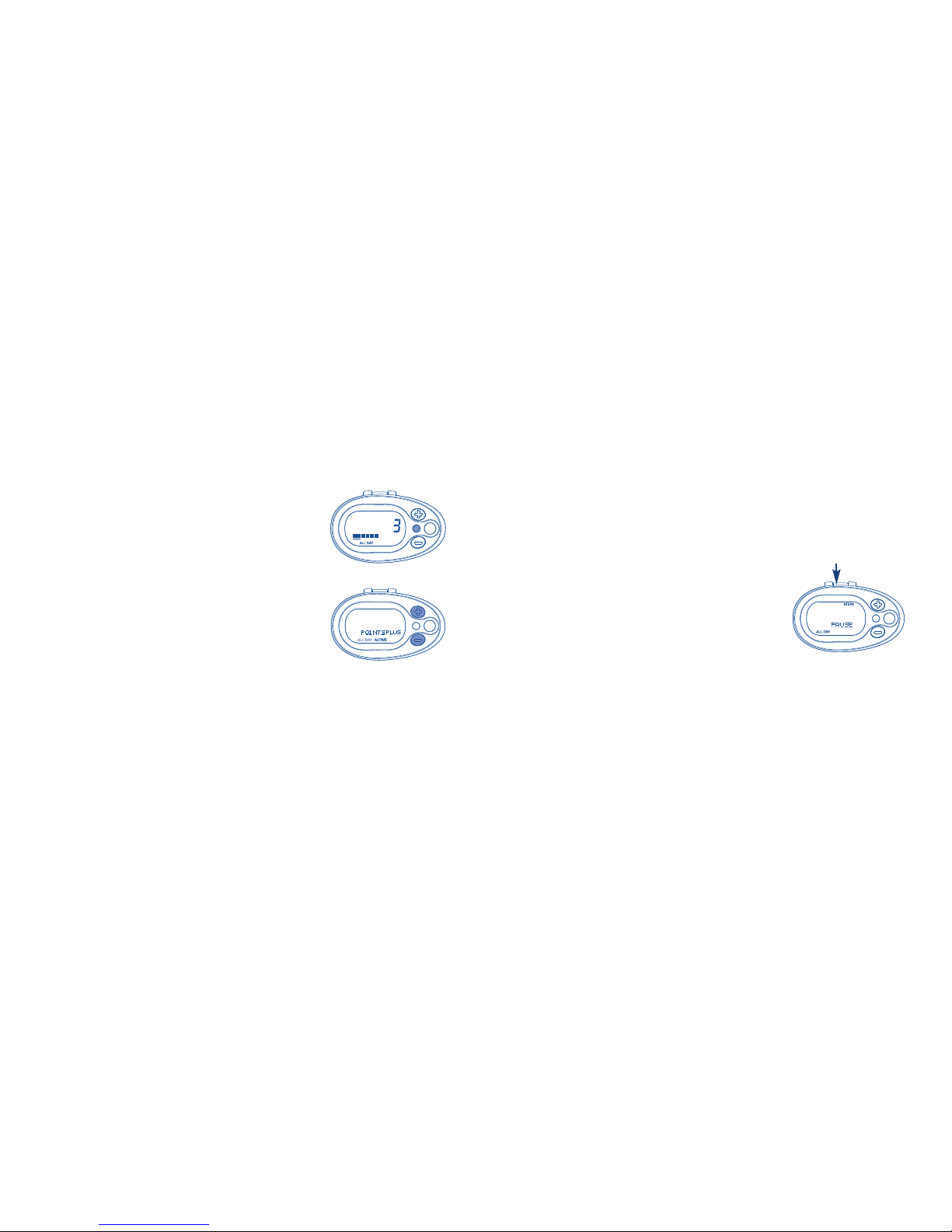
The ACTIVE mode is designed for those who do not want to track steps during the entire day but
just want to track the steps taken during exercise. ACTIVE mode bypasses the number of qualifying
steps required to earn an activity PointsPlus value in ALL DAY mode because in ACTIVE mode the
pedometer assumes you are already taking those qualifying steps as part of your daily life and are
using the pedometer to track only the steps/activity PointsPlus values earned for that fitness
walk. Therefore, when the pedometer is set to ACTIVE mode, you will see the Progress Bar start to
fill up indicating earned activity PointsPlus values for your fitness walk.
USI G YOUR PointsPlusTM PEDOMETER