Williams Sound DigiWave User guide

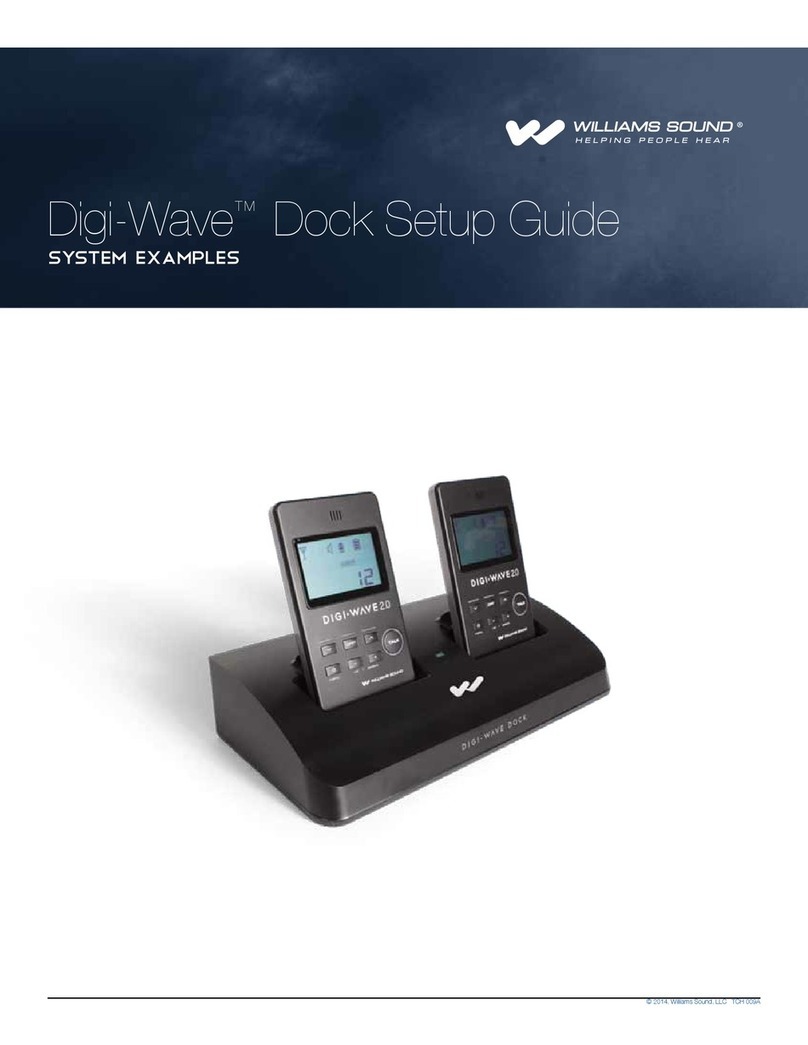
Digi-Wave™Dock Application Guide
SYSTEM EXAMPLES
© 2019, Williams AV, LLC TCH 009D

Digi-Wave Dock Application Guide
2
Table of Contents
Purpose of this Guide 3
Base Station Transmitter 4
Base Station Receiver 6
Teleconferencing 8
Range Extender 10
Interpretation with Wireless Presenter 12
Two-Way, Two-Language Question and Answer 14
5 Simultaneous Talkers with a 2.0 System 17
Extending a 2.0 Series system with 300 Series Product 20

Digi-Wave Dock Application Guide
3
Purpose of this Guide
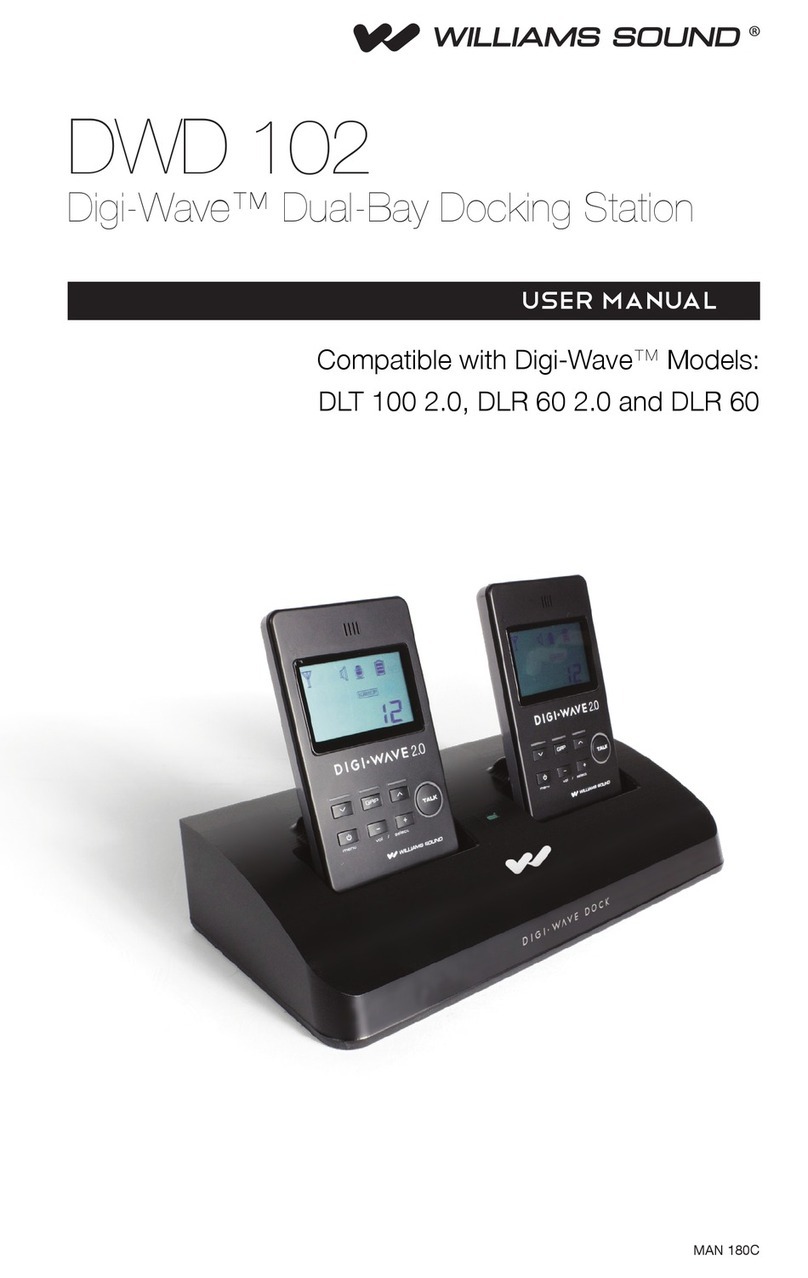
The Digi-Wave Dock provides a way to:
(a) connect Digi-Wave wireless product to a hard-wired system,
(b) hard-wire wireless product together, and
(c) charge Digi-Wave DLTs and/or DLRs
This guide is designed to present various ways the Digi-Wave Dock can be utilized. The dock is a versatile piece of equipment, and the
following examples are by no means exhaustive. These examples are provided as a starting point for more creative or complex uses.
“DLT” in this guide refers to DLT 300 or DLT 100 2.0.
“DLR” in this guide refers to DLR 60, DLR 60 2.0 or DLR 360.
Note: The DLT 100 and DLR 50 units do not have active audio pins to send or receive audio through the 30-pin connector on the Dock. So
these units cannot be used in any of the scenarios described in this guide. The DLT 100 can be charged in the dock (only).
Cannot be used in any scenarios this guide:
DLT 100
DLR 50
Can be used in applicable scenarios in this guide:
DLT 300
DLT 100 2.0
DLR 360
DLR 60 2.0
DLR 60

Digi-Wave Dock Application Guide
4
Base Station Transmitter
The Digi-Wave Dock can be used as a method of transmitting audio from a sound system to the audience listening with transceivers or
receivers.
How it works:
An audio program, presenter’s voice, etc. is sent from a sound system or other equipment to the dock line input. The dock delivers the
audio to the docked transceiver which broadcasts the audio out to receivers (or transceivers) in the audience.
Required Equipment:
One Digi-Wave Dock, one DLT 300 Transceiver

Digi-Wave Dock Application Guide
5
Unit Programming for Base Station Transmitter
Unit
Location Model Mode Priority Group Channel
Docked *DLT 300 1-way - Main Speaker: Master 01 0
Audience DLR 360 - - 01 0
*Docked DLT must have it’s bay switch set to “Auto”. This keeps the battery charged and locks the TALK button on. When
the Dock gets powered up the DLT will begin transmitting automatically. When listeners enter the room, their receivers (or
transceivers) will sync to the docked unit and begin receiving audio.
Digi-Wave Dock
(rear)
A497
Docked
DLT
Analog
Line Output
(XLR or RCA)
Analog Line Input
(XLR or RCA)
An audio program, speakers voice, etc. is sent from a sound system or other equipment to the dock input. The dock delivers the audio to the docked
transceiver which broadcasts the audio out to receivers (or transceivers) in the audience.
Sound System,
Analog Mixer, etc.
Dock Bay Switch
set to “Auto”
DLT Programming:
Mode:
Priority:
Group: 01
Channel: 0
Talk Mode: PnL
Talk Button: ON
DLR Programming:
Group: 01
Channel: 0
Audience
Presenter

Digi-Wave Dock Application Guide
6
Base Station Receiver
The Digi-Wave Dock can be used to receive audio from a DLT, and send this audio into a sound system. Utilized in this way, a presenter
can be recorded, heard by the audience using receivers, or heard by the audience through loudspeakers.
How it works:
A presenter’s voice is transmitted from a DLT 300 transceiver to a docked DLR 360 receiver. The dock sends the audio through it’s line
outputs into a sound system or other equipment.
Required Equipment:
One Digi-Wave Dock, one DLR 360 Receiver

Digi-Wave Dock Application Guide
7
Base Station Receiver
Unit Programming
Unit
Location Model Mode Priority Group Channel
Presenter DLT 300 1-way - Main Speaker: Master 01 0
Docked *DLR 360 - - 01 0
*The docked DLR should have it’s bay switch set to “Auto”; this keeps it powered up and it will begin receiving when the dock
powers up and the Master is found.
The presenter’s DLT should be set to 1-way mode-Main Speaker/Master; this way when the presenter enters the room, the docked receiver
(or transceiver) will sync with the presenter’s DLT and begin receiving the audio, automatically.
Using a docked receiver is recommended for simplicity, but if using a docked DLT, it should be set to 2-way Slave mode. This will not work
if the docked DLT is in one-way mode.
Digi-Wave Dock (rear)
A496
Docked
DLR
Analog Line Input
(XLR or RCA)
Sound System
Analog Line Output
(XLR or RCA)
A speaker’s voice is transmitted from a DLT 100 2.0 to a docked DLR 60 2.0 receiver (or DLT 100 2.0
transceiver). The dock sends the audio through it’s outputs into a sound system or other equipment.
Presenter
Dock Bay Switch
set to “Auto”
The Audience hears the
Presenter through the
Sound System
3.5mm
HEADPHONE
DLR Programming:
Group: 01
Channel: 00
DLT Programming:
Mode:
Priority:
Group: 1
Channel: 0
Talk Mode: PnL
Talk Button: ON

Digi-Wave Dock Application Guide
8
Teleconferencing
The dock provides full duplex audio capability when a DLT Transceiver is docked. Utilized in this way, two-way communication can be
established between two conference rooms, with audio sent/received over the internet. People on both sides can speak/listen with
DLT transceivers, or just listen with DLR receivers. A program such as Skype or other teleconference software can be used to make the
conference call over the internet. The two-way audio from each dock is connected to the computer in that conference room, and the audio
from the dock is routed into a sound system in that room. Additional DLTs can be added for hearing assistance, asking and answering
questions, or for presentations where a person will be standing or walking.
How it works:
In Conference Room 1, people’s voices are picked up using the internal microphone*on a portable DLT on the conference room table.
This audio is transmitted to a docked DLT. The dock sends the audio through it’s outputs to a computer. The computer sends the audio
through the internet where it is received by a computer in Conference Room 2. The computer in Conference Room 2 sends its audio to a
sound system for people in Conference Room 2 to hear. Additional DLTs can be used for hearing assistance or Q&A.
In the same manner, audio is sent from Conference Room 2 to Conference Room 1. Typically this type of system is coupled with a video
screen in each conference room, so the people in both locations can see each other.
*a conference microphone could also be used for improved pickup of multiple voices (not shown)
Required Equipment:
Two Digi-Wave Docks, four DLTs, four 3.5mm to RCA cables, conference microphone if desired
Conference Room 1
Conference Room 2
VOLUME
POWER HEADPHONE
POWERAMPLIFIER
POWER
COMPUTER
VOLUME
POWER HEADPHONE
POWERAMPLIFIER
POWER
COMPUTER

Digi-Wave Dock Application Guide
9
Teleconferencing
Unit Programming
Unit
Location Model Mode Priority Group Address
Docked *
Conf Rm 1
DLT 300 2-way: Master 1 1 01
Presenters
Conf Rm 1
DLT 300 2-way: Guest 102 ... 99**
Docked *
Conf Rm 2
DLT 300 2-way:
Master 1 1 01
Presenters
Conf Rm 2
DLT 300 2-way: Guest 1 02 ... 99**
*Docked DLT must have it’s bay switch set to “Auto”. This keeps the battery charged and locks the TALK button on. When
the Dock gets powered up the DLT will begin transmitting automatically. When listeners enter the room, their receivers (or
transceivers) will sync to the docked unit and begin receiving audio.
** Each DLT transceiver within a Group must have a unique address.
Conference Room 1 and 2 are separated by a large enough physical distance that both rooms are out of range of each other’s Digi-Wave
System. This eliminates the need to have each system on separate groups, so they can both use Group 1.
A499
Docked
DLT
Line
Output
(RCA)
In Conference Room 1, a speaker’s voice is transmitted from a DLT 100 2.0 to a docked DLT 100
2.0. The dock sends the audio through it’s outputs into a computer. The computer sends the
audio through the internet where it is received by a computer in Conference Room 2. The
computer in Conference Room 2 sends its audio to a dock that has a docked DLT 100 2.0
transceiver. A listener with a DLT or DLR in Conference Room 2 hears the audio from Conference
Room 1.
In the same manner, audio is sent from Conference Room 2 to Conference Room 1, completing
the 2-way communication circuit. Typically this type of system is coupled with a video screen in
each conference room, so the people in both locations can see and hear each other (not shown).
Line Input
(RCA)
Line Input
(RCA)
Digi-Wave Dock
(rear)
Line Output
(3.5mm
stereo)
Line Input
(3.5mm stereo)
Line Output (3.5mm stereo)
Conf Rm 1 Audio
Conf Rm 2 Audio
Dock-
Bay-
Switch
set to
“Auto”
Dock-
Bay-
Switch
set to
“Auto”
Docked
DLT
Line
Output
(RCA)
Main Presenter
Conf. Rm. 1
Desktop
Computer
INTERNET
Desktop
Computer
Digi-Wave Dock
(rear)
Main Presenter
Conf. Rm 2
CONFERENCE ROOM 1 CONFERENCE ROOM 2
Line Input
(3.5mm stereo)
Additional people
in the room
can join the
conference
with transceivers
in this same
configuration
(must have
unique
addresses
03...99)
DLT Programming:
Mode:
Priority:
Group: 1
Address: 2
Talk Mode: PnL
Talk Button: ON
Additional people
in the room
can join the
conference
with transceivers
in this same
configuration
(must have
unique
addresses
03...99)
DLT Programming:
Mode:
Priority:
Group: 1
Address: 2
Talk Mode: PnL
Talk Button: ON
DLT Programming:
Mode:
Priority:
Group: 1
Address: 1
Talk Mode: PnL
Talk Button: ON
DLT Programming:
Mode:
Priority:
Group: 1
Address: 1
Talk Mode: PnL
Talk Button: ON

Digi-Wave Dock Application Guide
10
Range Extender
The Digi-Wave Dock can be used to extend the range of an existing Digi-wave System - for reaching a larger audience, reaching
audiences in additional rooms or areas, or for establising two-way communication that is outside the normal range of wireless operation
(shown).
How it works:
In Building A, a talker’s voice is transmitted from a handheld DLT to a docked DLT. The dock sends the received audio through it’s output,
through the first XLR cable, to the input of a second dock in Building B. The second dock has a DLT transceiver that broadcasts the audio
to a person listening with a handheld DLT. When the person in Building B speaks, audio travels from the handheld DLT, to the docked DLT,
and back along a second XLR cable to Building A where it enters the first dock’s input, completing a two-way communication path. The
length of the range extension is limited by the type of XLR cables used, but can be as much as 500 feet or even much more.
Required Equipment:
Two Digi-Wave docks, two long XLR cables, and 4 DLT Transceivers
(2) XLR cables
Distance = 500 ft or more
Building A
Building B
Docked
DLT
Docked
DLT
Handheld
DLT
Handheld
DLT
Other manuals for DigiWave
1
Table of contents
Other Williams Sound Docking Station manuals