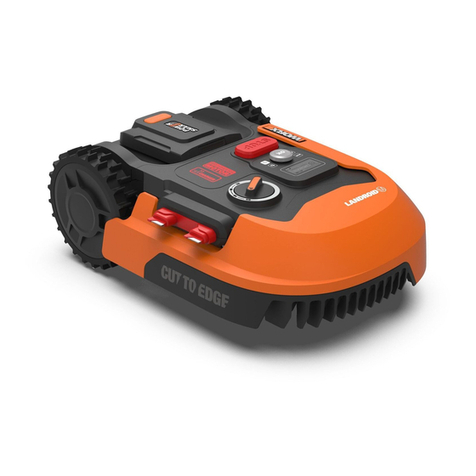
Troubleshooting guide
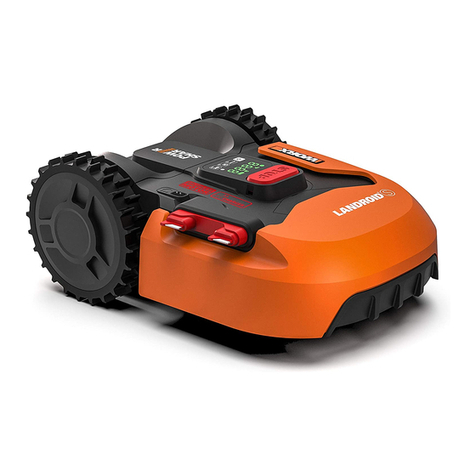
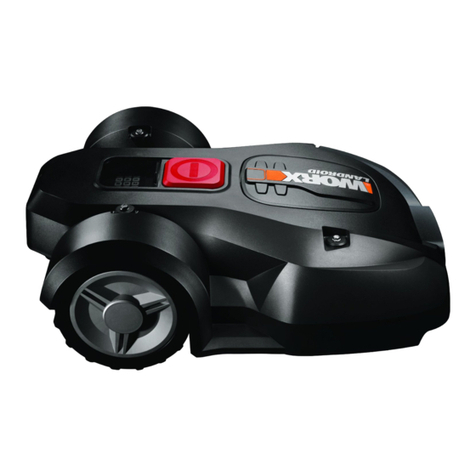
If your Landroid®M does not work correctly, follow the trouble shooting guide below. If the fault persists, contact your dealer. Refer to the Owner's Manual for
Landroid®M component information.
Symptom Cause Action
Landroid®M turns on, but the
Blade Disc does not move.
Landroid®M is searching for the Charging Base (except that
you press the HOME button to make it go to the charging
base, or the “Enable boundary cut” function is operating).
This is normal, Landroid®M needs to recharge, the Blade Disc does
not rotate while it is searching for the Charging Base automatically.
Landroid®M vibrates. Blades may be damaged. Check condition of the Blade Disc. Check the Blades, and replace them if damaged .
Remove debris and foreign objects from the blades and blade disc.
Grass is being cut unevenly.
Landroid®M does not work enough hours per day. Add more hours to the mowing time.
Mowing area is too big. Try decreasing the size of the mowing area or adding more hours to
the mowing time.
Blades are dull. Change all the Blades and screws in order to balance the Blade Disc.
The cutting height is set too low for the length of the grass.
Raise the cutting height and then gradually lower.
Grass or other object has wrapped around the blade disc.
Check the Blade Disc and remove the grass or other object.
There is a build-up of grass in the Blade Disc or Motor Frame
Box.
Make sure the Blade Disc rotates easily. If needed, you may take off
the Blade Disc and then remove the debris. See How to Clean.
The LED light on the Charging
base does not turn on. There is no power. Check the power cord is connected properly to the charger and the
charger is connected to a suitable power supply.
Green light flashing on charging
base. The Boundary Wire isn’t connected. Check the boundary wire has been connected correctly to the
charging base. Check there are no breaks in the boundary wire.
Your Landroid®Mis inside its
territory but the display says
“outside working area” and the
LED is green.
The boundary wire ends are clamped incorrectly. Reverse the boundary wire ends.
The charging time is far more
than 2h.
Poor connection caused by debris on the Charging Strip. Clean the Contact Pins located on the Charging Base and the
Charging Strip on Landroid®Musing a cloth.
The charging protection program has activated due to high
temperature.
Place the charging base in a shady area or wait until the temperature
has cooled down.
The mower does not charge. There is no power. Check the power cord is connected properly to the charger and the
charger is connected to a suitable power supply.
Does not operate correctly while manually charging. Refer to manual charging in Owner’s manual.
Landroid®M is starting to have
shorter run-times between
charges.
Something is clogged in the Blade Disc. Take off the Blade Disc and clean it.
The grass is too high and too thick.
Landroid®M is shaking heavily. Check the blade disc and blades, remove debris and foreign objects
from the blades and blade disc.
The battery may be exhausted or old. Replace battery.
Landroid®M is not operating at
the correct time.
The clock is not set to the correct time. Set the clock to the correct time.
Programmed cutting times for Landroid®M are not correct.
Change the time settings for the mower to start and stop.
Landroid®M can not correctly
dock with the Charging Base.
Environmental influences. Restart Landroid®M.
Poor connection caused by debris on the Charging Strip. Clean the Contact Pins located on the Charging Base and the
Charging Strip on Landroid®M using a cloth
The Green light on the Charging
Base turns ON before charging is
complete.
The charging base is overheating, the LCD will display “Over
temperature”.
Place the charging base in a shady area or wait until the temperature
has cooled down.
Landroid®Mruns outside the
boundary wire. Landroid®M
does not mow an area within a
boundary wire zone. Landroid®M
reverses or rotates erratically near
the boundary wire.
The boundary wire of another Landroid®M or another branded
robotic mower is positioned too closely.
Ensure your Landroid®M Boundary Wire has at least 0.5 m of
spacing between the neighboring boundary wire.
The boundary wire has been installed with tight corners.
Check the boundary wire to ensure the corners are smooth.
In wet conditions, the boundary wire electric signal may leak
were wire has been joined or repaired.
Check boundary wire joints. Insulate to provide a fully waterproof
connection.
There is boundary wire electric signal leakage due to broken
insulation. Repair damaged boundary wire insulation with insulation tape.
The cutting area is larger than the allowable cutting area for
Landroid®M. Contact service agent.
Landroid®M wheels skid or
damage lawn.
Foreign obstacles, such as twigs and branches may be lodged
under Landroid®M. Remove foreign objects from underside of Landroid®M.
The lawn is too wet. Wait until lawn has dried.
Landroid®M exits the boundary
wire due to high speed when
going down a hill.
The Boundary Wire is placed on a slope steeper than
25%(15°).
Reposition the Boundary Wire away from slopes that are steeper
than 25%(15°). Please refer installation manual for details.