can be generated as an indication that the battery is in danger of
becoming too low. The pre-warning will switch off if the pre-set disconnect
voltage is reached or if the input voltage has risen to 13.0/26.0Volts.
The maximum load is 100mAmp.
With this contact, it is also possible to automatically set a relay, with
which for example, a generator could be started. In this case it is
important that a diode (e.g. 1N4007) is mounted over the coil of the
respective relay.
THE DISCONNECT VOLTAGE
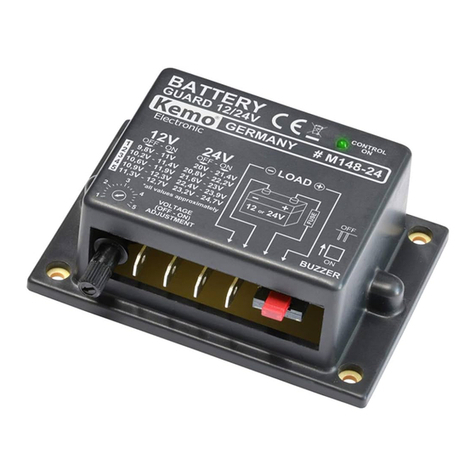
The required disconnect voltage can be set using the 'mode' push button.
The lower the voltage, the more deeply the battery is discharged. Which
setting should be selected depends primarily on the usage situation. In
order to still be able to start a vehicle, a high disconnect voltage will need
to be selected. Secondly, the point of disconnect depends on the type of
battery. Some types and brands of battery may be discharged more
deeply than others. Full-traction batteries for example, have been
specifically developed to be deeply discharged (heavy cyclic use). Where
possible discuss the correct cut-off voltage with your battery supplier.
Setting the disconnect voltage
Make sure the protector is connected to the battery. The consumer does
not need to be connected at this stage. The protector can only be set if
the status LED is green or red (lights up or flashes).
Press and hold the 'mode' button for 5 seconds. The LED ‘status’ will be
off during this time. Release the button when the LED lights up again. The
protector is in the setting procedure and will immediately display the
current setting. By briefly pressing the mode button in quick succession,
a selection can be made from the different settings. These are
distinguished by the LED colour and whether or not the LED light is
flashing. See diagram on following page.
If the mode button has not been used for 10 seconds, the protector leave
the set-up process. The last selected setting will remain in the memory
even if the device has been disconnected from the input.