EN
Thema:
WHITE.
The setting "AUTO" stands for the
automatic color change: the car radio
changes its illumination color every 3
seconds.
Bluetooth connection
Before the fi rst usage of any Bluetooth
function the unit should be connected
via Bluetooth with the device of your
choice.
A Activate the Bluetooth function on
the external device (e.g. cellphone).
B Search for a new device named
"CAR BT" (this very unit).
C Select it to build a connection
between your cellphone and the unit.
D If required enter the password
"0000" and confi rm the entry.
E Now the both are connected.
In order to fi nd out how to activate the
Bluetooth function on your cellphone or
other device please read the correspon-
ding manual.
Once you have connected via
Bluetooth the unit with an external
device of your choice, the connec-
tion will be built automatically as
soon as the device appears in the
receiving area of the unit.
The Bluetooth function should be
"ON" both on the external device
and on the unit.
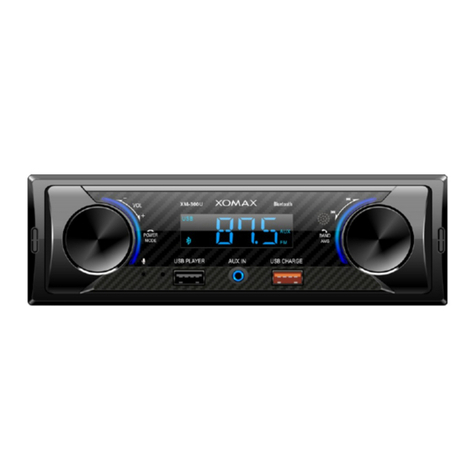
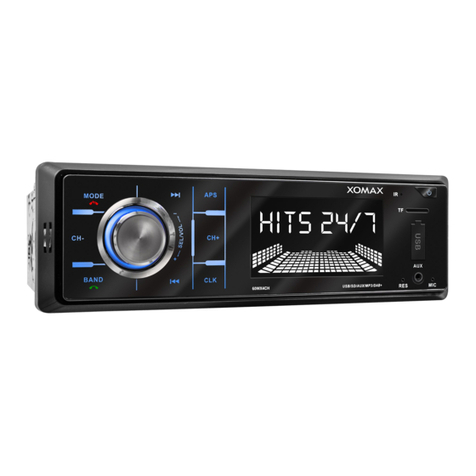
Please note that the left USB
slot is not suitable for charging the
mobile device battery. Please use
the right USB slot on the Fronta-
panel.
USB charging function
The right USB slot with charging func-
tion is located on the front panel. Insert
the USB charging cable from your
mobile device correctly and carefully
into the USB slot.
Please note that the right USB
slot is not suitable for playing the
media fi les. No USB sticks are
accepted on this USB slot. Please
use the left USB slot for this.
Factory settings
Pressing the 9button (see page 6)
button you can set the unit back to the
factory settings.
Use a pencil or similar to press the
button. After reset the unit shuts down
automatically.
Set LED color
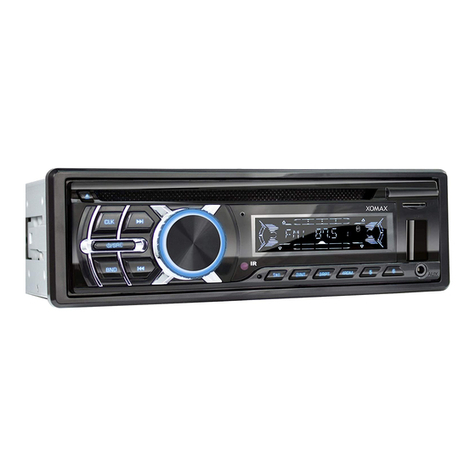
To change the illumination color, press
the knob until "AUTO" appears on the
screen.
Turn the knob to toggle between the
color settings: AUTO, BLUE, GREEN,
CYAN, RED, PURPLE, YELLOW and