1.0 KNOW YOUR BALANCE
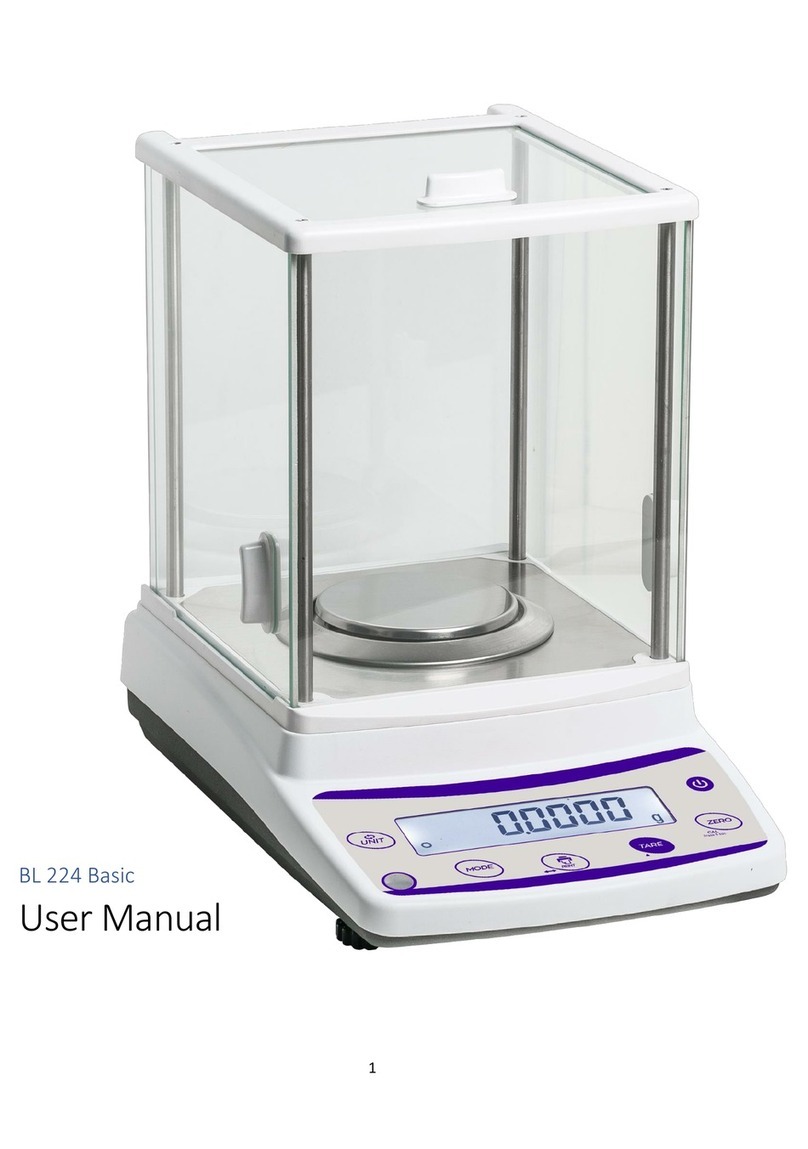
Thank you for selecting the BL 224 Touch Analytical Balance.
This Instruction Manual will guide you of the installation, accessories,
trouble-shooting, after sales service information, general maintenance of the
balance, etc. it will also guide you through the various applications.
Please read this Manual thoroughly before starting the operations. If you need
any clarifications, feel free to contact us.
The BL 224 Touch balances are ideal for laboratory and general purpose
weighing. The balances can also be used for some advanced weighing
functions.
FEATURES:
Stainless Steel Pan
Super bright LCD display with backlight
RS232 Interface
Adapter supplied as standard
Windshield supplied as standard
Height adjustable feet, Bubble Level
Internal Auto Calibration
Selectable measure units, g, oz, ct,mg
Memory for accumulated time
Weighing function
Piece counting function
Below balance weighing
01
7. 5 PECENTAGE FUNCTION
Check the weight percentage function:
1.Choose the 100% which you will put on the pan
2.Touch the weighing value you want weighing, here is the sample weight,
after the weighing stable touch again, the result will check and store.
3.Touch here and weighing the total weight, and touch again check the
weight.
4.The percentage will be show here.
7. 6 Density Function.
Same operation with density function, just touch the air weight and weighing
in the air, then weighing in the liquid, the result will show in the display.