EnglishDeutsch
 logo
Brands
  1. Home
  2. •
  3. Brands
  4. •
  5. Yamaha
  6. •
  7. Musical Instrument
  8. •
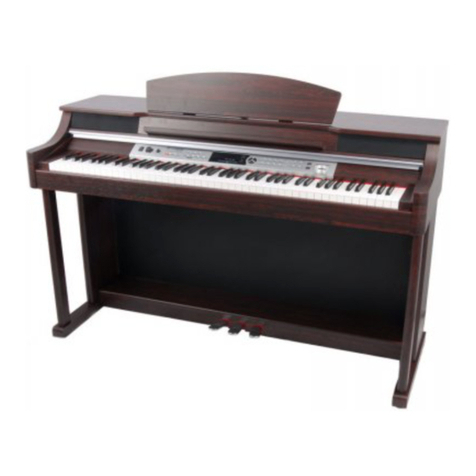
  9. Yamaha Arius YDP-105 Service manual

Yamaha Arius YDP-105 Service manual

Other manuals for Arius YDP-105

1

Other Yamaha Musical Instrument manuals

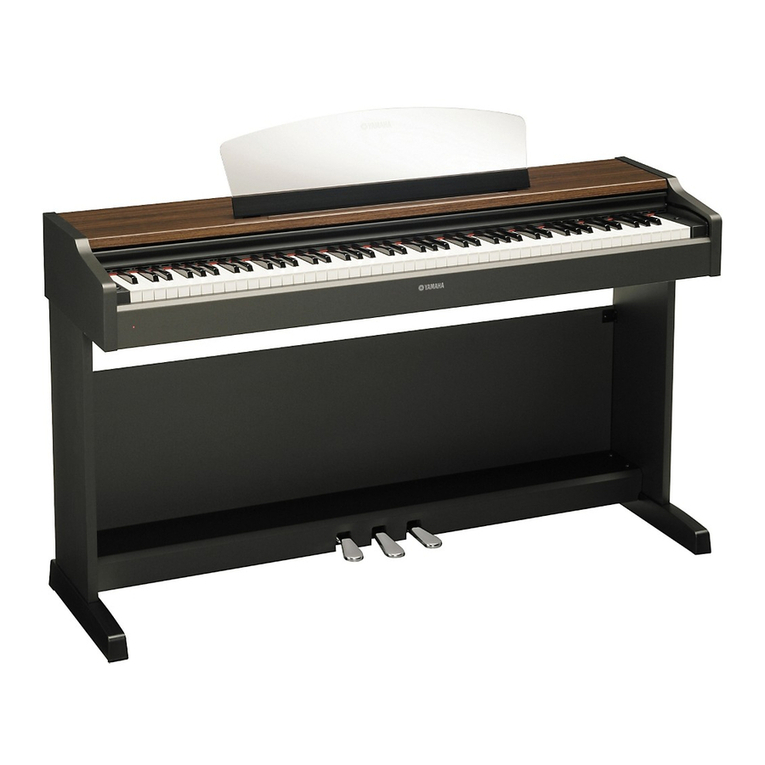
Yamaha YDP-131 User manual

Yamaha

Yamaha YDP-131 User manual

Yamaha Electone B-55 User manual

Yamaha

Yamaha Electone B-55 User manual

Yamaha YDP-101 User manual

Yamaha

Yamaha YDP-101 User manual

Yamaha Electone B-6E series User manual

Yamaha

Yamaha Electone B-6E series User manual

Yamaha Piccolo/Flute User manual

Yamaha

Yamaha Piccolo/Flute User manual

Yamaha Clavinova CGP-1000 User manual

Yamaha

Yamaha Clavinova CGP-1000 User manual

Yamaha DGX-650 Service manual

Yamaha

Yamaha DGX-650 Service manual

Yamaha ARIUS YDP-S34 User guide

Yamaha

Yamaha ARIUS YDP-S34 User guide

Yamaha Electone E-10AR User manual

Yamaha

Yamaha Electone E-10AR User manual

Yamaha P-105 User manual

Yamaha

Yamaha P-105 User manual

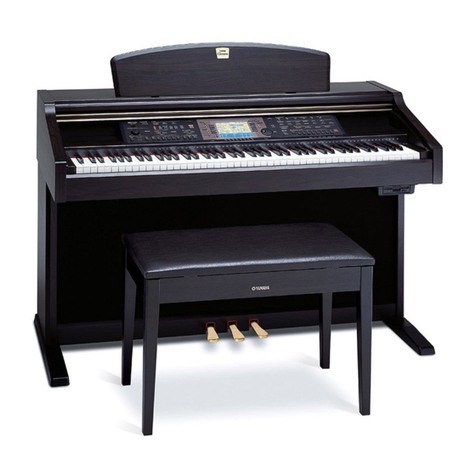
Yamaha Clavinova CVP-205 User manual

Yamaha

Yamaha Clavinova CVP-205 User manual

Yamaha SILENT Bass SVB-100 User manual

Yamaha

Yamaha SILENT Bass SVB-100 User manual

Yamaha YC-45 D User manual

Yamaha

Yamaha YC-45 D User manual

Yamaha Electone E-5AR User manual

Yamaha

Yamaha Electone E-5AR User manual

Yamaha PF-1500 User manual

Yamaha

Yamaha PF-1500 User manual

Yamaha LC4 Music Lab User manual

Yamaha

Yamaha LC4 Music Lab User manual

Yamaha Electone B-20BR User manual

Yamaha

Yamaha Electone B-20BR User manual

Yamaha EZ-EG User manual

Yamaha

Yamaha EZ-EG User manual

Yamaha DISKLAVIER MX1Z User manual

Yamaha

Yamaha DISKLAVIER MX1Z User manual

Yamaha Electone E-45 User manual

Yamaha

Yamaha Electone E-45 User manual

Yamaha YCL-631 User manual

Yamaha

Yamaha YCL-631 User manual

Yamaha AW 1600 User manual

Yamaha

Yamaha AW 1600 User manual

Yamaha Clavinova CVP-600 User manual

Yamaha

Yamaha Clavinova CVP-600 User manual

Yamaha Clavinova CVP-103 User manual

Yamaha

Yamaha Clavinova CVP-103 User manual

Popular Musical Instrument manuals by other brands

Kawai CN17 Operation guide

Kawai

Kawai CN17 Operation guide

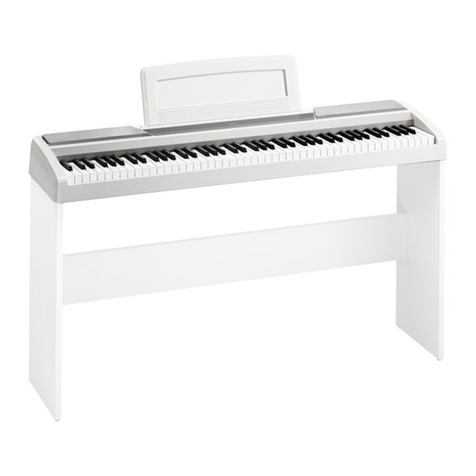
Korg SP-170S owner's manual

Korg

Korg SP-170S owner's manual

Roland ep-97 owner's manual

Roland

Roland ep-97 owner's manual

Roland LX-15 Brochure & specs

Roland

Roland LX-15 Brochure & specs

Johannus Rembrandt 200 user manual

Johannus

Johannus Rembrandt 200 user manual

Casio celviano ap-700 user guide

Casio

Casio celviano ap-700 user guide

Modulus Quantum Series owner's manual

Modulus

Modulus Quantum Series owner's manual

Gear4music SDP-4 user manual

Gear4music

Gear4music SDP-4 user manual

HOMCOM 390-006 Assembly instruction

HOMCOM

HOMCOM 390-006 Assembly instruction

Xotic Guitars ProVintage Series owner's manual

Xotic Guitars

Xotic Guitars ProVintage Series owner's manual

Sadowsky MetroLine Series operating manual

Sadowsky

Sadowsky MetroLine Series operating manual

Bosendorfer CEUS user manual

Bosendorfer

Bosendorfer CEUS user manual

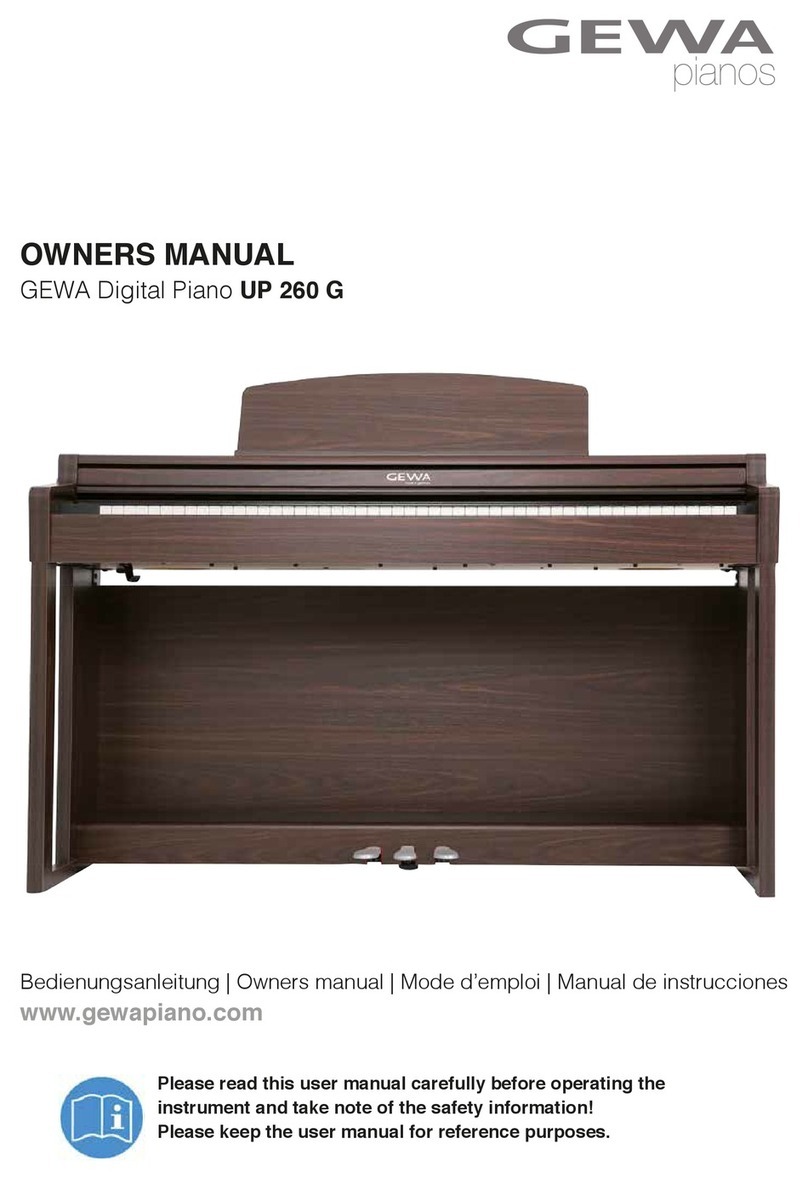
Gewa UP 260 G owner's manual

Gewa

Gewa UP 260 G owner's manual

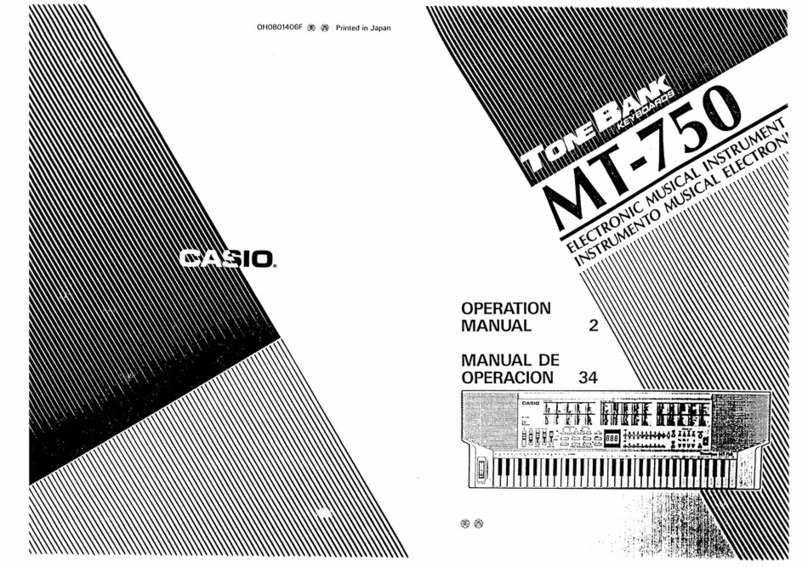
Casio TONEBANK MT-750 Operation manual

Casio

Casio TONEBANK MT-750 Operation manual

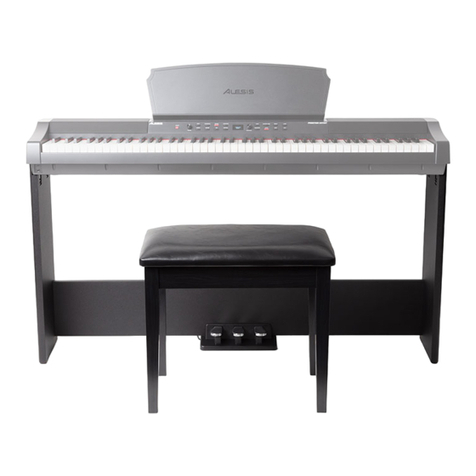
Alesis AHB-1 Assembly guide

Alesis

Alesis AHB-1 Assembly guide

Roland V-Accordion FR-1x owner's manual

Roland

Roland V-Accordion FR-1x owner's manual

Samick DCP-12 manual

Samick

Samick DCP-12 manual

thomann DP-50 user manual

thomann

thomann DP-50 user manual

https://manuals.online logo
https://manuals.online logoBrands
  • About & Mission
  • Contact us
  • Privacy Policy
  • Terms and Conditions

Copyright 2026 Manuals.Online. All Rights Reserved.

MIDI Reference
YDP-105
EN
Table of Contents
MIDI Functions....................................................................................2
Voice List.............................................................................................2
MIDI Implementation Chart................................................................3
2
YDP-105 MIDI Reference
MIDI Functions
When this instrument and a computer are connected with a USB cable, MIDI communication can be performed. The
explanations here cover the settings necessary for performing MIDI communication between both devices.
For instructions on how to connect this instrument to the computer, refer to the “Computer-related Operations”
downloadable from the Yamaha Downloads website.
In Dual, the keyboard
performance via Voice 1 is
transmitted on the specified
MIDI Transmit Channel and the
keyboard performance via
Voice 2 is transmitted on the
next channel number in
sequence (specified channel +
1).
No MIDI messages are output
during playback of the Demo
Song or Preset Song.
For information on program
change numbers for each of
the Voices of the instrument,
see the “Voice List” below.
Setting the MIDI Transmit Channel
In any MIDI control setup, the MIDI channels of the transmitting and receiving devices must
be matched for proper data transfer. You can specify the channel on which this instrument
transmits MIDI data. To do this, while holding down [GRAND PIANO/FUNCTION], press one
of the A6–B6 keys. The A6 key decreases the value by 1, the B6 key increases the value by
1, and the A#6 key restores the default value (channel 1).
Setting range: 1–16
Default value: 1
Other MIDI Settings
The MIDI settings other than the Transmit Channel are set as listed below, and cannot be
changed.
• MIDI Receive Channels: All channels (1–16)
• Local Control: On
• Program Change Transmit/Receive: Yes
• Control Change Transmit/Receive: Yes
Voice List
* When you specify a program change as a number in the range of 0–127, specify a number that is one less than the
program change number listed above. For example, to specify program change number 1, you would specify a value
of 0.
MIDI Settings
Highest keyA6 (−1)
A#6 (Default)
B6 (+1)
Voice Name MSB LSB Program Change number
(1–128)
Grand Piano 108 0 1
Bright Grand 108 2 2
Stage E.Piano 108 1 5
DX E.Piano 108 0 6
Organ Principal 108 1 20
Organ Tutti 108 0 20
Harpsichord 8' 108 0 7
Harpsichord 8'+4' 108 1 7
Vibraphone 108 0 12
Strings 108 0 49

© 2022 Yamaha Corporation
Published 04/2022
MW-A0
MIDI Implementation Chart
TransmittedFunction... Recognized Remarks
Basic
Channel
Note
Number :
True voice
Velocity
After
Touch
Pitch Bend
Control
Change
Prog
Change : True #
System Exclusive
: Song Pos.
Common : Song Sel.
: Tune
System : Clock
Real Time: Commands
: All Sound Off
Aux :
Reset
All
Cntrls
: Local ON/OFF
Mes- : All Notes Off
sages: All Notes Off
: All Sound Off
: Active Sense
: Reset
Notes:
Mode
Default
Changed
Note ON
Note OFF
Key's
Ch's
0,32
1
7
10
11
6,38
64
66,67
71,72,73,74
84
91,93
96,97
100,101
1
1 - 16
c9nH,v=1-127
¯9nH,v=0
¯
¯
c
c
c
c
c
c
c
c
c
¯
c
c
c
c
¯
c
c
c
¯
c
c
¯
¯
c
¯
¯
c0 - 127
**************
¯
¯
¯
c
c
c
c
¯
c
¯
¯
c
¯
3
¯
**************
3 - 126
**************
c
Mode 1 : OMNI ON , POLY Mode 2 : OMNI ON ,MONO
Mode 3 : OMNI OFF, POLY Mode 4 : OMNI OFF,MONO
¯
1 - 16
¯
c9nH,v=1-127
¯
c
¯
¯
¯
¯
¯
c
¯
c(120)
c(121)
c(122)
c(123)
c(124-125)
c(126,127)
c
¯
3
¯
¯
0 - 127
0 - 127
c
c: Yes
¯: No
Default
Messages
Altered
YAMAHA [ ARIUS ]
Model YDP-105 MIDI Implementation Chart Version: 1.0
Bank Select
Modulation
Main Volume
Pan
Expression
Data Entry
Sustain
Sostenuto,Soft Pedal
Sound Controller
Portamento Control
Effect1,3 Depth
RPN Inc,Dec
RPN LSB,MSB
c0 - 127
Date: 1-Feb-2021