vi
155492-1CD
HW0484820
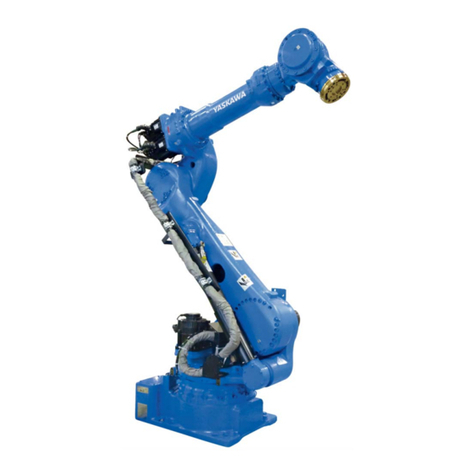
SDA20
• Before operating the manipulator, check that servo power is turned OFF when the
emergency stop buttons on the front door of the NX100 and programming pendant are
pressed.
When the servo power is turned OFF, the SERVO ON LED on the
programming pendant is turned OFF.
Injury or damage to machinery may result if the emergency stop circuit cannot stop the
manipulator during an emergency.The manipulator should not be used if the emergency
stop buttons do not function.
Emergency Stop Button
• Once the emergency stop button is released, clear the cell of all items which could interfere
with the operation of the manipulator.
Then turn the servo power ON.
Injury may result from unintentional or unexpected manipulator motion.
Release of Emergency Stop
• Observe the following precautions when performing teaching operations within the P-point
maximum envelope of the manipulator :
- Be sure to use a lockout device to the safeguarding when going inside.
Also, display the sign that the operation is being performed inside the
safeguarding and make sure no one closes the safeguarding.
- View the manipulator from the front whenever possible.
- Always follow the predetermined operating procedure.
- Ensure that you have a safe place to retreat in case of emergency.
Improper or unintended manipulator operation may result in injury.
• Confirm that no persons are present in the P-point maximum envelope of the manipulator
and that you are in a safe location before:
- Turning ON the NX100 power
- Moving the manipulator with the programming pendant
- Running the system in the check mode
- Performing automatic operations
Injury may result if anyone enters the P-point maximum envelope of the manipulator
during operation. Always press an emergency stop button immediately if there are
problems.
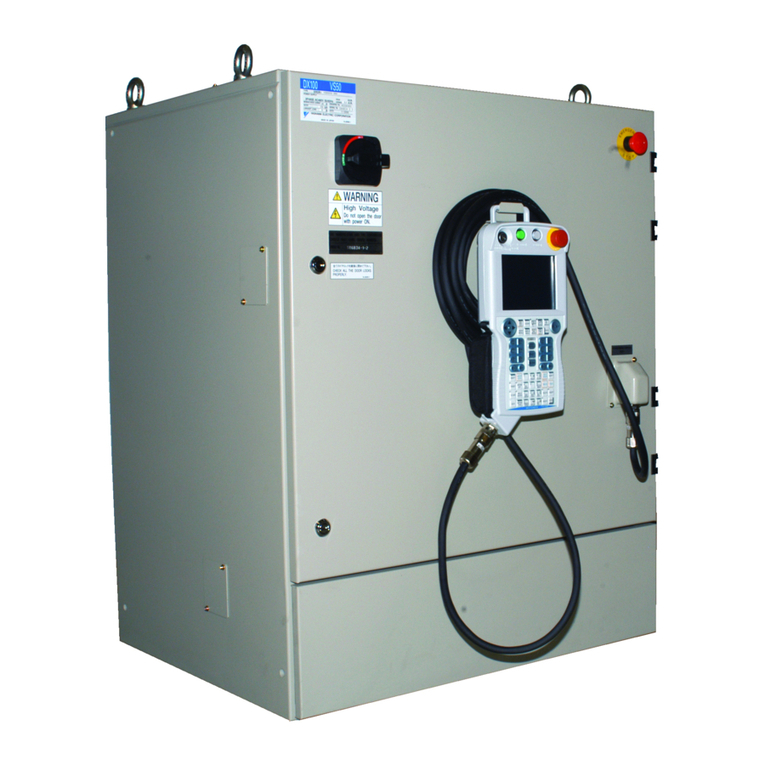
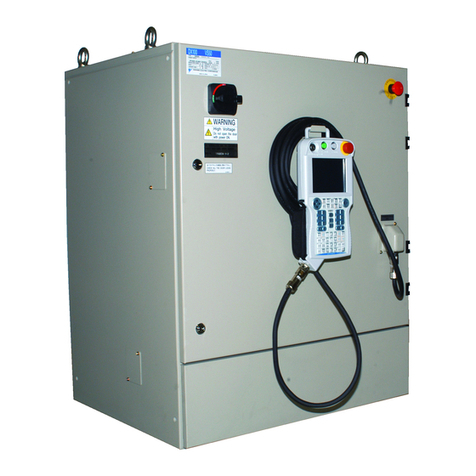
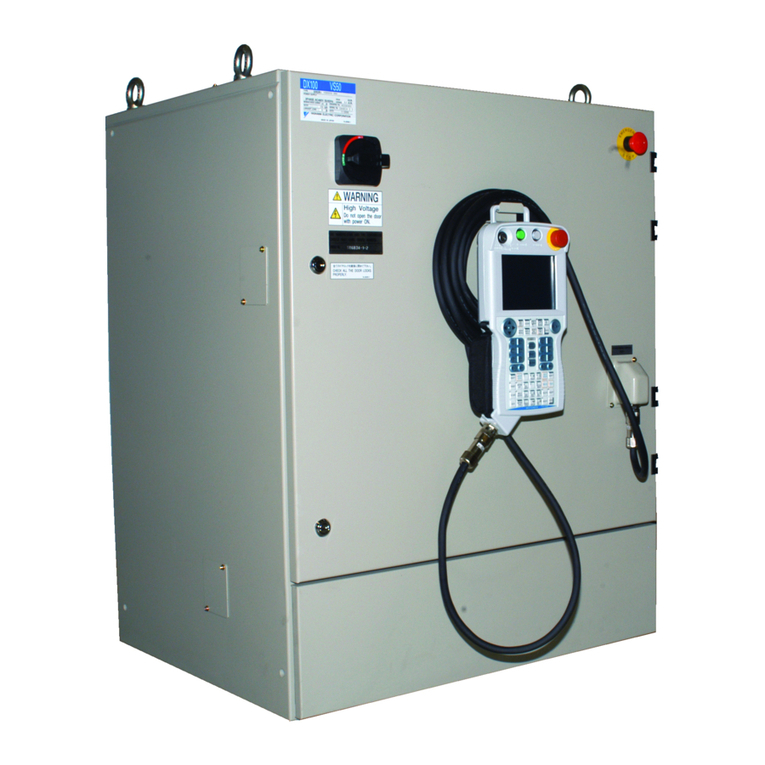
The emergency stop buttons are located on the right of the front door of the NX100 and
the programming pendant.