6
Note:
•If the DD phone is registered to the base station successfully, the phone
prompts “Subscribed Succeed”.
•If the DD phone prompts “Searching for Base”, check whether your base
station is powered on or not.
Basic Call Features (for T41S/T42S)
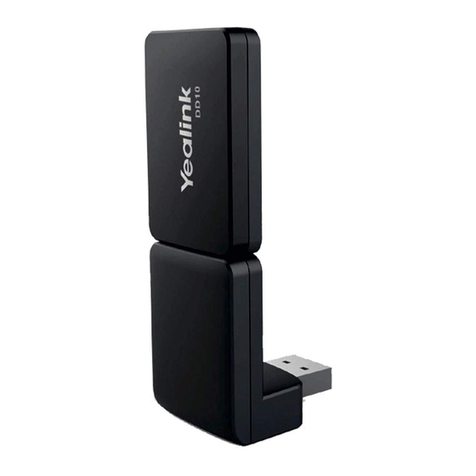
process. If you purchase the DD10K package, you should
manually register the DD phone to one Base station.
Registration
You can register up to 8 DD phones (for W60B) or 5 DD
phones (for W52P) to one base station. Each DD phone can
be registered to only one base station.
Before registering the DD phone, make sure the base station
is in registration mode (long press on the base station till
the registration LED flashes).
To register the DD phone when the phone prompts
“Unregistered!”, do one of the following:
•Press the Reg soft key to register quickly.
•a.Do one of the following:
–Press the OK soft key, and then select Register
Handset.
–Press , and then select Settings->Registration->
Register Handset.
The IP phone begins searching for the base station.
b.Press the OK soft key after a base station is found
successfully.
c.Enter the base station PIN (default: 0000), and then press
the OK soft key to complete registration.
Call Mute and Un-mute
•Press to mute the microphone during a call.
•Press again to un-mute the call.
https://arttel.ru/
https://arttel.ru/shop/aksessuary/yealink-dd10k