Z-Wave Smoke Sensor PSG01
The Z-Wave Smoke Sensor PSG01 is designed to give early warning of
developing fires by giving off the alarm sounds from its build-in alarm
horn based on Z-WaveTM technology.
It is the Z-WaveTM plus product it support the security OTA... Those
newest features of the Z-WaveTM technology. Z-WaveTM is a wireless
communication protocol designed for home automation specifically to
remotely control applications in residential and light commercial
environments. The technology uses a low-power RF radio embedded or
retrofitted into home electronics devices and systems such as lighting
home access control entertainment systems and household appliances.
This product can be included and operated in any Z-WaveTM network
with other Z-WaveTM certified devices from other manufacturers and/or
other applications. All non-battery operated nodes within the network
will act as repeaters regardless of vendor to increase reliability of the
network.
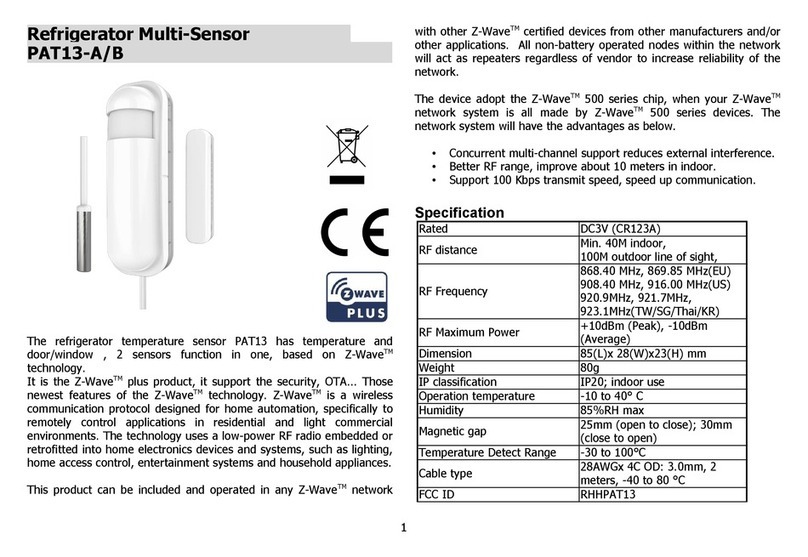
The device adopt the Z-WaveTM 500 series chip when your Z-WaveTM
network system is all made by Z-WaveTM 500 series devices. The
network system will have the advantages as below.
•Concurrent multi-channel support reduces external interference.
•Better RF range improve about 10 meters in indoor.
•Support 100 Kbps transmit speed speed up communication.
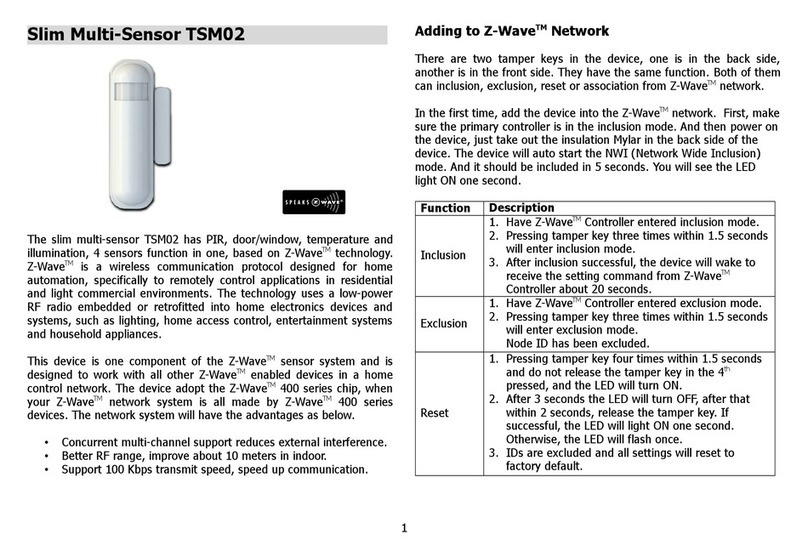
Add to/Remove from Z-WaveTM Network
There is one button on the device. It can be used to add remove reset
from Z-WaveTM network.
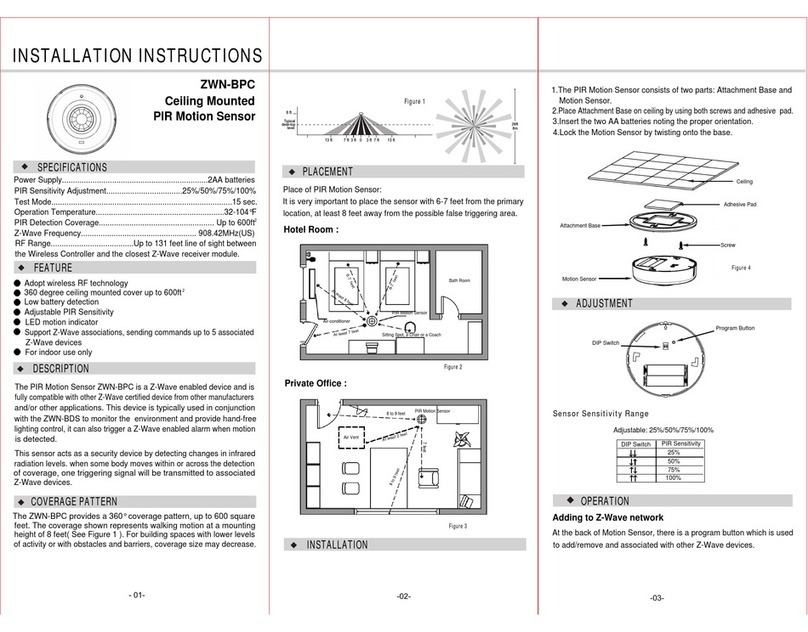
In the first time add the device into the Z-WaveTM network. First
make sure the primary controller is in the add mode. And then insert
battery to power on the device. Press the button once to start the NWI
(Network Wide Inclusion) mode. And it should be added in 5 seconds.
Notice: Including a node ID allocated by Z-WaveTM Controller means
“Add” or “Inc usion”. Excluding a node ID allocated by Z-WaveTM
Controller means “Remove” or “Exc usion”.
Function Description
Add
1. Have Z-WaveTM Controller entered inclusion mode.
2. Pressing button three times within 1.5 seconds to
enter the inclusion mode.
3. After add successful the device will wake to
receive the setting command from Z-WaveTM
Controller about 20 seconds.
Remove
1. Have Z-WaveTM Controller entered exclusion mode.
2. Pressing button three times within 1.5 seconds to
enter the exclusion mode.
Node ID has been removed.
Reset
Notice: Use this procedure on y in the event
that the primary contro er is ost or
otherwise inoperab e.
1. Pressing button four times within 1.5 seconds and
do not release the button in the 4th pressed and
1