manuals.online logo
Brands
  1. Home
  2. •
  3. Brands
  4. •
  5. Zodiac
  6. •
  7. Swimming Pool Vacuum
  8. •
  9. Zodiac SkimmerMotion SKM-10 User manual

Zodiac SkimmerMotion SKM-10 User manual

Other Zodiac Swimming Pool Vacuum manuals

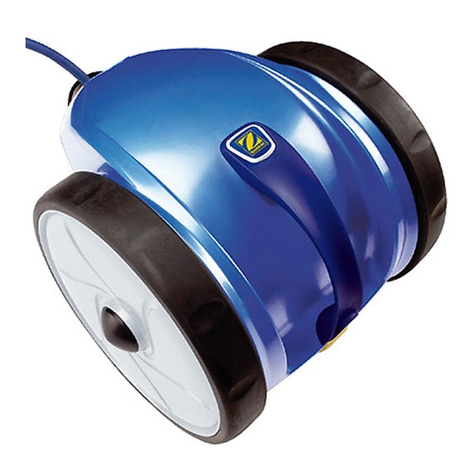
Zodiac VOYAGER RE 4600 iQ User manual

Zodiac

Zodiac VOYAGER RE 4600 iQ User manual

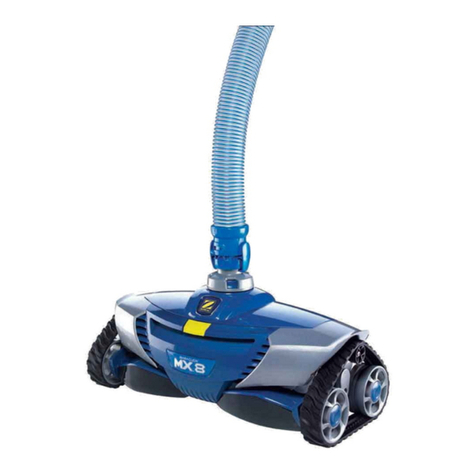
Zodiac MX8 User manual

Zodiac

Zodiac MX8 User manual

Zodiac ALPHA iQ User manual

Zodiac

Zodiac ALPHA iQ User manual

Zodiac VOYAGER RE 4100 User manual

Zodiac

Zodiac VOYAGER RE 4100 User manual

Zodiac SpaWand User manual

Zodiac

Zodiac SpaWand User manual

Zodiac RV 5480 iQ User manual

Zodiac

Zodiac RV 5480 iQ User manual

Zodiac AlphaIQ RE4600iQ User manual

Zodiac

Zodiac AlphaIQ RE4600iQ User manual

Zodiac RC 4400 User manual

Zodiac

Zodiac RC 4400 User manual

Zodiac R3 User manual

Zodiac

Zodiac R3 User manual

Zodiac WR000411 User manual

Zodiac

Zodiac WR000411 User manual

Zodiac Pacer User manual

Zodiac

Zodiac Pacer User manual

Zodiac VX55 4WD User manual

Zodiac

Zodiac VX55 4WD User manual

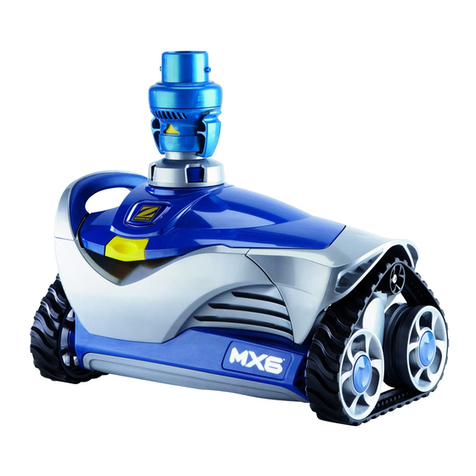
Zodiac MX6 Elite User manual

Zodiac

Zodiac MX6 Elite User manual

Zodiac RC 4370 User manual

Zodiac

Zodiac RC 4370 User manual

Zodiac TX20 User manual

Zodiac

Zodiac TX20 User manual

Zodiac B3 User manual

Zodiac

Zodiac B3 User manual

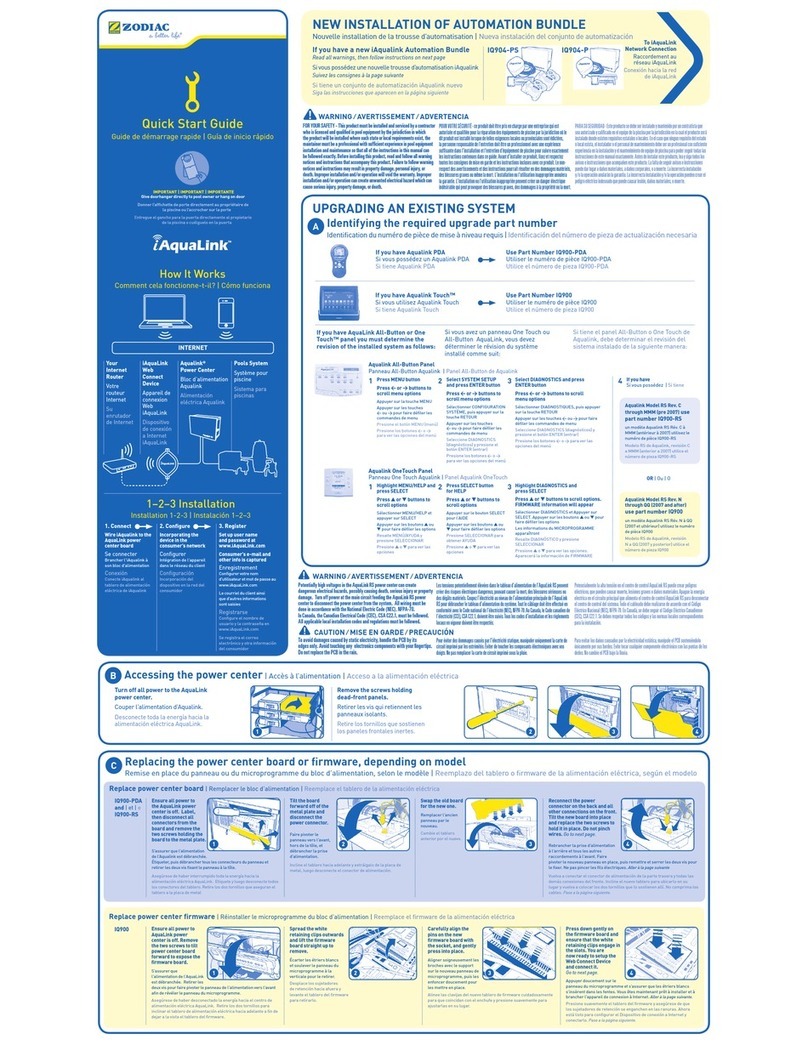
Zodiac IQ904-PS User manual

Zodiac

Zodiac IQ904-PS User manual

Zodiac MX6 Elite User manual

Zodiac

Zodiac MX6 Elite User manual

Zodiac T3 User manual

Zodiac

Zodiac T3 User manual

Zodiac Leaf-B-Gone 4-2-400 User manual

Zodiac

Zodiac Leaf-B-Gone 4-2-400 User manual

Zodiac Baracuda T5 Duo User manual

Zodiac

Zodiac Baracuda T5 Duo User manual

Zodiac FREERIDER RF 5200 iQ User manual

Zodiac

Zodiac FREERIDER RF 5200 iQ User manual

Zodiac RC 4100 User manual

Zodiac

Zodiac RC 4100 User manual

Zodiac MX8 User manual

Zodiac

Zodiac MX8 User manual

Popular Swimming Pool Vacuum manuals by other brands

Maytronics Dolphin POOL UP operating instructions

Maytronics

Maytronics Dolphin POOL UP operating instructions

Kokido SKOOBA K535CBX/18/EU user manual

Kokido

Kokido SKOOBA K535CBX/18/EU user manual

SmartPool Robo-Kleen PLUS user manual

SmartPool

SmartPool Robo-Kleen PLUS user manual

Brilix BARACUDA Installation and user guide

Brilix

Brilix BARACUDA Installation and user guide

POOLGOODS PoolGobbler Pro user guide

POOLGOODS

POOLGOODS PoolGobbler Pro user guide

Hayward Navigator Pro manual

Hayward

Hayward Navigator Pro manual

Polaris Vac-Sweep 380 owner's manual

Polaris

Polaris Vac-Sweep 380 owner's manual

Pentair Prowler 710 Installation and user guide

Pentair

Pentair Prowler 710 Installation and user guide

iRobot Verro 600 owner's manual

iRobot

iRobot Verro 600 owner's manual

BWT D500 quick start guide

BWT

BWT D500 quick start guide

Dolphin MCC6 operating instructions

Dolphin

Dolphin MCC6 operating instructions

Winny OD15061 instruction manual

Winny

Winny OD15061 instruction manual

baracuda Captura EM14 Series quick start guide

baracuda

baracuda Captura EM14 Series quick start guide

Aquabot Pura Series quick start guide

Aquabot

Aquabot Pura Series quick start guide

Dolphin Dynamic PRO X operating instructions

Dolphin

Dolphin Dynamic PRO X operating instructions

Winny RoadRunner Plus user manual

Winny

Winny RoadRunner Plus user manual

AquaTools AT5800 owner's manual

AquaTools

AquaTools AT5800 owner's manual

Bestway AQUACLEAN manual

Bestway

Bestway AQUACLEAN manual

manuals.online logo
manuals.online logoBrands
  • About & Mission
  • Contact us
  • Privacy Policy
  • Terms and Conditions

Copyright 2025 Manuals.Online. All Rights Reserved.

Installation Guide
Tee-Joint
Turn Pump Off
WARNING: Always turn off the pool
pump and any electrical source from
the pool before installing your
SkimmerMotion®. Also, turn off your
lter system.
2
3
4
5
8
7
1
Unpack Disconnect Reconnect
Place O-ringAttach Skimmer
Insert Basket
Connect Tee-Joint
Connect the Tee (”T”) that comes with
your SkimmerMotion®.
Baracuda® is a trademark of Zodiac Pool Care, Inc.
Zodiac® is a registered trademark of Zodiac International.
Hayward® is a registered trademark of Hayward Industries, Inc.
Kreepy Krauly® is a trademark of Pentair Water Pool and Spa, Inc. NEED HELP: Check our Web Site FAQ / CONTACT suppor[email protected]om / CALL: +1 (305) 677-2644
6
Make sure you have all the above parts. If
anything is missing, contact Only About
Innovations® as described on the back of
this sheet.
After unpacking the hose, Stretch it (this is very
important). The SkimmerMotion®hose should
be as straight as possible.
Disconnect the main hose from your pool
cleaner (Baracuda®, Kreepy Krauly®, Hay-
ward® etc.)
REMEMBER: Your pool cleaner’s hose must be 1¼" diame-
ter for it to work properly with your new SkimmerMo-
tion®
Reconnect your original pool hose (lead)
into the Tee placed on Step 4.
Lastly, insert the basket provided inside
your SkimmerMotion®. Set the suction
power setting PIN to #2
The o-ring provided is to avoid bigger
leaves to obstruct the center of the
basket. Check the o-ring stays ¼”
above water level
Connect the other end of the Skimmer
hose to your new SkimmerMotion®.
NEED HELP: Check our Web Site FAQ / CONTACT suppor[email protected]om / CALL: +1 (305) 677-2644
Turn Pump On
10
11
12
9
Place in Water Adjust Suction
Adjust Whirlpool
Your SkimmerMotion™ uses a fraction of the suction of
your entire pool system. Increase with the SkimmerMo-
tion attached to the APC and the basket (SM Power
Setting) set to #3, increase the suction of your pool
cleaner for proper operation. Move the pool valves of
your pool pump and adjust your APC using the FLOW
meter that usually comes with it (Follow the APC
manual).
Put both your Pool Cleaner and SkimmerMotion®
inside your swimming pool.
IMPORTANT: Make sure there are no air bubbles inside your
SkimmerMotion® hose and that both your Pool Cleaner and
SkimmerMotion® hoses are not tangled together.
After the automatic pool cleaner is working normally,
set SkimmerMotion basket to #2. SkimmerMotion
should work ne. SM should have the whirlpool effect
to absorb debris at #2 with no air trapped (noise).
Setting to #1 is the maximum whirlpool power, but air
could be trapped (NOISY SM) and impact the perfor-
mance of your system. If your system is making noise,
repeat step 11.
Only after your SkimmerMotion® is in the
water connected properly to your Pool
Cleaner, you may turn on the pump system
(and also the lter, if you turned it off in
step 2).
NOTE: Make sure all your hoses are untan-
gled and fully straightened out (see pool
illustration).
WARNING - Hazardous suction. Do not play with
cleaner or hose or apply to body. Can trap and tear
hair or body parts.
WARNING - To avoid the risk of injury, do not let
children use or play with pool cleaner.
WARNING - Do not allow swimmers in the pool
while pool cleaner is operating. Hose can trip or
entangle swimmers which could result in drown-
ing.
If you have bigger leaves that manage to pass through the central crown, use the
included cown O-ring that will stopthe bigger leaves to get into the hose and
block the system.