Explanation of the Remote Control
Power Enter or exit standby mode.
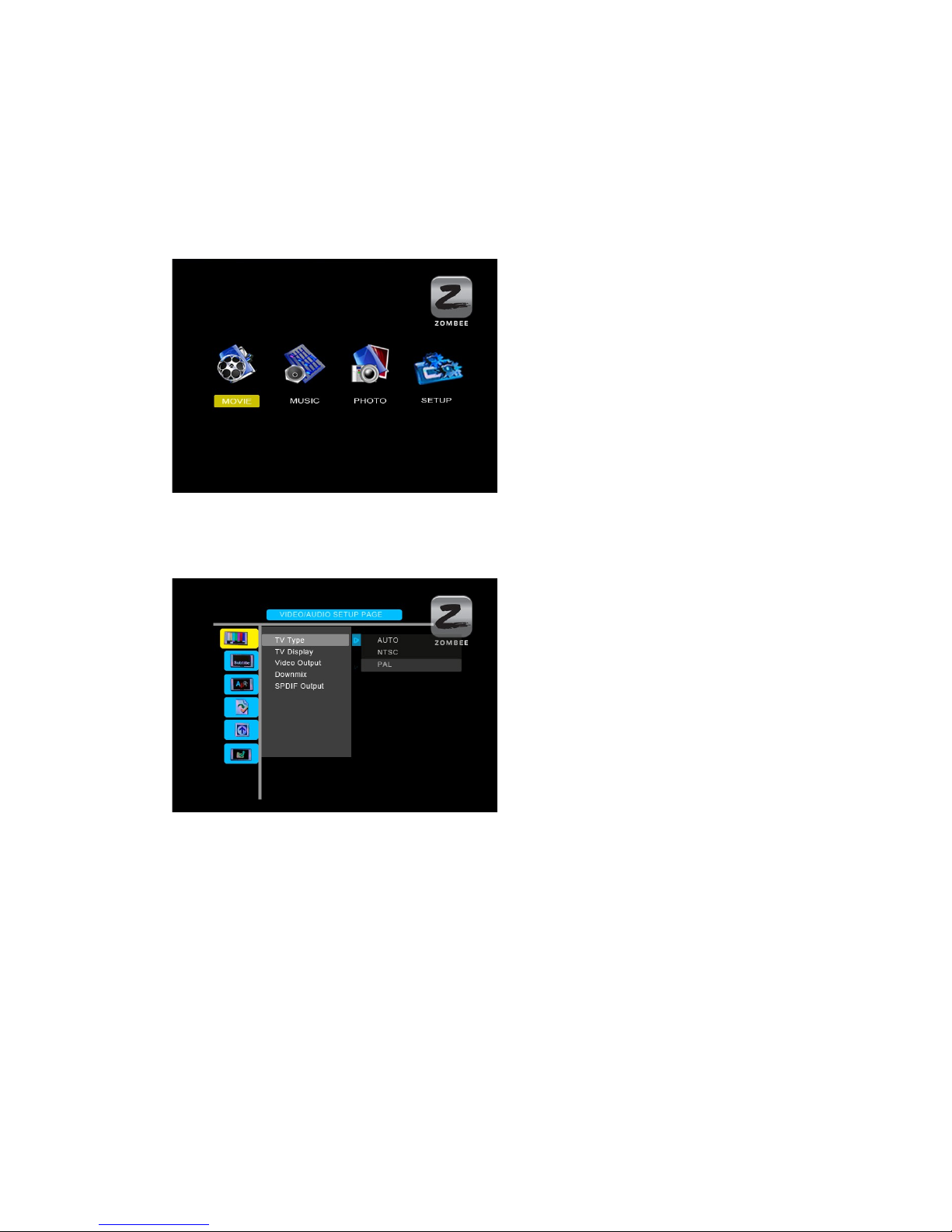
Setup Enter function Setup Menu.
TV-out Select TV video output ( Composite, HDMI, ).
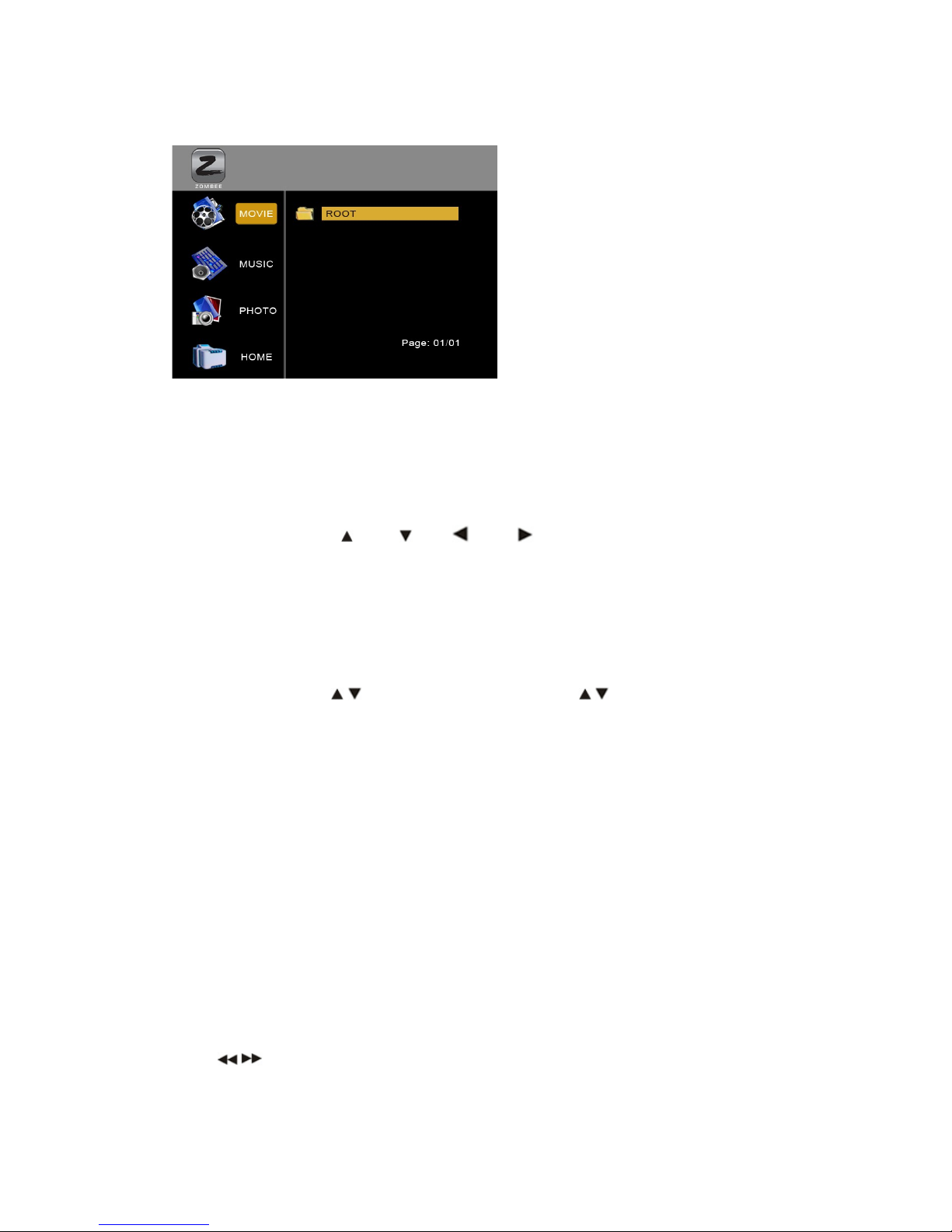
MOVIE Press the button to enter Movie Menu all movies are shown in
directory structure.
MUSIC Press the button to enter Music Menu, all music are shown in
directory structure on the screen.
PHOTO Press the button to enter Photo Menu, all photo are shown in
directory structure on the screen.
FILE Press the button to enter File Menu, all media will show on the
screen in directory structure.
DISPL Y Display/close a transparent menu of media information when
playback.
ENTER TIME SE RCH You can jump to the exact playing time you want.
STOP Stop playing.
REW Rewind, Play reverse fast.
FF Fast forward, play forward fast.
PageUp Page Up or previous, move to Previous page or previous file.
PageDn Page Down or next, move to Next page or next file.
REPE T Select repeat mode.
ROT TE Rotate selected photo.
ZOOM Zoom in/Zoom off selected photo.
S-TIME Select Slideshow interval time.
S-Mode Select Slideshow transition mode between the photos.
MUTE Volume mute On/Off.
SUBTITLE Select MPEG4 subtitles.
M IN P GE Press the button to enter/jump to Main Menu directly.
VOLUME +/- Adjust volume.
PL Y/P USE Start to play back or confirmation the selection or pause
playback.
Do not drop the remote control and do not put it in wet place. When the remote control becomes insensitive,
please replace a new battery.