manuals.online logo
Brands
  1. Home
  2. •
  3. Brands
  4. •
  5. Zumtobel
  6. •
  7. Controllers
  8. •
  9. Zumtobel ED-CCS 1/2/3 Li1/Li2 User manual

Zumtobel ED-CCS 1/2/3 Li1/Li2 User manual

Other Zumtobel Controllers manuals

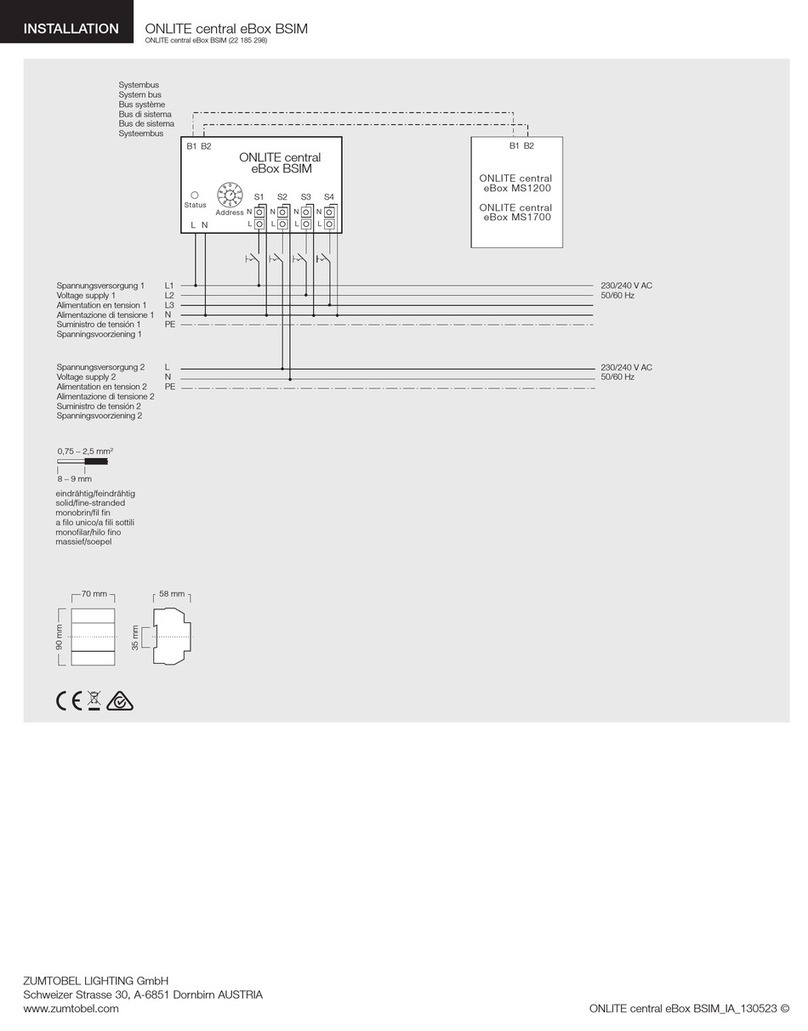
Zumtobel ONLITE central eBox BSIM User manual

Zumtobel

Zumtobel ONLITE central eBox BSIM User manual

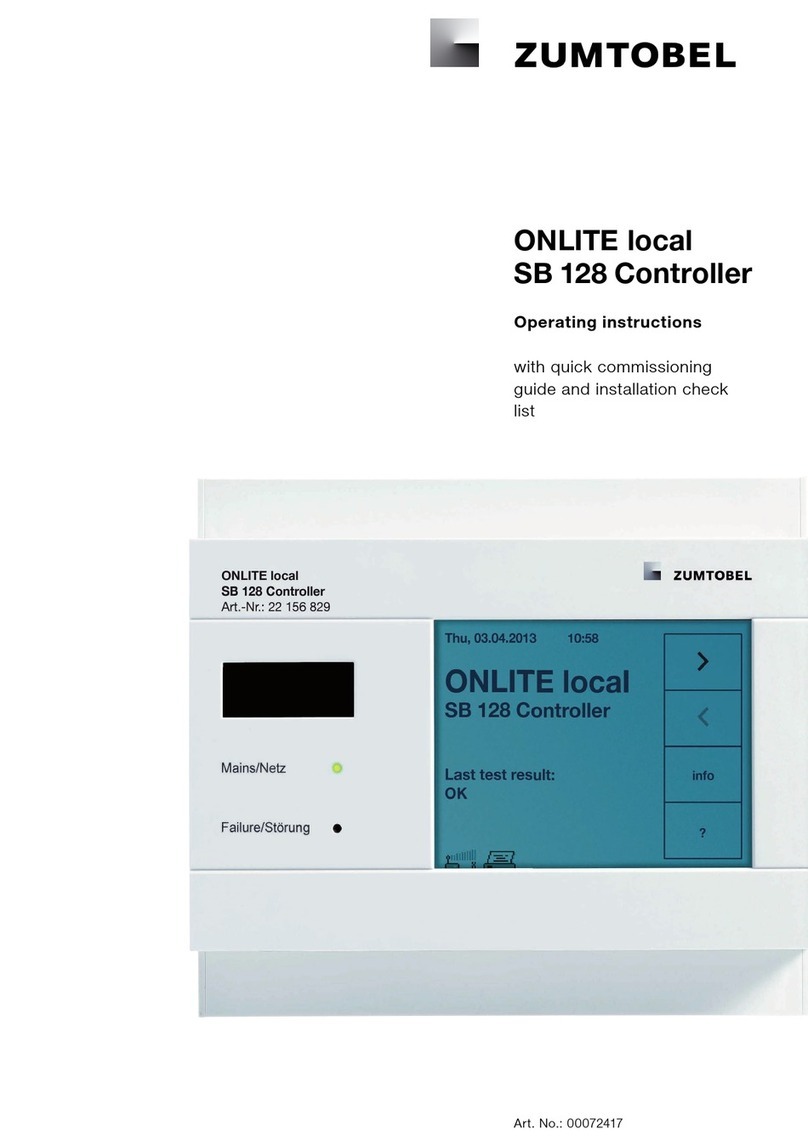
Zumtobel ONLITE local SB 128 Controller User manual

Zumtobel

Zumtobel ONLITE local SB 128 Controller User manual

Popular Controllers manuals by other brands

Sunricher SR-ZV9003T3-RGBW-US Installation

Sunricher

Sunricher SR-ZV9003T3-RGBW-US Installation

Ksenia intro Installation and configuration manual

Ksenia

Ksenia intro Installation and configuration manual

Inovance CAN200 Series manual

Inovance

Inovance CAN200 Series manual

Gauzy LC6 FLEX Controller Installation and operation guide

Gauzy

Gauzy LC6 FLEX Controller Installation and operation guide

Viking SLP-1 Technical practice

Viking

Viking SLP-1 Technical practice

CKD KBX-30E-U Series instruction manual

CKD

CKD KBX-30E-U Series instruction manual

Sharp Energy Sun Flux User manual & installation guide

Sharp Energy

Sharp Energy Sun Flux User manual & installation guide

Yamaha RCX40 user manual

Yamaha

Yamaha RCX40 user manual

AB Quality PowerFlex 400 Frames D-H Service bulletin

AB Quality

AB Quality PowerFlex 400 Frames D-H Service bulletin

Yamaha MJC8 owner's manual

Yamaha

Yamaha MJC8 owner's manual

AL-KO ATC operating instructions

AL-KO

AL-KO ATC operating instructions

Savant SmartControl 2 Deployment guide

Savant

Savant SmartControl 2 Deployment guide

GameSir T3S user manual

GameSir

GameSir T3S user manual

Kostal inveor operating manual

Kostal

Kostal inveor operating manual

Emerson Yarway 20-55 Operating and safety instructions

Emerson

Emerson Yarway 20-55 Operating and safety instructions

CoCo ACM-LV24 Quick installation guide

CoCo

CoCo ACM-LV24 Quick installation guide

Brooks SLA5810/20 Installation and operation manual

Brooks

Brooks SLA5810/20 Installation and operation manual

SIGMA TEK SR 011 Technical manual

SIGMA TEK

SIGMA TEK SR 011 Technical manual

manuals.online logo
manuals.online logoBrands
  • About & Mission
  • Contact us
  • Privacy Policy
  • Terms and Conditions

Copyright 2025 Manuals.Online. All Rights Reserved.

ED-CCS 1/2/3 Li1/Li2
Control point, square-edge silver
Art. no. 22154657
Helvetica LT Std CondHelvetica LT Std LightHelvetica LT Std Cond LightHelvetica LT Std
We reserve the right to make technical changes without prior notice. 03.05.2019 © Zumtobel - 5-year guarantee in compliance with the terms of guarantee at
www.zumtobel.com/guarantee
Control point for running 3 scenes and controlling the lighting level; silver-look finish and printed with "1", "2", "3" plus "luminaire group 1" and "luminaire group 2"
pictograms
Application
The Circle control point can be used to recall three scenes for different room
uses and activities via its 3 scene keys arranged in a circular layout. A green
illuminated circle segment indicates the active scene.
The central On/Off button is used when entering or leaving the room. This
button is illuminated by a surrounding red ring when the room is unoccupied,
helping orientation on entering the room.
In addition, the user can manually adjust the active scene using two rocker
switches for controlling the light level of two luminaire groups.
The Circle control point is a wall-mounted control unit in standard switch size.
It is made of plastic in a silver satin-matt finish and square-edge design.
All buttons are printed with intuitive pictograms. An On/Off symbol is shown on
the central switch. The scene keys are printed with "1", "2", "3" and the two
rocker switches with "luminaire group 1", "luminaire group 2".
Design notes
•
Power supply via DALI control line
•
3 DALI bus loads
•
for DIMLITE: via Control-In line
•
The Circle control point is assigned to a specific output group or specific
room by custom configuration of the higher-level light management system.
We reserve the right to make technical changes without prior notice. 03.05.2019 © Zumtobel - 5-year guarantee in compliance with the terms of guarantee at
www.zumtobel.com/guarantee
Mounting and installation instructions
Fit the control point into a standard Eurobox or UK metal backbox (not
included):
•
the installation box must be fitted so that its fixing screws are horizontal.
•
use a screw / plug-in terminal (included) to connect power-supply and bus
lines,
•
screw the base of the control point into the installation box
•
then simply snap the cover onto the control point without using screws
•
Use a damp cloth or antistatic wipe to clean the control point
Dimension
Label/connections
ED-CCS 1/2/3 Li1/Li2
Circle operate unit co rnered
silver
DALI Control Line
Ta: 0...50°C
Art.-Nr. 22 154 657
LUXMATE Lighting Management
DA DA
Technical data
Nominal voltage DALI voltage (approx. 16 V DC)
Permitted input voltage
12...22.5V DC
Power supply via DALI control line (16V DC)
for DIMLITE: via Control-In line (14 V DC)
Current consumption
3 DALI loads (6mA)
Power loss < 0.1 W
DALI signal
16 V clocked (Manchester code)
Operation Come/Go key, 3 scene keys, 2 light rocker keys
Terminals
0,5-1,5 mm²
Protection type IP20
Housing material
plastic, halogen-free
Case colour silver (equivalent to RAL 9006)
Installation
in Euro box, single, dimensions according to DIN
0606 (diameter 60 mm, depth 42 mm), or UK
metal back box
Dimensions 87 x 87 x 13 mm (upper section only)
Permitted ambient
temperature
0 °C ... +50 °C
Weight Approx. 0.15 kg

We reserve the right to make technical changes without prior notice. 03.05.2019 © Zumtobel - 5-year guarantee in compliance with the terms of guarantee at
www.zumtobel.com/guarantee
Wiring scheme
230/240V AC, 50/60Hz
L
N
PE
DA
DA
Netz/
Mains/
Réseau/
Rete/
Red/
Net
V
ersorgung über DALI-Steuerleitung (3 DALI-Lasten)
Supply over DALI control line (3 DALI loads)
Alimentation par le ligne pilote DALI (3 résistances de charge DALI)
Alimentazione mediante dal linea di comando DALI (3 carichi DALI)
Alimentación a través del línea de mando DALI (3 cargas DALI)
V
oeding via DALI-stuurleiding (3 DALI-lasten)
DALI Steuerleitung
DALI Control Line
Ligne pilote DALI
Linea di comando DALI
Línea de mando DALI
DALI-stuurleiding
16V DC
max. DALI-Leitungslänge
max. DALI cable length
Longueur câble DALI max.
Lunghezza cavo DALI max.
máxima largura de cable DALI
max. DALI kabellengte
Ø
2
x
0,50mm
2
2
x
0,75mm
2
2
x
1,00mm
2
2
x
1,50mm
2
>
m
ax
. 100m
m
ax
. 150m
m
ax
. 200m
m
ax
. 300m
5-6mm
0,5...1,5mm
2
DA DA
xxx-CCx
Mounting and installation instructions
Fit the control point into a standard Eurobox or UK metal backbox (not
included):
•
the installation box must be fitted so that its fixing screws are horizontal.
•
use a screw / plug-in terminal (included) to connect power-supply and bus
lines,
•
screw the base of the control point into the installation box
•
then simply snap the cover onto the control point without using screws
•
Use a damp cloth or antistatic wipe to clean the control point
Dimension
Label/connections
ED-CCS 1/2/3 Li1/Li2
Circle operate unit co rnered
silver
DALI Control Line
Ta: 0...50°C
Art.-Nr. 22 154 657
LUXMATE Lighting Management
DA DA
Technical data
Nominal voltage DALI voltage (approx. 16 V DC)
Permitted input voltage
12...22.5V DC
Power supply via DALI control line (16V DC)
for DIMLITE: via Control-In line (14 V DC)
Current consumption
3 DALI loads (6mA)
Power loss < 0.1 W
DALI signal
16 V clocked (Manchester code)
Operation Come/Go key, 3 scene keys, 2 light rocker keys
Terminals
0,5-1,5 mm²
Protection type IP20
Housing material
plastic, halogen-free
Case colour silver (equivalent to RAL 9006)
Installation
in Euro box, single, dimensions according to DIN
0606 (diameter 60 mm, depth 42 mm), or UK
metal back box
Dimensions 87 x 87 x 13 mm (upper section only)
Permitted ambient
temperature
0 °C ... +50 °C
Weight Approx. 0.15 kg