
Abocom AP900 User manual

Wireless 802.11g Access Point
The AP900 is an IEEE802.11g compliant Access Point, which lets you
connect your Wireless-802.11g or Wireless-802.11b devices to your
wireless network. The AP900 is not only 802.11b backwards compliant ,
but also provides a high-speed transfer rate of up to 54Mbps, which is
almost five times faster than that of wireless B products.
The AP900 can act as a Media Access Control (MAC) bridge between
wired Local Area Networks, and single/multi LAN wireless network(s).
The AP900 provides 64/128 bit WEP encryption and IEEE802.1x which ensures a high level of security to protects
users’ data and privacy. The MAC Address filter prevents the unauthorized MAC Addresses from accessing your
Wireless LAN. Your network security is therefore double assured.
Moreover, the AP900 includes a DHCP server that will dynamically assign IP addresses to wireless clients, making it
an ideal solution for quickly creating and extending a wireless local area network (WLAN) in your workplaces.
Features
High speed for wireless LAN connection up to 54 Mbps.♦
♦
♦
♦
♦
♦
♦
♦
♦
♦
Supports web browser-based configuration utility.
Provides 64/128-bit WEP Encryption
Provides MAC Address Filtering
Provides IEEE 802.1x, enhancing WLAN security
Built-in RADIUS authentication server based on the IEEE 802.1x standard
AP Visibility Modes
Firmware upgradeable
Supports Static IP Address and DHCP
Automatic Device Discovery

Specification
Standards
IEEE 802.11g
IEEE 802.11b
IEEE 802.11
IEEE 802.3u 100Base-TX Fast Ethernet
ANSI/IEEE 802.3 N-way Auto-Negotiation
Channels &
Frequency
♦ USA (FCC): 2.412GHz ~ 2.462GHz (Ch1-11)
♦ Europe (CE): 2.412GHz ~2.472GHz (Ch1-13)
Data Rate (wireless)
W/ automatic fallback
54, 48, 36, 24, 18, 12, 11, 9, 6, 5.5, 2, and 1Mbps
Security
64-bit, 128-bit WEP encryption
MAC Address filter
802.1x
WPA (Wi-Fi Protected Access)
Antenna 2dbi
Button One Factory Reset button
LED indicators
Power
Status always On / Blinking: while upgrading firmware
Ethernet On: Link / Off: Not Link / Blinking: Active
On: 100Mbps / Off : 10 Mbps
On: Full duplex / Off: half duplex
Wireless (bridge mode) On: Associated / Off : not Associated
Wireless (bridge mode) On: Ready / Off : Not ready; Blinking : try to connect.
Wireless Blinking:Active
Management Web-Based configuration and management
Power 5.0VDC, 1.5A input.
Physical Dimension 127 x 91.1 x 24.7(mm) (Width x Depth x Height)
Weight 190g
Temperature Operating: 0~50 ℃
Storing: 0~70 ℃
Humidity 95% maximum (non-condensing)
Safety & Emission FCC
CE
Other Abocom Wireless Access Point manuals
Abocom
Abocom WP102 User manual
Abocom
Abocom 802.11g Wireless Access Point WAP253 User manual
Abocom
Abocom WAP257mnl User manual
Abocom
Abocom WAP257 User manual
Abocom
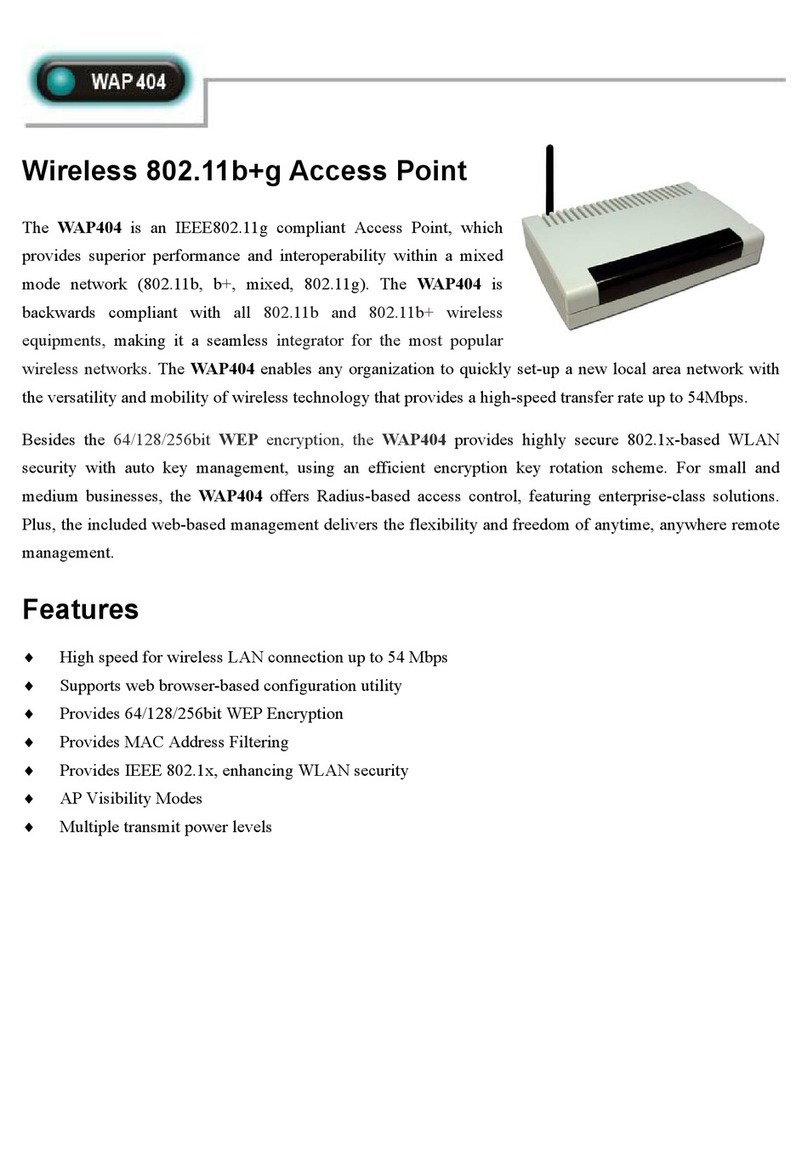
Abocom WAP404 User manual

Abocom
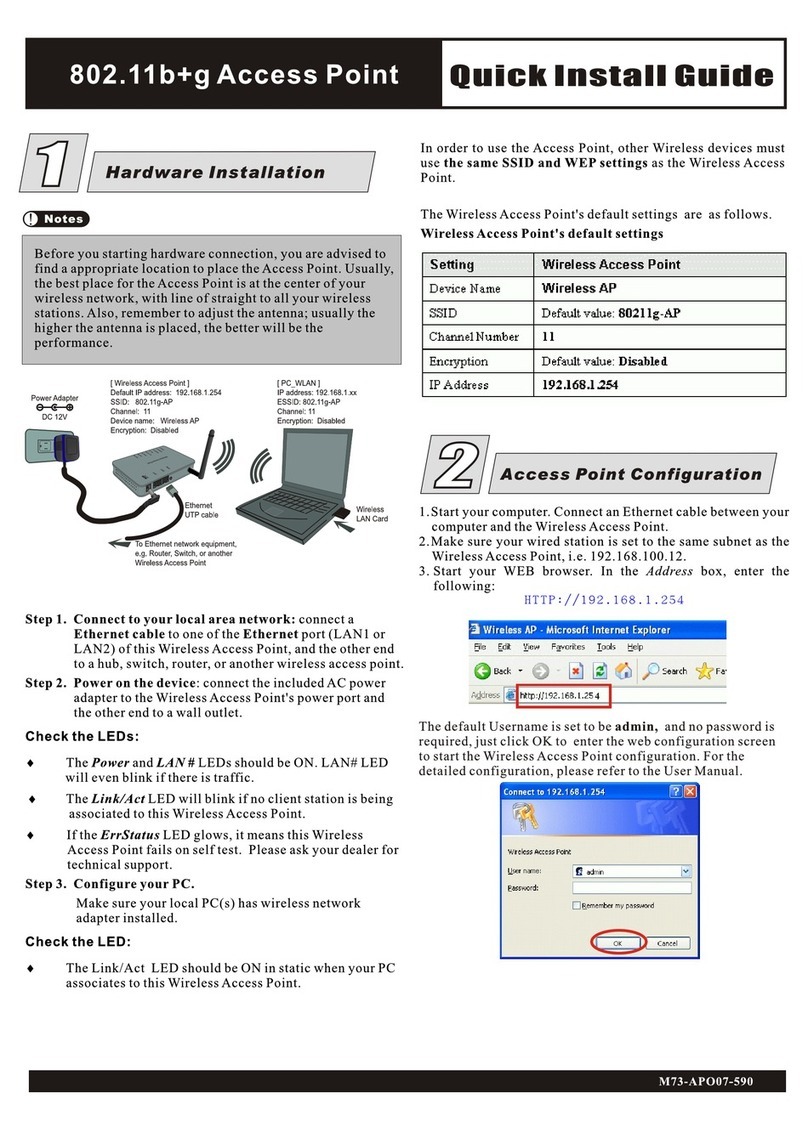
Abocom AP700C User manual
Abocom
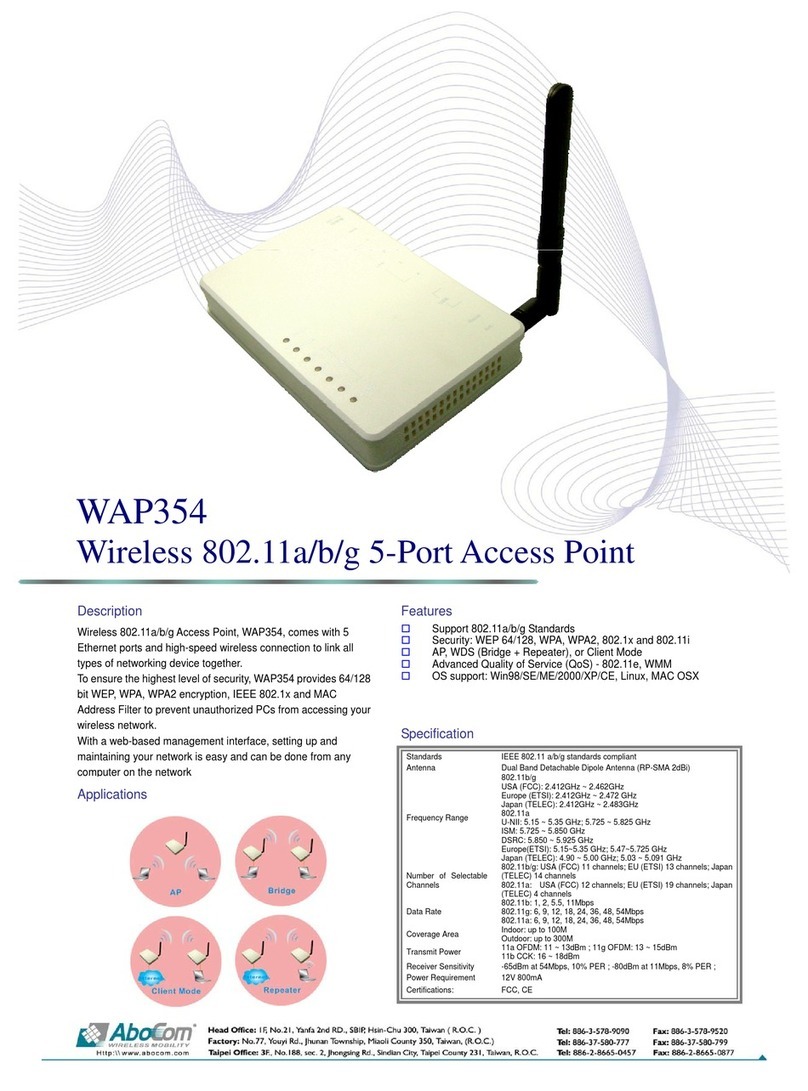
Abocom WAP252 User manual
Abocom
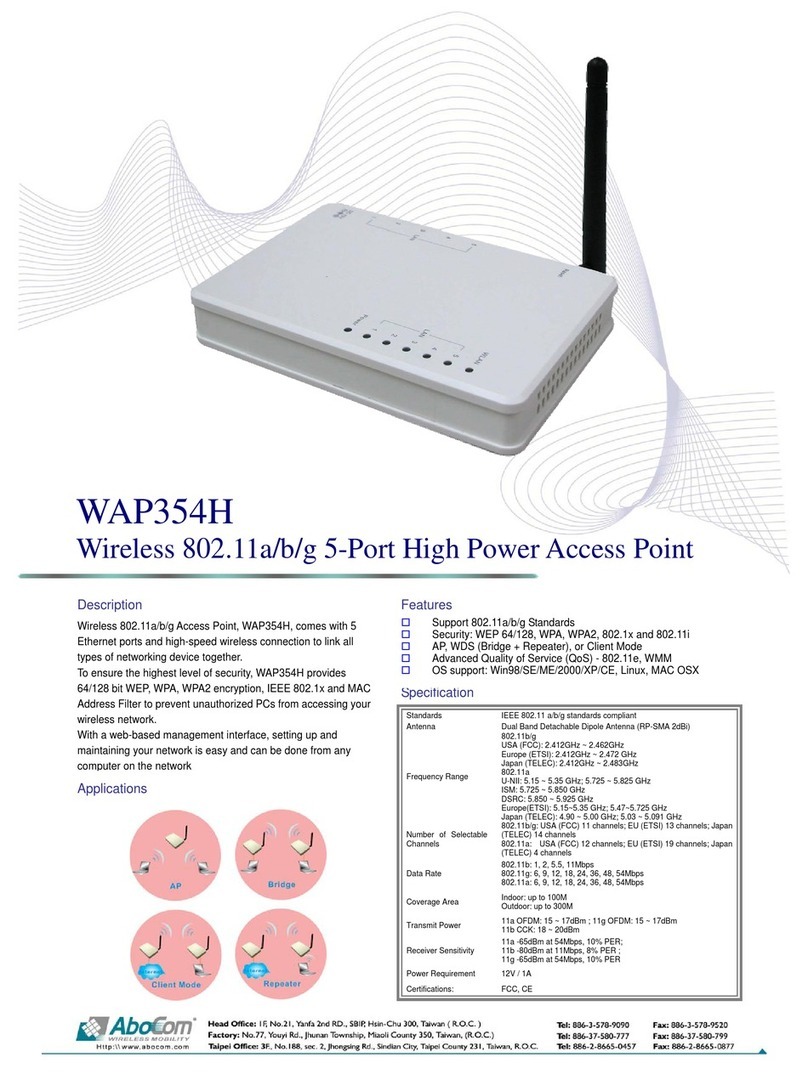
Abocom WAP354 User manual
Abocom
Abocom WAP354H User manual

















