8
If inactivity exceeds 30 seconds, the device will automatically shut down.
2. Toggle Sound On/Off
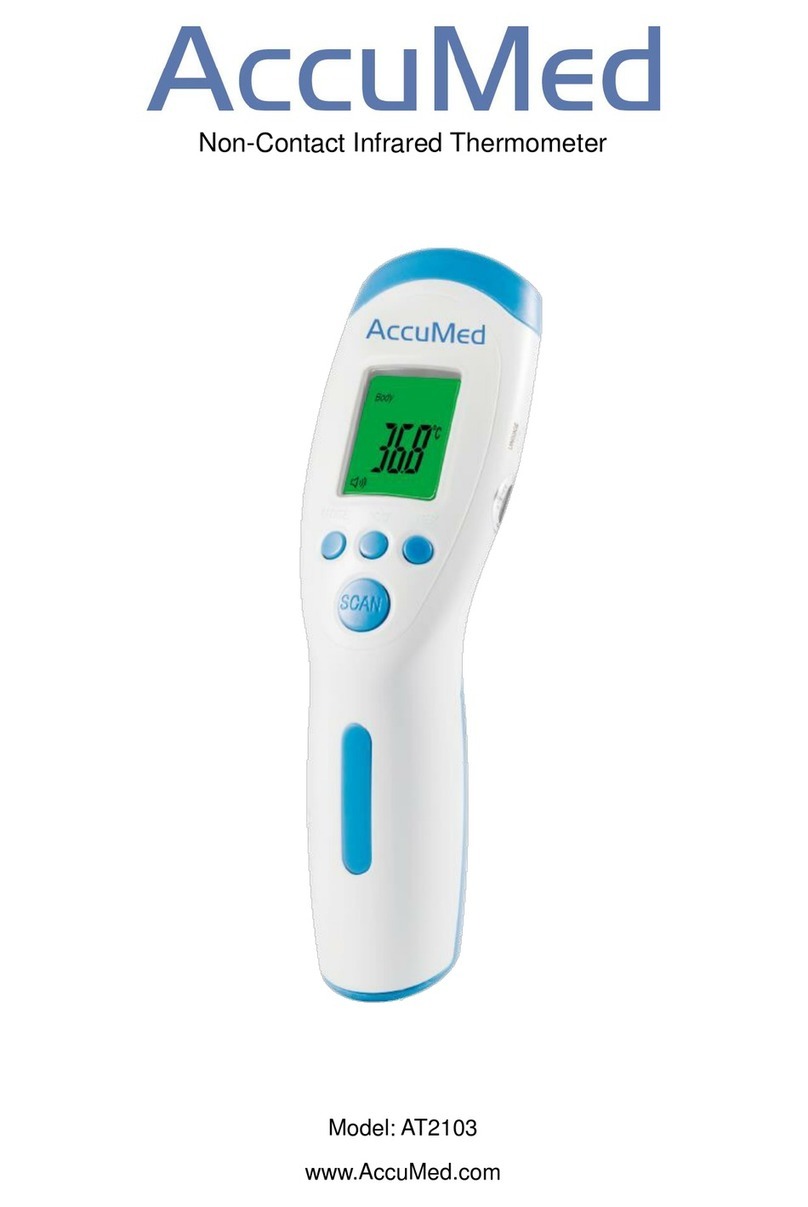
On the right side, press the “” buzzer button to toggle the sound on/off.
3. Changing the Mode
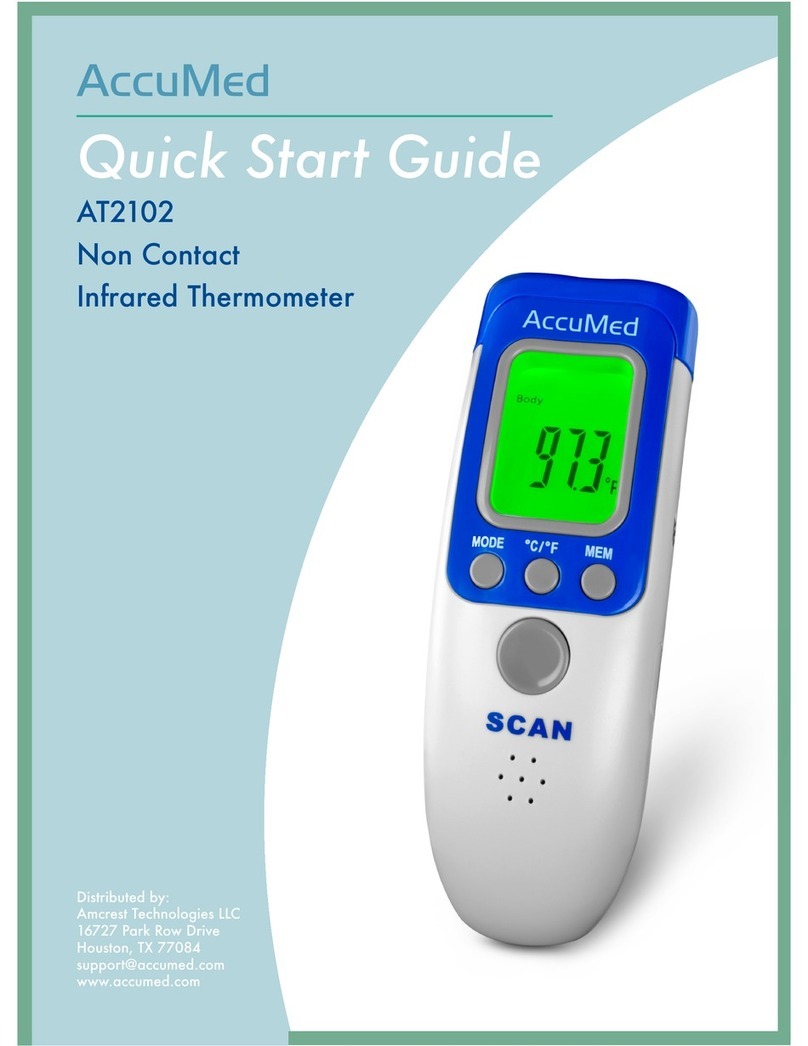
a. Press “MODE” button, and the screen will display: “Body…°C”
b. Press “MODE” again and the screen will display: “Room…°C”
c. Press “MODE” again and the screen will display: “Surface Temp…°C”
Note: The thermometer default is set to “BODY”mode.
4. Toggle Between °C/°F
When the device is on, press the “°C/ °F” button to change between Celsius and
Fahrenheit.
5. To view recent readings
Press the “MEM” (Memory) button, which will then display the last temperature,
and allows for a view of the last 32 measurements.
To delete all memory on device, press and hold the “MEM”button for 5 seconds.
Then press "MEM" button again, and the display will show "CLr.”
6. Recalibration of device via the F4 MENU
When there is a difference between AT2102 and a mercury thermometer, you can
use the recalibration function to adjust the AT2102 to match with the mercury
thermometer.
Instructions for recalibration:
In the On state, press the “MODE” and “°C/ °F” buttons, at the same time, for 3
seconds.
The screen will then display “F4”
Press “MODE” to increase by 0.1°C, and press “°C/ °F” to reduce by 0.1°C.
Press “MEM” button to save the setting.
In the cases of seasonal or environmental changes, a verification and adjustment
should be carried out.
7. Changing the batteries
Display: When the LCD screen displays
the flashing symbol , the batteries
are in need of replacement.
Operation: Open the cover and replace
the batteries, taking great care with the
correct positioning. A mistake with this
could cause damage to the apparatus
and compromise the guarantee of your