manuals.online logo
Brands
  1. Home
  2. •
  3. Brands
  4. •
  5. ACD
  6. •
  7. Test Equipment
  8. •
  9. ACD QC-100 User manual

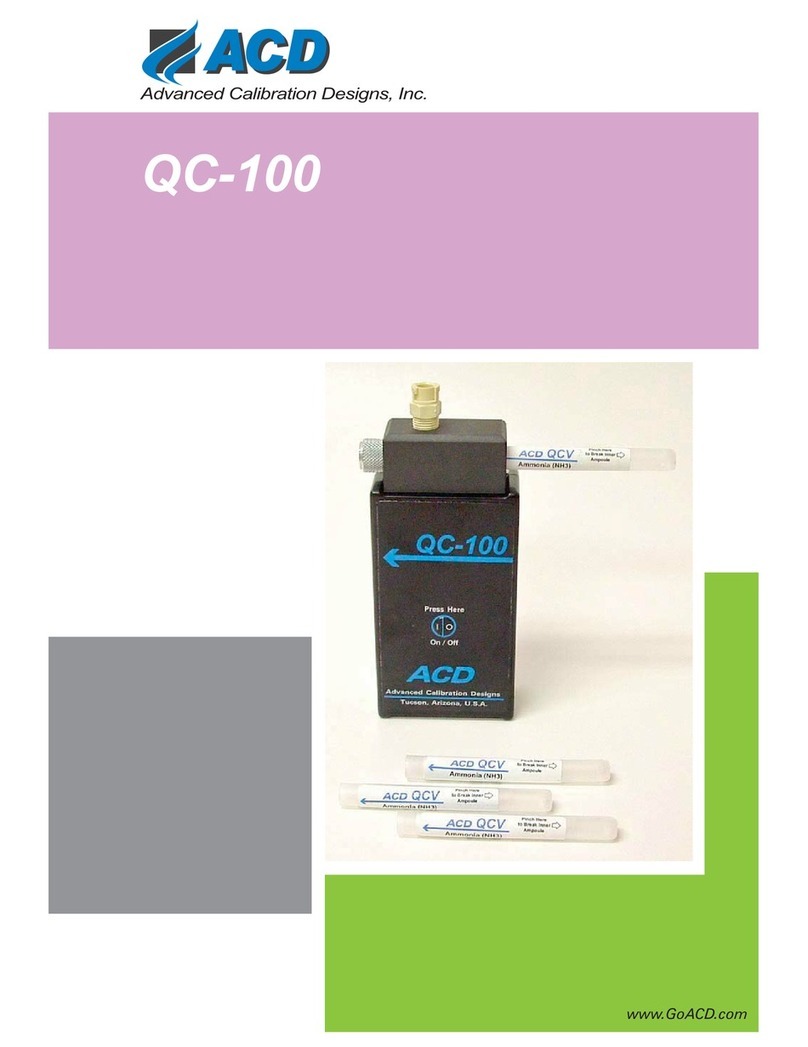
ACD QC-100 User manual

Other ACD Test Equipment manuals

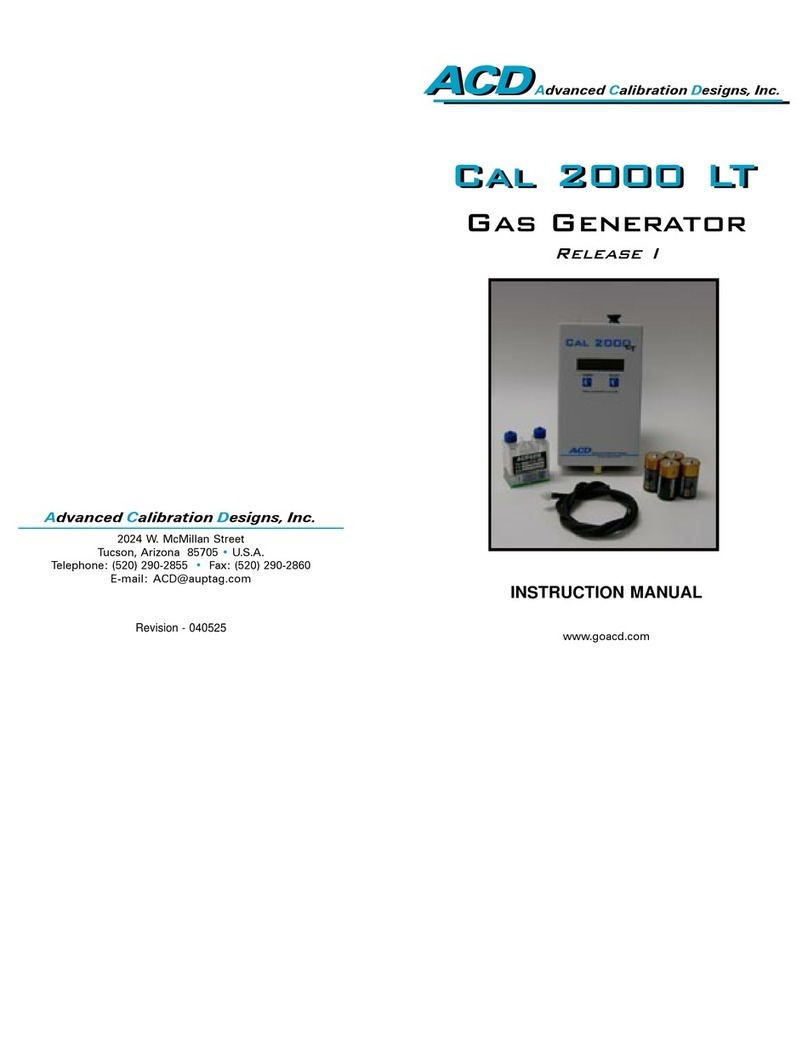
ACD CAL 2000 LT User manual

ACD

ACD CAL 2000 LT User manual

ACD qc-100 User manual

ACD

ACD qc-100 User manual

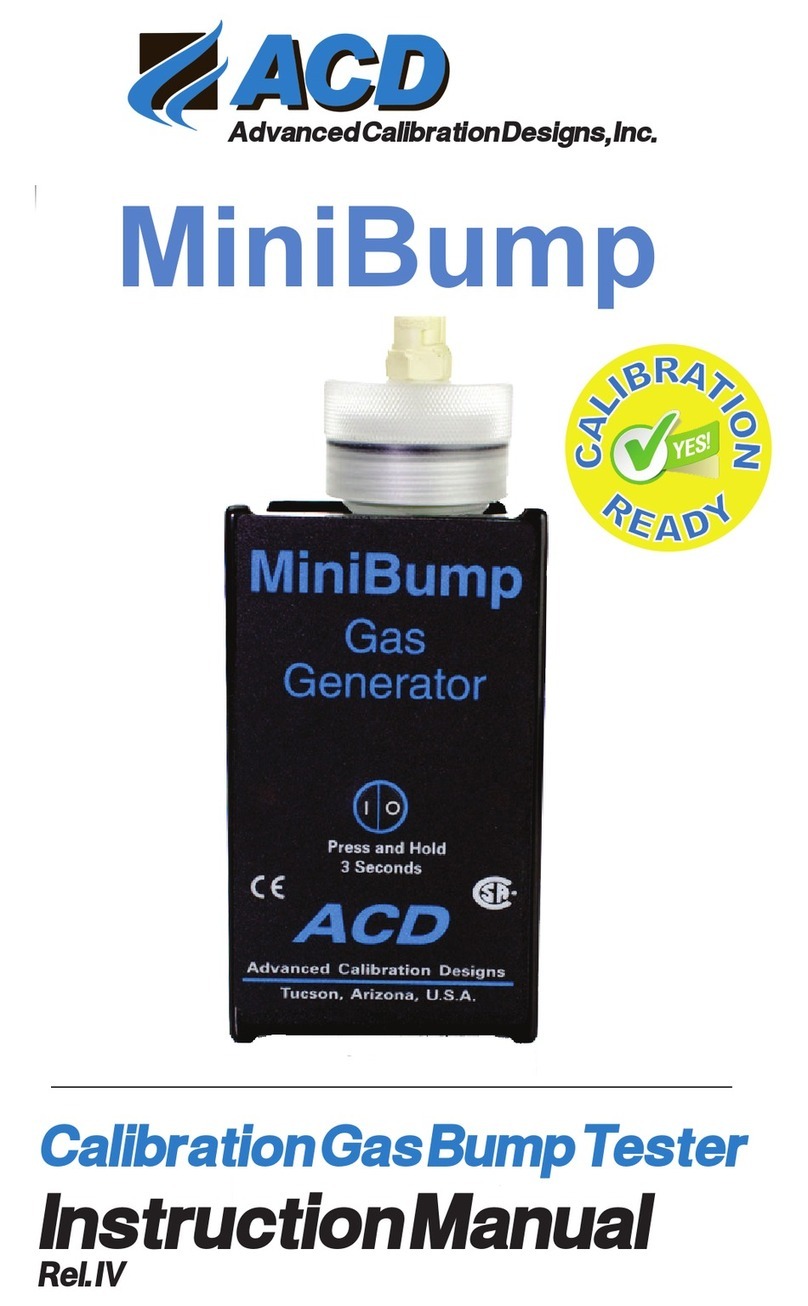
ACD MiniBump User manual

ACD

ACD MiniBump User manual

Popular Test Equipment manuals by other brands

SMART KANAAD SBT XTREME 3G Series user manual

SMART

SMART KANAAD SBT XTREME 3G Series user manual

Agilent Technologies BERT Serial Getting started

Agilent Technologies

Agilent Technologies BERT Serial Getting started

Agilent Technologies N3280A user guide

Agilent Technologies

Agilent Technologies N3280A user guide

Lifeloc R.A.D.A.R. quick start guide

Lifeloc

Lifeloc R.A.D.A.R. quick start guide

Fluke T5-600 Service information

Fluke

Fluke T5-600 Service information

Mercury TSL01 user manual

Mercury

Mercury TSL01 user manual

MAHA MBT Series Original operating instructions

MAHA

MAHA MBT Series Original operating instructions

Fuji Electric P-61 instruction manual

Fuji Electric

Fuji Electric P-61 instruction manual

ETC SealerAtor user manual

ETC

ETC SealerAtor user manual

Skyfine ETHYWAY V2 user manual

Skyfine

Skyfine ETHYWAY V2 user manual

Appion G5 Twin Operation manual

Appion

Appion G5 Twin Operation manual

PCB Piezotronics 8159-0112A Installation and operating manual

PCB Piezotronics

PCB Piezotronics 8159-0112A Installation and operating manual

BW Technologies MicroDock II user manual

BW Technologies

BW Technologies MicroDock II user manual

Sun Nuclear 1027 user guide

Sun Nuclear

Sun Nuclear 1027 user guide

Biomark HPR LITE READER user manual

Biomark

Biomark HPR LITE READER user manual

Hioki 3169-20 instruction manual

Hioki

Hioki 3169-20 instruction manual

Ashcroft ATE-100 operating manual

Ashcroft

Ashcroft ATE-100 operating manual

Rohde & Schwarz RTA4000 user manual

Rohde & Schwarz

Rohde & Schwarz RTA4000 user manual

manuals.online logo
manuals.online logoBrands
  • About & Mission
  • Contact us
  • Privacy Policy
  • Terms and Conditions

Copyright 2025 Manuals.Online. All Rights Reserved.

2024W.McMillanSt.
Tucson,Arizona85705USA
Telephone:(520)290-2855
Fax:(520)290-2860
TollFree:(800)737-0223
Email:acd@goACD.com
Web:www.goACD.com
P/N 910-1100-00
AdvancedCalibrationDesigns,Inc.
InstructionManual
CalibrationGasBumpTester
AdvancedCalibrationDesigns,Inc.
QC-100
Instruction Manual
QC-100
QuickCheck System
TABLE OF CONTENTS
I. QC-100 Operating Instructions ....................................Page 2
II. Accessory Items / Parts List .....................................Page 4
III. Specications .........................................................Page 5
910-1050-00
I. QC-100 OPERATING INSTRUCTIONS
1. Remove and discard any used QuickCheck Vial (QCV). If a vial is
left attached to the QC-100 during storage the ow path may become
saturated. This is especially a concern if more than one gas type of
QCV is being used.
2. Press the On/Off button to turn on the QC-100. A green light indicates
normal operation. A red light indicates a low battery condition. If a red
light occurs, replace the two ‘AA’ batteries with fresh, alkaline batteries
and repeat step two. ( Note: Do not use a metal object to remove the
batteries as this can short out the electrical circuit.)
3. Select the QCV with the gas type desired.
4. Squeeze the QCV rmly at the point where the label reads ‘PINCH
HERE TO BREAK INNER AMPOULE’. This allows the liquid to
absorb into the wicking material and start releasing the test gas.
5. Install the QCV into the QC-100, To install insert the QCV snuggly
into the opening on the right side of the instrument near the top.
6. Attach any tubing or calibration adapters if needed. Note: A three
foot section of chemically resistant tubing is included with the QC-100.
If inappropriate tubing or adapters are used the chemical may be lost
in the sample system without reaching the sensor to be tested.
7. Place the end of the QC-100, tubing or calibration adapter at the sensor
to be tested.
8. If an appropriate response is not achieved the output of gas can be
varied by opening (turning counter-clockwise) or closing (turning
clockwise) the needle valve on the top side of the QC-100.
9. Repeat steps 7 and 8 for any other sensors to be tested, Note: Do not
continue testing if the QCV is depleted.
Page 2

Page 3
10. Turn off the QC-100 by pressing the On/Off switch. Remove and
discard the used QCV.
11. Note: Once the inner ampoule is broken the QCV should be quickly
inserted into the QC-100. Opened QCV deplete quickly without
being installed. Once testing is nished please remove and discard
the QCV before storing the QC-100. Opened QCV should not be
stored for longer than 24 hours.
Page 4
II. ACCESSORY ITEMS / PARTS LIST
The following items and spare parts are available for the QC-50:
P/N Description
525-0001-12 NH3 (Ammonia) - 12 Pack
525-0002-12 HCl (Hydrogen Chloride) - 12 Pack
525-0003-12 C7H8 (Toluene) - 12 Pack
525-0004-12 C6H14 (Hexane) - 12 Pack
715-0405-0X Hose, with Quick Connect, 5’
730-0415-00 Hard Body Carrying Case
730-1050-00 Nylon Carrying Case
III. SPECIFICATIONS
Useful Vial Life .................................. Up to 8+ hours per vial
Warranty ............................................................................ One year
Dimensions (QC-100) .................................. 6.0 x 2.3 x 1.2” (15.2 x 5.8 x 3.0)
Dimensions (QCV) ............................................. 0.4 x 1.3” (1.1 x 3.4cm)
Weight (QC-100) ................................................. 8oz (220gm)
Weight (QCV) ..................................................... 0.14oz (4gm)
Operating Temperature ............................................. 5 - 50°C
Relative Humidity (intermittent use) ................................. 0 - 100%
Battery Power ...........................................................2 Alkaline ‘AA’
Battery Life .................................................................................... 10 hours
Page 5
Manufactured by:
Advanced Calibration Designs, Inc.
2024 W. McMillan Street
Tucson, Arizona 85705 USA
Phone: 520 290 2855 - Fax: 520 290 2860
Int’l Phone: 001 520 290 2855 - Fax: 001 520 290 2860
email: [email protected] website: www.GoACD.com
2024W.McMillanSt.
Tucson,Arizona85705USA
Telephone:(520)290-2855
Fax:(520) 290-2860
TollFree: (800) 737-0223
Email:acd@goACD.com
Web:www.goACD.com
P/N 910-1100-00
AdvancedCalibrationDesigns,Inc.
InstructionManual
CalibrationGasBumpTester
AdvancedCalibrationDesigns,Inc.
QC-100