Version 1.03 www.acs.com.hk
Page 2 of 32
Table of Contents
1.0. Introduction ............................................................................................................... 3
2.0. For iOS ....................................................................................................................... 4
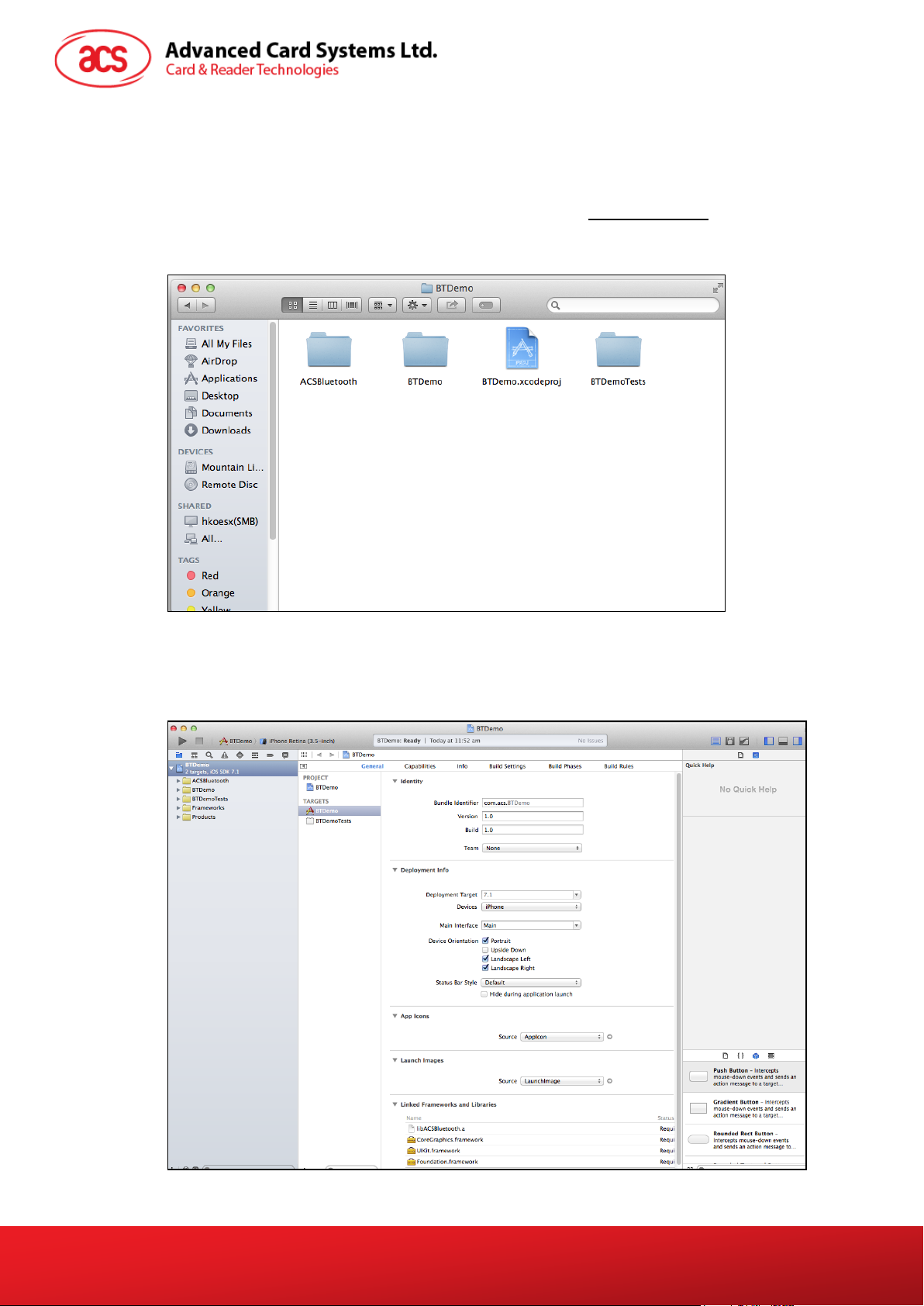
2.1. Install the Bluetooth demo application...................................................................................4
2.2. Using the ACS Bluetooth demo application...........................................................................5
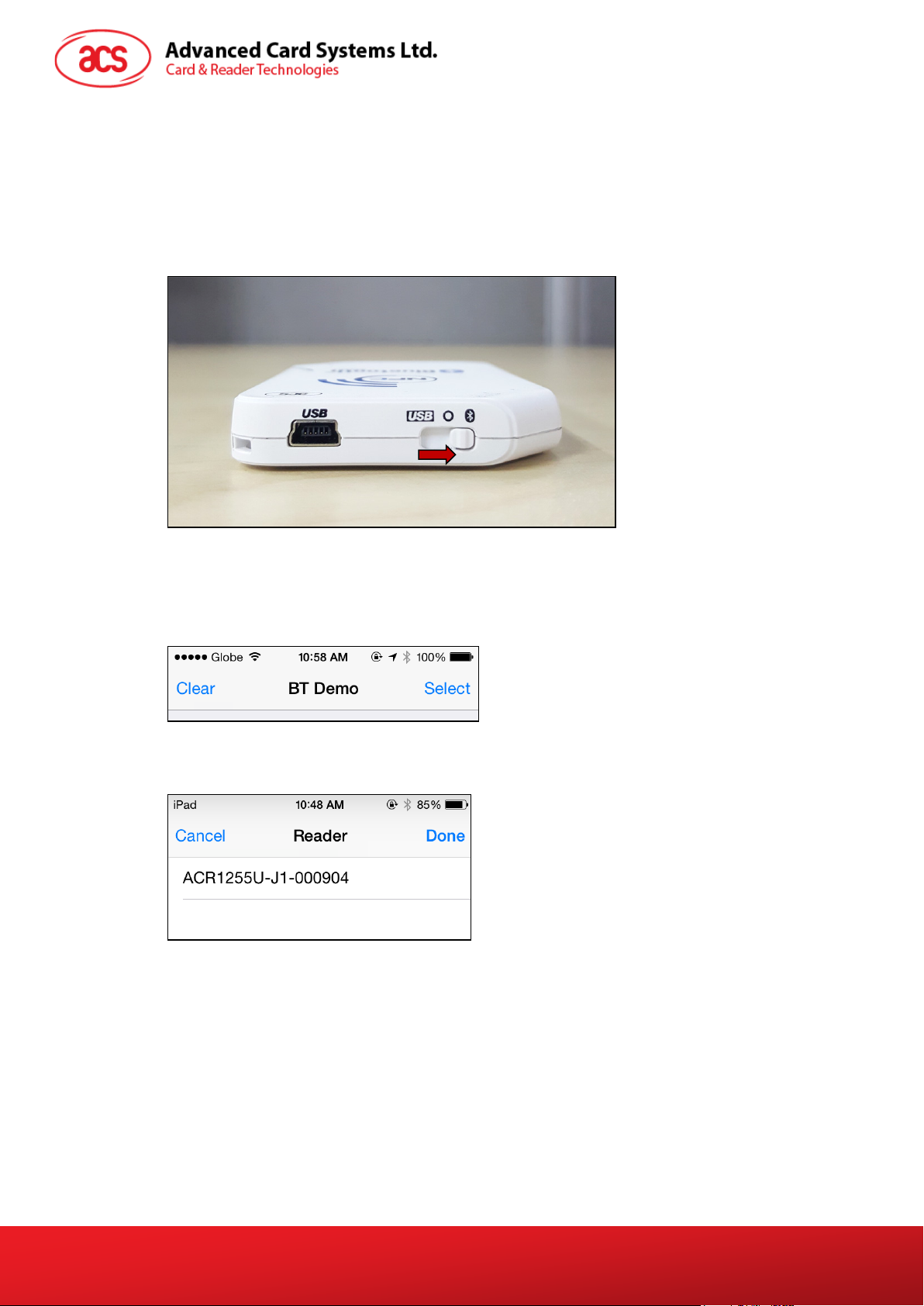
2.2.1. Connect a device ..........................................................................................................5
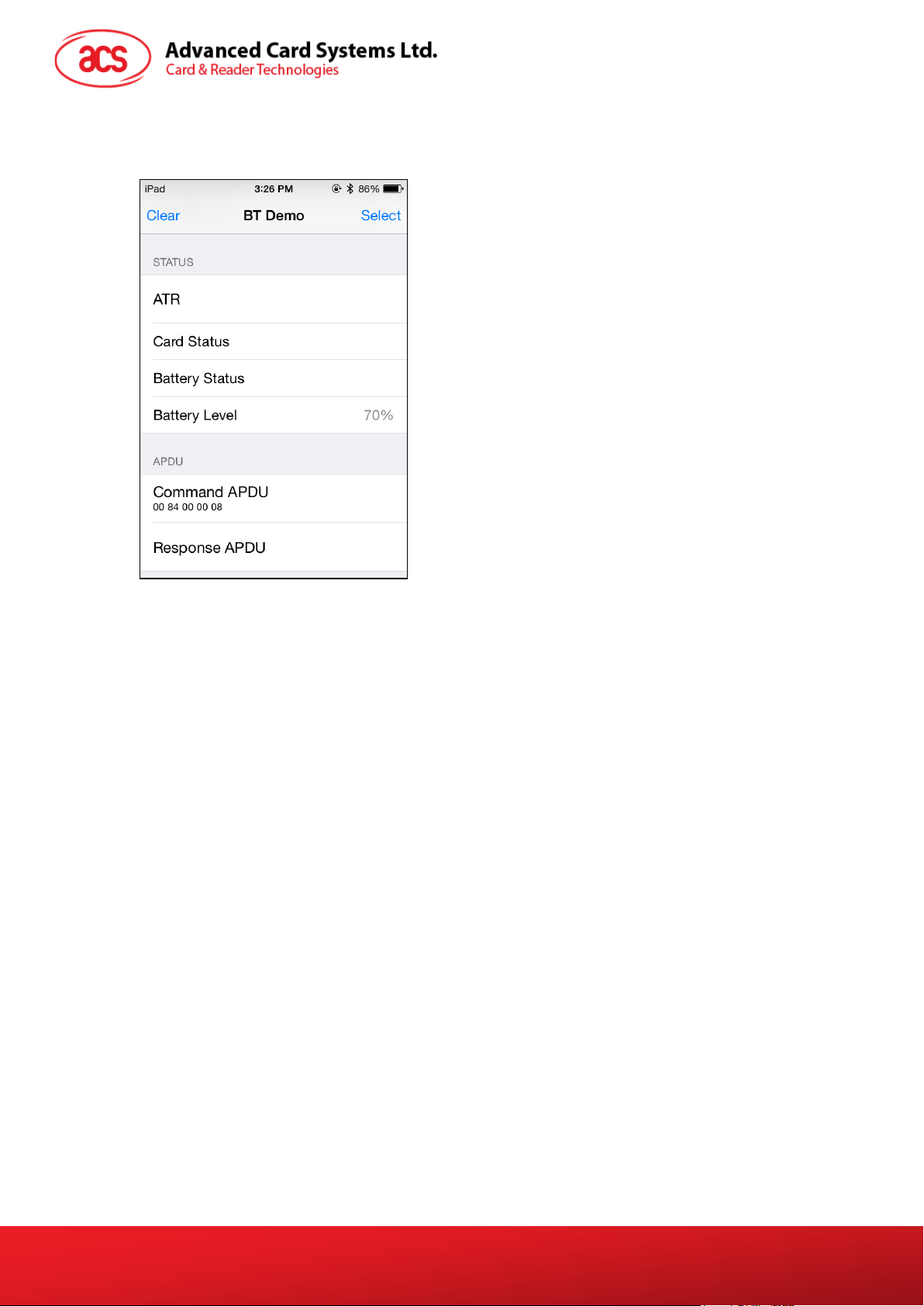
2.2.2. Get the device information ............................................................................................7
2.2.3. Get the battery level......................................................................................................8
2.2.4. Get the card’s ATR (Answer To Reset) ........................................................................9
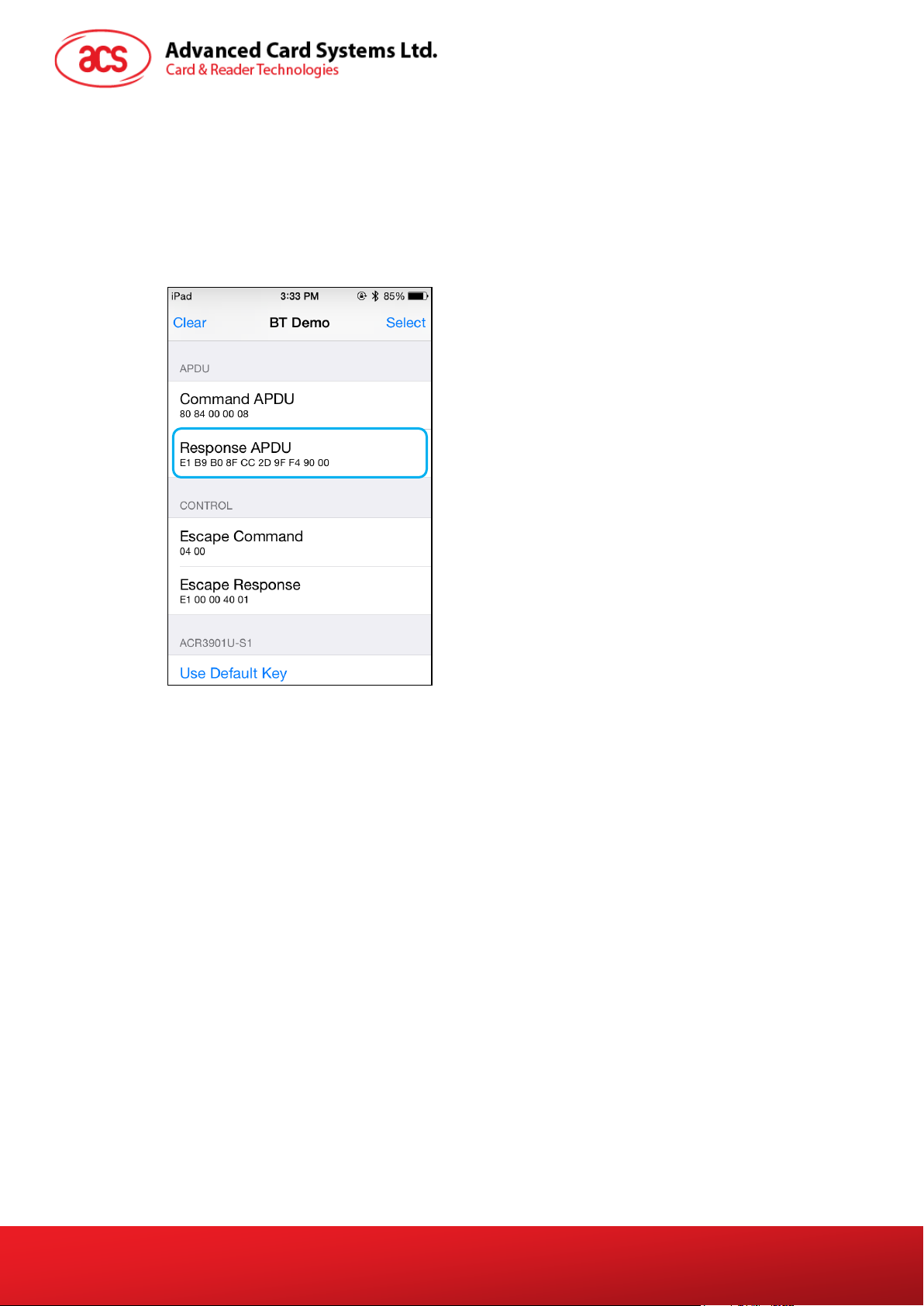
2.2.5. Transmit APDU command ..........................................................................................10
2.2.6. Transmit escape command.........................................................................................11
3.0. For Android™ .......................................................................................................... 12
3.1. Install the Bluetooth demo application.................................................................................12
3.2. Using the ACS Bluetooth demo application.........................................................................15
3.2.1. Connect a device ........................................................................................................15
3.2.2. Get the device information ..........................................................................................16
3.2.3. Get the battery level....................................................................................................17
3.2.4. Get the card’s ATR (Answer To Reset) ......................................................................18
3.2.5. Transmit APDU command ..........................................................................................19
3.2.6. Transmit escape command.........................................................................................20
3.2.7. Change Bluetooth transmission power .......................................................................21
4.0. For Windows® ......................................................................................................... 22
4.1. Install ACS Unified Bluetooth driver ....................................................................................22
4.2. Set up device pairing with built-in Bluetooth adapter ..........................................................25
4.3. Set up device pairing with Bluetooth USB dongle ...............................................................27
4.4. Using the ACS Bluetooth Device Management Tool...........................................................28
4.4.1. Install a device ............................................................................................................28
4.4.2. Uninstall a device........................................................................................................30
4.5. Check if Bluetooth card reader is installed correctly ...........................................................31