iii
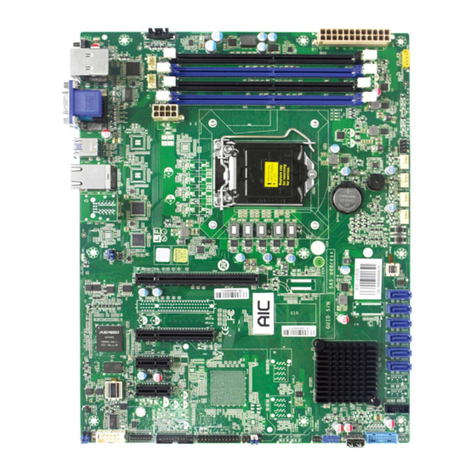
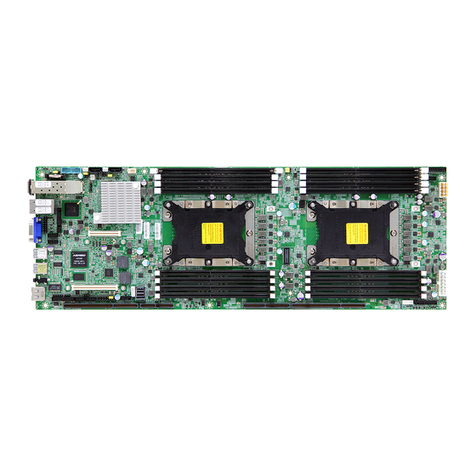
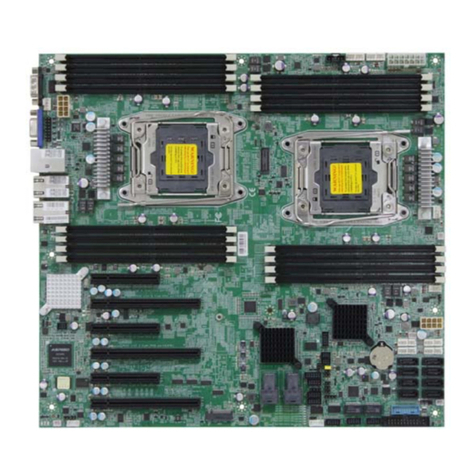
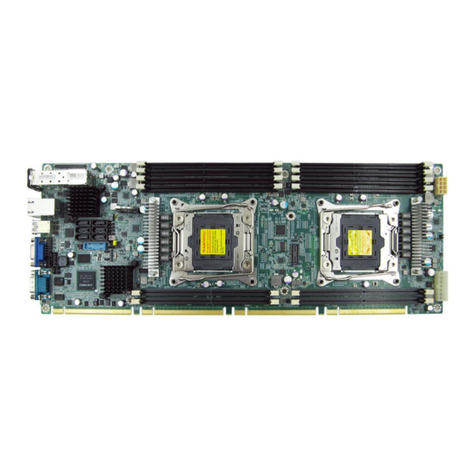
Thank you for selecting and purchasing the Virgo Serverboard.
This user's manual is provided for professional technicians to perform easy hardware
setup, basic system congurations, and quick software startup. This document pellucidly
presents a brief overview of the product design, device installation, and rmware settings
for the Virgo motherboard. For the latest version of this user's manual, please refer to the
AIC website: http://www.aicipc.com/en/productdetail/20855.
Chapter 1 Product Features
This chapter delivers the overall layout of the product, including the fundamental
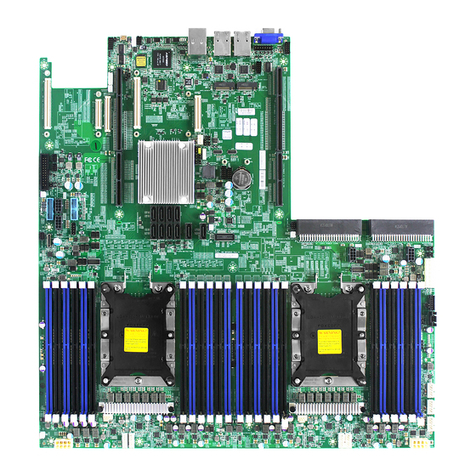
components on the motherboard, design specications, and noteworthy features. Virgo is
an ideal server grade motherboard that is specically designed to accommodate diverse
enterprises for managing heavy workloads, databases, nearline applications, and cloud
deployments. This product supports the Intel®Xeon®Scalable Processors and Socket
P0 (LGA-3647) with a memory support 12 DDR4 2400/2666 MHz accross 6 channels per
CPU.
Chapter 2 Hardware Setup
This chapter displays an easy installation guide for assembling the CPU(Central
Processing Unit) and memory chip. Utmost caution for proceeding to set up the hardware
is highly advised. The components on the motherboard are highly fragile and vulnerable
to exterior influence. Do not attempt to endanger the device by placing the device in a
potentially unstable or hazardous surroundings, including positioning the device on an
uneven grounds or humid environments.
Chapter 3 Motherboard Settings
This chapter elaborates the overall layout of the server motherboard, including
multifarious connectors, jumpers, and LED descriptions. These descriptions assist users
to congure different settings and functions of the motherboard, as well as to conrm the
location of each connector and jumper.
Chapter 4 BIOS Conguration Settings
This chapter introduces the key features of BIOS, including the descriptions and option
keys for diverse functions. These details provide users to effortlessly navigate and
congure the input/output devices.
Chapter 5 BMC Conguration Settings
This chapter illustrates the diverse functions of IPMI BMC, including the details on logging
into the web page and assorted denitions. These descriptions are helpful in conguring
various functions through Web GUI without entering the BIOS setup. For more information
of BMC congurations, please refer to IPMI BMC (Aspeed2500) User's Manual for a more
detailed description.
Chapter 6 Technical Support
For more information or suggestion, please contact the nearest AIC corporation
representative in your district or visit the AIC website: http://www.aicipc.com/tw/index. It
is our greatest honor to provide the best service for our customers.
About This Manual