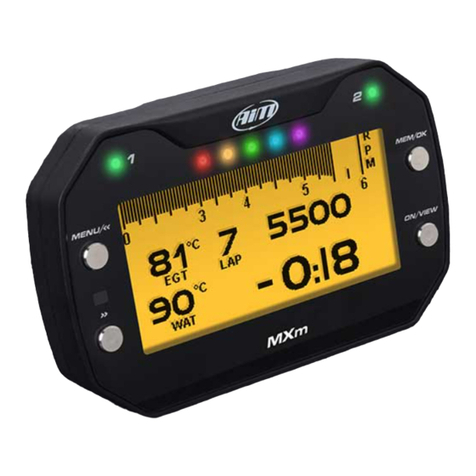
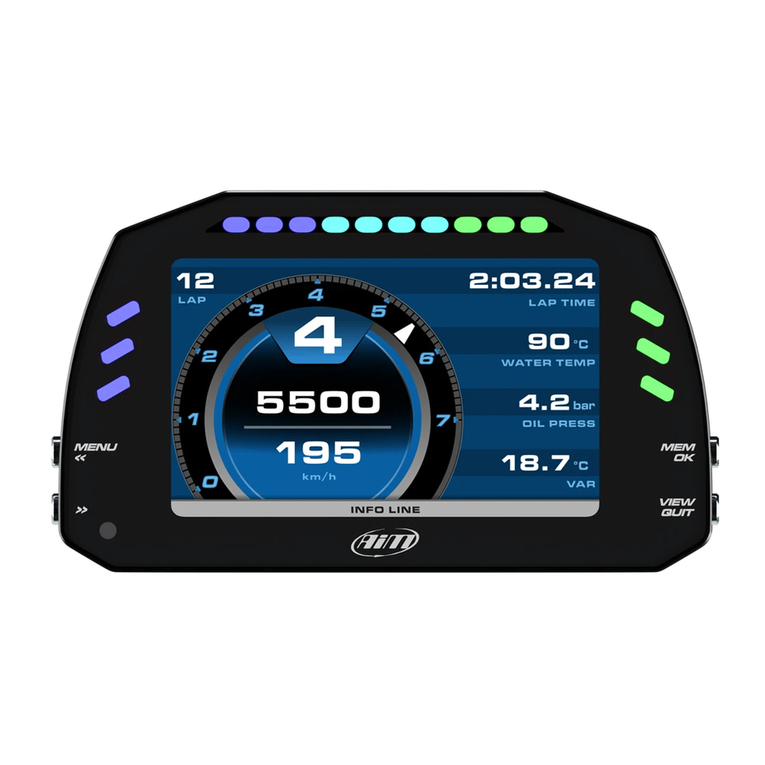
Aim MX UTV User manual

Made in Italy
MX UTV
USER GUIDE 1.00
www.aim-sportline.com
MANUALE MX UTV 1.00 2018.qxp_Layou 1 05/04/18 12:00 Pagina 1

MX UTV
1 MX UTV in a few words
2 What is in the kit
3 Installation and powering
4 The belt temperature sensor
4.1 Managing the analog input with a Yamaha ECU
5 Configuration menu
5.1 Backlight
5.2 Vehicle Setup
5.3 System settings
5.3.1 Measure unit
5.3.2 Analog channel setup Yamaha only
5.3.3 LED setup
5.3.4 Display setup
5.4 WiFi
5.4.1 Configuring MX UTV as an Access Point AP
5.4.2 Adding MX UTV to an existing network
5.4.3 WiFi network settings
5.4.4 The Internet connectivity
5.4.5 Connection issues
5.4.6 Working on Mac™ with virtualized Windows™
5.4.7 Connected device visualization issues
04
08
12
13
13
14
15
16
17
18
18
19
22
24
26
29
32
34
34
35
38
5.5 GPS and Track management
5.5.1 Creating a track with MX UTV
5.5.2 Managing a Track with Race Studio 3 software
5.6 Counters
5.7 Date time
5.8 Clear memory
5.9 System info
6 On the track
7 Data Recall
8 Connection to the PC
9 Data download
10 Analysis
11 Notification of new available versions
12 Technical specifications and drawings
39
40
40
46
47
47
47
48
50
52
54
55
56
58
MANUALE MX UTV 1.00 2018.qxp_Layou 1 05/04/18 12:00 Pagina 3

MANUALE MX UTV 1.00 2018.qxp_Layou 1 05/04/18 12:00 Pagina 5

1. MX UTV in a few words
MX UTV is a gauge designed for being
installed on an UTV vehicle.
04 05
It samples and shows:
n channels coming from the vehicle
ECU
n one temperature value that can be
belt or, according to the ECU of your
vehicle, oil temperature or oil
pressure.
n lap time, with the precision of 1/100
sec and all parameters coming from
GPS and Glonass constellations:
speed, position, lateral acceleration
and time of the day.
The GPS receiver has been tuned for
our sport and can thereby stand all
lateral and longitudinal accelerations,
direction changes and vibrations
without problems, always giving a
perfect result ten times per second
(10 Hz).
MX UTV uses both GPS and Glonass
data to compute lap times.
In case the track in which you are
racing is included in the MX UTV
database, it automatically recognizes it,
gets the start/finish line and calculates
lap times with high precision.
All these data are stored in a huge 4GB
internal memory, that can record your
data for thousands of hours.
You can download the data recorded
on your PC using WiFi.
CHAPTER 1 MX UTV
MANUALE MX UTV 1.00 2018.qxp_Layou 1 05/04/18 12:00 Pagina 7

06 07
CHAPTER 1 MX UTV
MX UTV is ex andable: you can connect it via CAN Bus to:
n SmartyCam HD
n LCU-One CAN Lambda controller
The wide LCD display has a freely
configurable RGB backlight and a light
sensor (1) that automatically switches
on the backlight with low light
conditions.
The two RGB alarm LEDs (2) can be
switched on with seven different
colours, different blinking patterns and
custom temperatures thresholds.
Five configurable shift lights (3) help
you choosing the best up-shift
moment. A very helpful alternative is to
use them to indicate the real-time gap
between the current lap and the best
lap of the session.
Finally, you may analyse the data with
Race Studio Analysis, the widely
approved data software you can freely
download from our website
www.aim-sportline.com.
1
2 3 2
MANUALE MX UTV 1.00 2018.qxp_Layou 1 05/04/18 12:00 Pagina 9

CHAPTER 2
08 07
MX UTV
MX UTV
CAN + Power cable
Single point belt temperature sensor with fixing kit and extension cable
Sensor extension cable
2. What is in the kit?
1
2
1
2
3
4
4
3
MANUALE MX UTV 1.00 2018.qxp_Layou 1 05/04/18 12:00 Pagina 11

CHAPTER 2
10 11
MX UTV
MX UTV
CAN - ECU CAN - EXPAN - IN
Nylon body
Integrated GPSRGB Shiftlights Alarm Led 2Alarm Led 1
PushbuttonsWide Graphical display Light sensor
MANUALE MX UTV 1.00 2018.qxp_Layou 1 05/04/18 12:00 Pagina 13

3. Installation and powering
Your MX UTV can only be powered by the vehicle battery and is to be installed using
the four silent blocks already mounted rear of it.
CHAPTER 3 CHAPTER 4
12 13
MX UTV
4. The belt temperature sensor
4.1 Managing the analog input with a Yamaha ECU
When installing the belt temperature sensor and all sensors in general ensure that
the sensor cable does not bend, be careful not to over tighten the plastic stripes –
this because vibrations can cut the harness sheath – and leave the cable long enough
to stand the steering wheel angle.
To install the belt temperature sensor:
n drill the vehicle carter
n place the belt temperature sensor and fix it using the flange you find in the kit
The images below show the sensor correctly installed.
Once the sensor installed you can set an alarm threshold using “LED setup” function,
alarm option, as explained in the related chapter.
If your UTV vehicle features a Yamaha ECU it has no belt so the analog input can be
connected to a temperature/pressure sensor to measure the oil temperature/pres-
sure. Connect your sensor to the 4 pins central female Binder connector you find rear
on the system (as shown in the pinout drawings at the end of this user manual) and
configure it as explained in “Analog channel setup” chapter.
MANUALE MX UTV 1.00 2018.qxp_Layou 1 05/04/18 12:00 Pagina 15

CHAPTER 5
14 15
MX UTV
5.1 Backlight
You can set the backlight as “ON”, “OFF” or “AUTO”. In this last case the light sensor pla-
ced left on the front of your MX UTV switches on/off the backlight according to the
ambient light level.
In this page you can also change the backlight colour choosing among eight different
colours.
5. Configuration Menu
Before using your MX UTV you need to set some parameters as explained here below.
Enter the menu pressing the “MENU/<<” button and this page shows up.
The icons allow you to set your MX UTV up:
Backlight
System settings Counters
Date Time
Clear memory
System info
Vehicle Setup
Wi-Fi
Tracks
Management
MANUALE MX UTV 1.00 2018.qxp_Layou 1 05/04/18 12:00 Pagina 17

CHAPTER 5
16 17
MX UTV
5.3 System settings
Selecting this icon, you can set MX UTV Measure unit, LED and display (left image
here below). If your vehicle is equipped with a Yamaha ECU you can also set MX UTV
analog input (right image below); else it is indicated to the infra-red belt temperature
input.
5.2 Vehicle Setup
Selecting this icon, you can choose your vehicle ECU.
Available ECU Models and channels are the following.
ECU Model Available channels
Polaris RZR Speed, RPM, Gear, ECT, TPS, Brake SW, Fuel rate
Polaris RZR turbo Speed, RPM, Gear, ECT, TPS, Brake SW, Fuel rate,
Boost Pressure, Charge Air temp
CAN-AM Speed, RPM, Gear, ECT, TPS, BrakeSW,Instant fuel flow
CAN-AM turbo Speed, RPM, Gear, ECT, TPS, BrakeSW, Instant fuel consumed
Boost pressure, Intake Air Temp
Yamaha YXZ 2016 Speed, RPM, Gear, ECT
Yamaha YXZ 2017 Speed, RPM, Gear, ECT, TPS, BrakeSW
Arctit Cat Wildcat Speed, RPM, Gear, ECT, TPS, BrakeSW
MANUALE MX UTV 1.00 2018.qxp_Layou 1 05/04/18 12:00 Pagina 19
Table of contents
Other Aim Other manuals