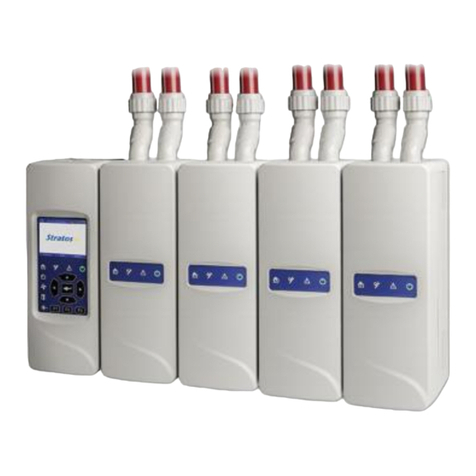
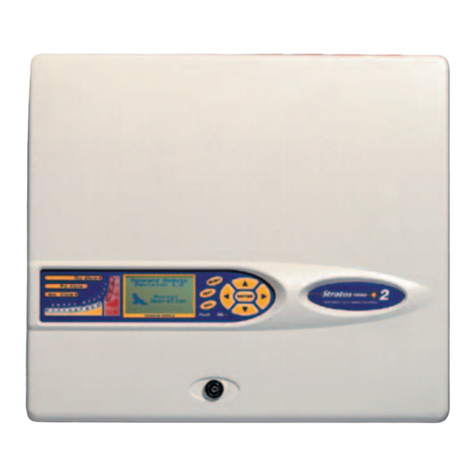
Stratos Micra 10 Aspirating Smoke Detector Installers Handbook v
EN 54-20 and UL installation
The installation must be designed using PipeCAD software. After designing the
installation including pipes, endcaps,and sampling holes, enter the detector type.
To select the detector type, click Options > Calculation options, and then select
the detector from the Type drop-down list.
EN 54-20 installation
Select Options > Calculate, or click on the calculator icon. The software will
prompt you to choose from Use set hole sizes, Best flow balance, and Max.
permissible transit time.Select the appropriate option and click OK. The results
for each pipe (View > Results) show calculations for each sampling hole on the
pipe with the nearest to the detector at the top of the screen, and the endcap
hole at the bottom.
For EN 54-20 compliance the transport time of the last sampling hole shall be
checked following all installation and proven to be less than or equal to that
determined by PipeCAD.
For the installation to comply with EN 54-20 Classes A, B, and C each sampling
hole must be no less sensitive than 0.31% obs/m.
The calculation can be further refined by leaving a working detector in the
protected area for at least 24 hours at the intended alarm factor for the
installation (this could be done before or after installation). The detector
sensitivity can be read from the Sensitivity figure on the histogram screen of the
Remote Control software supplied with each detector. Click Options > Calculation
options to open the Hole calculation options dialog box. Enter the sensitivity
value obtained from the practical test, and then click OK. The new calculated
value will use the real sensitivity from the practical test.
The PipeCAD software will determine the classification of any used configuration.
Commissioning and periodic system tests must involve smoke tests to verify that
the system performs as expected and enters Fire 1 alarm within the time
determined by PipeCAD from the farthest hole. The detector sensitivity must also
be inspected to ensure it has not radically fallen from the installed figure. If it has
changed for any reason, the new figure must be re-entered into PipeCAD and the
recalculated hole sensitivities must be confirmed to be within the class limits
shown above. The settings of a compliant system should be recorded, as it is
possible by changing certain programmable functions to make the system
noncompliant. If functions are changed, it is recommended that the system is
retested if continuing compliance is in any doubt.
UL installation
Note: UL certified products may also contain additional approvals, e.g. FM.
Please refer to the product labels.