FILE190119-053900-000001F
FILE190119-073330-000004F
FILE190119-071855-000003F
FILE190119-063906-000002F 13:02
01.08.2019
FILE190119-074723-000006F
[ 1 / 2 ] [00 : 00 : 45]
F
R
F
R
Tuesday
F
R
F
R
This icon is for saving the unlocked videos of front camera;
This icon is for saving the unlocked videos of rear camera;
This icon is for saving the the emergency locked videos of front camera;
This icon is for saving the the emergency locked videos of rear camera.
13:01
01.08.2019
Tuesday
00:00:09 00:01:25FILE190119-053900-000001F.MOV 11/12
Back to enter video list
Lock / Unlock the currently playing video
Click to the previous video
Click to fast backward
Click to pause the currently playing video
Click to fast forward
Click to the next video
A video with the icon means the video is locked, do not overwrite when the card is full.
4. Setup
Click to enter Recording Setting
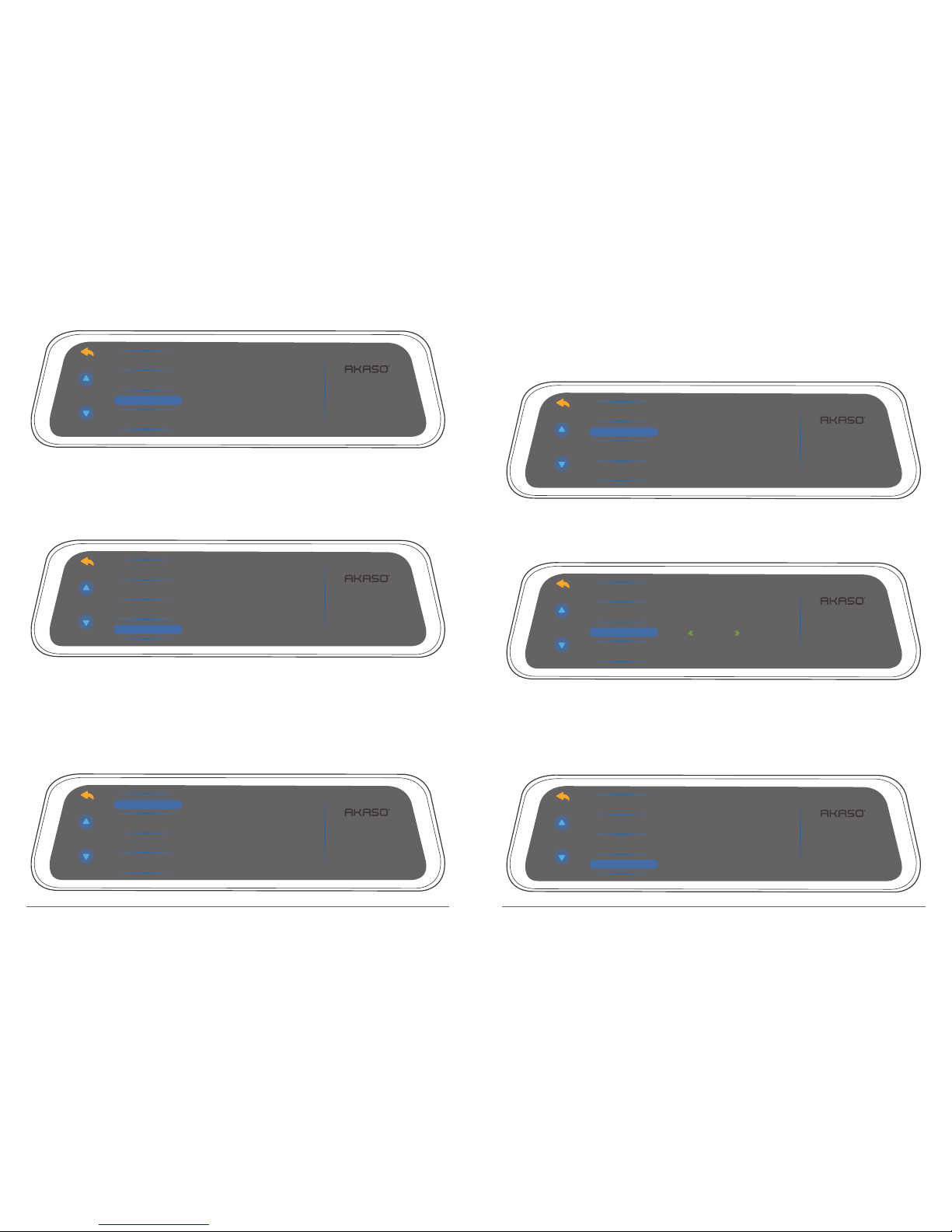
Resolution: 1080P / 720P for optional, default is 1080P.
Set the video resolution for recording.
1080P
720P
Parking monitor
Gravity sensor
Loop Record 13:02
01.08.2019
Resolution
Tuesday
Loop Record: 1 Minute / 3 Minutes / 5 Minutes for optional, default is 3 Minutes.
The files will be saved every 3 minutes if you choose 3 minutes. When the memory card is
full, the new files will cover the old one if the loop recording is on; If it is off, the camera
won’t record any more when the card is full, need to format the SD card or change a new
one.
1 Minute
2 Minutes
5 Minutes
Parking monitor
Gravity sensor
13:02
01.08.2019
Resolution
Loop Record
Tuesday
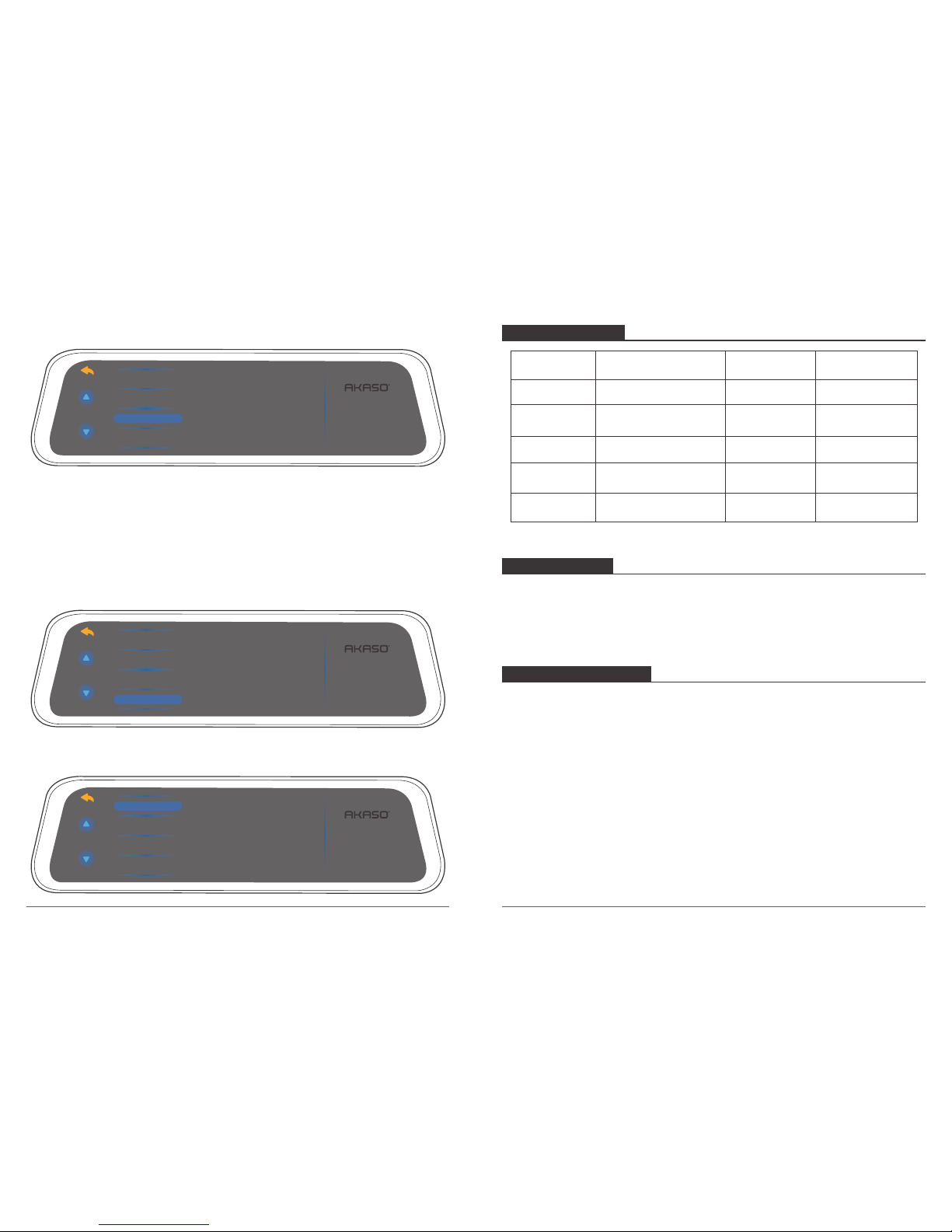
Gravity Sensor: Off / Low / Medium / High for optional, default is Low.
Gravity Sensor means any collision will activate the camera to record, and the videos will
be locked which will never be covered by new files.
The video will be stored as a file based on the time you set in the loop recording. When
driving, if the road is bumpy, please adjust it to low or turn off it directly to prevent the
camera doesn’t work because of the memory card is full. When parking, recommend you
to adjust it to medium.
Tuesday
05 06
3. Playback: Play the recorded videos on the card. File front / File rear / File front locked /
File rear locked file for optional.
Click to enter into Playback Interface, here you can play the recorded videos.