manuals.online logo
Brands
  1. Home
  2. •
  3. Brands
  4. •
  5. aldes
  6. •
  7. Heating System
  8. •
  9. aldes InspirAIR Commercial Series User manual

aldes InspirAIR Commercial Series User manual

Other aldes Heating System manuals

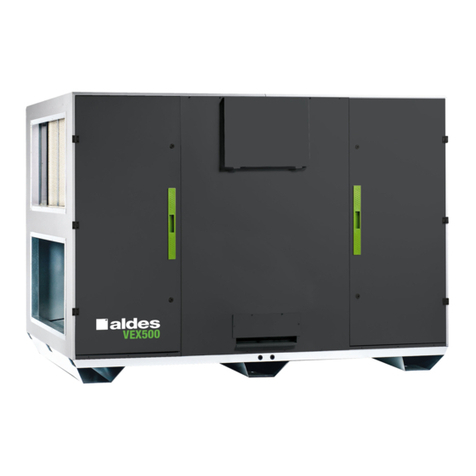
aldes VEX600 User manual

aldes

aldes VEX600 User manual

aldes EXHAUSTO InspirAIR Top User manual

aldes

aldes EXHAUSTO InspirAIR Top User manual

aldes InspirAIR Top 300 Classic User manual

aldes

aldes InspirAIR Top 300 Classic User manual

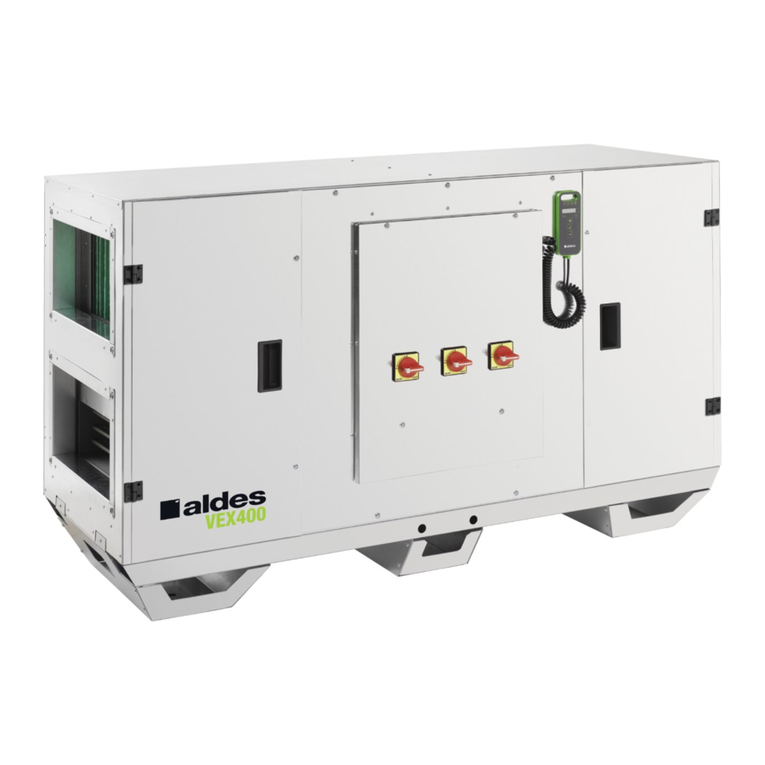
aldes VEX400 Manual

aldes

aldes VEX400 Manual

aldes EVEREST XV User manual

aldes

aldes EVEREST XV User manual

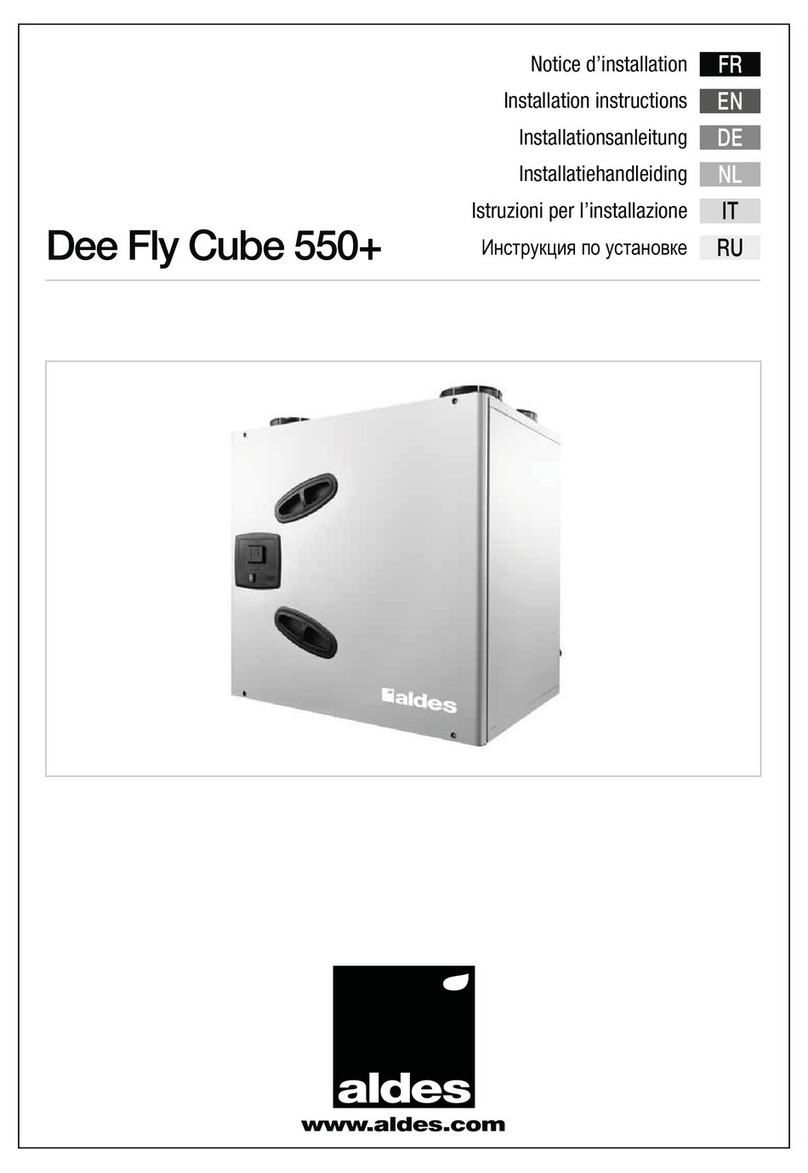
aldes Dee Fly Cube 550+ User manual

aldes

aldes Dee Fly Cube 550+ User manual

aldes VEX500 User manual

aldes

aldes VEX500 User manual

aldes H650 User manual

aldes

aldes H650 User manual

Popular Heating System manuals by other brands

aerauliqa QR350ABP installation manual

aerauliqa

aerauliqa QR350ABP installation manual

WatchGas ATEX BEACON manual

WatchGas

WatchGas ATEX BEACON manual

Viessmann Vitoligno 300-H Operating Instructions for the System User

Viessmann

Viessmann Vitoligno 300-H Operating Instructions for the System User

Lampoassa 203GT user manual

Lampoassa

Lampoassa 203GT user manual

MSA SOA-1022 operating manual

MSA

MSA SOA-1022 operating manual

nilan Compact P user manual

nilan

nilan Compact P user manual

ITR OASIS NE-S owner's manual

ITR

ITR OASIS NE-S owner's manual

Carrier 48LJD Installation, Start-Up and Service Instructions

Carrier

Carrier 48LJD Installation, Start-Up and Service Instructions

Kober C22SPV23MEF user manual

Kober

Kober C22SPV23MEF user manual

Oxygen X-Air V400 Installation and operation manual

Oxygen

Oxygen X-Air V400 Installation and operation manual

Carrier FB4CNF installation instructions

Carrier

Carrier FB4CNF installation instructions

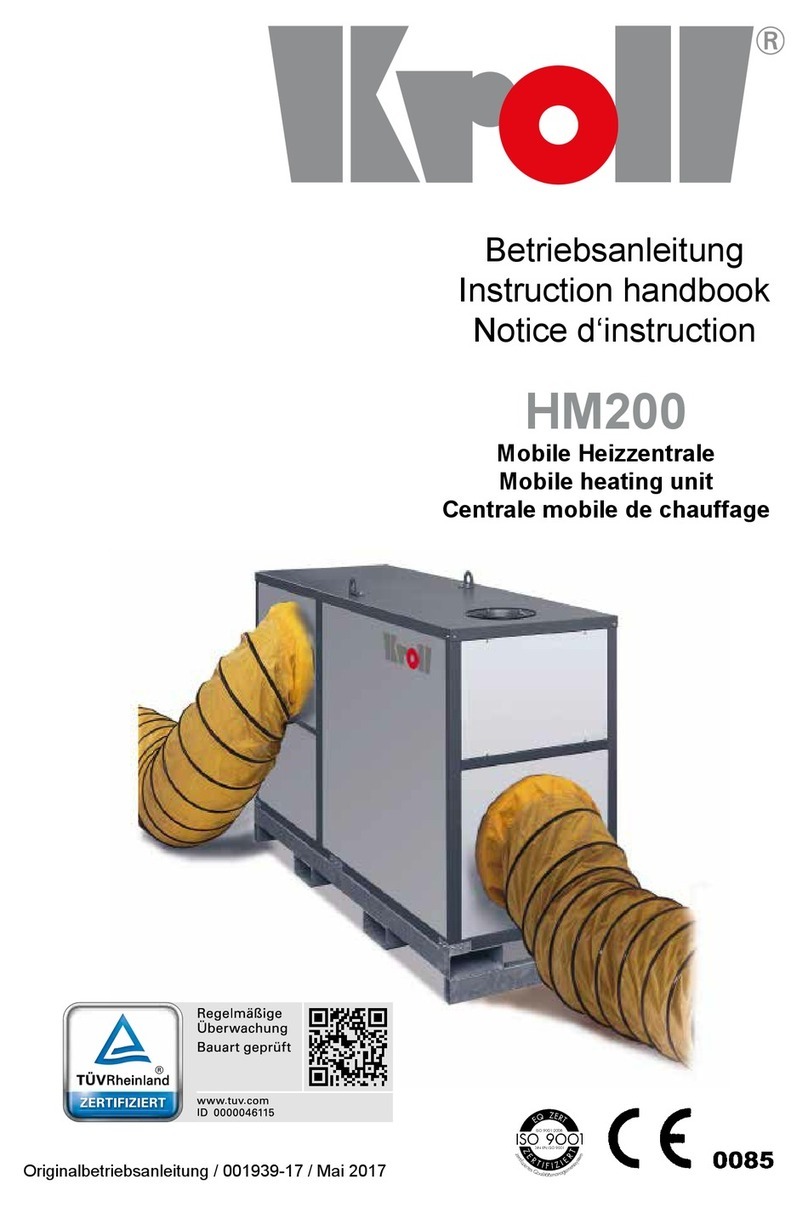
Kroll HM200 Instruction handbook

Kroll

Kroll HM200 Instruction handbook

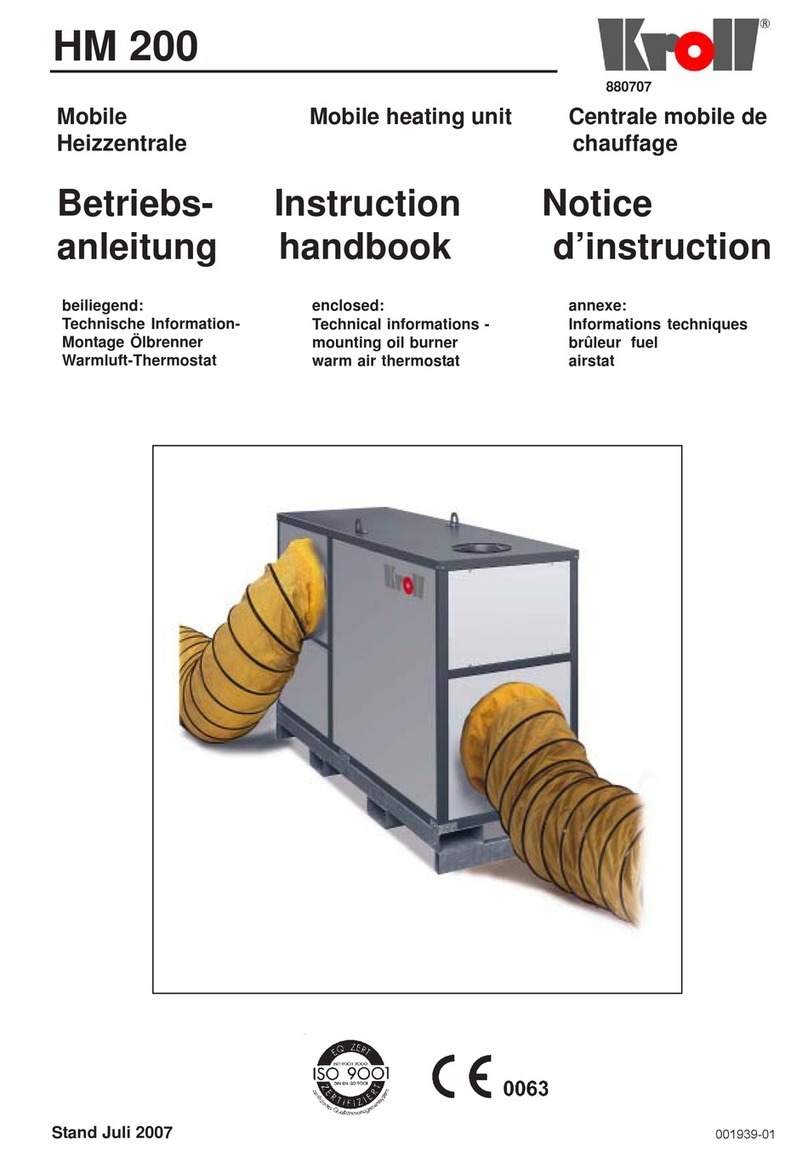
Kroll HM200 Instruction handbook

Kroll

Kroll HM200 Instruction handbook

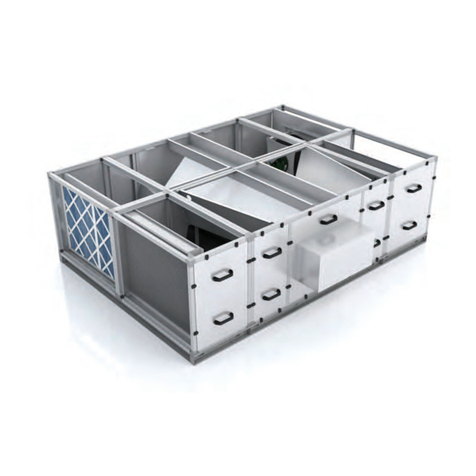
NuAire XBOXER XBC Series Installation operating and maintenance istructions

NuAire

NuAire XBOXER XBC Series Installation operating and maintenance istructions

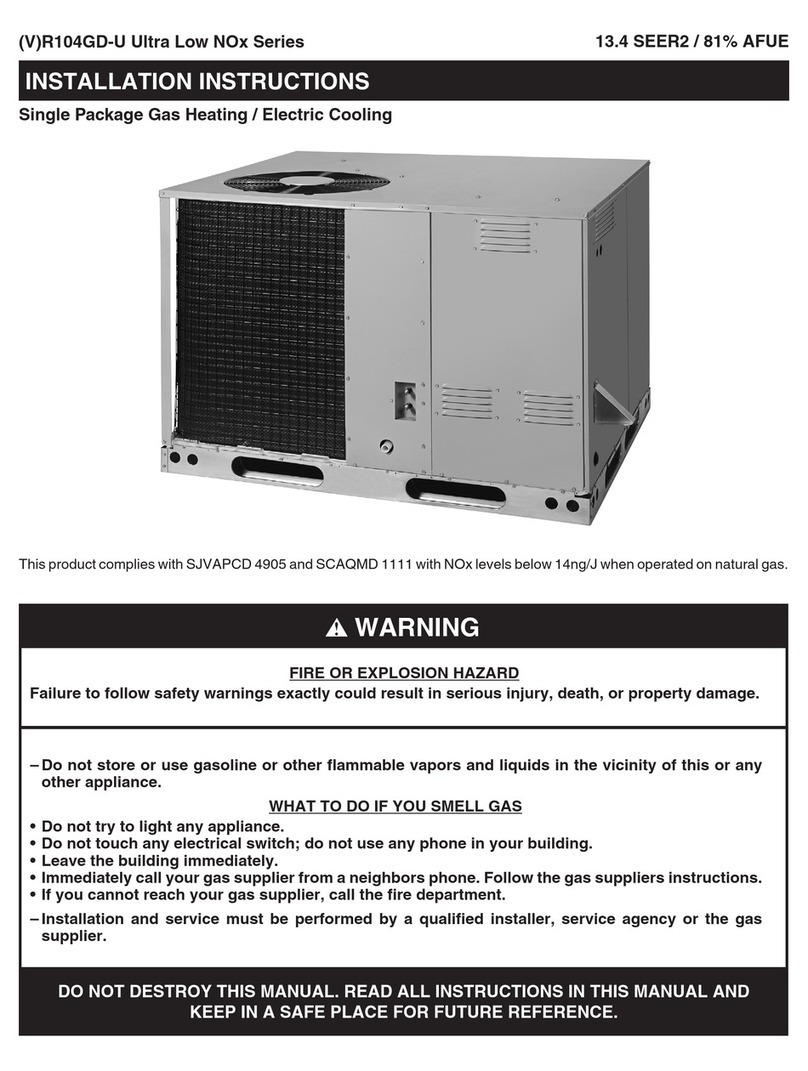
Trane VR104GD-U Series installation instructions

Trane

Trane VR104GD-U Series installation instructions

Vents VUT V mini user manual

Vents

Vents VUT V mini user manual

Viessmann Divicon installation instructions

Viessmann

Viessmann Divicon installation instructions

Viessmann Vitodens 100-W operating instructions

Viessmann

Viessmann Vitodens 100-W operating instructions

manuals.online logo
manuals.online logoBrands
  • About & Mission
  • Contact us
  • Privacy Policy
  • Terms and Conditions

Copyright 2025 Manuals.Online. All Rights Reserved.

INSTALLATION AND
OPERATION MANUAL
InspirAIR® Commercial
Series
CAUTION
IMPORTANT –Read this manual before installation
2Warning
CAUTION
2
Always turn off electrical power and verify that the unit is
electrically safe before performing any maintenance on the unit.
This unit contains high-voltage electrical components.
This unit has moving parts. All repairs and maintenance should
be performed by a qualified technician to avoid serious injuries.
Always turn OFF electrical power and verify that the unit is
electrically safe before performing any maintenance on the
unit.
NO modifications shall be made to the unit under any
circumstances. WARRANTY will be immediately voided.
Do not use this device to EXHAUST steam, inflammable or
explosive gases.
Electrical connections shall be made by aQUALIFIED
electrician.
Airflows shall be as per the APPROVED SUBMITTAL in
order for the ventilation system to function properly and the
WARRANTY be honorred.
Installation shall be completed in CONFORMANCE with
LOCAL construction and safety codes.
ALL drawings, photos and diagrams contained in this
document are for REFERENCE purposes only. Units may
differ.
ALDES reserves the RIGHT to MODIFY unit and its
components without prior warning.
Tel. CAN.: 1-800-262-0916 USA.:1-800-255-7749 www.aldes.com

3
Table of Contents
3
Tel. CAN.: 1-800-262-0916 USA.:1-800-255-7749 www.aldes.com
4Warranties and Exclusions
4
Warranty
ALDES products are guaranteed to be defect-free for a period of (2) years from the
date of purchase.
Labor not included.
EC motors are guaranteed for (1) year
Modifications were made by or for the client.
Product was POORLY installed.
Maintenance, cleaning and lubrification were NOT EXECUTED in accordance
with ALDES recommendations.
ALL installation fees and labor relating to product repairs.
ALL fees related to a loss of operations, merchandise, inventory or equipment
due to a defective ALDES product.
Warranty does not apply if:
Warranty Exclusions
Tel. CAN.: 1-800-262-0916 USA.:1-800-255-7749 www.aldes.com
5
Preparing for Installation
5
Unpacking Your Unit
Remove the protective wrapping from the unit including the
foam protection at each corners. Extra care should taken to
not scratch the painted surfaces. Appropriately dispose of
materials accordingly to local and/or project specific
requirement.
Inspecting Your Unit
Visually inspect the unit to ensure that no sheet metal has
been dented or scratched. Verify that the air intake and exaust
hoods have not been damaged in transport.
Warning: Do not remove the shipping attachments until the
unit has been moved to its final location.
Transport Method
Your unit is equipped with anchors for handling purposes only.
Strictly follow Lifting Standards before handling your unit.
Always use ALL anchors points SIMULTANEOUSLY.
Tel. CAN.: 1-800-262-0916 USA.:1-800-255-7749 www.aldes.com
Anchor
6Device Handling
6
Using a Forklift to Move the Unit
Before using a forklift to move your unit, you must follow several safety
rules:
The capacity of the forklift must exceed the weight of the unit.
Raise the device as shown in the diagram below. This is the only
method authorized by ALDES to move the unit using a forklift.
Transportation of the unit must be executed by a qualified forklift
operator.
Ensure that the forklift skids are a minimum of 6 inches longer than
the width of the unit.
Tel. CAN.: 1-800-262-0916 USA.:1-800-255-7749 www.aldes.com
7
Installation
7
Ventilation Unit
Galvanized Steel Flashing
Rigid Insulation (optional)
Building Structure
Roof Covering
Waterproof Seal (not included)
Roof curb Installation (optional)
Install the roof curb as indicated in the accompanying document provided.
Tel. CAN.: 1-800-262-0916 USA.:1-800-255-7749 www.aldes.com
8
Installation
8
Blower Belt tension setting
In order to avoid unusual wear of moving pieces, adjust belt tension at
minimum value to avoid slipping. Belt tension is adjusted by the
adjusting screws as illustrated below.
Tel. CAN.: 1-800-262-0916 USA.:1-800-255-7749 www.aldes.com
Adjustment bolts
9Electrical Connections
DANGER
9
Open the exterior panel using the handles (Picture 1).
You must unlock the handles with the appropriate key in order to
open the panel (Picture 1).
Turn the handles downward as indicated in the Picture 1.
This device contains high-voltage electrical components. All
maintenance shall be done by a qualified technician to prevent
serious injuries and possible death. Installation shall be
completed in conformance with local building and safety codes.
Tel. CAN.: 1-800-262-0916 USA.:1-800-255-7749 www.aldes.com
Picture 1
5/16’’
10
Electrical Connections
10
Connect the unit to the power grid using the disconnect switch. Such
connection shall be made by a certified electrician in accordance with the
applicable electrical code.
DANGER
This device contains high-voltage electrical components. All
maintenance shall be done by a qualified technician to prevent
serious injuries and possible death. Installation shall be
completed in conformance with local building and safety codes.
Tel. CAN.: 1-800-262-0916 USA.:1-800-255-7749 www.aldes.com
*Unit’s specific control panel may differ. For reference only.