EN
DE
FR
SK
PL
SL
HR
LV
5
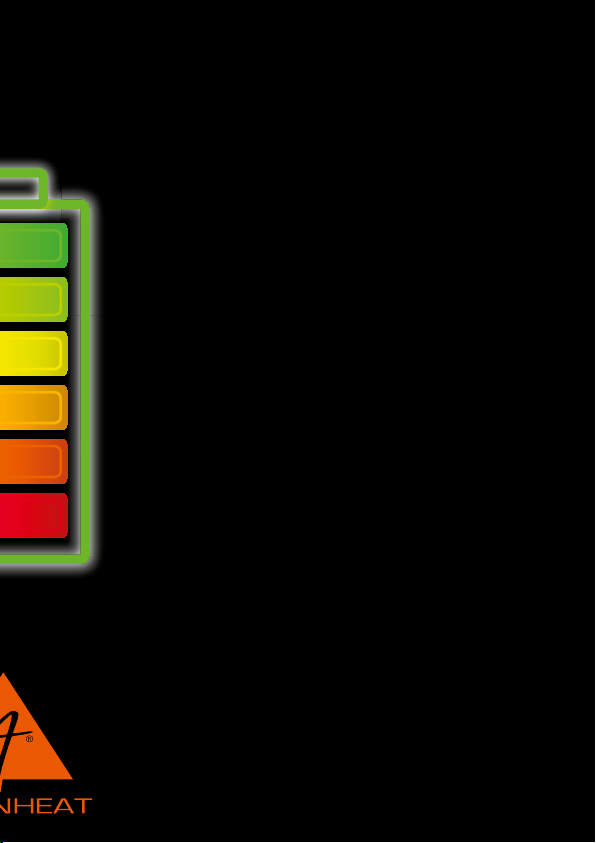
BATTERY CARE
Excessive charging is prevented by the charging control in the batteries. Occasional insucient
recharging (less than 4 hours) does not harm the batteries. However, frequent insucient
charging over a period of weeks does result in a reduction of the performance capacity.
Completely charge the batteries to increase the performance capacity.
Completely discharging the batteries insures extremely ecient utilization. If this is not done
regularly, the charging capability will also be impaired. To increase the performance capacity of
the batteries, completely charge them, and completely discharge them. Charging can be
interrupted. However, the longer the interruption e.g. a week or a month, the more important it is
to completely discharge and charge the batteries as recommended.
Fully charge the batteries every 3-4 months to prolong the battery life.
Using for the rst time:
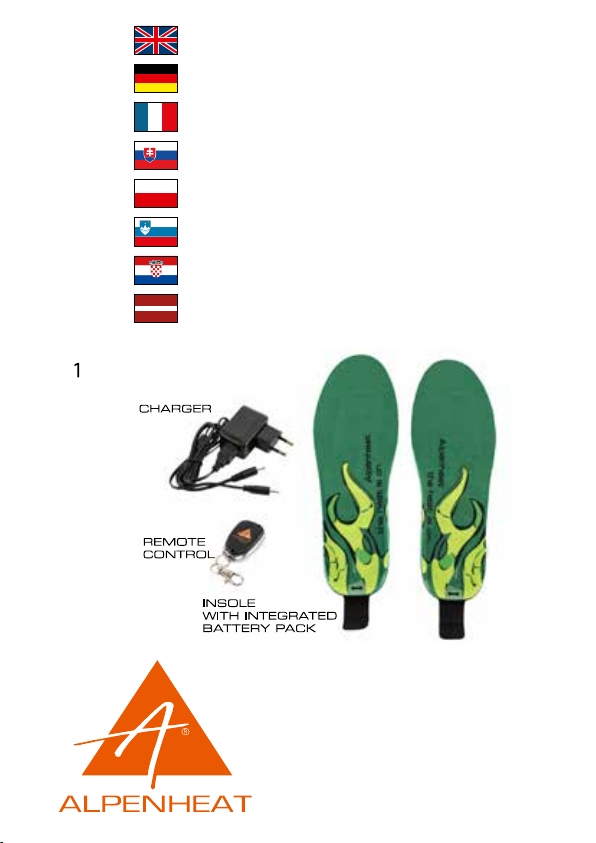
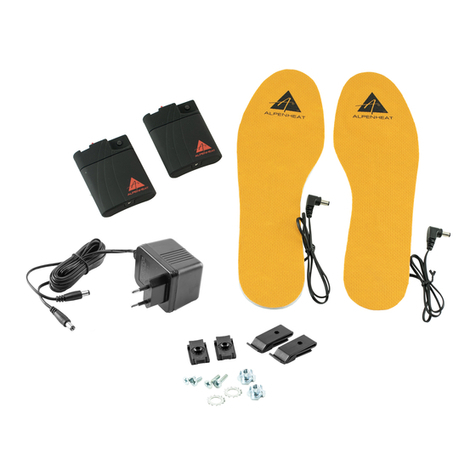
Cut the insole to the size of your foot. Follow the instructions on the insole. Do not cut the heating
element or the battery. The cutting marks serve as a guide.
Place insoles into shoes.
Getting started:
Connect the remote control to the insoles:
Long press 4 seconds, red light blink quickly, then we press any button of remote to pair, then the
lights on insoles stop blinking, the pairing is done successfully. You can exit pairing state at any
time by pressing the control button for 2 seconds.
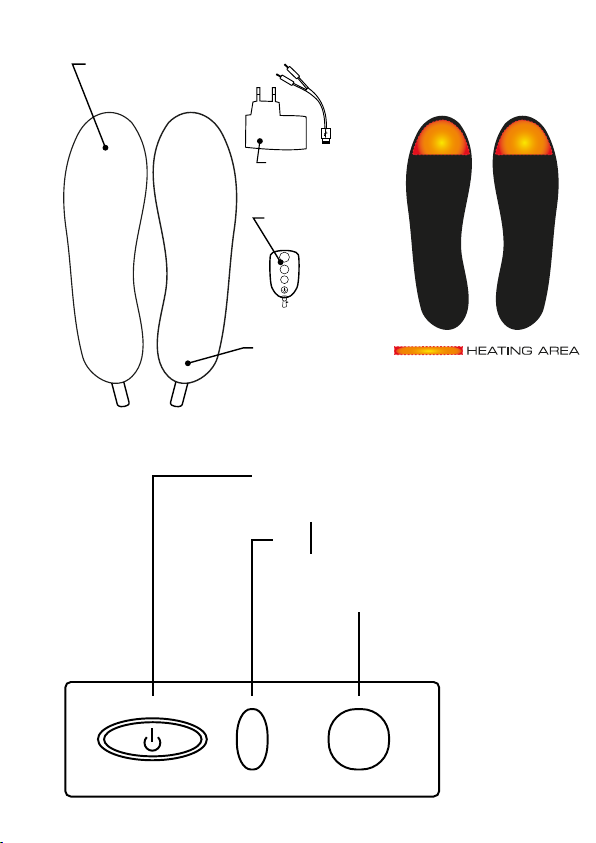
Control from Insoles’ Button:
1. Working:
Long press 2 seconds to Switch on, and start to work on “High” Temperature
(Red light On); Again press 1 second (not short press), start to work on “Medium”
Temperature (Blue light On) ; Again press 1 seconds(not short press), Start to work
on “Low” Temperature (Green light On)
2. Remote Control Setup:
In case your remote control does not work or you bought a new one, you have to
pair it with your insole(s): Long press, 4 seconds, red light blink quickly, then we
press any button of remote to pair, then the lights on insoles stop blinking, the
pairing is done successfully. You can exit pairing state at any time by pressing the
control button for 2 seconds.
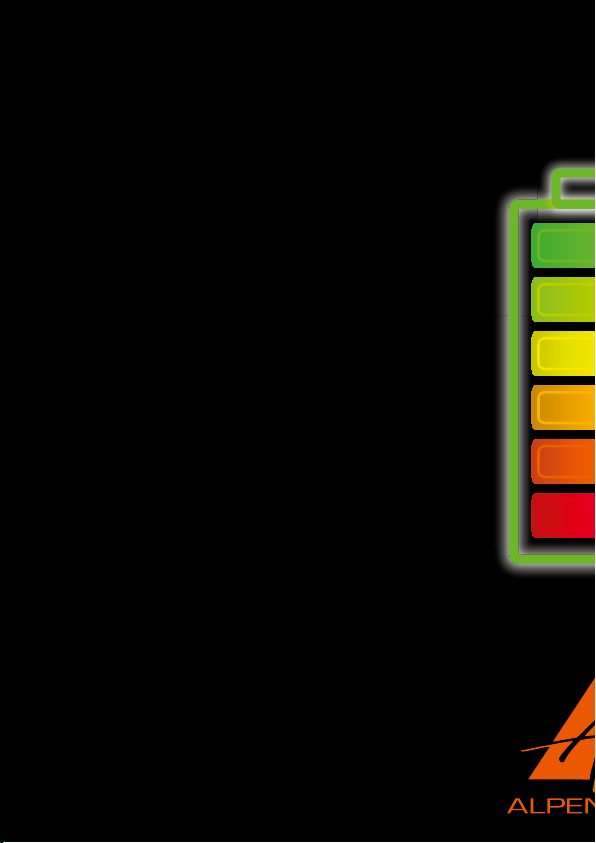
3. Battery power:
On working state, Double short press the insoles’ button, the light will blink to show
power left: 0-33% Power (Red light blink); 34-66% Power (Blue light blink); 67-100
% Power (Green light blink)
4. On working state, long press 3 seconds to switch o. The remote controller will not work when
we switch o.
Note: 1: remote controller only works after we switch on the insoles;
2: After charging, the insoles are set as standby by default, Light blink to show
power left: (0-33% Power, Red light blink; 34-66% Power, Blue light blink;
67-100% Green light blink ), we can use the remote controller to adjust temperature
Control from remote controller:
1. Remote controller only works after we switch on the insoles. After charging, the insoles are set
as standby by default, we can use the remote controller to adjust temperature.
2. On remote controller, short press III to start work on “High” temperature (Red light On); Again
short press II to start working on “Medium” temperature (Blue light On); Again short press I to
start working on “Low” temperature(Green light On); Again short press to standby , light
blink to show power left (0-33% Power, Red light blink ; 34-66% Power, Blue light blink ; 67-
100% Power, Green light blink )