manuals.online logo
Brands
  1. Home
  2. •
  3. Brands
  4. •
  5. Altec Lansing
  6. •
  7. Docking Station
  8. •
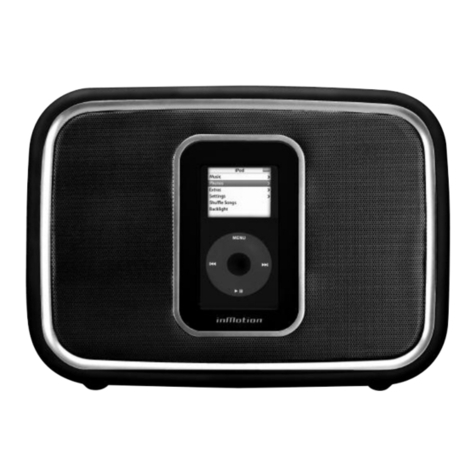
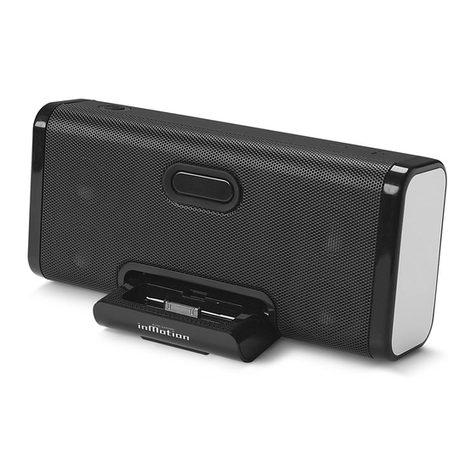
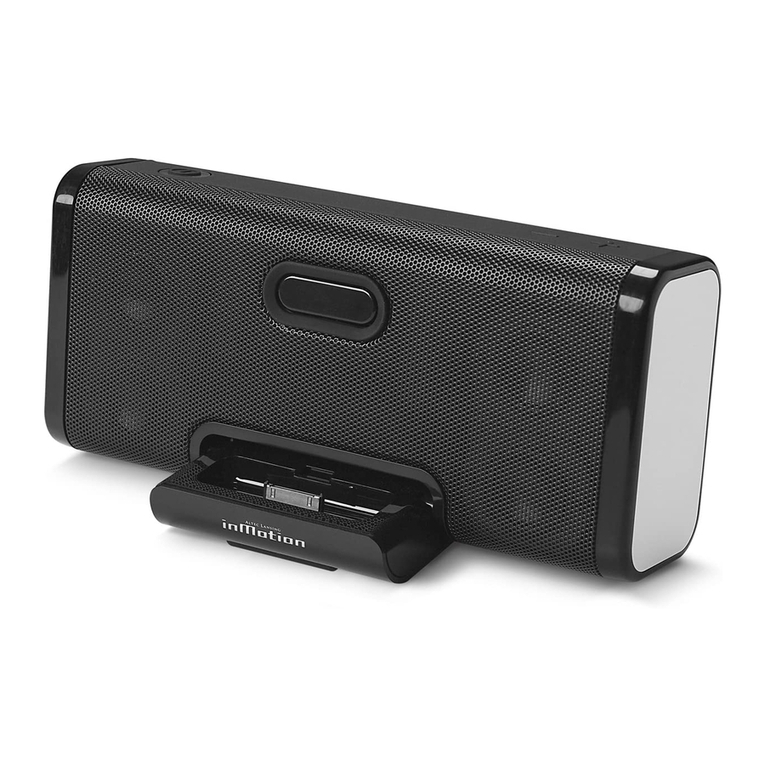
  9. Altec Lansing inMotion iM3cBLK User manual

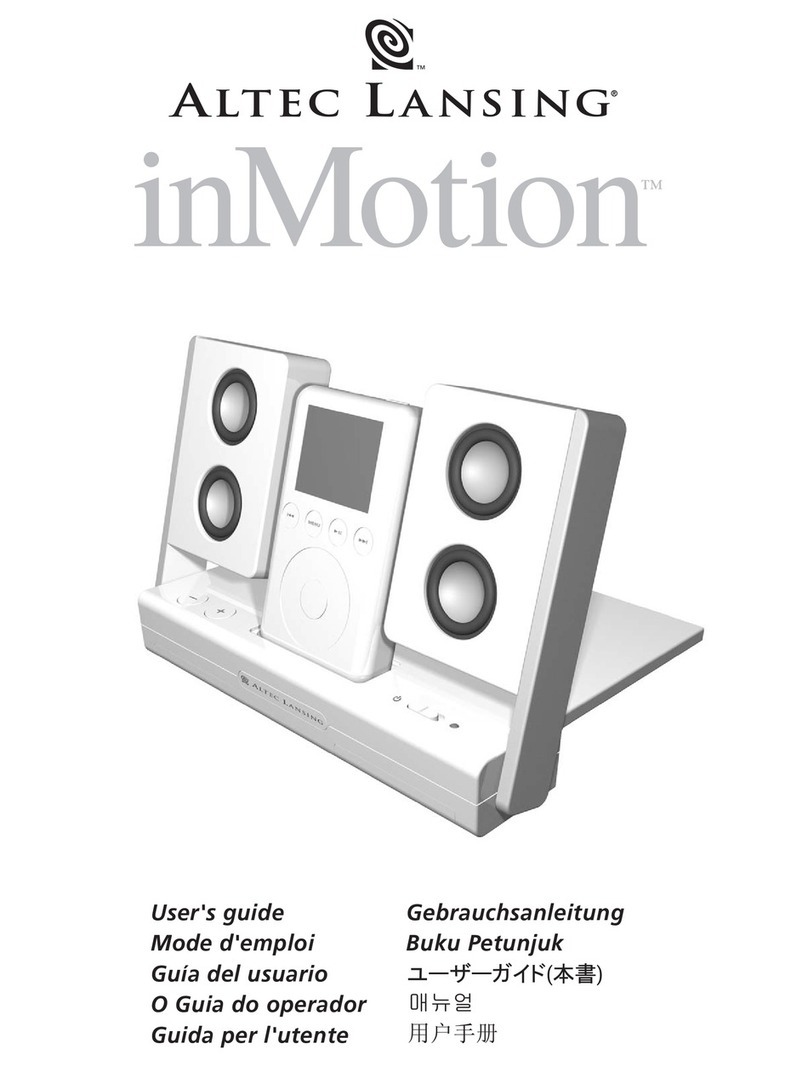
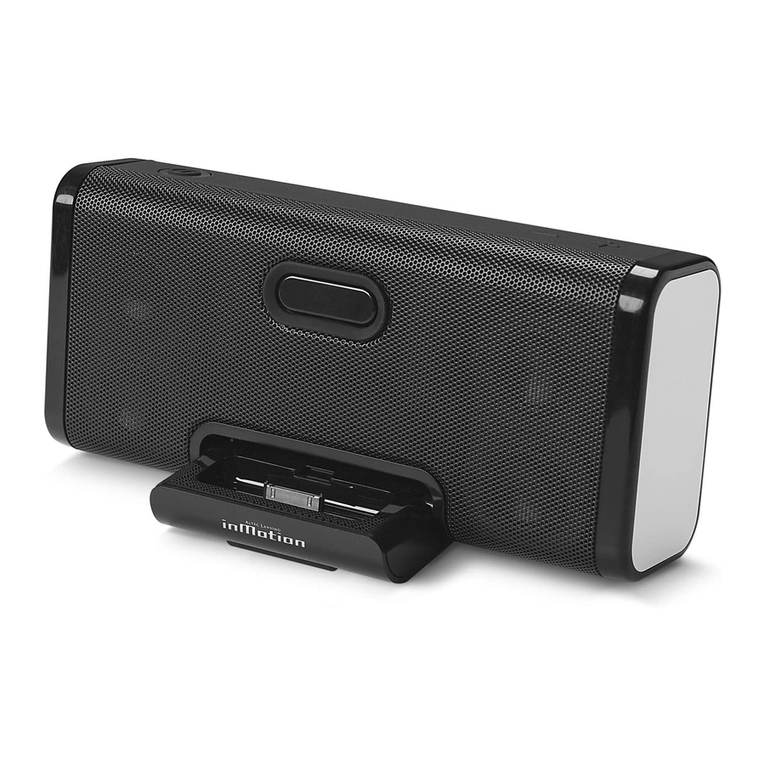
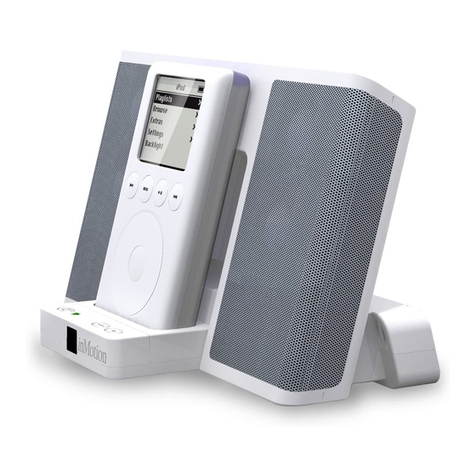
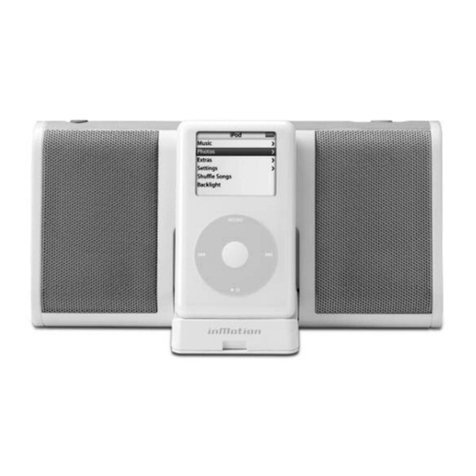
Altec Lansing inMotion iM3cBLK User manual

Other manuals for inMotion iM3cBLK

1

This manual suits for next models

1

Other Altec Lansing Docking Station manuals

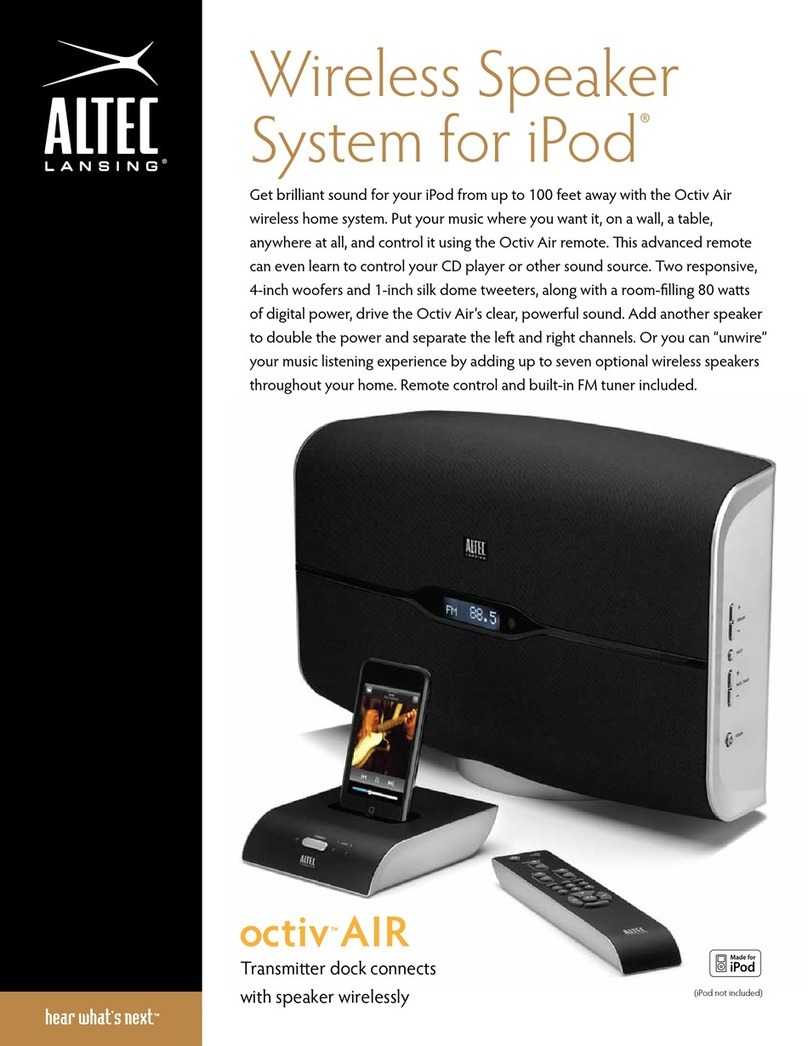
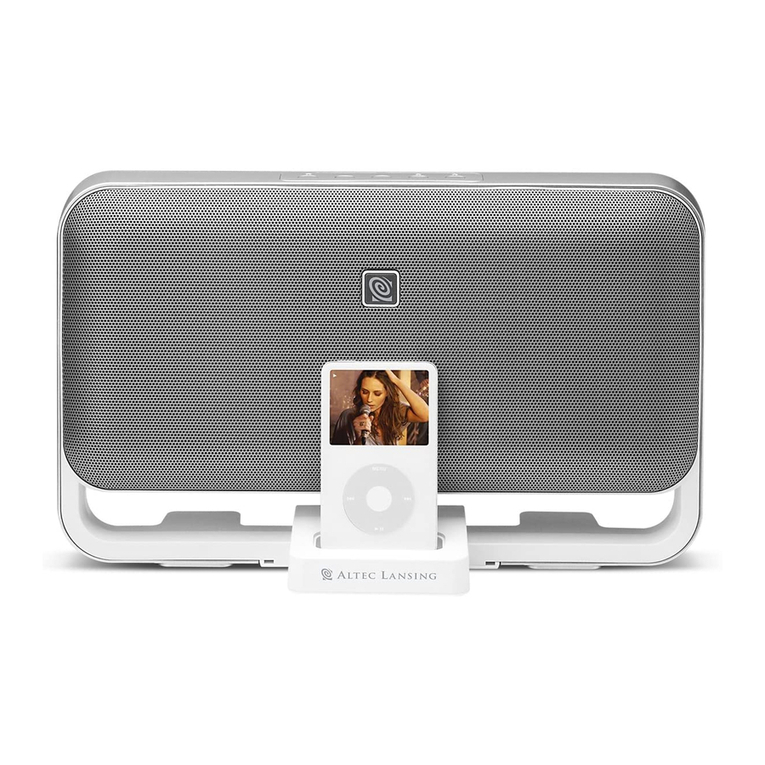
Altec Lansing Octiv Air User manual

Altec Lansing

Altec Lansing Octiv Air User manual

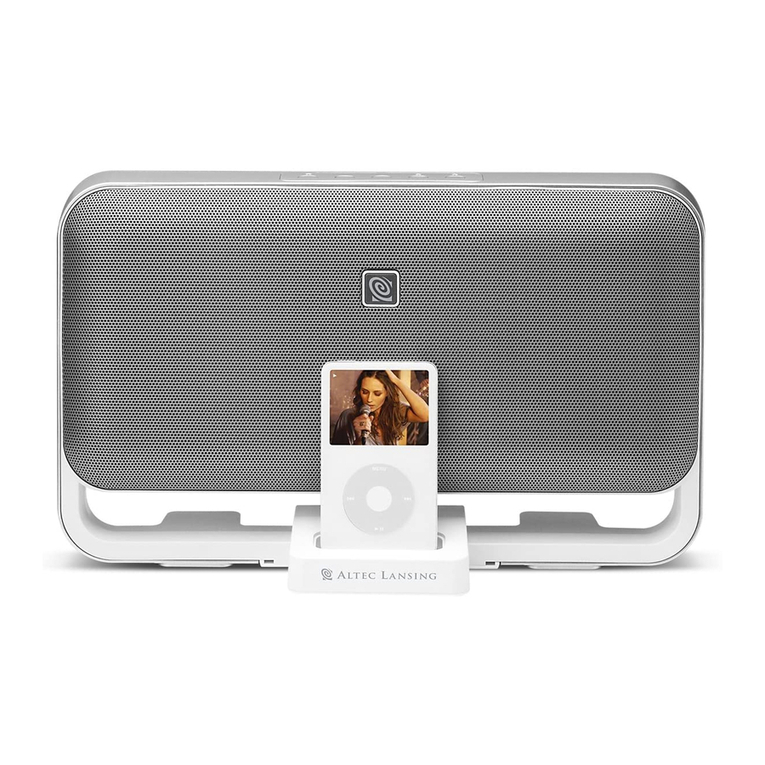
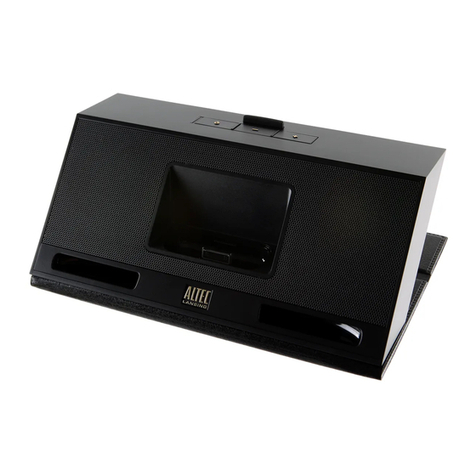
Altec Lansing M602 User manual

Altec Lansing

Altec Lansing M602 User manual

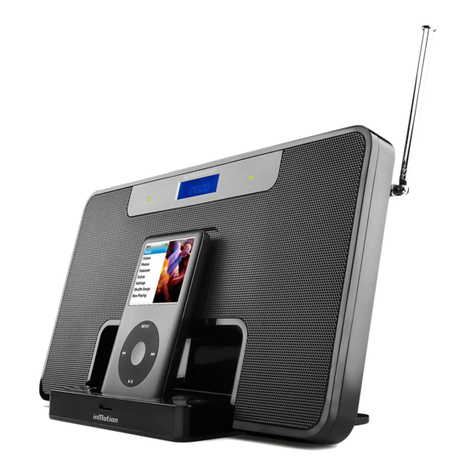
Altec Lansing INMOTION IM7BLK - SELL-SHEET Instruction Manual

Altec Lansing

Altec Lansing INMOTION IM7BLK - SELL-SHEET Instruction Manual

Altec Lansing inMotion iM3cBLK User manual

Altec Lansing

Altec Lansing inMotion iM3cBLK User manual

Altec Lansing inMotion IMV712 User manual

Altec Lansing

Altec Lansing inMotion IMV712 User manual

Altec Lansing INMOTION IM600 Quick start guide

Altec Lansing

Altec Lansing INMOTION IM600 Quick start guide

Altec Lansing inMotion iM3c Instruction Manual

Altec Lansing

Altec Lansing inMotion iM3c Instruction Manual

Altec Lansing INMOTION IM600 User manual

Altec Lansing

Altec Lansing INMOTION IM600 User manual

Altec Lansing inMotion IM500 User manual

Altec Lansing

Altec Lansing inMotion IM500 User manual

Altec Lansing INMOTION IM11BLK User manual

Altec Lansing

Altec Lansing INMOTION IM11BLK User manual

Altec Lansing inMotion iM3 User manual

Altec Lansing

Altec Lansing inMotion iM3 User manual

Altec Lansing inMotion IM9 Assembly instructions

Altec Lansing

Altec Lansing inMotion IM9 Assembly instructions

Altec Lansing inMotion iM510 User manual

Altec Lansing

Altec Lansing inMotion iM510 User manual

Altec Lansing inMotionIMX2 User manual

Altec Lansing

Altec Lansing inMotionIMX2 User manual

Altec Lansing inMotion Classic iMT620 User manual

Altec Lansing

Altec Lansing inMotion Classic iMT620 User manual

Altec Lansing inMotion IMV712 User manual

Altec Lansing

Altec Lansing inMotion IMV712 User manual

Altec Lansing INMOTION IM600 USB - SELL-SHEET User manual

Altec Lansing

Altec Lansing INMOTION IM600 USB - SELL-SHEET User manual

Altec Lansing inMotion iM510 User manual

Altec Lansing

Altec Lansing inMotion iM510 User manual

Altec Lansing inMotion iM510 User manual

Altec Lansing

Altec Lansing inMotion iM510 User manual

Altec Lansing INMOTION IM600 User manual

Altec Lansing

Altec Lansing INMOTION IM600 User manual

Altec Lansing inMotion Compact iMT320 User manual

Altec Lansing

Altec Lansing inMotion Compact iMT320 User manual

Altec Lansing inMotion iM510 Instruction Manual

Altec Lansing

Altec Lansing inMotion iM510 Instruction Manual

Altec Lansing INMOTION IM600 User manual

Altec Lansing

Altec Lansing INMOTION IM600 User manual

Altec Lansing inMotion iM11 User manual

Altec Lansing

Altec Lansing inMotion iM11 User manual

Popular Docking Station manuals by other brands

Durr Dental VISTACAM2 Installation and operating instructions

Durr Dental

Durr Dental VISTACAM2 Installation and operating instructions

DLO TransDock Direct user manual

DLO

DLO TransDock Direct user manual

Lenovo USB-C Mini Dock user manual

Lenovo

Lenovo USB-C Mini Dock user manual

Sony Dream Machine XDR-DS12iP user manual

Sony

Sony Dream Machine XDR-DS12iP user manual

ATEN UC-2000 user manual

ATEN

ATEN UC-2000 user manual

Xcellon HDD-202 user manual

Xcellon

Xcellon HDD-202 user manual

Dok CR09 user guide

Dok

Dok CR09 user guide

Philips BTM630/12 quick start guide

Philips

Philips BTM630/12 quick start guide

IOGear Travel Pro GUD3C09 quick start guide

IOGear

IOGear Travel Pro GUD3C09 quick start guide

iHome iP15 instruction manual

iHome

iHome iP15 instruction manual

VITURE ONE MOBILE DOCK quick start guide

VITURE ONE

VITURE ONE MOBILE DOCK quick start guide

CipherLab 8001 quick guide

CipherLab

CipherLab 8001 quick guide

Pyle PIPDSP2 owner's manual

Pyle

Pyle PIPDSP2 owner's manual

Targus DOCK315EUZ user guide

Targus

Targus DOCK315EUZ user guide

Philips DC190/79 user manual

Philips

Philips DC190/79 user manual

Akasa DuoDockX3 AK-DK08U3-BK user manual

Akasa

Akasa DuoDockX3 AK-DK08U3-BK user manual

Sirius Satellite Radio SUBX2082808a Installation and user guide

Sirius Satellite Radio

Sirius Satellite Radio SUBX2082808a Installation and user guide

OWC Thunderbolt Dock user guide

OWC

OWC Thunderbolt Dock user guide

manuals.online logo
manuals.online logoBrands
  • About & Mission
  • Contact us
  • Privacy Policy
  • Terms and Conditions

Copyright 2025 Manuals.Online. All Rights Reserved.

Made for/Conçu pour :
• iPod nano
• iPod mini
• 4th Generation iPod with
Click Wheel
• 3rd Generation iPod with
touch wheel and buttons
un.plugged
un.plugged
Mobile speaker system
for the iPod®
–High Efficiency
Digital Amplification
–Maximum Output
Neodymium Drivers
–Built-in iPod®Cradle
–AC / Battery Powered
–Wireless Remote
US IM3c SELL SHEET.QXD 1/25/06 2:40 PM Page 1
SYSTEM SPECIFICATIONS†:
Altec Lansing’s superior sound comes from
our proprietary technology, which utilizes
custom-built, high-fidelity drivers, state-of-
the-art equalization circuitry, and a
harmonious mix of the following
specifications:
TOTAL CONTINUOUS POWER:
4 Watts RMS
• Front Speakers: 2 Watts/channel @ 8

ohms @ 10% THD @ 20 - 20000 Hz 2

Channels Loaded
SYSTEM RESPONSE:
60 Hz – 20 kHz
Signal to Noise Ratio @ 1 kHz input: > 75 dB
DRIVERS:
Four 1" full-range neodymium Micro Drivers
DIMENSIONS:
8" (W) x 1.1" (D) x 5.5" (H)
204 mm (W) x 29 mm (D) x 139 mm (H)
PACKAGING SPECIFICATIONS:
MASTER CARTON QUANTITY: 4
MASTER CARTON DIMENSIONS:
18.8" (W) x 9.8" (D) x 7.8" (H)
477 mm (W) x 250 mm (D) x 198 mm (H)
DISPLAY CARTON DIMENSIONS:
9.3" (W) x 4.5" (D) x 7" (H)
236 mm (W) x 115 mm (D) x 178 mm (H)
MASTER CARTON WEIGHT:
8.47 lbs. 3.47 kg
DISPLAY CARTON WEIGHT:
1.83 lbs. 0.83 kg
† Power rating conforms to FTC Amplifier Rule #16
C.F.R. Part 432.
© 2005 Altec Lansing Technologies, Inc.
ALTEC, ALTEC LANSING, the Altec Lansing logo, the swirl
design, the Altec Lansing Powered Audio logo, Just listen
to this!, InMotion, and the InMotion logo are registered
trademarks or trademarks of Altec Lansing.
MaxxBass, and More Bass. Less Space. Are trademarks or
registered trademarks of K.S. Waves LTD.
iPod is a trademark of Apple Computer, Inc., registered in
the U.S. and other countries.
All other trademarks appearing herein are the property
of their respective owners.
CORPORATE HEADQUARTERS
535 Rte. 6 & 209. Milford, PA, USA 18337-0277
800-ALTEC-88. 570-296-4434 • Fax 570-296-6887
Engineered in USA. Made in China
IM3C (WHITE)
–crystal-clear sound
From four custom-designed neodymium 28 mm
Micro Drivers.
–surprisingly deep bass
Revolutionary MaxxBass® technology creates
quality bass without a subwoofer.
–wireless remote
and built-in controls
Sit back and enjoy.
–built-in docking station
Provides same synchronization, data transfer,
and recharging options
as your iPod dock (cable not included).
–extra long battery life
Highly efficient Class D amplifier delivers more
than 24 hours of continuous playback with four
AA batteries (not included).
–protective carry bag
For your traveling convenience.
–auto shut-down
–convenient secondary
input jack
For connection with other audio devices,
including laptops, older iPods, and other MP3
players (cable included).
–lightweight design
Folds to close at 15 ounces and 8" wide, 1.1"
deep and 5.5" high.
–universal power adapter
With international plug set included.
www.alteclansing.com
IPOD, I COMMAND YOU!
It's so cool, it even comes with a remote control. Powerful, too.
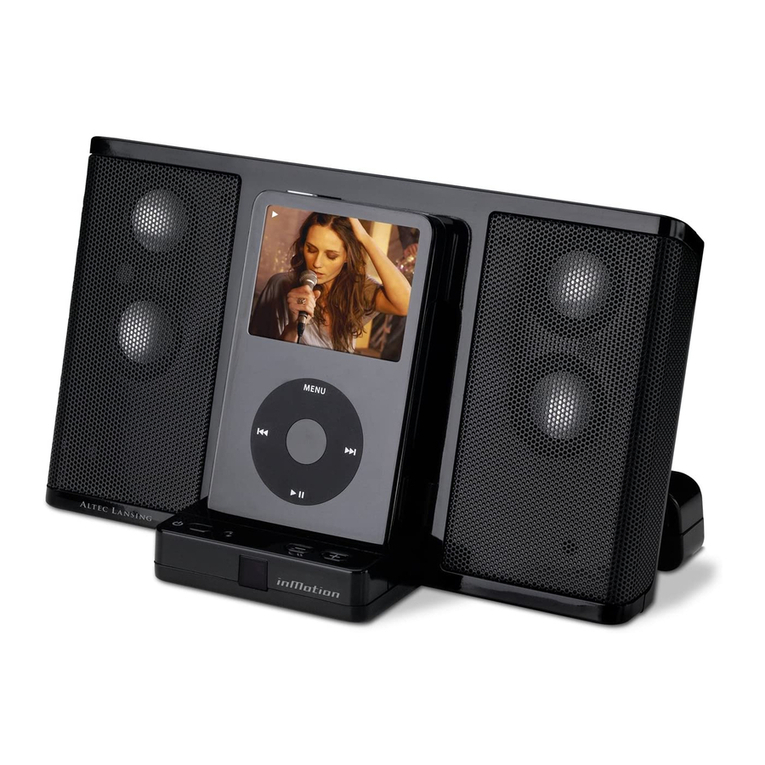
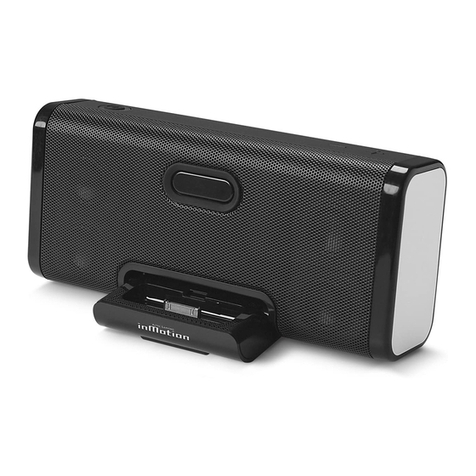
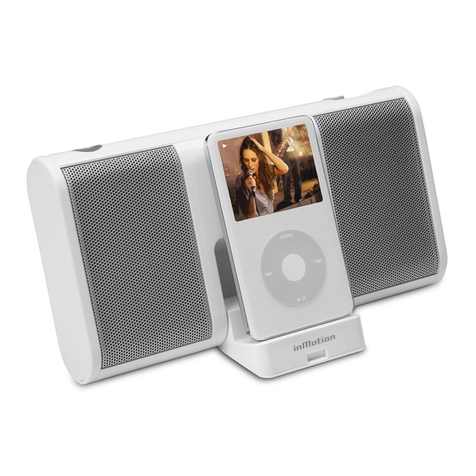
The iM3c is the paper-back-sized sound solution that delivers
crystal-clear sound. Just put your iPod in the dock, then press Play.
iPod and iM3c will instantly obey. Fits, syncs, and charges iPod,
iPod photo, iPod mini, and iPod nano players.
IM3CBLK (BLACK)
01/06
US IM3c SELL SHEET.QXD 1/25/06 2:41 PM Page 2