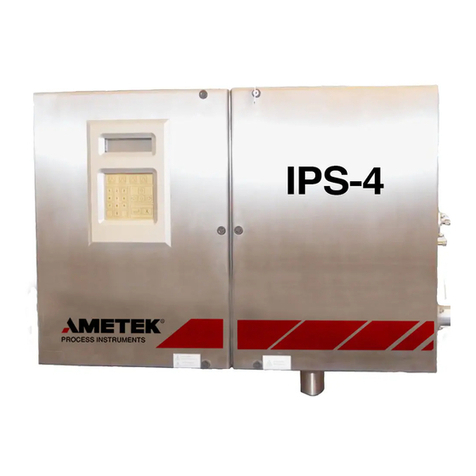
iv | IPS-4 Analyzer
Air Quality: ...............................................................................................................................3
Nitrogen Quality ......................................................................................................................3
Sample Fluid Flow Rate ..........................................................................................................3
Electrical Requirements...........................................................................................................3
Power Consumption< 500 W maximum start-up (from a cold start) with
continuous average, depending on ambient temperature. ........................... 3
Supply Voltage....................................................................................................... 3
Cell Construction ................................................................................................... 3
Environmental........................................................................................................3
Ambient Temperature ............................................................................................3
Humidity.................................................................................................................4
Pollution Degree .................................................................................................... 4
Maximum Altitude .................................................................................................. 4
Installation Category..............................................................................................4
Enclosure Material.................................................................................................4
Physical Dimensions................................................................................................................4
Approvals and Certifications .................................................................................................5
Installation & Start-Up ................................................................................................................1
Safety Considerations.......................................................................................................2
Pre-Installation Requirements........................................................................................3
Storage Prior to Installation....................................................................................................3
Uncrating and Inspecting the Analyzer................................................................................3
General Installation Information...................................................................................4
Tools, Equipment, and Supplies Required for Installation ................................................4
Installing the Mechanical Components ........................................................................6
Mounting the Analyzer ...........................................................................................................6
Location and Environment.....................................................................................6
Installing the Sample System ...............................................................................................10
Installing the Sample Probe/Sample Tap............................................................. 10
Connecting I/O Signals, Alarm Relay Contacts, and AC Power ............................11
Electrical Connections ...........................................................................................................11
Permanent Ethernet Cable Connections (Optional)..........................................................12
Start-Up and Verification ...............................................................................................14
Powering Up the Analyzer ...................................................................................................14
Start-Up Diagnostic Checklist ..............................................................................................20
Manually Zeroing the Analyzer Sample System...............................................................21
Adjusting the Zero/Span Fluid Flow Rate.........................................................................21
Recording Initial Readings ...................................................................................................22
Analyzer Configuration..................................................................................................24
Controller / User Interface..........................................................................................................1
Introduction to the User Interface Panel.......................................................................2
User Interface Panel Components .........................................................................................2
Special Software Characters ...................................................................................................4
Working From the User Interface Panel – Conditions and Messages ..............................5