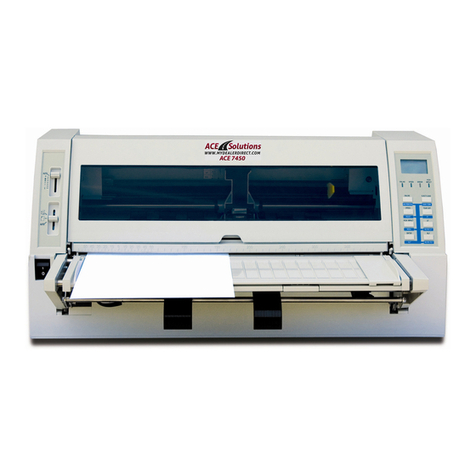
Documax 5380 User’s Manual
- iv -
Content
About Trademark.........................................................................................................................................i
Important Safety Instructions....................................................................................................................ii
Chapter 1 Overview....................................................................................................................................1
1.1 Features..............................................................................................................................................1
Chapter 2 Preparation ................................................................................................................................3
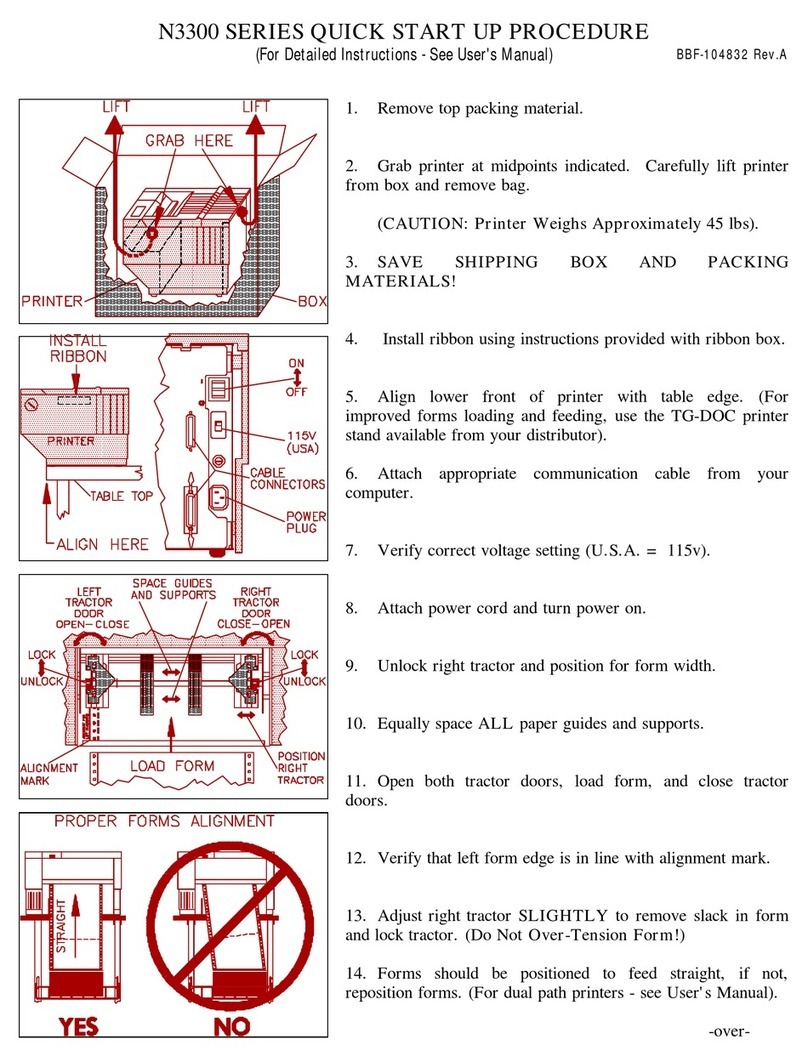
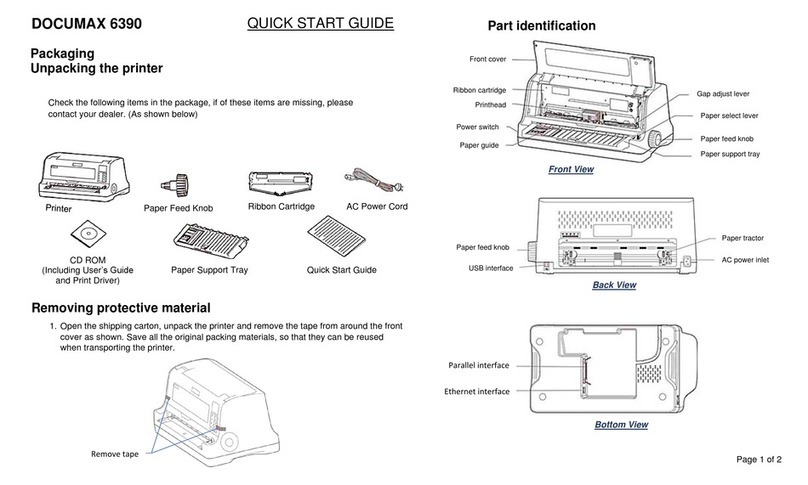
2.1 Unpacking & Checking........................................................................................................................3
2.2 Removing the Protective Materials......................................................................................................3
2.3 Parts Identification...............................................................................................................................3
2.4 Installing the Printer ............................................................................................................................4
2.5 Installing and Removing the Paper rack..............................................................................................5
2.5.1 Installing the Paper Rack..............................................................................................................5
2.5.2 Removing the Paper Rack............................................................................................................6
2.6 Installing the Ribbon Cartridge ............................................................................................................6
2.7 Connecting the Printer to Your Computer............................................................................................7
2.7.1 Connecting to the Parallel Interface..............................................................................................7
2.7.2 Connecting to the Ethernet Interface............................................................................................8
2.7.3 Connecting to the USB Interface..................................................................................................8
2.7.4 Connecting to the Serial Interface ................................................................................................8
2.8 Connecting to the Power Cord ............................................................................................................9
2.9 Installing Driver ...................................................................................................................................9
2.10 Ethernet Settings.............................................................................................................................12
2.10.1 Connecting Printer....................................................................................................................12
2.10.2 Setting IPAddress....................................................................................................................12
2.10.3 Installing Printer Network Driver ...............................................................................................15
Chapter 3 Loading Paper .........................................................................................................................22
3.1 Paper Thickness Adjustment.............................................................................................................22
3.2 Loading Cut Sheet Paper..................................................................................................................22
3.2.1 Setting Cut Sheet Printing Mode ................................................................................................22
3.2.2 Loading Cut Sheet Paper ...........................................................................................................22
3.3 Using Tractor Paper ..........................................................................................................................24
3.3.1 Loading Tractor Paper................................................................................................................24
3.3.2 Tearing off Tractor Paper ............................................................................................................26
Chapter 4 Control Panel...........................................................................................................................27
4.1 Control Panel Keys and LEDs...........................................................................................................27
4.1.1 Control Panel..............................................................................................................................27
4.1.2 Indicator LEDs............................................................................................................................27
4.2 Basic Control Panel Operations ........................................................................................................27
4.3 Top of Form Adjustment and Black Mark Position .............................................................................28
4.4 Tear-off Adjustment Mode .................................................................................................................29
4.5 Changing the Printing Settings.......................................................................................................... 29
4.5.1 Quick Menu Setting ....................................................................................................................29
4.5.2 Using Menu Setup Mode............................................................................................................30
4.5.3 Online-aptitude Parameter Settings............................................................................................33