Table of Contents
1. Product Overview .............................................................................. 1
2. Unpacking.......................................................................................... 1
2. 1. Unpacking...................................................................................................1
2. 2. Repacking ...................................................................................................1
3. Parts and Functions .......................................................................... 2
3. 1. External Appearance.................................................................................. 2
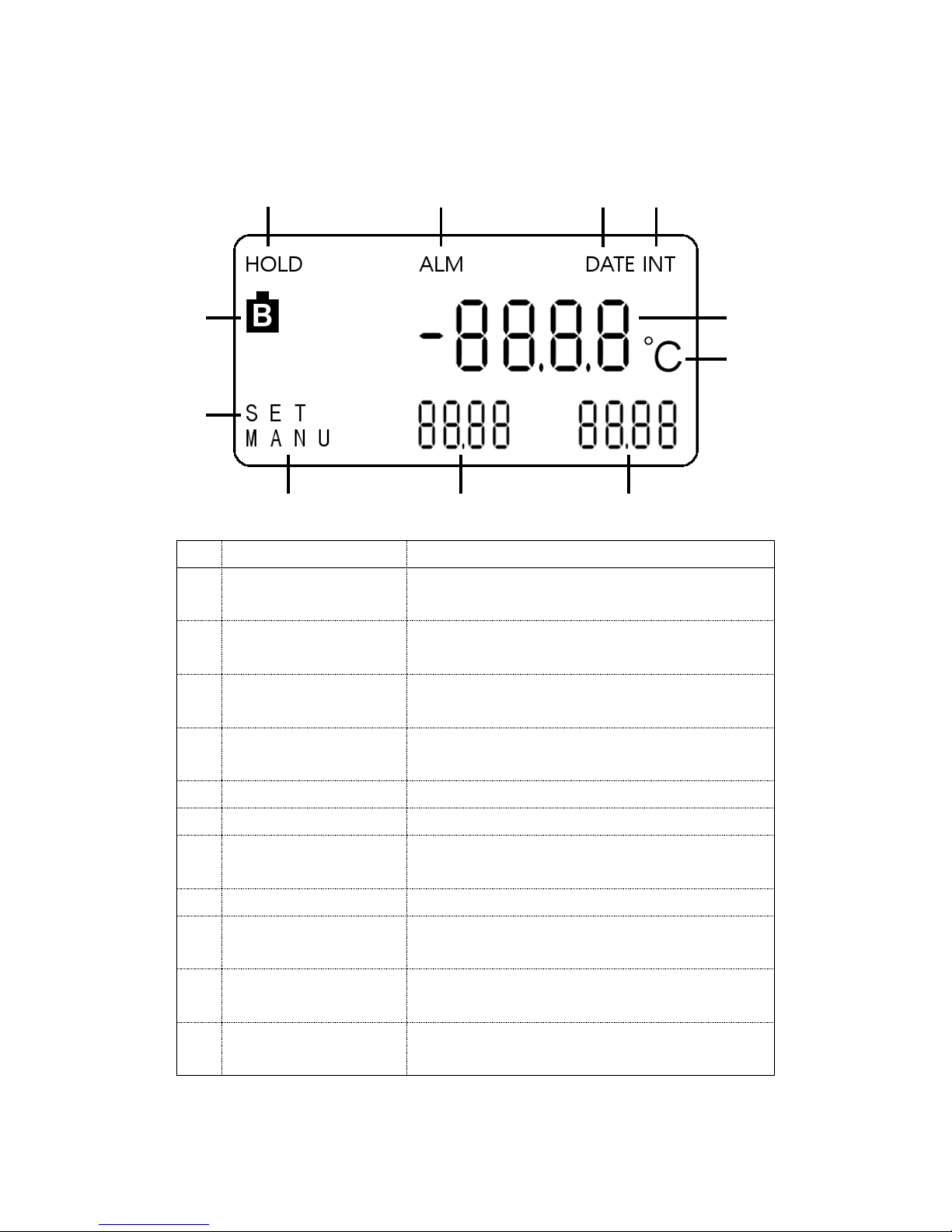
3. 2. LCD.............................................................................................................3
4. Preparing to Use the AP-400 ............................................................. 4
4. 1. Installing the batteries............................................................................... 4
4. 2. Connecting the AC power...........................................................................5
4. 3. Connecting the sensor ................................................................................5
4. 4. Using the soft case...................................................................................... 5
5. Setting the Printer Paper .................................................................. 6
6. Using the AP-400............................................................................... 7
6. 1. Turning the power on and off .....................................................................7
6. 2. Setting the time.......................................................................................... 7
6. 3. HOLD function ...........................................................................................9
6. 4. Configuring the time mode.........................................................................9
7. Printer Functions ............................................................................ 10
7. 1. Printing with the PRINT key...................................................................10
7. 2. Paper feeding with the FEED key ........................................................... 10
7. 3. Interval printing function ........................................................................10
7. 4. Numbered Count printing function ......................................................... 12
8. Memory Function............................................................................. 14
8. 1. Memory measurement mode.................................................................... 14
8. 2. Printing data stored in the memory......................................................... 15
8. 3. Clearing the memory................................................................................16
9. Fixing Paper Jams........................................................................... 17
10. Error Messages ................................................................................ 19
11. Maintenance .................................................................................... 21
11. 1. Storing the Product .................................................................................. 21
11. 2. Cleaning the product casing.....................................................................21
11. 3. Inspection ................................................................................................. 21
12. Specifications ................................................................................... 23