5.Monitor Operation
4.How to Turn on The Sewer Camera
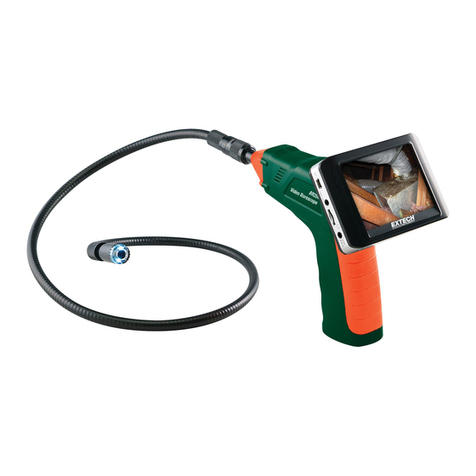
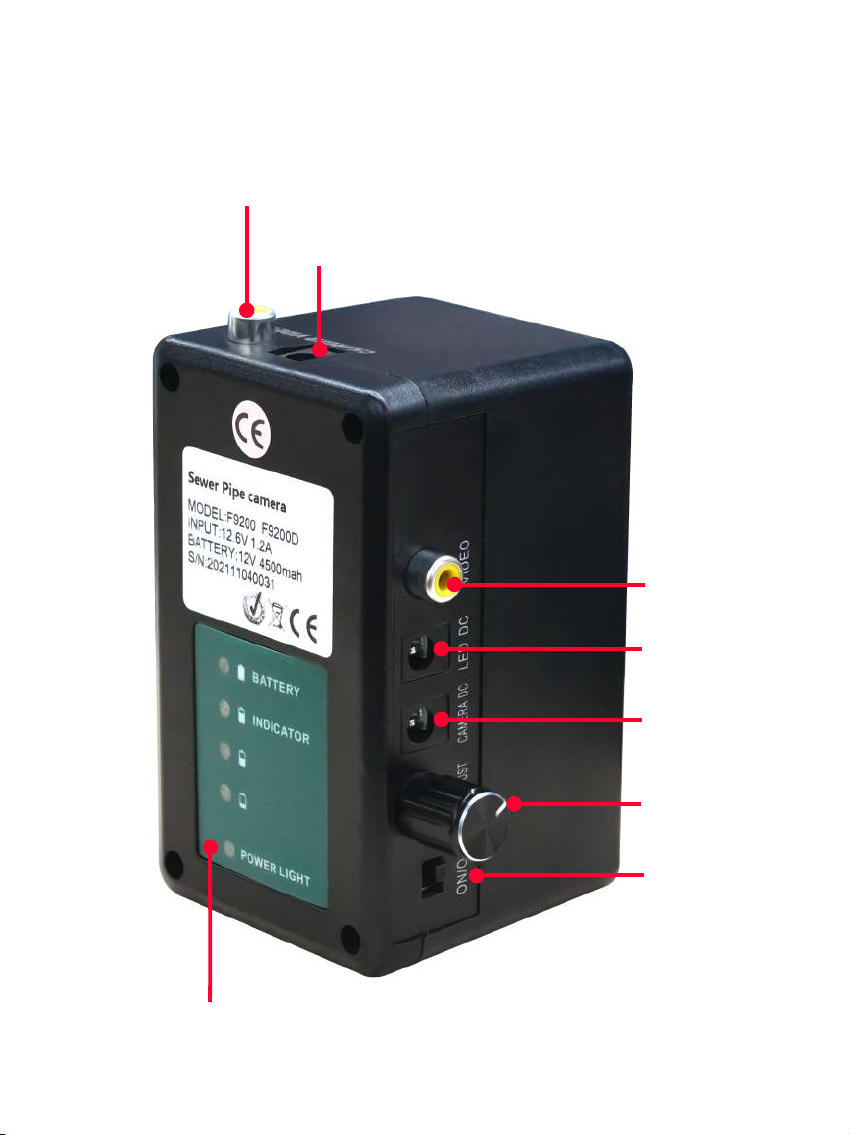
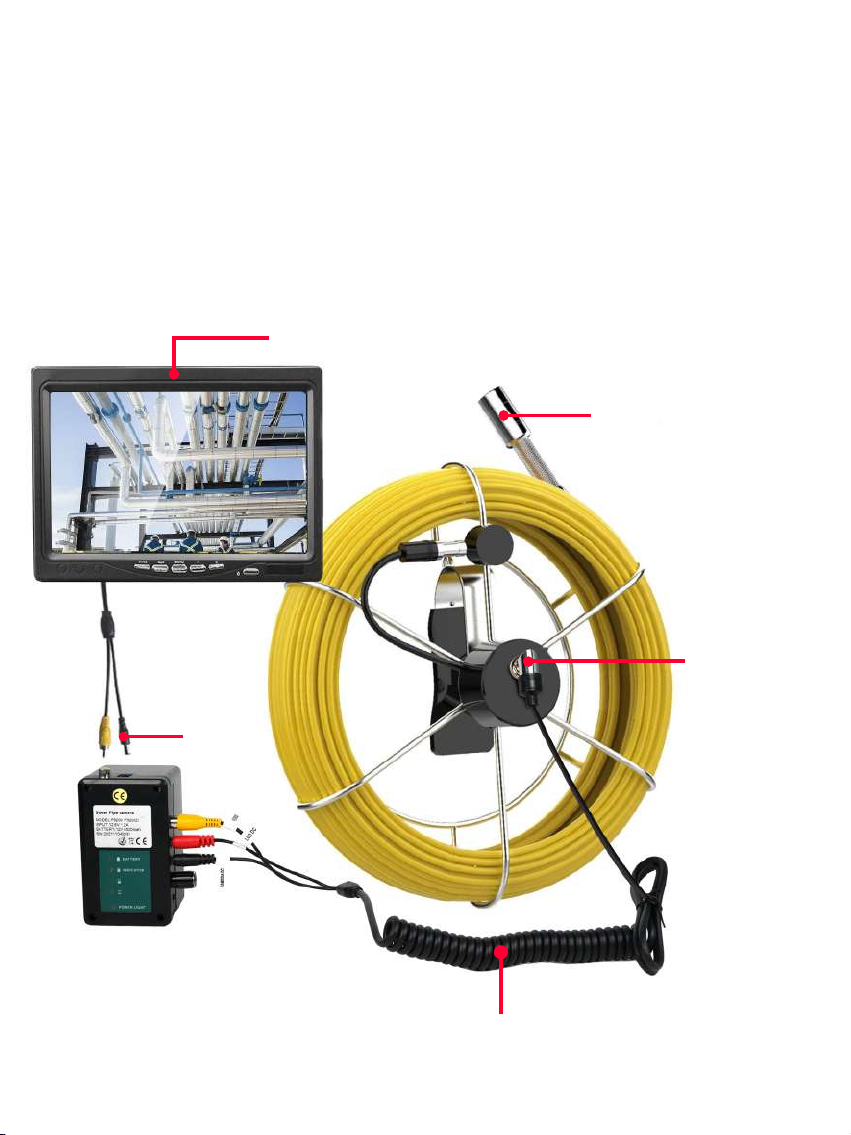
1.Connect all cables. Each wire on the connection cable is marked with "VIDEO", "LED
DC", "CAMERA DC" corresponding to "VIDEO", "LED DC", "CAMERA DC" on the side
of the power control box.Install camera head, turn on the power battery control box and
screen power button, the system is starting up.
1.Connect all cables. Each wire on the connection cable is marked with "VIDEO", "LED
DC", "CAMERA DC" corresponding to "VIDEO", "LED DC", "CAMERA DC" on the side
of the power control box.Install camera head, turn on the power battery control box and
screen power button, the system is starting up.
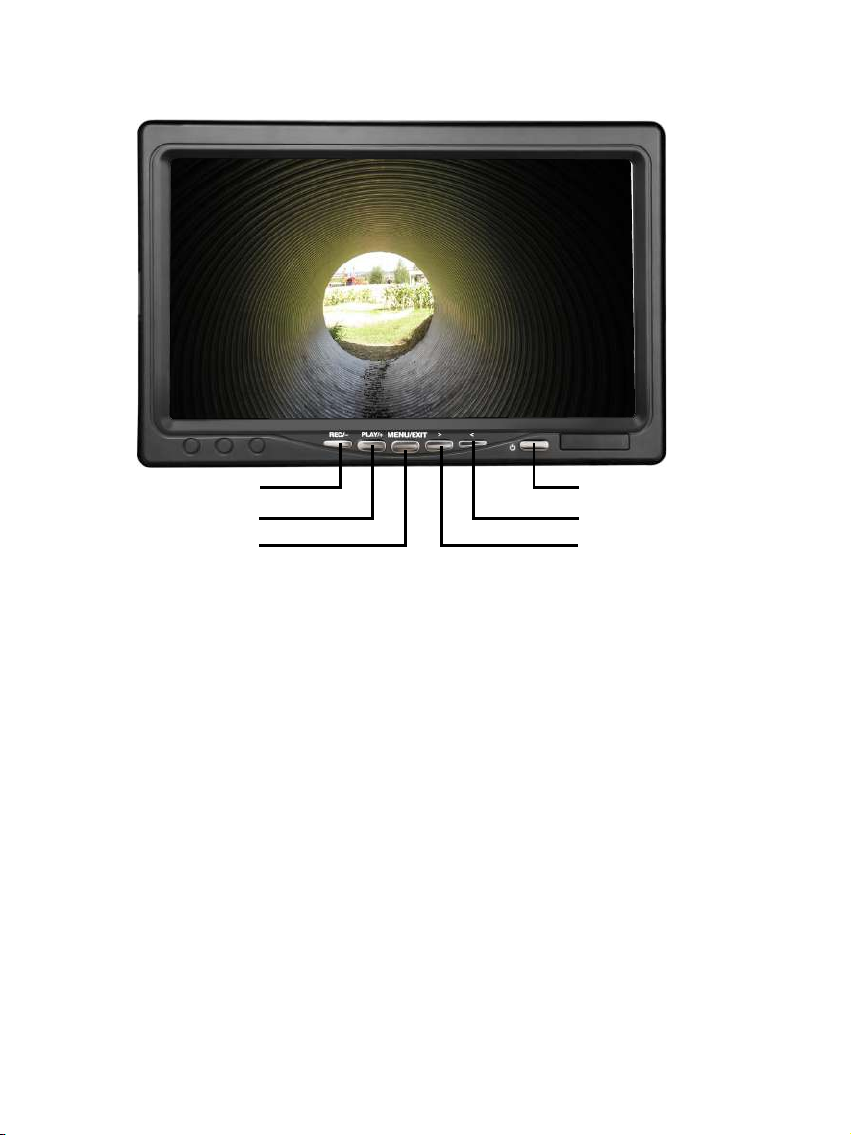
REC/OK
Play
Menu/Exit
OFF/ON
up
down
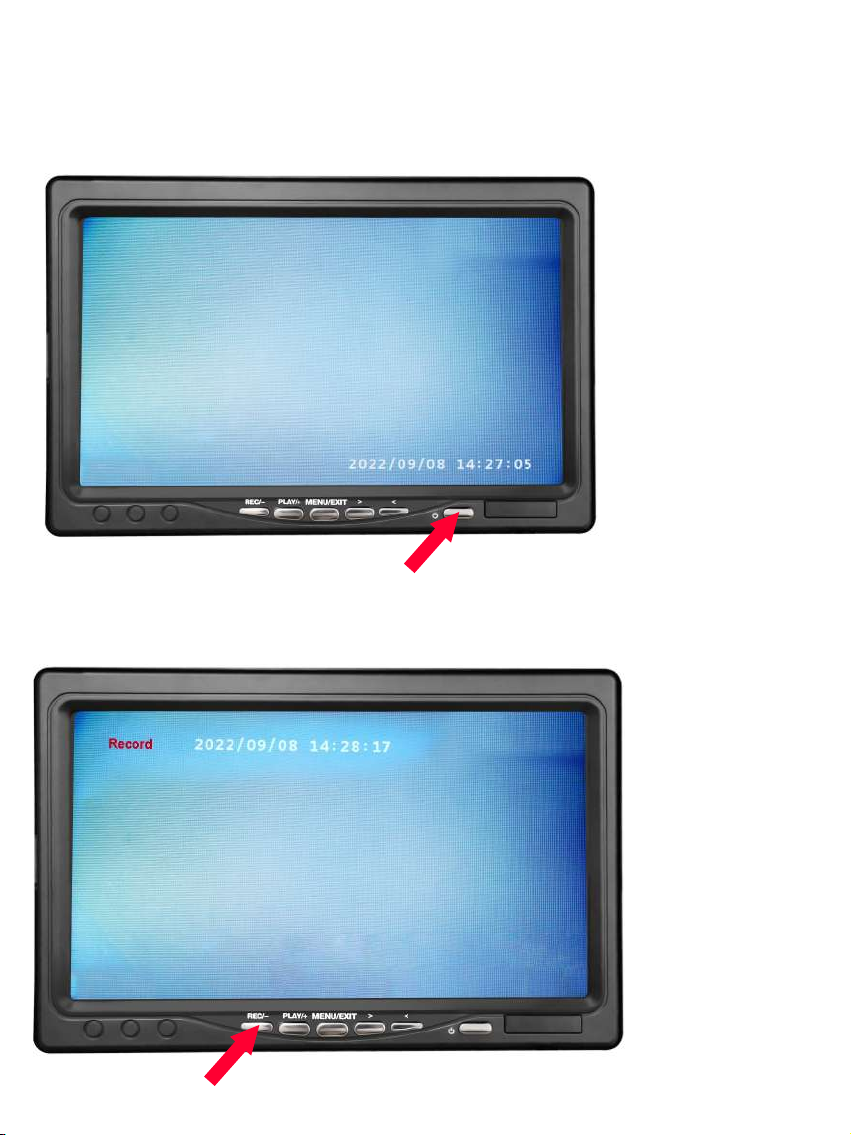
1.REC/- : Press to record video and press again to end recording.
2.PLAY/+ : Press to play and press again to pause recorded video.
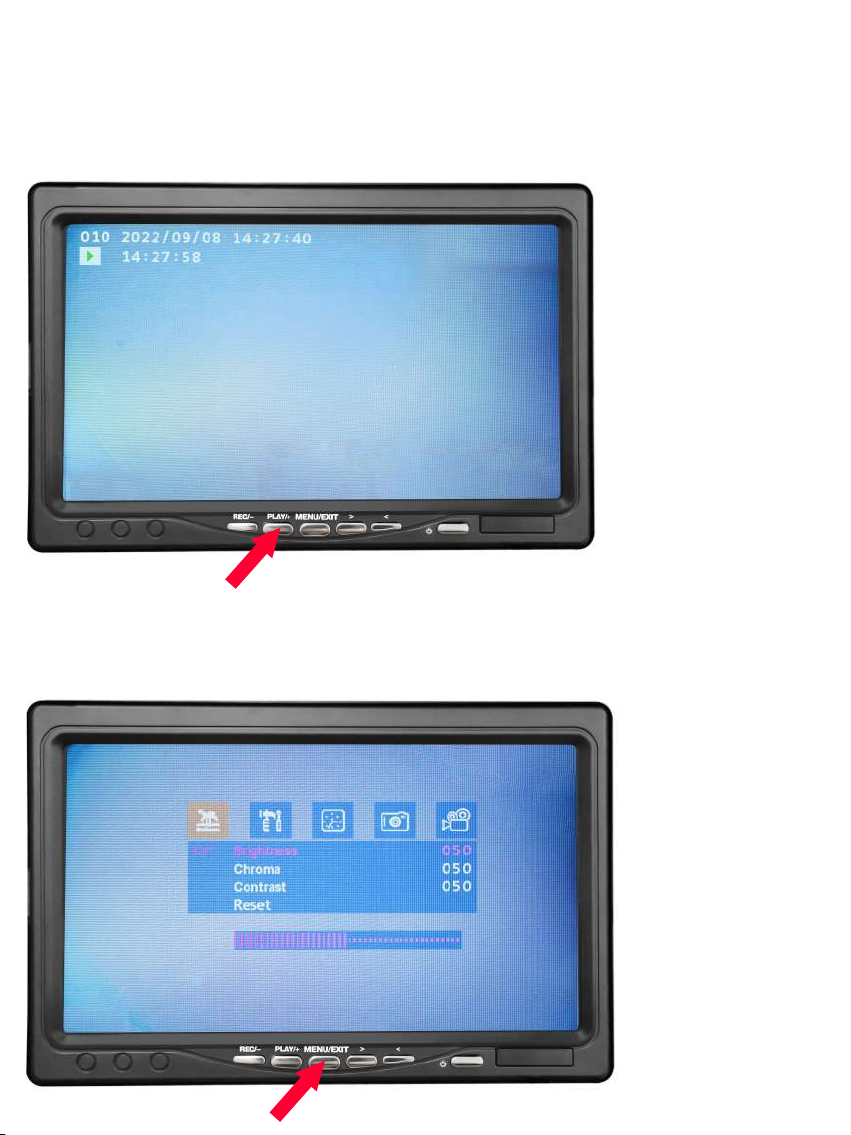
3.MENU/EXIT: Press to enter into menu. Press “MENU/EXIT” to toggle between each
setting. “PLAY/+” to enter input.
Brightness – Adjust monitor brightness
Chroma – Adjust monitor chroma
Contrast – Adjust monitor contrast
Reset – Restore to factory setting
Language – English / Chinese
Rotate – Monitor orientation
Date – Adjust date
Time – Adjust time
Picture View – View pictures
Snapshot – Take a snapshot picture
Delete All – Erase all video and picture
Format – Format memory card
Copy – Create a copy of a file
4.< and > : Press to move and select.
4