manuals.online logo
Brands
  1. Home
  2. •
  3. Brands
  4. •
  5. Arbiter Systems
  6. •
  7. Clock
  8. •
  9. Arbiter Systems 1205B User manual

Arbiter Systems 1205B User manual

This manual suits for next models

3

Other Arbiter Systems Clock manuals

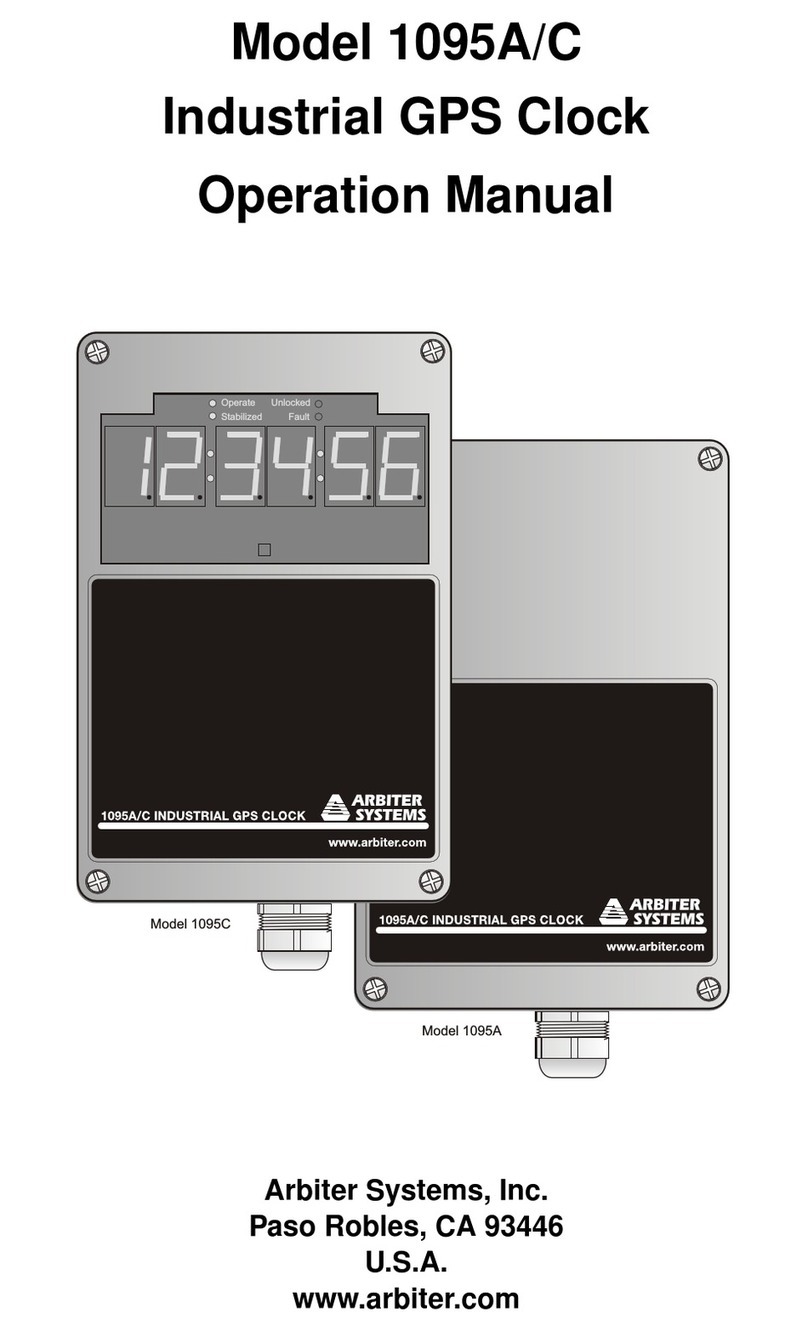
Arbiter Systems 1095A User manual

Arbiter Systems

Arbiter Systems 1095A User manual
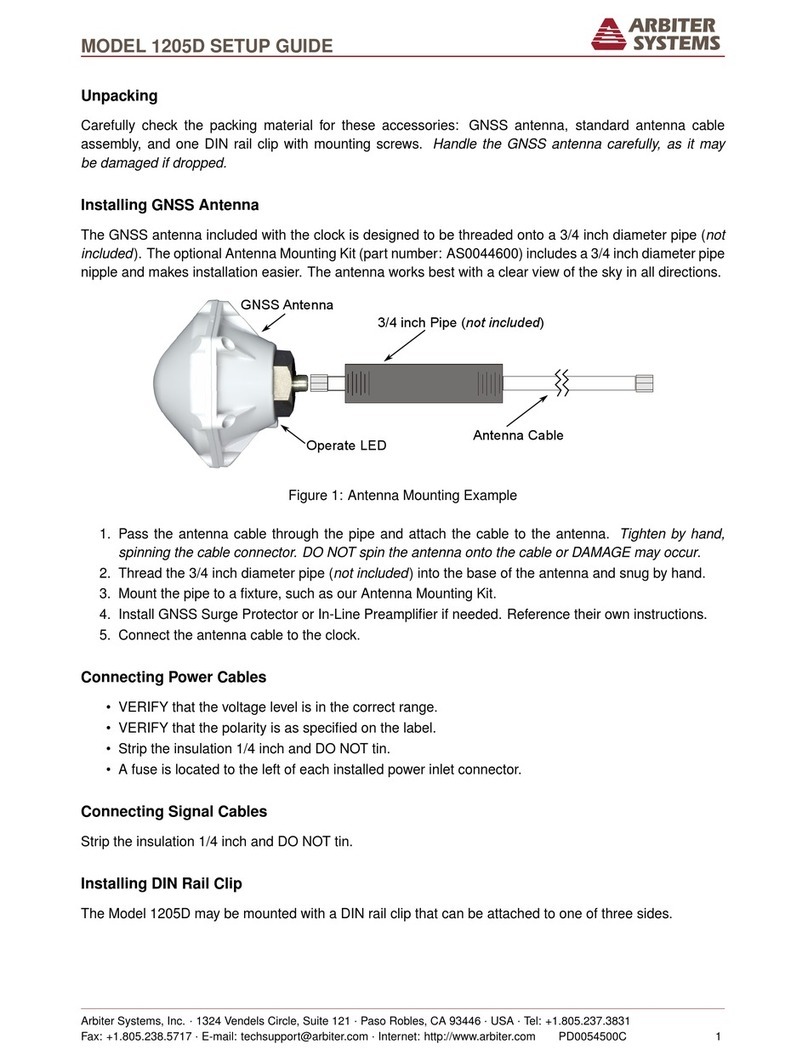
Arbiter Systems 1205D User manual

Arbiter Systems

Arbiter Systems 1205D User manual
Arbiter Systems 1094B Installation manual
Arbiter Systems

Arbiter Systems 1094B Installation manual

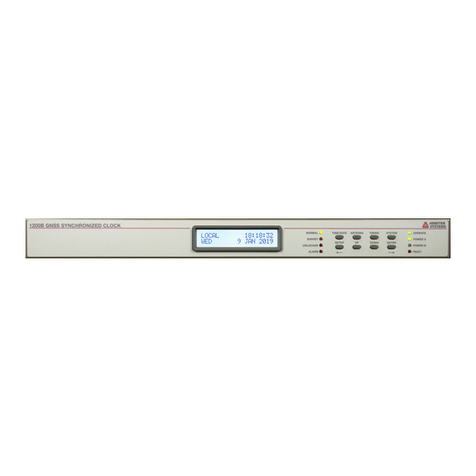
Arbiter Systems 1200B User manual

Arbiter Systems

Arbiter Systems 1200B User manual
Arbiter Systems 1088A User manual

Arbiter Systems

Arbiter Systems 1088A User manual
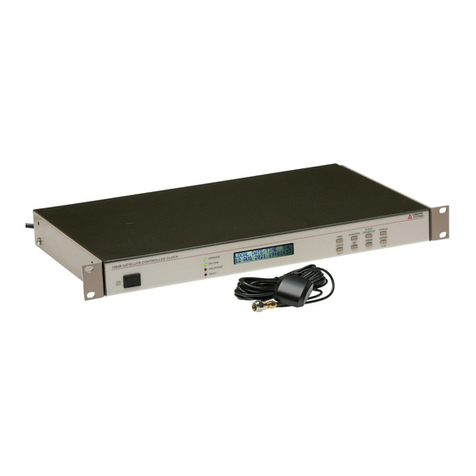
Arbiter Systems 1084A Installation manual
Arbiter Systems

Arbiter Systems 1084A Installation manual

Arbiter Systems 1092A User manual

Arbiter Systems

Arbiter Systems 1092A User manual
Arbiter Systems 120A User manual

Arbiter Systems

Arbiter Systems 120A User manual
Arbiter Systems 1084A User manual

Arbiter Systems

Arbiter Systems 1084A User manual

Arbiter Systems 1205B User manual

Arbiter Systems

Arbiter Systems 1205B User manual
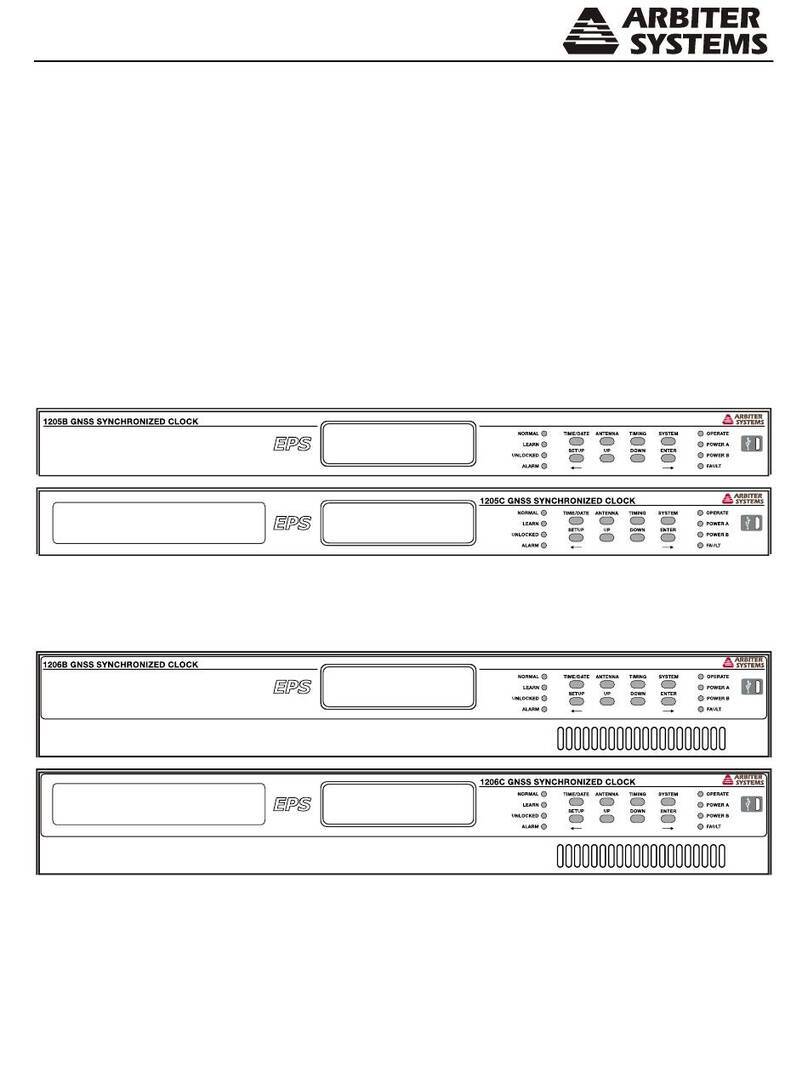
Arbiter Systems 1205B User manual

Arbiter Systems

Arbiter Systems 1205B User manual
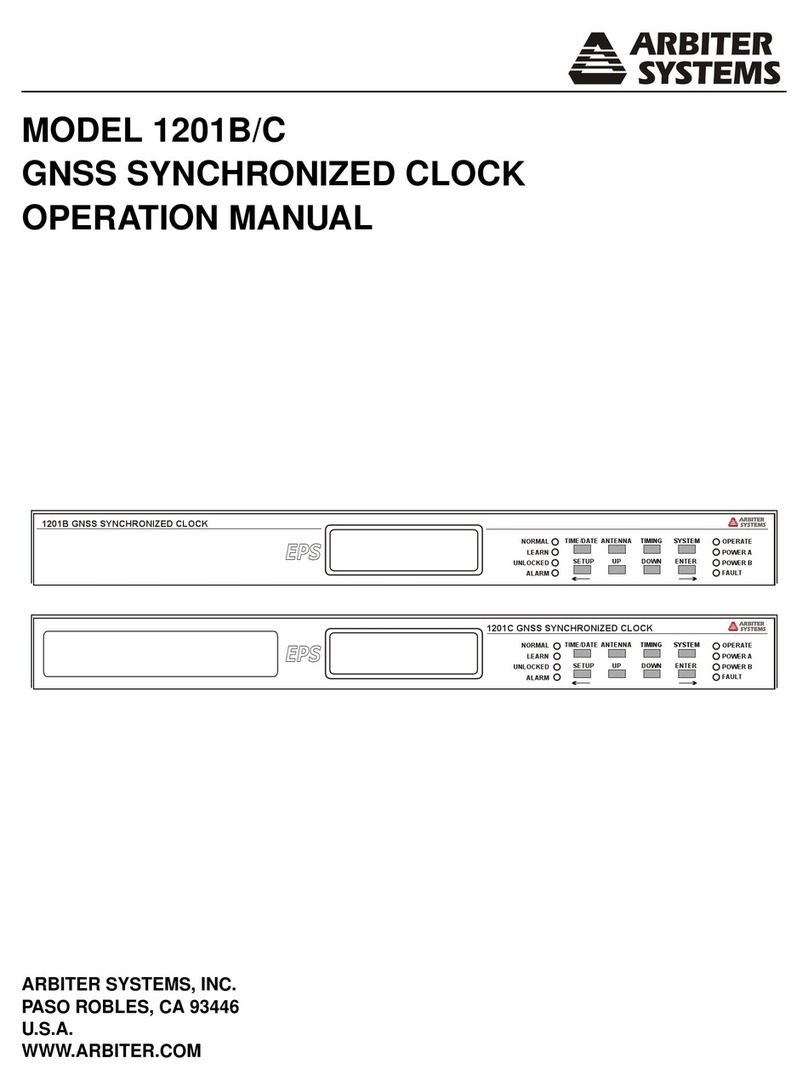
Arbiter Systems 1201B Installation manual

Arbiter Systems

Arbiter Systems 1201B Installation manual

Arbiter Systems 1200B User manual

Arbiter Systems

Arbiter Systems 1200B User manual

Arbiter Systems 1095A User manual

Arbiter Systems

Arbiter Systems 1095A User manual

Popular Clock manuals by other brands
Sapling NTP 7000 Series installation manual

Sapling

Sapling NTP 7000 Series installation manual

Amano MTX-30F Installation & operation guide

Amano

Amano MTX-30F Installation & operation guide

La Crosse Technology BBB86118v3 Setup guide

La Crosse Technology

La Crosse Technology BBB86118v3 Setup guide

BEARWARE 304474 manual

BEARWARE

BEARWARE 304474 manual

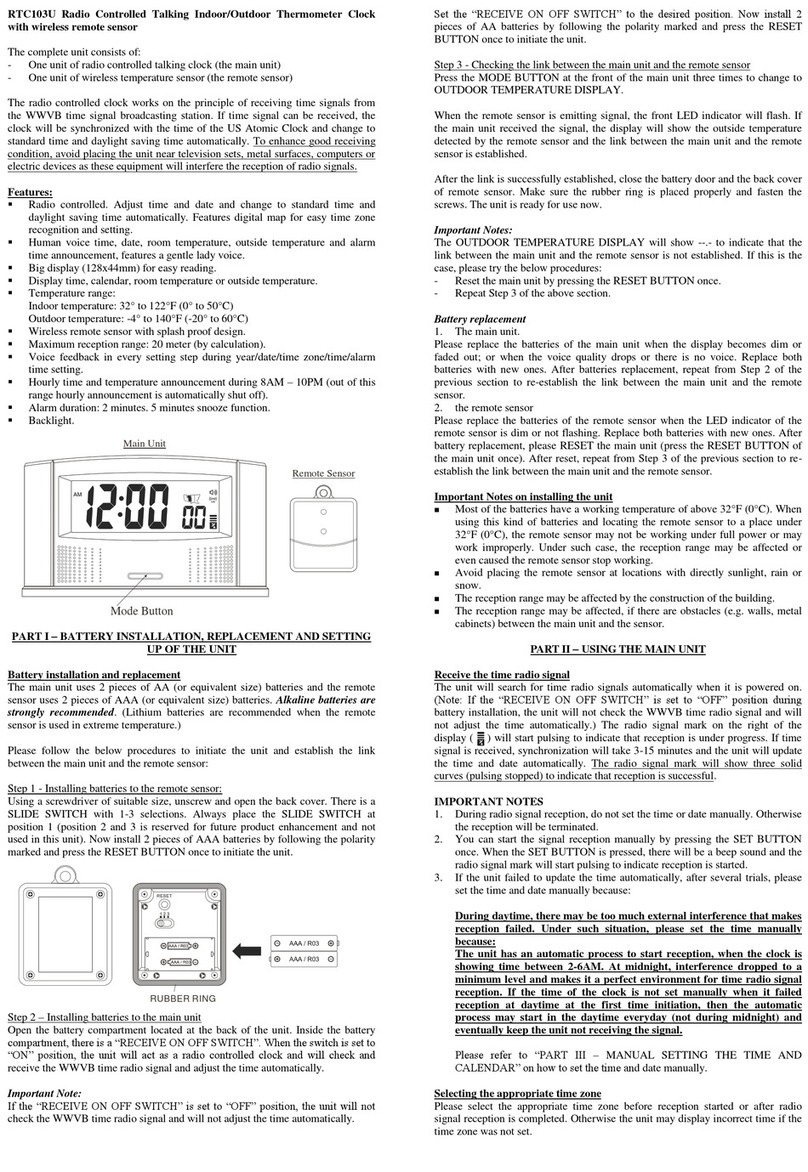
LS & S RTC103U instruction manual

LS & S

LS & S RTC103U instruction manual

BitGen Technologies LED Walk/Don't Walk Clock user manual

BitGen Technologies

BitGen Technologies LED Walk/Don't Walk Clock user manual

Heathkit GC-1005 Assembly manual

Heathkit

Heathkit GC-1005 Assembly manual

Oregon Scientific PRYSMA RMR221P manual

Oregon Scientific

Oregon Scientific PRYSMA RMR221P manual

Andrew O'Malley DOTKLOK Assembly instructions

Andrew O'Malley

Andrew O'Malley DOTKLOK Assembly instructions

Nixie Clock Divergence Meter user manual

Nixie Clock

Nixie Clock Divergence Meter user manual

La Crosse Technology WS-8256-AL user manual

La Crosse Technology

La Crosse Technology WS-8256-AL user manual

Mini Gadgets MCPro user manual

Mini Gadgets

Mini Gadgets MCPro user manual

Casio TMR-200 user guide

Casio

Casio TMR-200 user guide

Progetti KALIMERO Directions

Progetti

Progetti KALIMERO Directions

Progetti ILTEMPOSTRINGE Directions

Progetti

Progetti ILTEMPOSTRINGE Directions

La Crosse Technology WT-3141b Quick setup instructions

La Crosse Technology

La Crosse Technology WT-3141b Quick setup instructions

IKEA ROTBLÖTA manual

IKEA

IKEA ROTBLÖTA manual

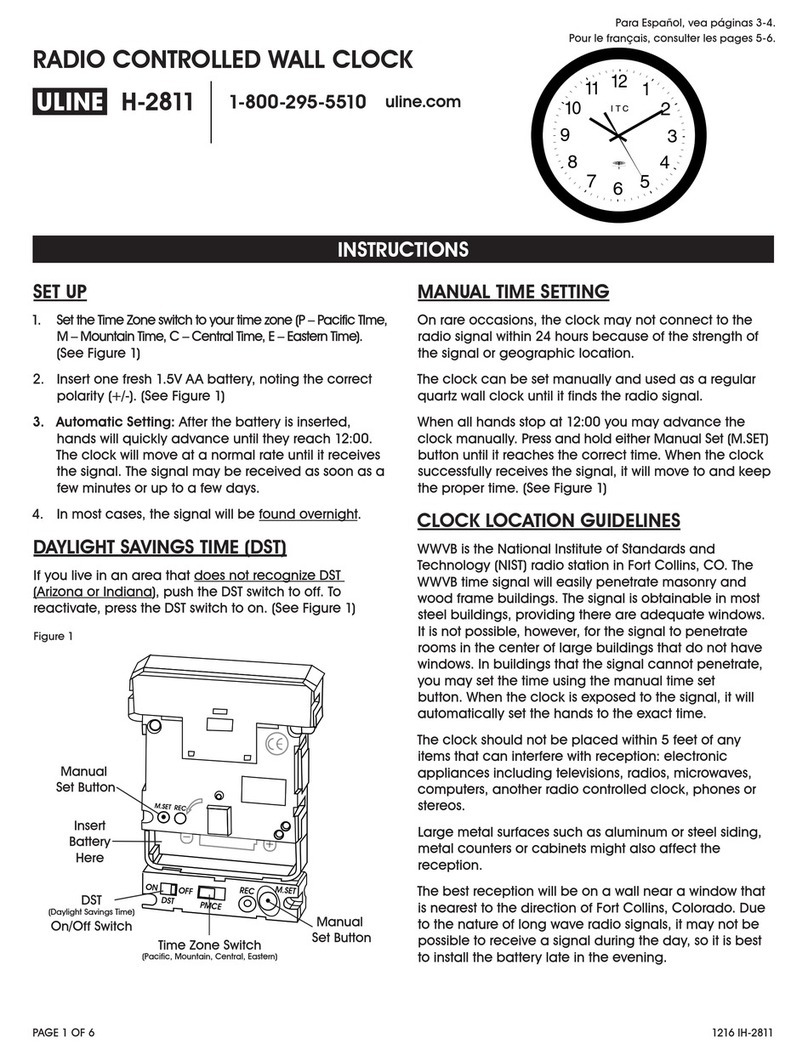
U-Line Н-2811 instructions

U-Line

U-Line Н-2811 instructions

manuals.online logo
manuals.online logoBrands
  • About & Mission
  • Contact us
  • Privacy Policy
  • Terms and Conditions

Copyright 2025 Manuals.Online. All Rights Reserved.

MODEL 1205B/C & 1206B/C SETUP GUIDE
Unpacking
Carefully check the packing material for these accessories: GNSS antenna, standard antenna cable
assembly, and mounting screws for rack ear removal. Handle the GNSS antenna carefully, as it may
be damaged if dropped.
Installing GNSS Antenna
The GNSS antenna included with the clock is designed to be threaded onto a piece of 3/4 in pipe nipple.
Make sure that the antenna has a clear view of the sky in all directions of the compass for best GNSS
satellite tracking.
GNSS Antenna
3/4 inch Pipe Nipple
Operate LED Mounting Point
Antenna Cable
Figure 1: Antenna Mounting Assembly
1. Pass the antenna cable through the pipe nipple and attach the cable to the antenna. Tighten by
hand, spinning the cable connector. DO NOT spin the antenna onto the cable or DAMAGE may
occur.
2. Thread the pipe nipple into the base of the antenna and snug by hand.
3. Mount the pipe nipple to a fixture, such as our Antenna Mounting Kit.
4. Install GNSS Surge Protector or In-Line Preamplifier if needed. Reference their respective instruc-
tions.
5. Connect the antenna cable to the clock.
Connecting Power Cables
• VERIFY that the voltage level is in the correct range.
• VERIFY that the polarity is as specified on the label.
• Strip the insulation 1/4 inch and DO NOT tin.
• A fuse is located to the left of each installed power inlet connector.
Connecting Signal Cables
Strip the insulation 1/4 inch and DO NOT tin.
Arbiter Systems, Inc. ·1324 Vendels Circle, Suite 121 ·Paso Robles, CA 93446 ·USA ·Tel: +1.805.237.3831
Fax: +1.805.238.5717 ·E-mail: techsupport@arbiter.com ·Internet: http://www.arbiter.com PD0053000C 1
MODEL 1205B/C & 1206B/C SETUP GUIDE
GND
GND GND GND GND GND GND
1 2 346
5
0 - 5 Vdc
IRIG
B
ANTENNA
STATUS
GNSS
L1
DC+
L2
DC- GND
100 - 350 Vdc
85 - 264 Vac / 47 - 440 Hz
100 VA MAX
3.15 AT
400 Vdc
500 Vac
!POWER A
L1
DC+
L2
DC- GND
100 - 350 Vdc
85 - 264 Vac / 47 - 440 Hz
100 VA MAX
3.15 AT
400 Vdc
500 Vac
!POWER B
Option
Slot A
Option
Slot B
Option
Slot C
NET 3
NET 2NET 1
PROGRAMMABLE PULSE
OPEN DRAIN
24V | FET | GND
RS-232
PORT1
TxD | RxD | GND
RS-232
PORT2
TxD | RxD | GND
RS-485
A | B
ANALOG
IN
+ | -
EVENT
IN
+ | -
RELAY
COM | NC | NO
Figure 2: Model 1205B/C Rear Panel
GND
GND GND GND GND GND GND
1 2 346
5
0 - 5 Vdc
IRIG
B
ANTENNA
STATUS
GNSS
L1
DC+
L2
DC- GND
100 - 350 Vdc
85 - 264 Vac / 47 - 440 Hz
100 VA MAX
3.15 AT
400 Vdc
500 Vac
!POWER A
L1
DC+
L2
DC- GND
100 - 350 Vdc
85 - 264 Vac / 47 - 440 Hz
100 VA MAX
3.15 AT
400 Vdc
500 Vac
!POWER B
Option
Slot A
Option
Slot B
Option
Slot C
NET 3
NET 2NET 1
PROGRAMMABLE PULSE
OPEN DRAIN
24V | FET | GND
RS-232
PORT1
TxD | RxD | GND
RS-232
PORT2
TxD | RxD | GND
RS-485
A | B
ANALOG
IN
+ | -
EVENT
IN
+ | -
RELAY
COM | NC | NO
Figure 3: Model 1206B/C Rear Panel
Modulated IRIG-B
+
Analog Input
Open Drain with 24 Vdc source
24V FET GND
6 Sets of Digital
Output Terminals
1 2 345 6 A B
RS-485
RS-232
Port 1
RS-232
Port 2
RxDTxD GND TxD RxD GND
Event Input
COM NC NO
Relay
Modulated IRIG-B
1 2 345 6
+ +
Positive (+)
Ground (GND)
GND
Figure 4: Input/Output Connector
Configuring with Web Interface
1. Connect one of the ports to the network or computer.
• NET 1 is set to the static address 192.168.0.232
• NET 2 and NET 3 are set for DHCP. Find assigned IP address:
–Press SYSTEM until view NETWORK STATUS?
–Press ENTER
–Press UP or DOWN to review the IP and MAC address of each port.
2. Use a web browser (Firefox or Chrome work best). Use the IP address of the port
(http://192.168.0.232). The UI will provide a login screen for entering the username and password.
3. The default username is admin and the default password is password.
Additional Help
The operation manual is available as a free download from www.arbiter.com or to purchase.
Arbiter Systems, Inc. ·1324 Vendels Circle, Suite 121 ·Paso Robles, CA 93446 ·USA ·Tel: +1.805.237.3831
2 Fax: +1.805.238.5717 ·E-mail: techsupport@arbiter.com ·Internet: http://www.arbiter.com