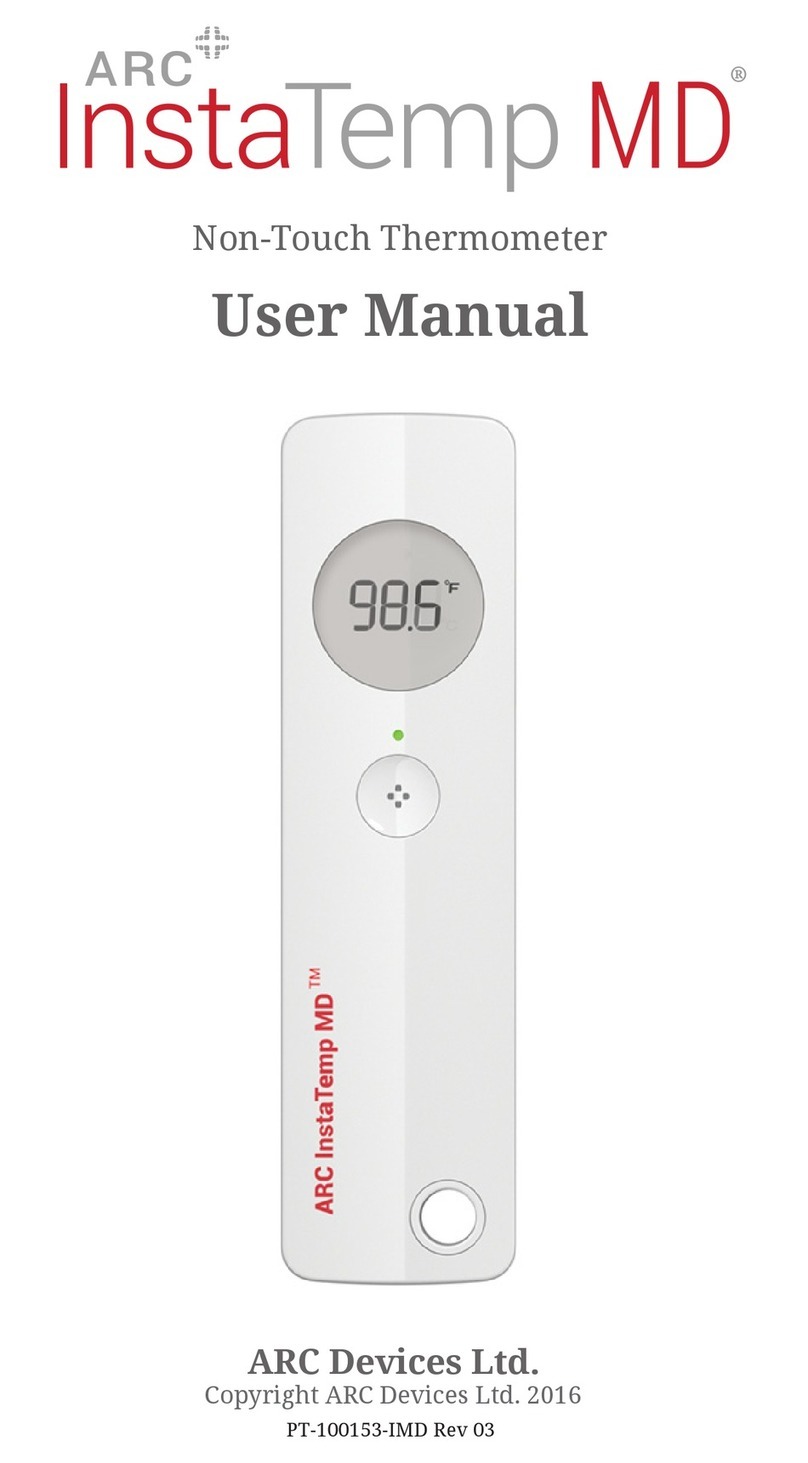
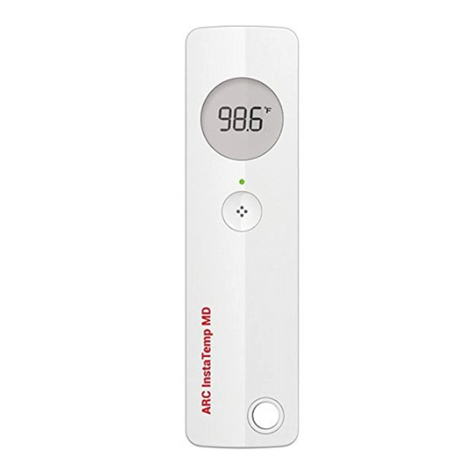
ARC InstaTemp MD User manual

Non-Touch Thermometer
User Manual
ARC Devices Ltd.
Copyright ARC Devices Ltd. 2015
PT-100153-IMD Rev 00

page 2 of 36
INTRODUCTION
The ARC InstaTemp MD™ is a sophisticated,
technologically advanced electronic medical
device that has been carefully engineered to
quickly and accurately measure human body
temperature without requiring any contact with
the human body. To ensure the best results with
your ARC InstaTemp MD™ thermometer, please
be sure to read the following operational and
procedural manual carefully. If you give this
device to another adult, it is vital that you
include this user manual.
Intended Use
The ARC InstaTemp MD™ is intended for use by a
Health Care Professional, in a clinical environment,
for the measurement and display of human body
temperature for patients of all ages. This device
is not intended for home use.
The CE Mark of this device refers to the
EC Directive MDD 93/42/EEC.
0123

page 3 of 36
KEY INFORMATION
Only use ARC InstaTemp MD™ in ambient
temperatures ranging from 59–95˚F (15–35˚C).
The thermometer and patient must remain in a
stable temperature environment and away from
ventilation sources and heat sources for at least
20 minutes before measuring temperature.
Always protect the sensor, which is in the recess
at the top of the device (see illustration on page
4) from shocks or contamination. See Precautions
(page 22) and Cleaning (page 25) for more details.
Package Contents
The package contains:
• The ARC InstaTemp MD™
• This instruction booklet
• Wall mount
• Retractable tether

page 4 of 36
GETTING TO KNOW
The ARC InstaTemp MD™
ARC InstaTemp MD™
Infrared Sensor
Backlit LCD
Display Screen
(remove protective label prior to
commencing operation)
Temperature Range
Indicator Light
Activation Button
Hole for tether/wall mount
Internal, non-replaceable
batteries are included

page 5 of 36
GETTING TO KNOW
The ARC InstaTemp MD™
Features
Accurate body temperature measured
from the forehead in 2.5 seconds
LCD screen with backlight for ease of
use in low-light conditions
Temperature shown in either degrees
Fahrenheit (˚F) or degrees Celsius (˚C)
The temperature reading, when
ready, is displayed on backlit LCD
screen for 4 seconds
Turns off automatically when not
in use
Fast temperature readings that meet
the ASTM 1965-98 and IEC80601-2-56
standards
LED display temperature range indi-
cator system: Green, Orange, Red.
Low battery indicator
Test mode for LCD screen check
1
2
3
4
5
6
7
8
9

page 6 of 36
DEVICE SETUP
The ARC InstaTemp MD™
Before using the device for the rst time:
REMOVE FROM PACKAGING
READ ALL SECTIONS OF THE IFU.
REMOVE THE PROTECTIVE LABEL FROM
SET THE UNITS
The ARC InstaTemp MD™ can display
temperatures in degrees Fahrenheit or degrees
Celsius. Follow the steps page on 7 to toggle
between °F or °C and select the preferred
measurement units for display.
AFFIX THE WALL MOUNT
While not in use, the ARC InstaTemp MD™ should
be stored using the wall mount. In an operational
environment make sure to secure the wall mount
away from any direct heating, cooling or
ventilation systems. Otherwise the ARC
InstaTemp MD™ should be stored in a manner
which protects the sensor from contamination or
damage. [See Carrying and Storage, page 21]
ATTACH THE RETRACTING TETHER
The retracting tether can be used to safely carry
the ARC InstaTemp MD™ between uses. While
not in regular use, the ARC InstaTemp MD™
should be returned to the wall mount.
1
4
5
6
2
3THE LCD SCREEN

page 7 of 36
OPERATIONS
Changing Between Fahrenheit and Celsius:
The ARC InstaTemp MD™ is set to Fahrenheit by
default. To change to Celcius, follow these simple
steps:
Press and hold the activation
button to get a reading, which
can be a temperature reading,
Lo, Hi or “---”.
Once the reading appears on
screen in Fahrenheit, press and
release the activation button again
—the reading will automatically
change to Celsius.
Repeat steps 1 and 2 to change back.
Note: Once the display units are set (°F or °C),
they remain as the default display units until
changed again
1
2
!

page 8 of 36
Prepare the patient.
Move hair if present and all
obstructions away from the path of
the sensor
Wipe perspiration from the forehead,
if apparent
Ensure that the person has been in a
stable temperature environment for
20 minutes
Do not touch the lens of the sensor or
the area surrounding the front of the
device. It is the most delicate part of
the ARC InstaTemp MD™
OPERATIONS
Prepare To Take A Reading
1

page 9 of 36
Do not measure the person’s
temperature immediately after
he/she has been exposed to really
cold or hot climates, including
any heating or cooling systems
in the operational environment,
if the person has been wearing a
hat, or has consumed hot or cold
food or liquids as it may
temporarily change the surface
temperature of the skin.
In these instances, wait 20 min-
utes before taking a temperature
reading.
NON
STERILE
Storage and
transport
temperature
Non Sterile
Do not
expose to
sunlight
Keep away
from heat
1
2
3
Caution
consult
documents
6
Protect from
rain
Keep Dry
4
Not to be
used
in case
package is
damaged
5
Caution
consult
documents
7
Lot Code
See Base of
device
8
LOT

page 10 of 36
Point the thermometer at the patient,
without touching them, as shown above.
Ensure the device is approximately 0.5-1.25”
(between 1 and 3cm) from the forehead,
above the eyebrows and between the eyes.
Thermometer must be held steady,
perpendicular to and pointing directly at
the center of the forehead at the area above
the eyebrows and between the eyes when
taking a temperature.
OPERATIONS
Taking A Temperature
2
A
NON
STERILE
Storage and
transport
temperature
Non Sterile
Do not
expose to
sunlight
Keep away
from heat
1
2
3
Caution
consult
documents
6
Protect from
rain
Keep Dry
4
Not to be
used
in case
package is
damaged
5
Caution
consult
documents
7
Lot Code
See Base of
device
8
LOT
Hold for
2.5 seconds
0.5” - 1.25”
(1-3cm)
Other manuals for InstaTemp MD
1
Table of contents
Other ARC Thermometer manuals